About Dynamic Bending Text
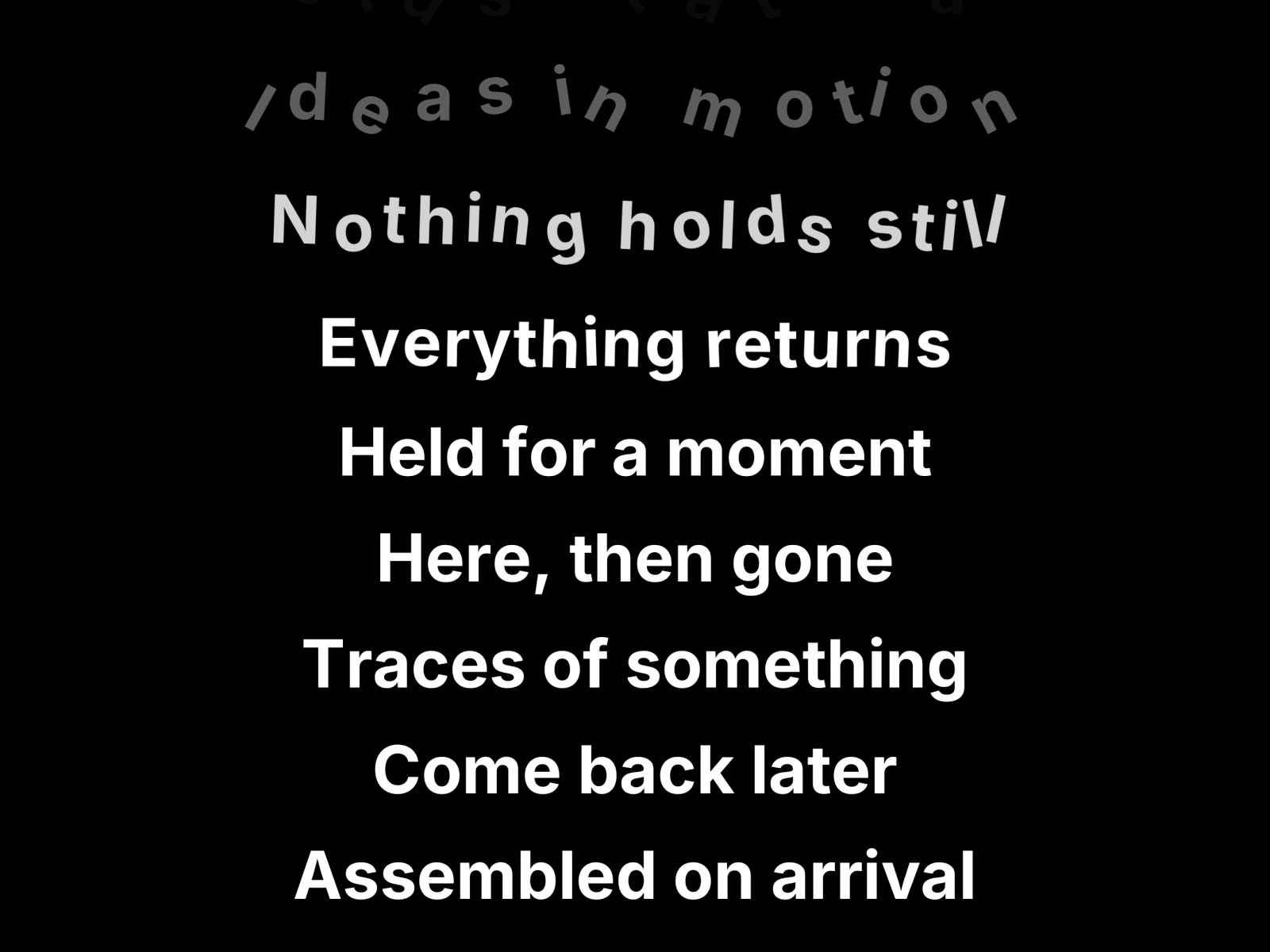
Scroll faster and the sentence bends. Stop, and it snaps straight again.
The section pins to the screen and turns your vertical scroll into one long line of type travelling sideways. How hard you scroll is what curves it: the line whips into an S while you move and settles flat the moment you let go. Other curved text components draw a fixed arc and loop it. This one has no arc of its own until you touch the wheel.
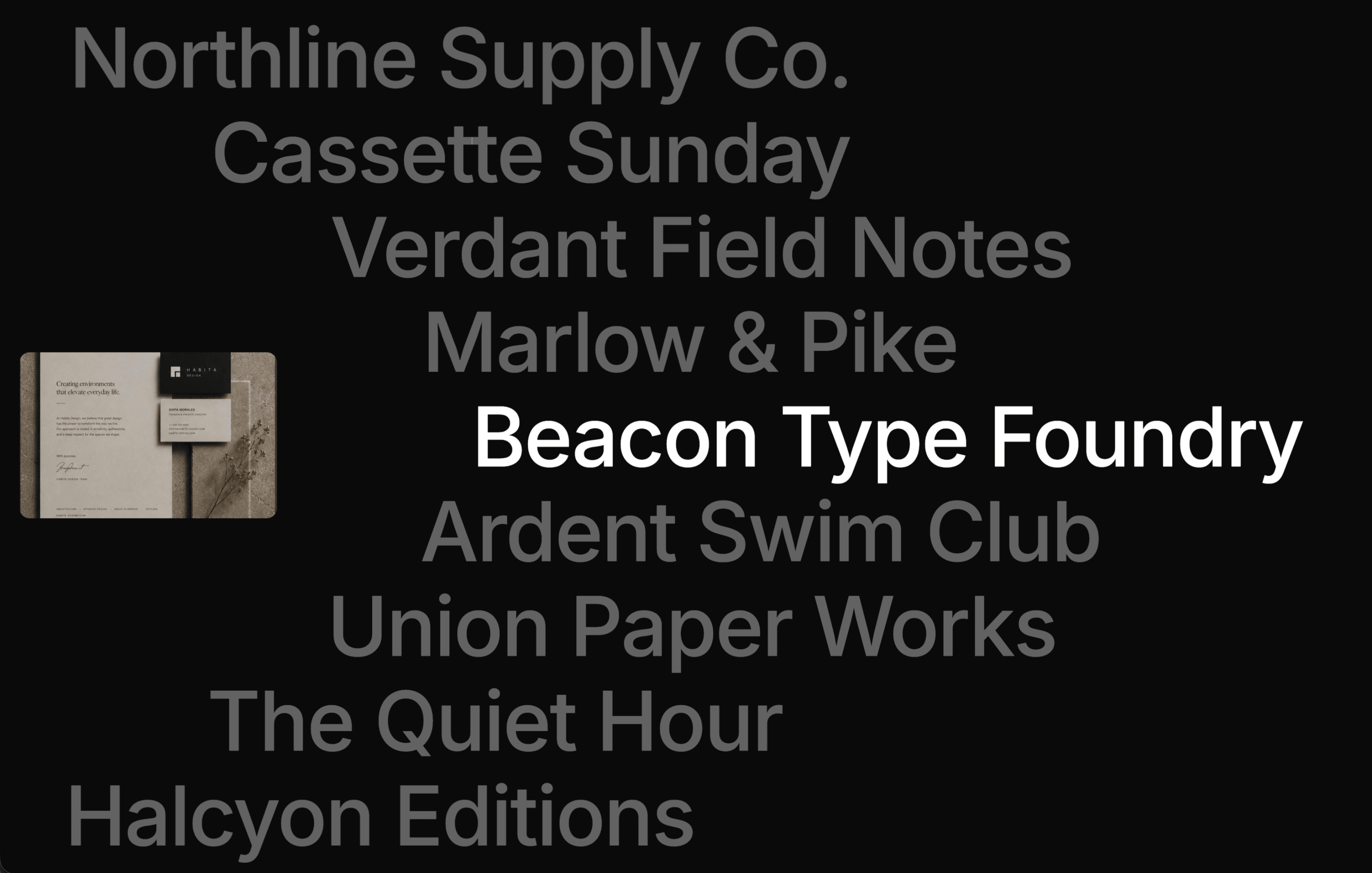
Pictures live inside the sentence. Any piece of the line can be an image or an icon instead of words, and it rides the same curve, rotating with the letters around it. Leave one empty and you get a coloured square, handy as a spacer or a full stop.
Speed is a number you set, not a side effect. One control, in sideways pixels per pixel scrolled. A longer sentence never runs faster, it just asks for a taller section, and a badge on the canvas says exactly how much scroll it needs. Or switch on Fit Section and the line is timed to finish with the section.
No breakpoint variants. Type, pictures and speed scale from the width of the container, not the viewport, so a phone gets the same composition as a desktop and every screen asks for the same amount of scroll. It behaves the same inside a narrow column.
What you can change: the sentence piece by piece, each with its own colour. Font, text colour, background. Image size, roundness, fill, spacing, nudge and crop. Direction, speed, smoothing, how far it bends, how easily it bends, and which way the curve goes.
Good for hero statements, manifesto sections, showreel intros, service lists and anywhere a headline should feel physical.
One animation loop writes transforms straight to the DOM and only touches the letters on screen, so it never re renders React while you scroll. It respects prefers-reduced-motion.
Note: the canvas cannot scroll, so there you see a still frame. Canvas View slides it along the sentence, Canvas Height sets how tall it is. Hit Preview to see it run.