About this Component
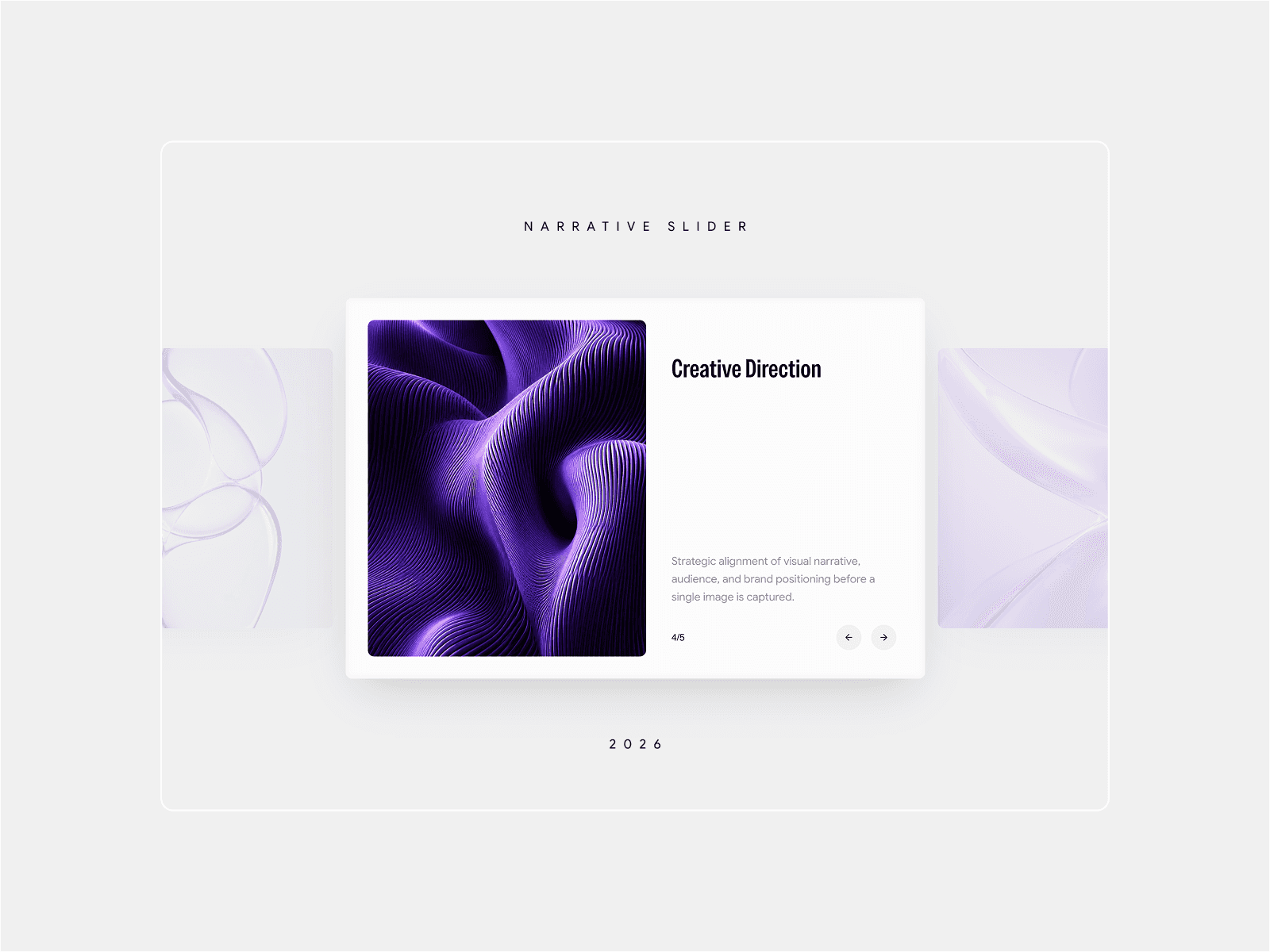
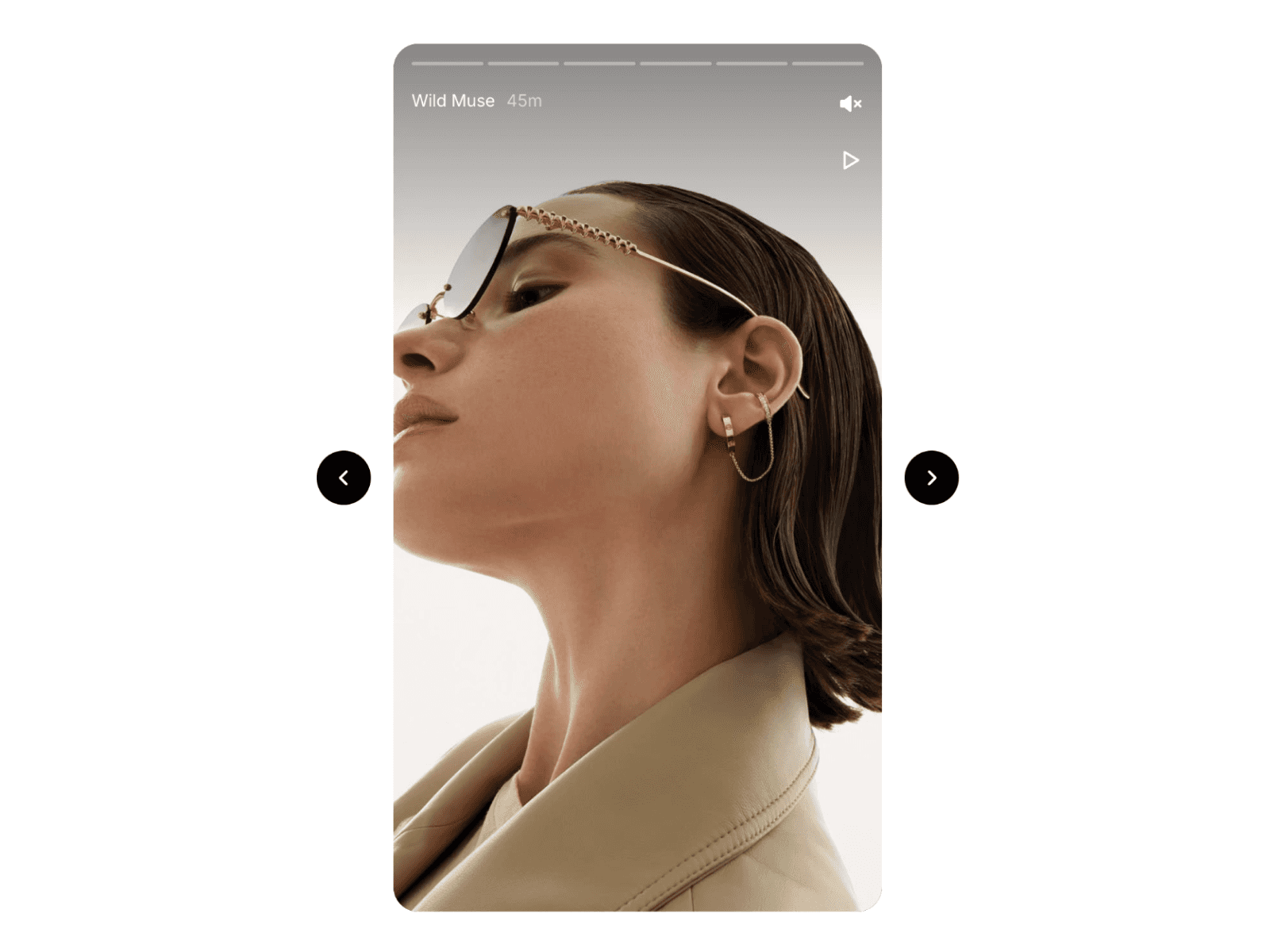
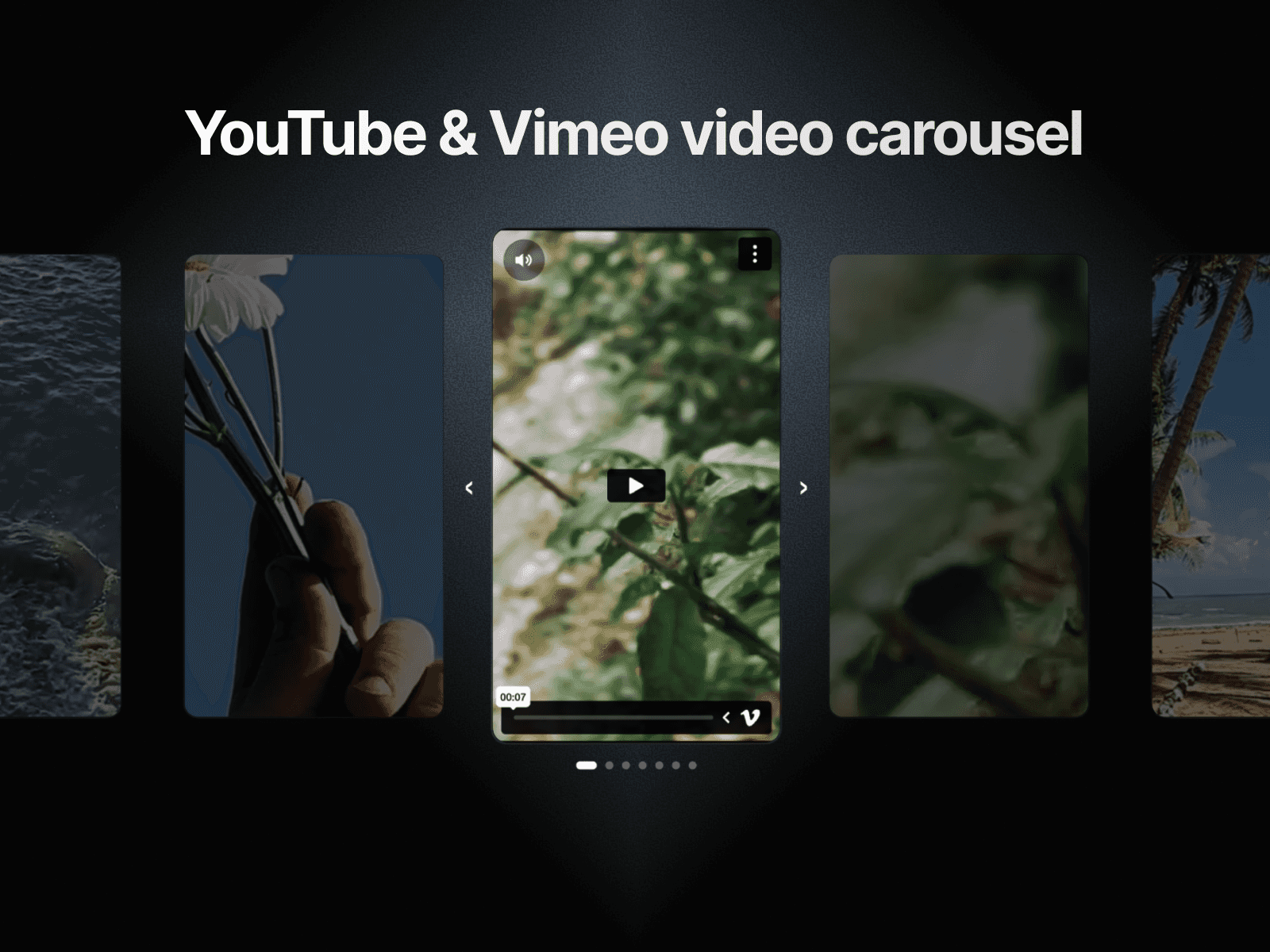
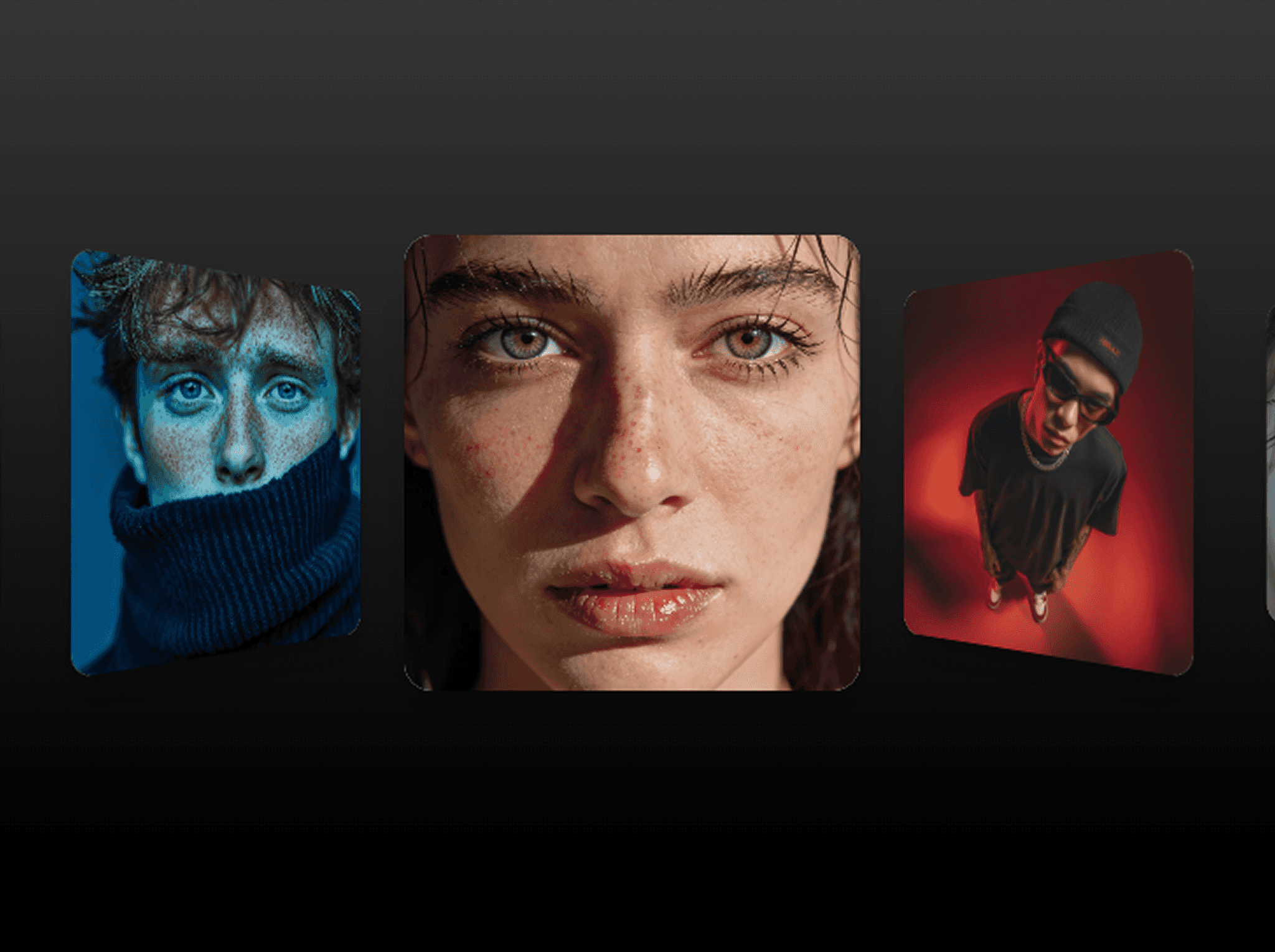
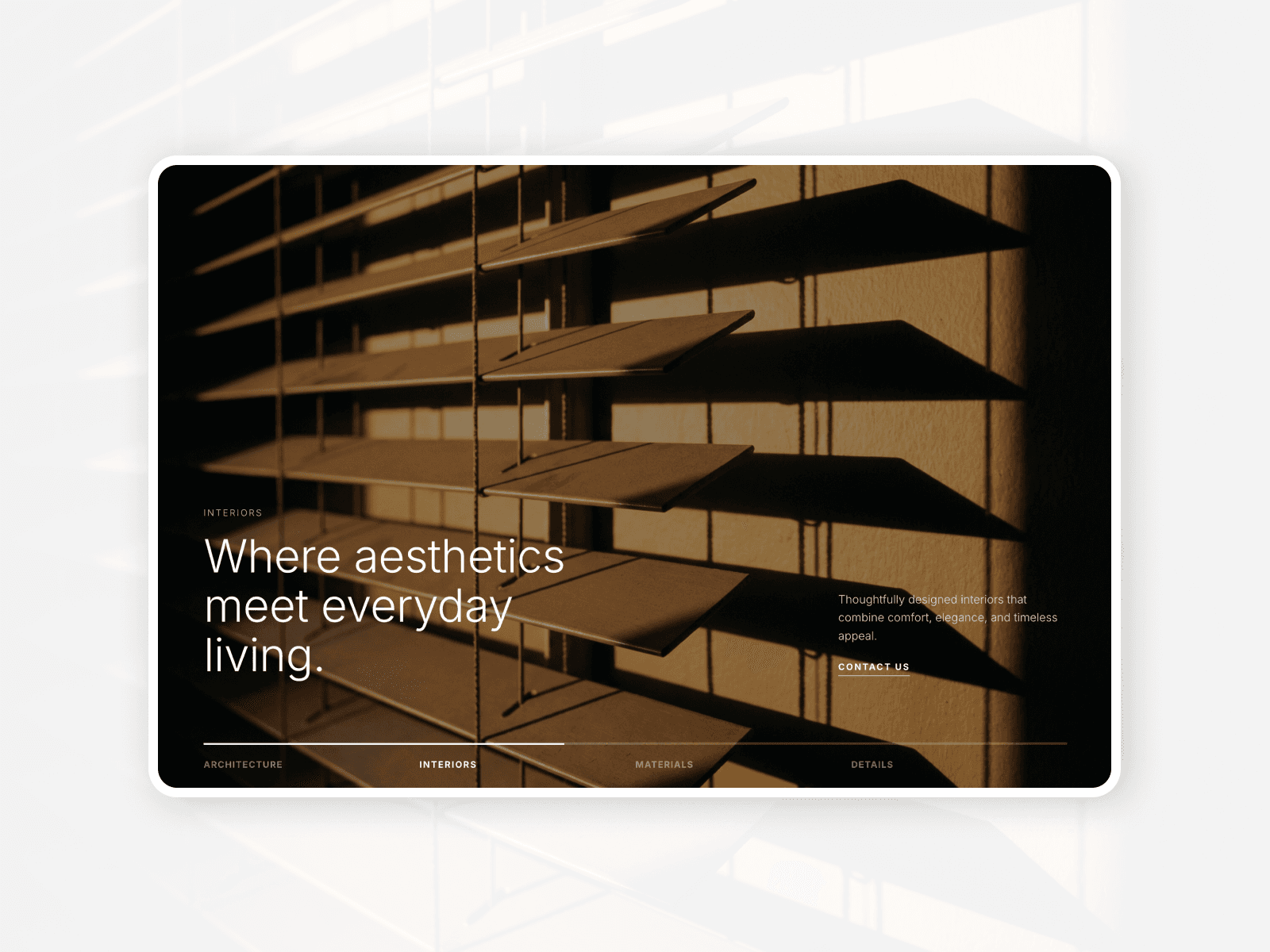
Elegance Hero Slider transforms your most important page section into a living, breathing experience. Each slide delivers a slow Ken Burns zoom paired with a smooth crossfade, choreographed text entrances, and an animated progress bar — the kind of motion quality that usually requires a senior developer and weeks of iteration. Entirely driven from Framer's native property panel, it bridges the gap between static design mockups and production-ready interactivity without writing a single line of code.
Demo: https://eleganceheroslider.framer.website/playground
Perfect for
Interior Design & Architecture Studios: Showcase spaces and materials with the cinematic quality your brand commands.
Luxury Retail & E-commerce: Highlight collections with editorial-grade motion that drives engagement and dwell time.
Creative Agencies & Portfolios: Set the tone the moment visitors land — make the first impression count.
SaaS & Product Landing Pages: Rotate key value propositions with a visual rhythm that keeps visitors reading.
Feature Highlights
Unlimited Slides, Zero Effort: Add or remove slides directly from the property panel — each one carries its own title, headline, support text, image, and CTA link.
Elegance Zoom Transitions: Every slide breathes with a slow, elegant Ken Burns zoom that gives photography the motion it deserves.
Component-Width Responsiveness: Breakpoints respond to the component's own width — not the browser window — so it adapts perfectly inside any Framer frame or layout.
Native Font Picker: Choose any typeface installed in your Framer project directly from the properties panel — no hardcoded fonts.
Orchestrated Text Entrances: Text fades in only after the image is visible — every slide feels intentional, never rushed.
The "Why"
Building a hero slider that is truly responsive, smooth across all breakpoints, and editable without touching code typically takes a senior developer several days. Elegance Hero Slider delivers all of that — component-width breakpoints, autoplay with a clean interval engine, synchronized text animation, and a full navigation bar — production-ready and bulletproof across desktop, tablet (810px), and mobile.
How to Use (3 Simple Steps)
Set Your Foundation: Drag the component onto your canvas and open the property panel — your default slides are ready to go from the first drop.
Define the Aesthetic: Upload your images, write your headlines and support text, pick your font, set your slide duration and CTA link per slide.
Preview & Deploy: Hit Preview to see the full autoplay and transition experience, then publish — it's live.
Refund Policy
All Sales are Final — Due to the digital nature of our Framer components and templates, all purchases are final and non-refundable. Once you gain access to the source files or the Remix Link, the license to use the product is considered granted, and the transaction cannot be "reversed."
Why no refunds? — Our products are premium digital assets that are made available instantly upon purchase. Unlike physical goods, digital assets cannot be returned to their original state. By purchasing, you receive immediate and permanent access to a license to use high-end engineering and design code in your professional projects. Ownership of the copyrights and intellectual property remains with the creator(s) at all times.
Try Before You Buy — We encourage you to thoroughly explore our live previews and documentation before making a purchase. Our components are designed to be production-ready, and we provide detailed visuals of exactly how they function in a live Framer environment, so you can confirm they meet your specific project needs.
Technical Support — While we do not offer refunds, we are fully committed to your success. If you encounter any technical issues or implementation challenges, our support team is available to help you get the component working perfectly in your project. Reach out to us at: renan.uxui@gmail.com