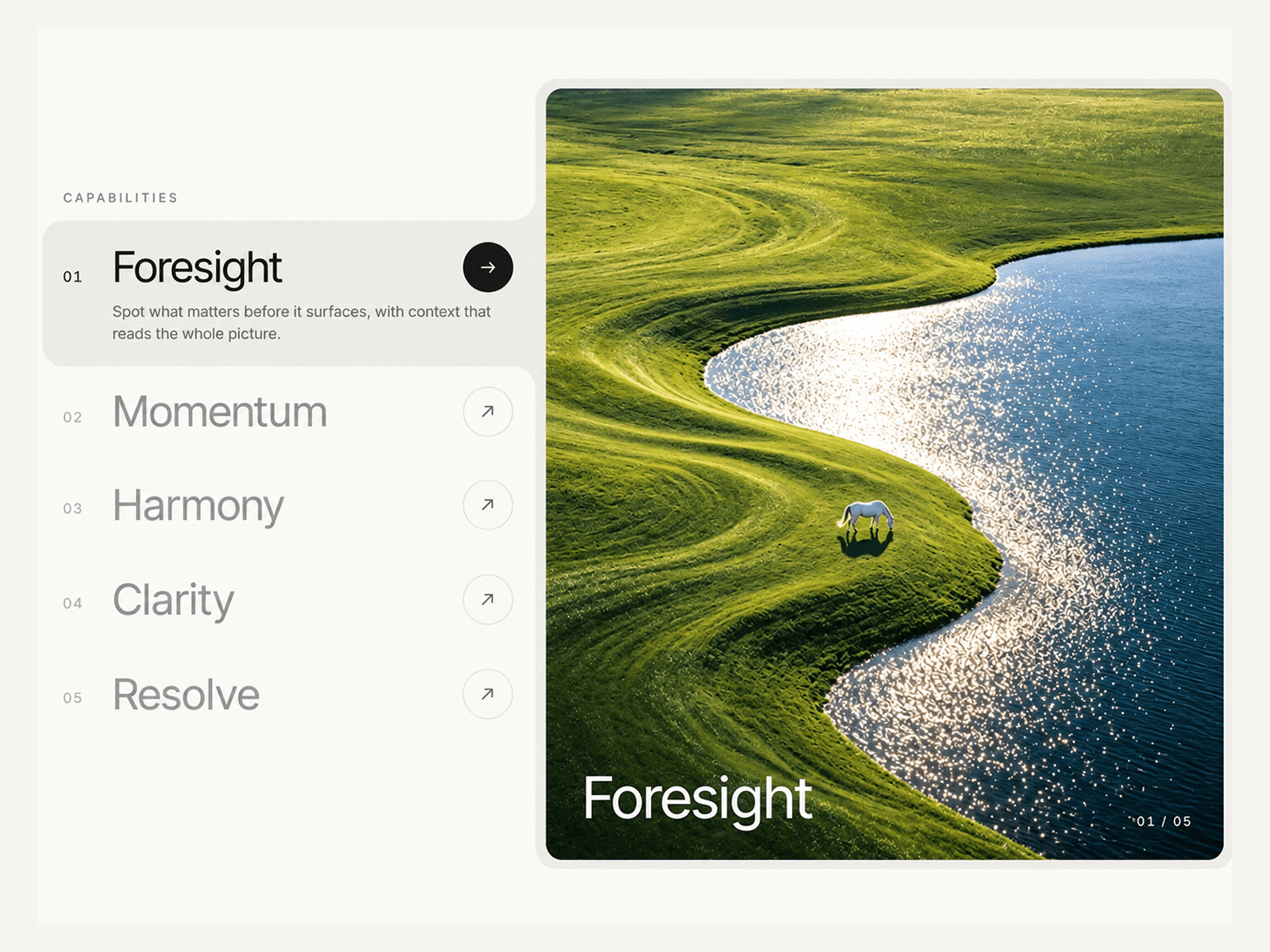
About Feature Accordion 01
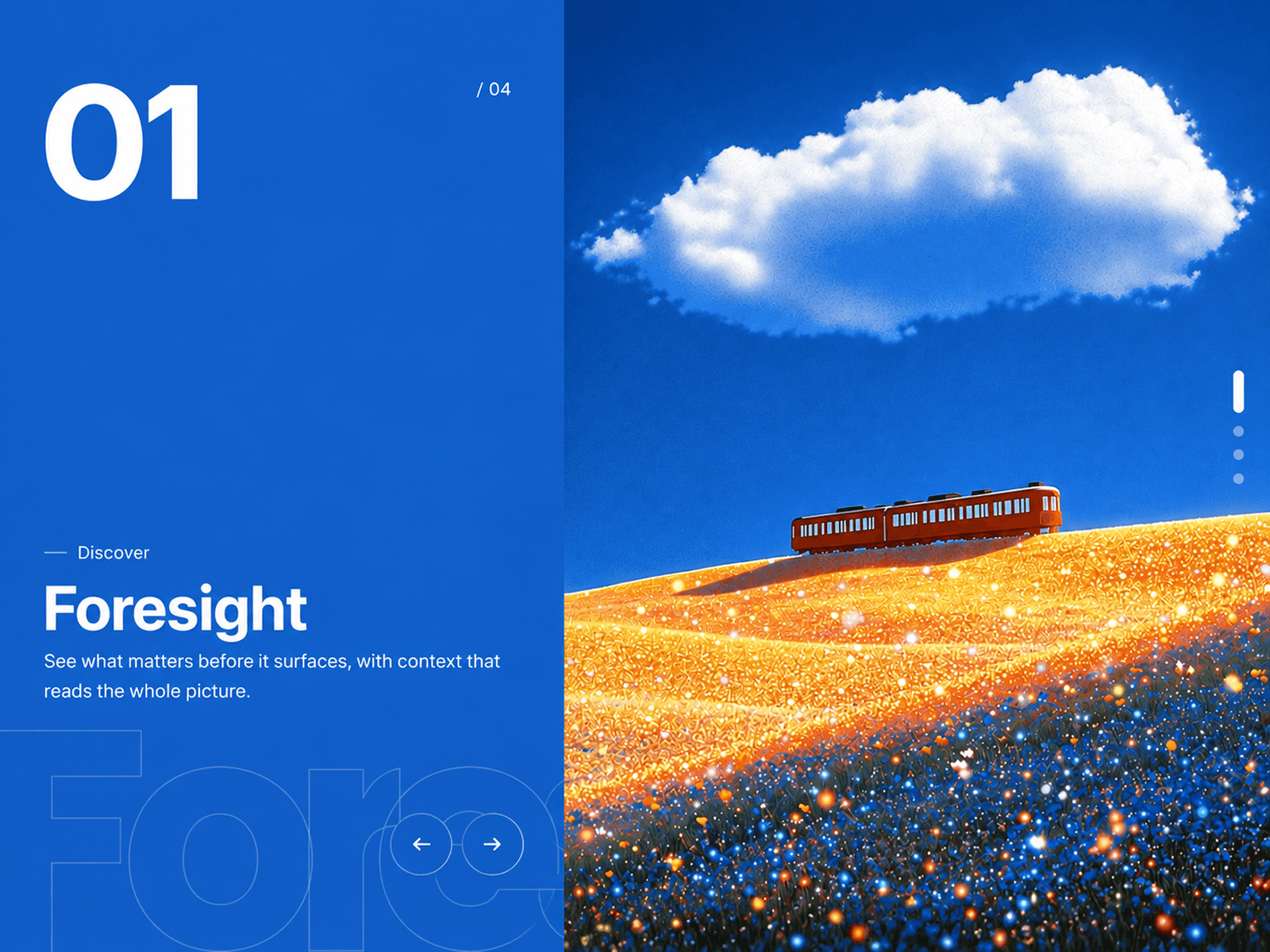
A premium feature accordion component designed to showcase product capabilities, services, or key features in a polished interactive layout. Feature Accordion 01 combines a numbered feature list with a large visual media panel, creating an engaging way to present information while keeping the interface clean and easy to explore.
Add custom titles, descriptions, images, videos, links, and gradient placeholders for each feature. Choose between hover or click interactions, enable autoplay, adjust transition timing, and customize the layout with a left or right media panel. The active feature smoothly reveals its description while the connected media transitions with an elegant wipe animation.
Features
Premium interactive feature accordion
Numbered feature navigation
Large media showcase panel
Hover or click interaction
Autoplay with adjustable interval
Pause on hover
Smooth media wipe transitions
Image and video support
Custom image and video URLs
Individual feature captions
Optional links for each feature
Progress indicators
Navigation arrows
Adjustable media position
Bridge or ruled row styles
Responsive stacked layout
Custom media overlays
Image gradient placeholders
Gradient drift animation
Custom colors and opacity
Fully customizable typography
Adjustable spacing and corner radius
Responsive across desktop, tablet, and mobile
Fully customizable with Framer Property Controls
No code required
Use Cases
SaaS feature sections
Product landing pages
Startup websites
Agency websites
Service showcases
Product presentations
Software feature pages
Creative portfolios
Business websites
Modern marketing websites
Why You’ll Love It
Feature Accordion 01 turns a traditional feature list into an engaging visual experience. With interactive navigation, rich media support, smooth transitions, autoplay, responsive stacking, and extensive styling controls, you can create a premium feature section directly in Framer without writing code.