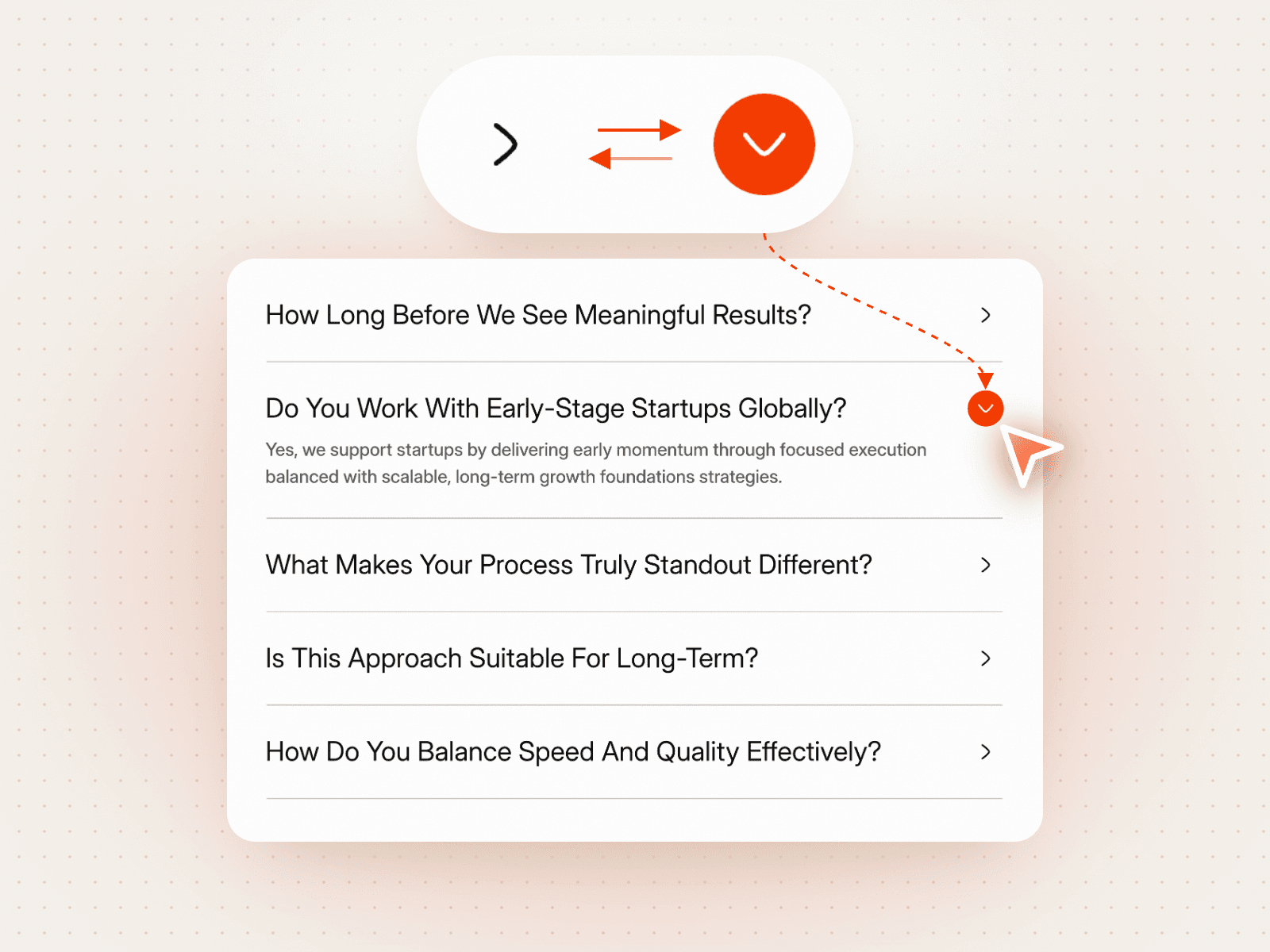
About FAQ Icon Swap Toggle
FAQ Icon Swap Toggle – A Clean FAQ Where the Icon Changes With Each Answer
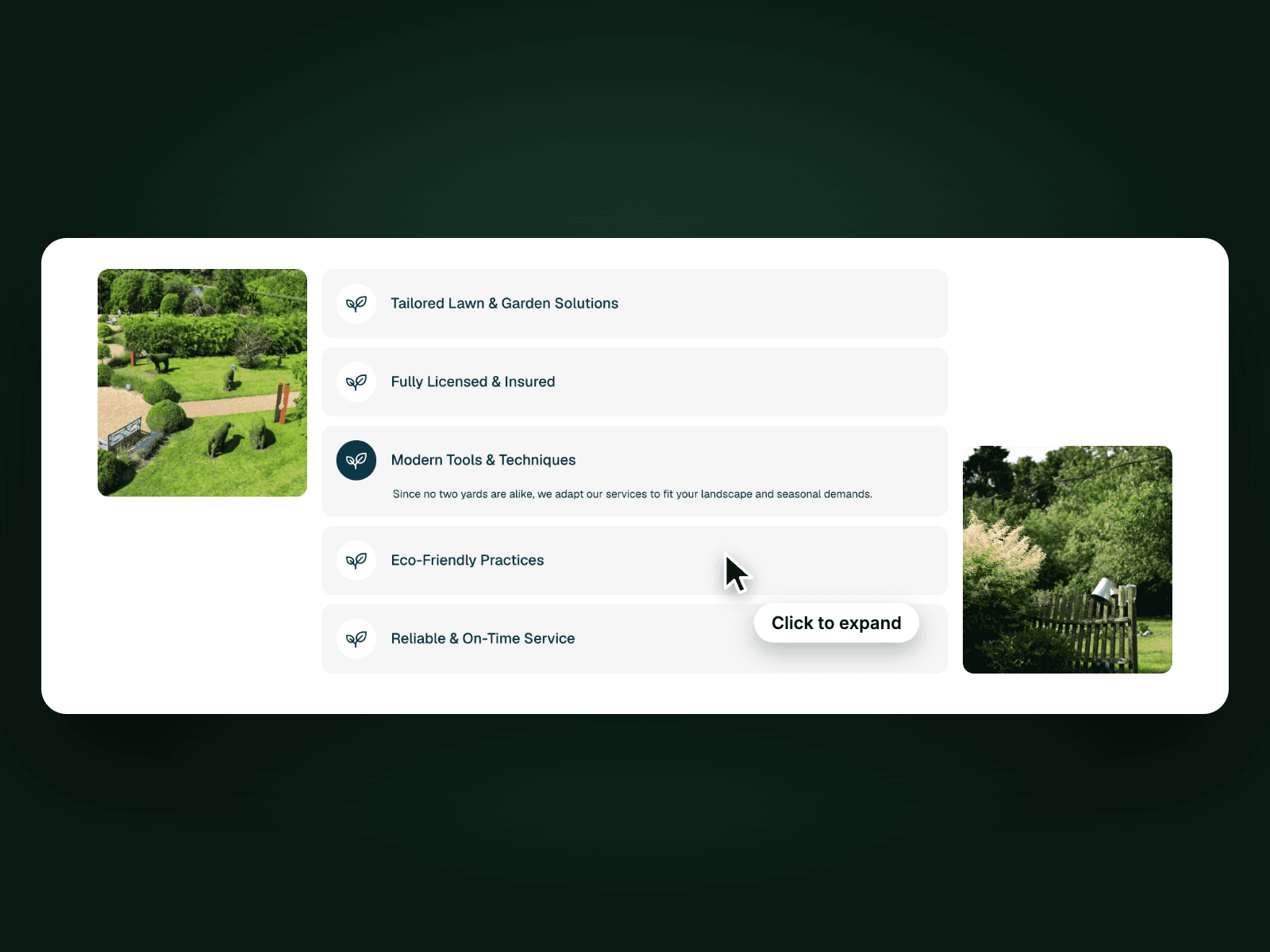
FAQ Icon Swap Toggle lists five questions with a small arrow icon on each. Click a question and its answer opens while the arrow turns into a filled accent circle, so the open question is easy to spot. It is a light, minimal FAQ that fits any page.
How it works
Five questions, the first one open on load.
Click a question to open its answer; only one stays open at a time.
The icon swaps between an arrow and a filled circle.
Easy to customize
Edit all five questions and answers.
Change the question, answer and icon colours, active and inactive.
Drop it into any Framer page and edit it from the properties panel or with your AI agent.