About Liquid Glass FAQ Pro
About
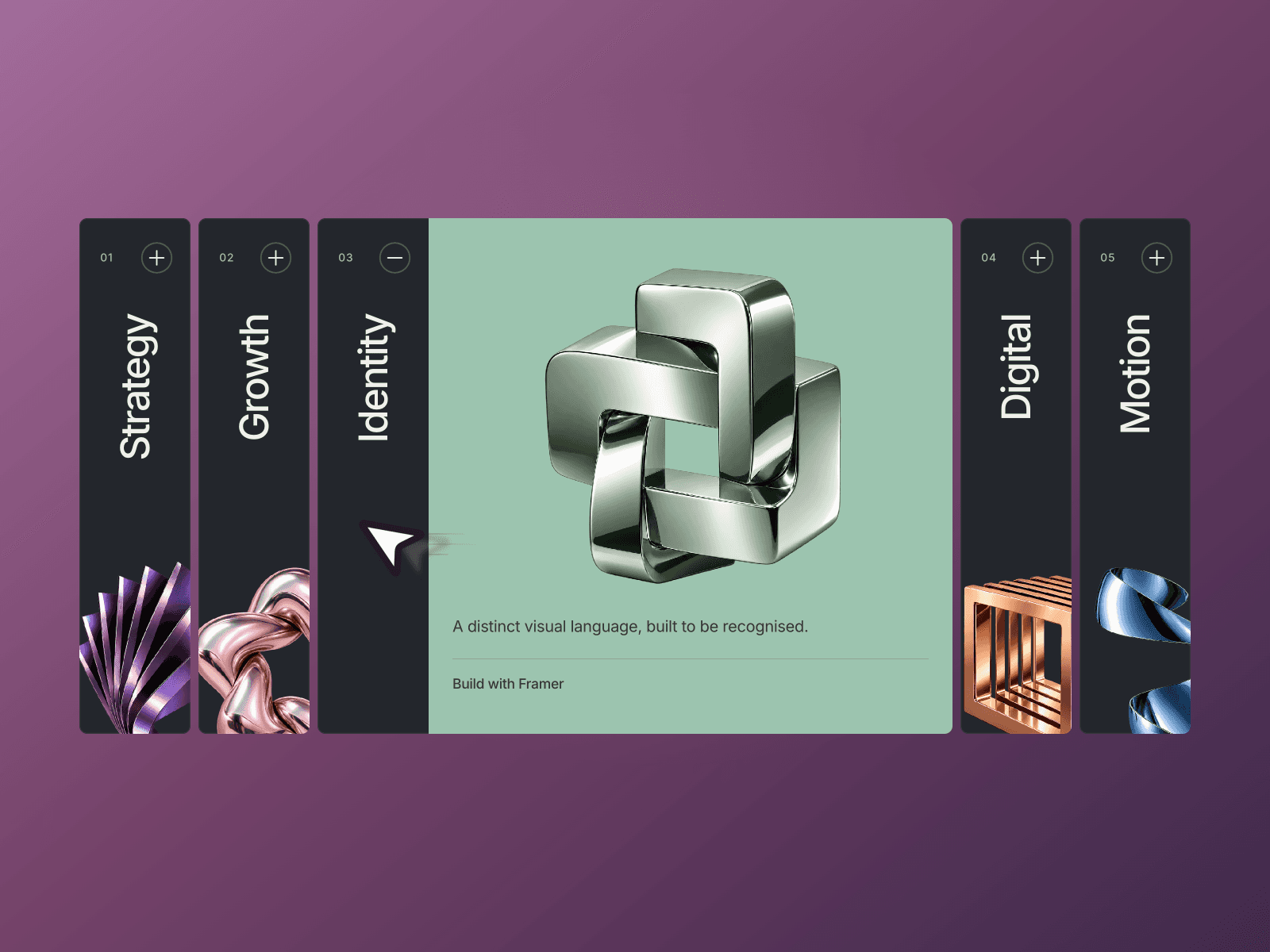
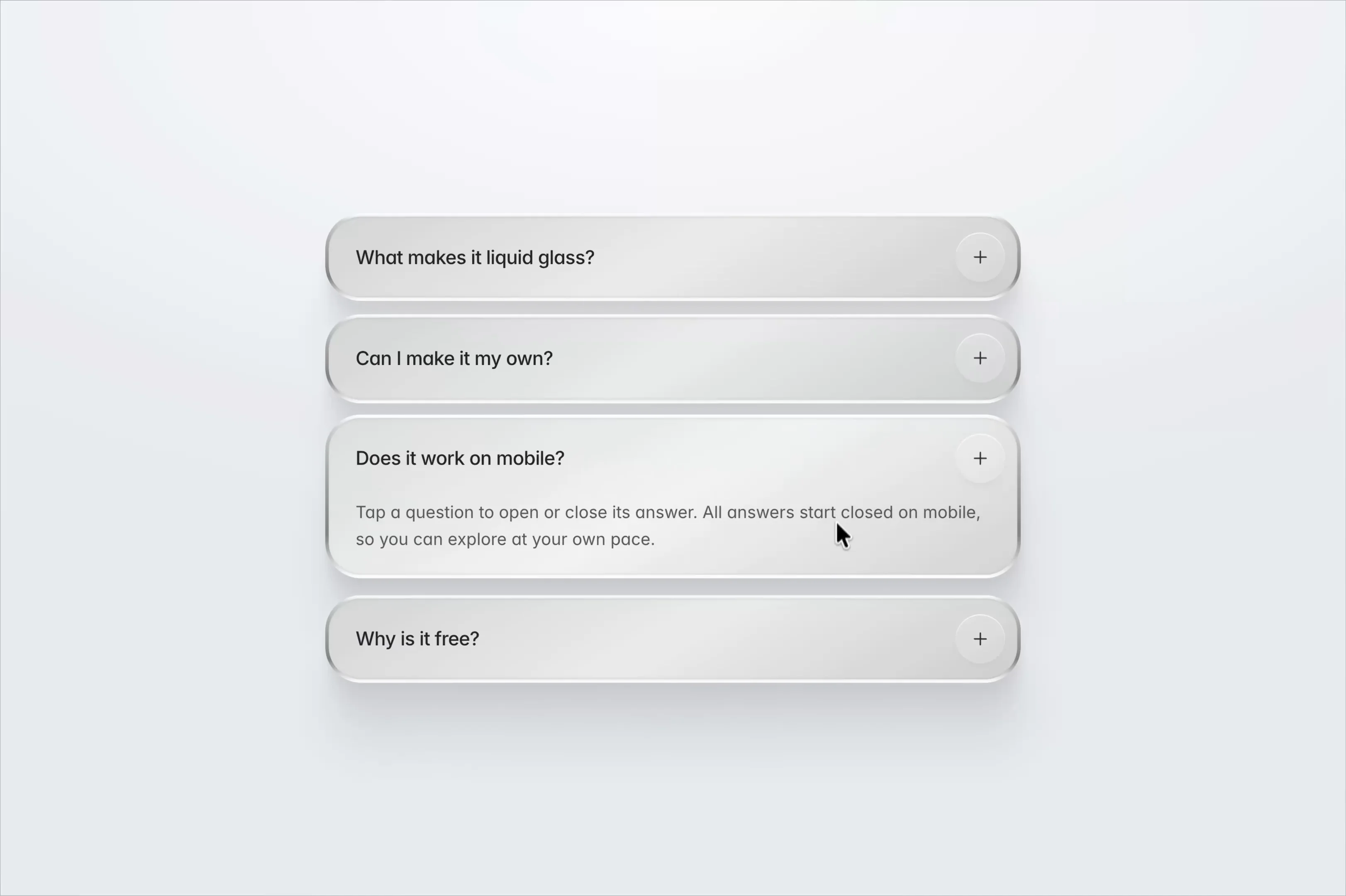
Liquid Glass FAQ Pro is a native Framer FAQ accordion that gives questions and answers a polished silver-glass finish. Rounded panels, layered highlights and soft shadows bring depth to a compact Q&A section without making the content feel heavy.
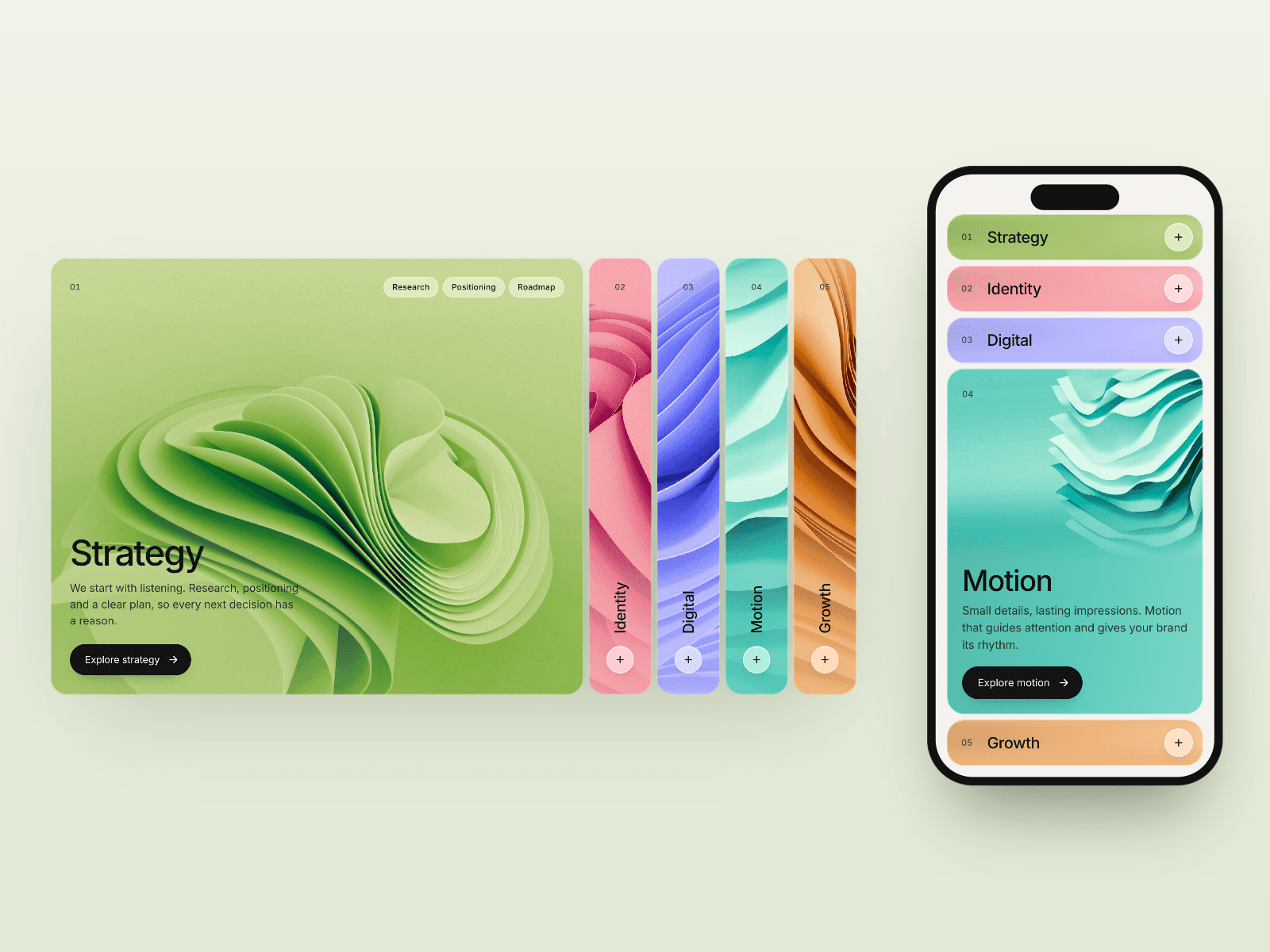
Choose Click to Open for answers that expand on click or tap, or Hover + Link to reveal details under the pointer and use each row as a destination. Smooth spring transitions help the change in height feel natural. Click mode starts closed and lets each answer open independently, keeping the layout easy to scan.
What you can customize
Make the FAQ feel at home in your design. Replace the four included questions and answers in Framer’s properties, then give each item its own destination and new-tab setting. Shape the typography, gradients, edge highlights, shadows, corners, padding and spacing inside the native component.
The layers stay editable on the canvas, so you can refine the glass treatment and layout alongside the rest of your page. Set the width to suit your section and let the answer panels grow with your copy. No code is needed to make it your own.
Great for (examples)
Keep useful details easy to find on:
SaaS pricing and billing FAQs
Online course and membership questions
Ecommerce delivery and returns sections
Agency service and project-process answers
App onboarding and product information
Event details and booking questions
Glassmorphism landing pages
Share your build
If you ship something cool with it, post it on X and tag me @Matthias_Oel, or send it over. I’d love to see what you create.
Need help?
Questions or feedback? Reach me anytime: matthias@lmvision.de or on X @Matthias_Oel.
Need a matching component?
Carry the glass treatment from navigation to the end of your page: