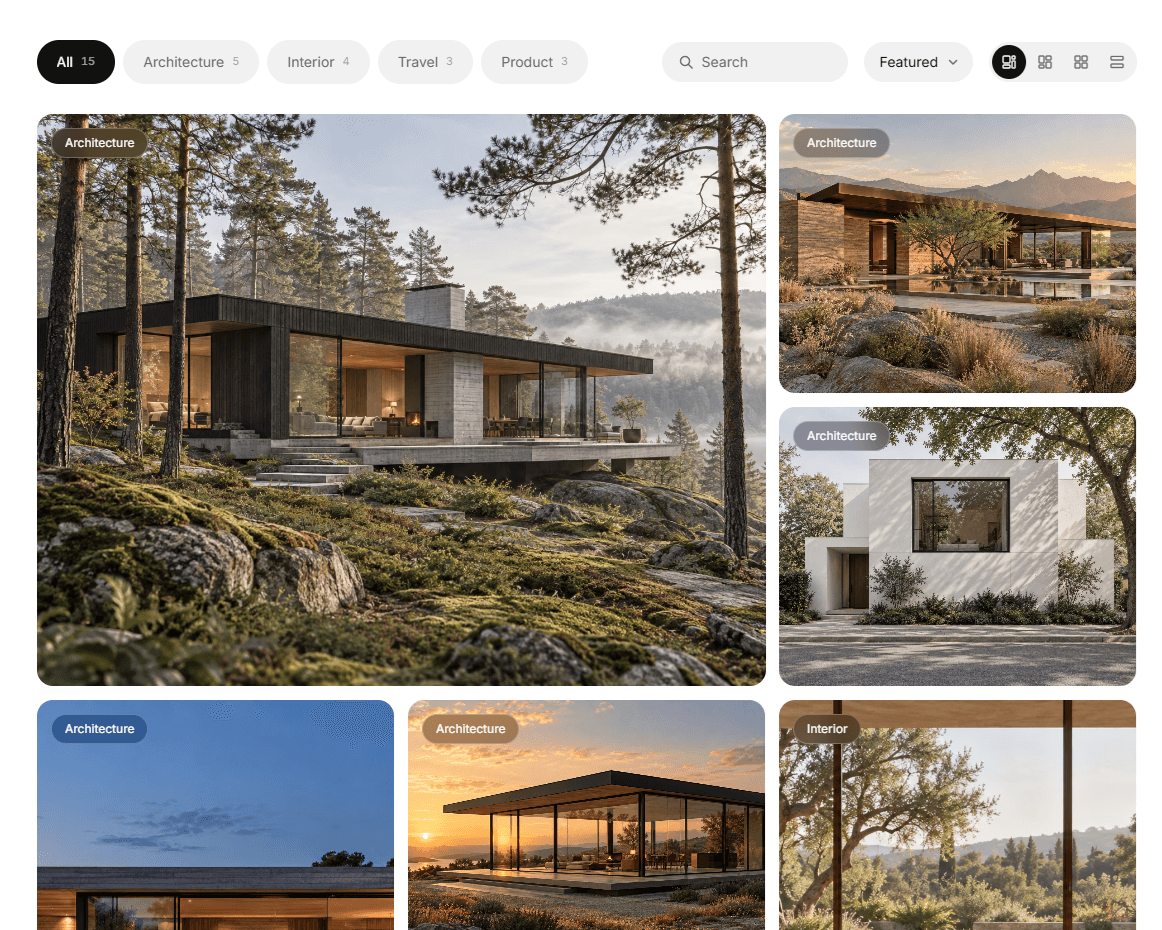
About Filter CMS Gallery
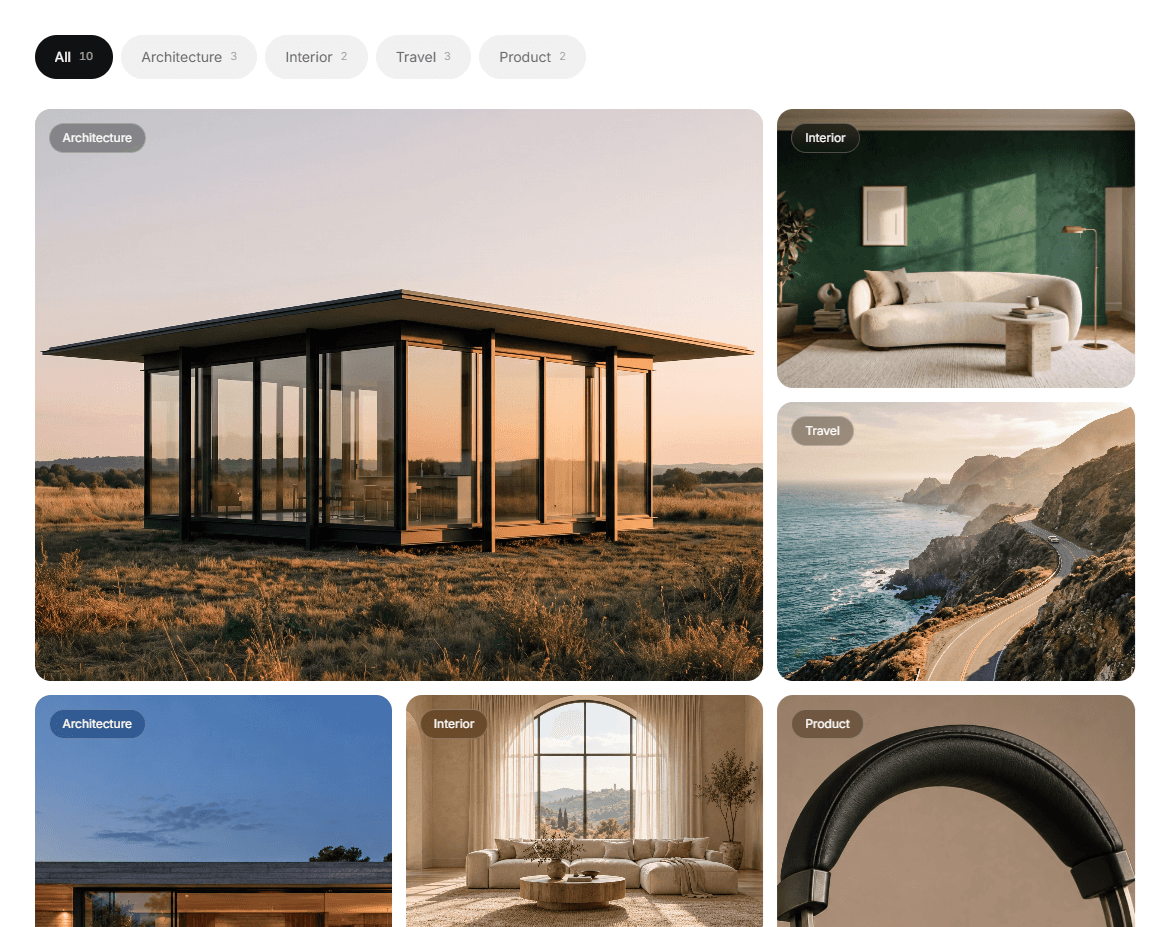
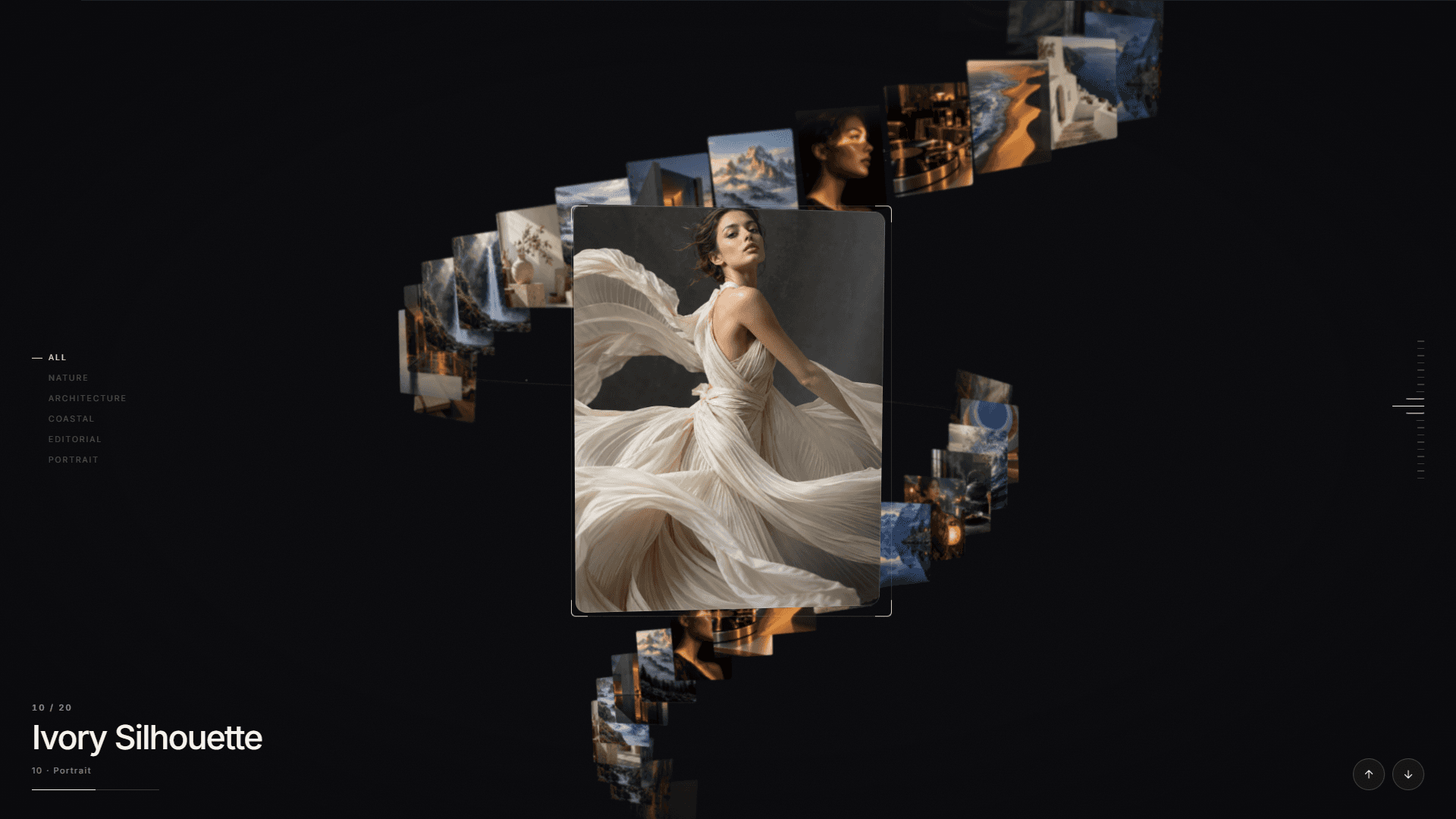
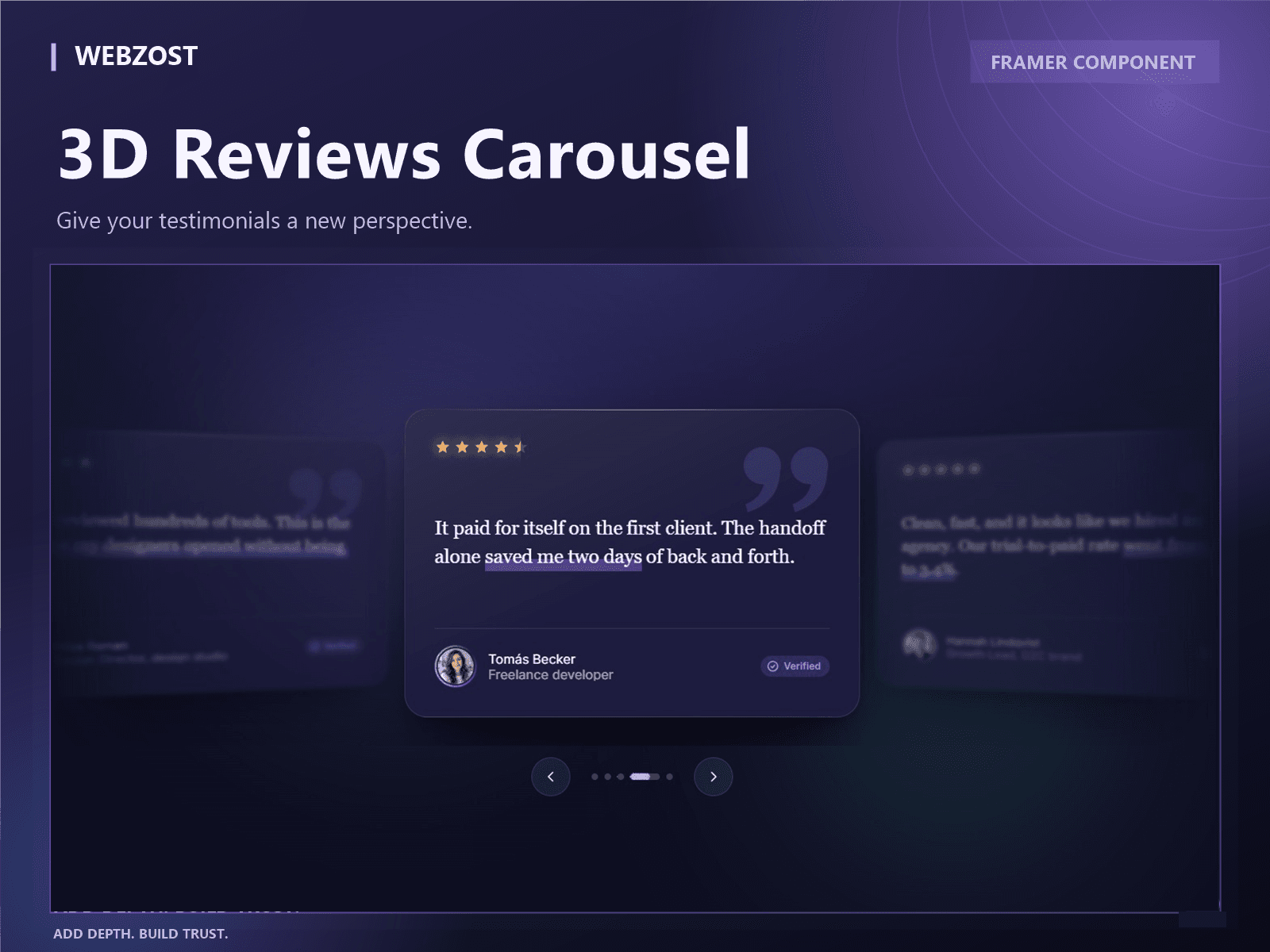
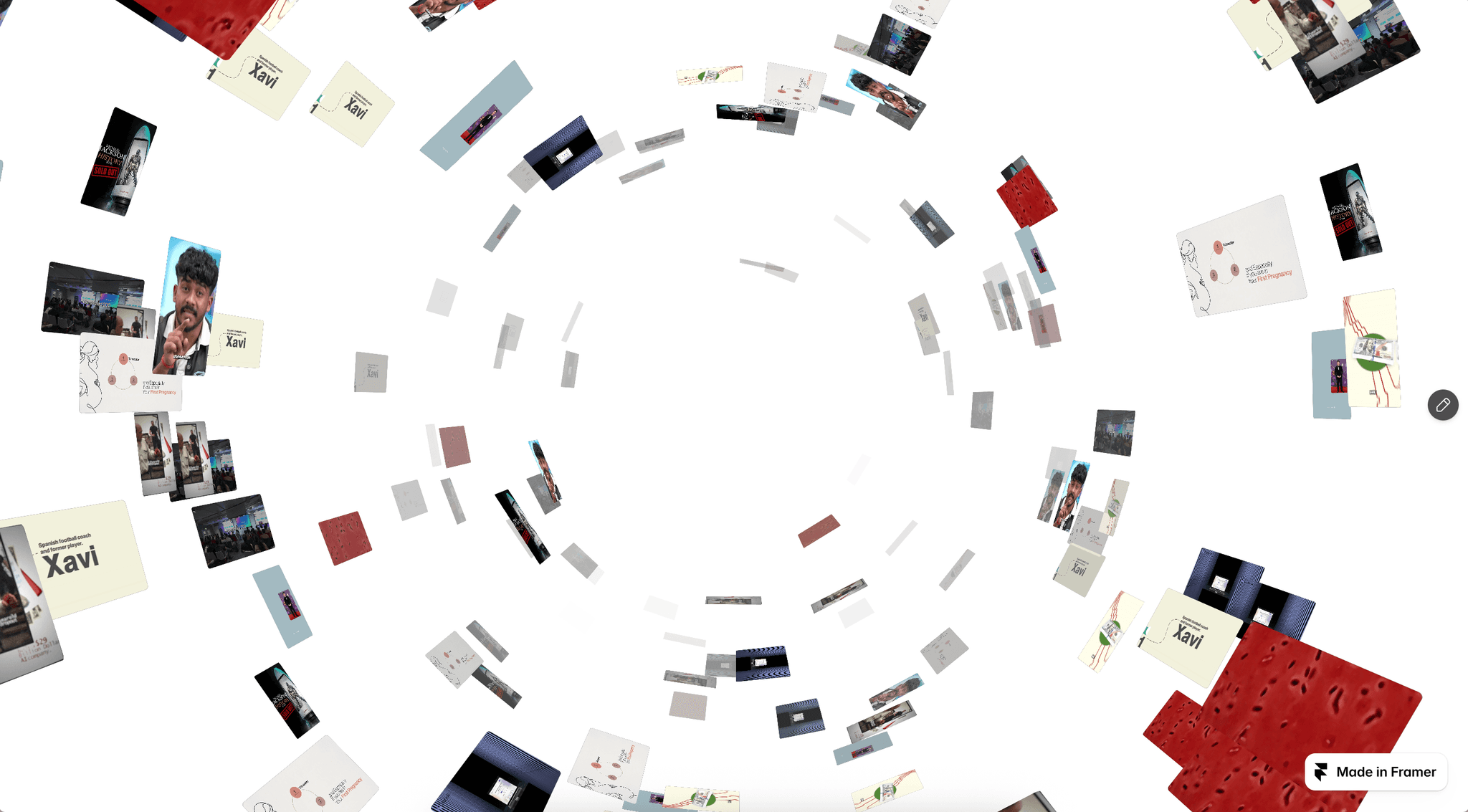
A premium, fully responsive CMS image gallery for Framer. Showcase your work beautifully with four interchangeable layouts, smooth animations, dynamic filters, and a cinematic fullscreen lightbox.
Features
4 Premium Layouts — Bento, Masonry, Grid & List
CMS + Manual Content — Connect your Framer CMS or add items manually
Dynamic Category Filters — Automatically generated from your CMS
Live Search & Sorting — Help visitors explore your content
Premium Hover Effects — Including 3D Tilt, cinematic zoom and spotlight
Fullscreen Lightbox — Immersive image viewing with navigation
Pagination & Load More — Control how many projects appear
Fully Responsive — Desktop, tablet and mobile, with optional mobile filter popup
Fully Customizable — Layouts, themes, colors, typography, spacing and animations
One gallery, endless possibilities. Display a curated selection on your homepage or create a complete portfolio gallery on a dedicated page.
Easy CMS Setup
Connect a Framer CMS Collection List with four canvas layers named Image, Title, Description and Category. Your CMS field names can differ, and categories are generated from your content.
Live Preview: https://webzostcmsgallery.framer.website/
Video Setup Guide: https://webzostcmsgallery.framer.website/demoguide
SUPPORT
Need help? Contact info.webzost@gmail.com
Typical response time: 1–2 business days.
REFUNDS
As this is an instantly delivered digital product, change-of-mind refunds are generally unavailable, except as required by applicable law or Gumroad policies.
Please test the live demo before purchasing. For technical issues, contact us for assistance.