About Filter Gallery Lite
About Webzost Gallery Lite
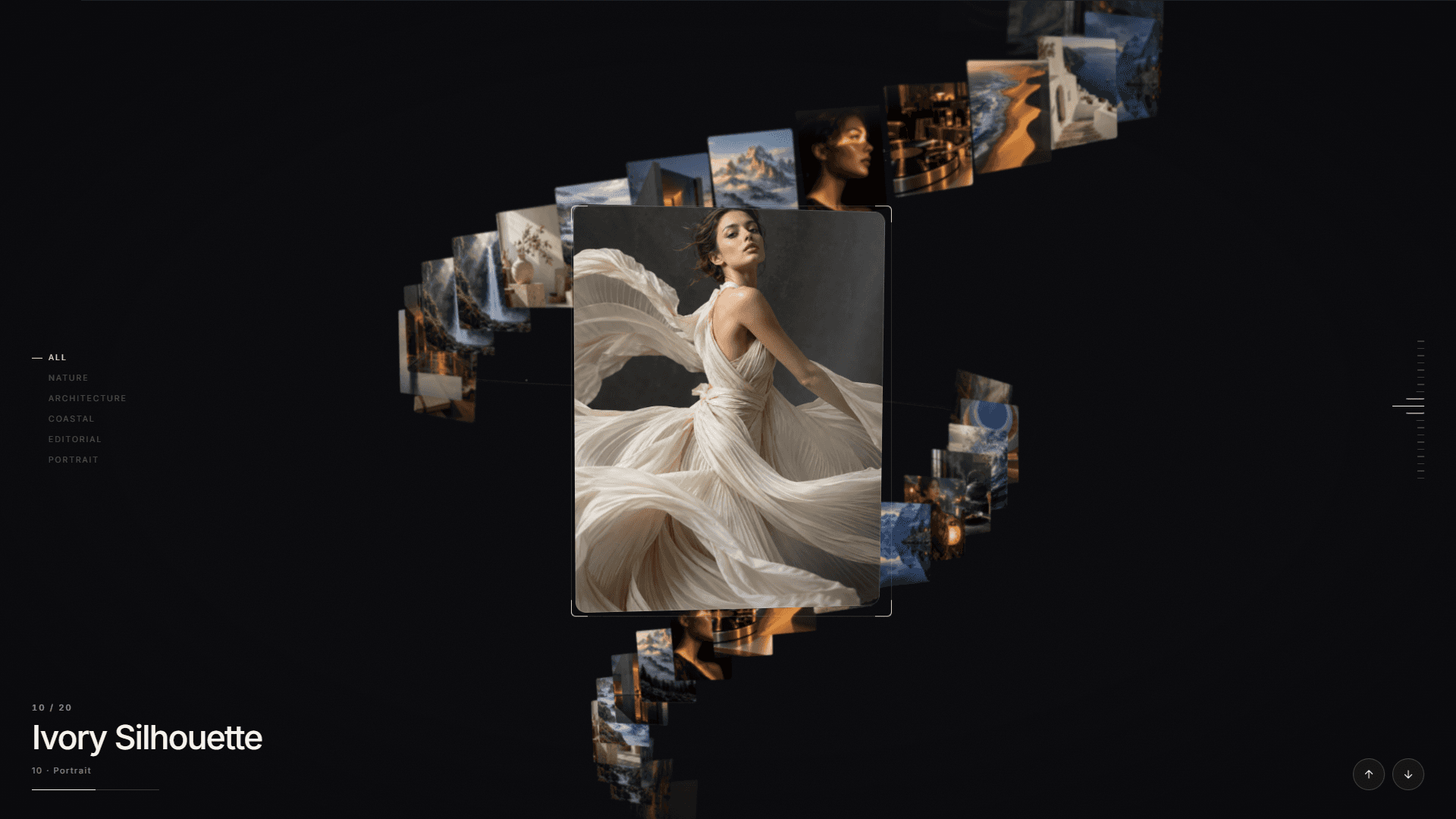
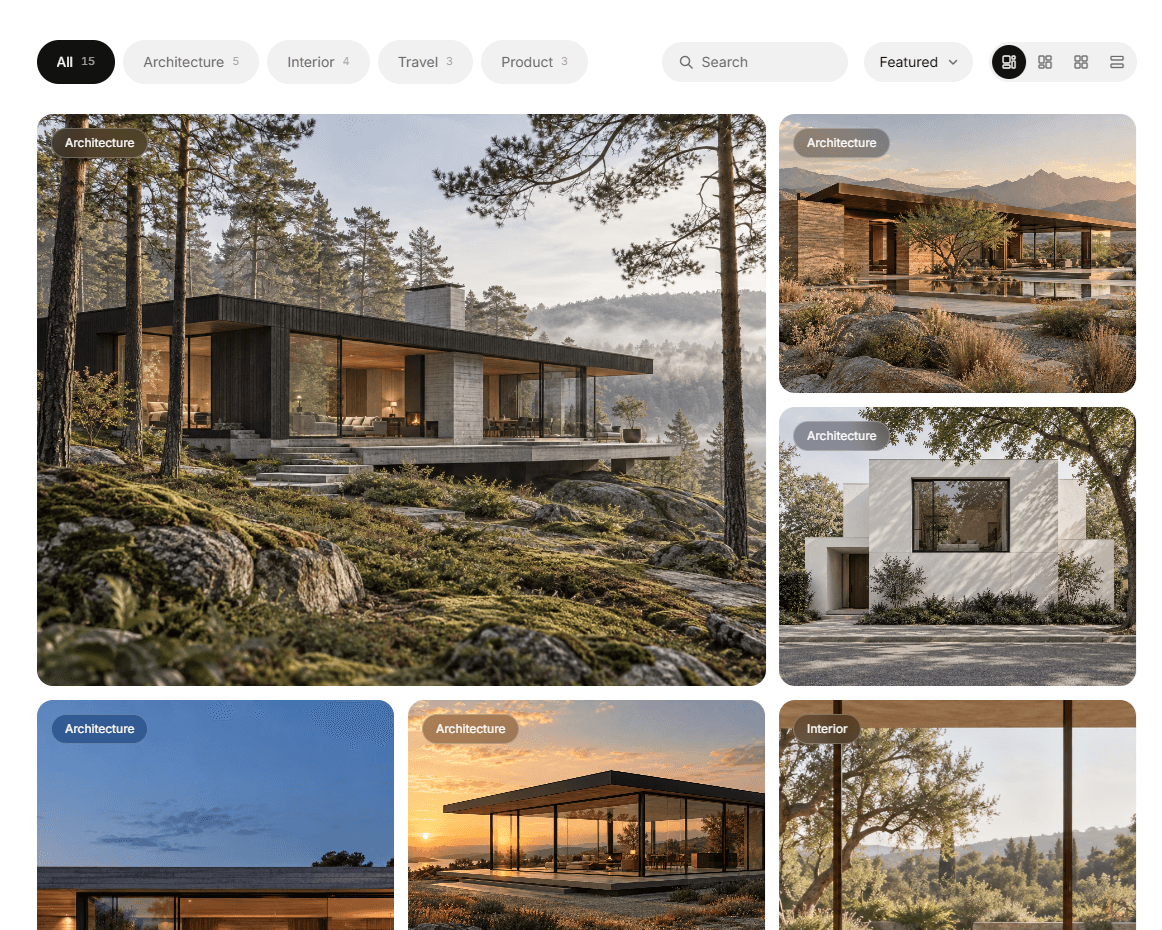
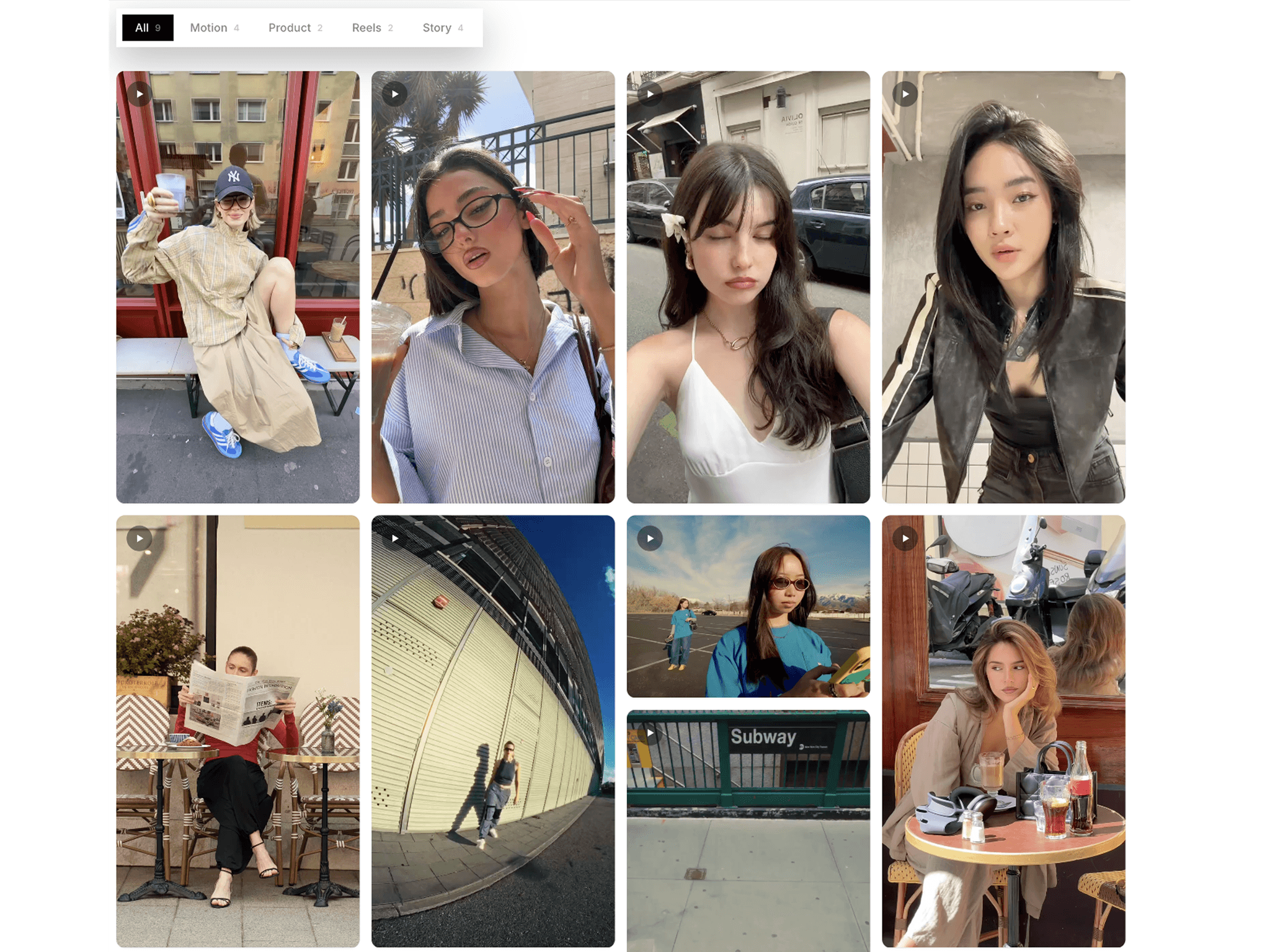
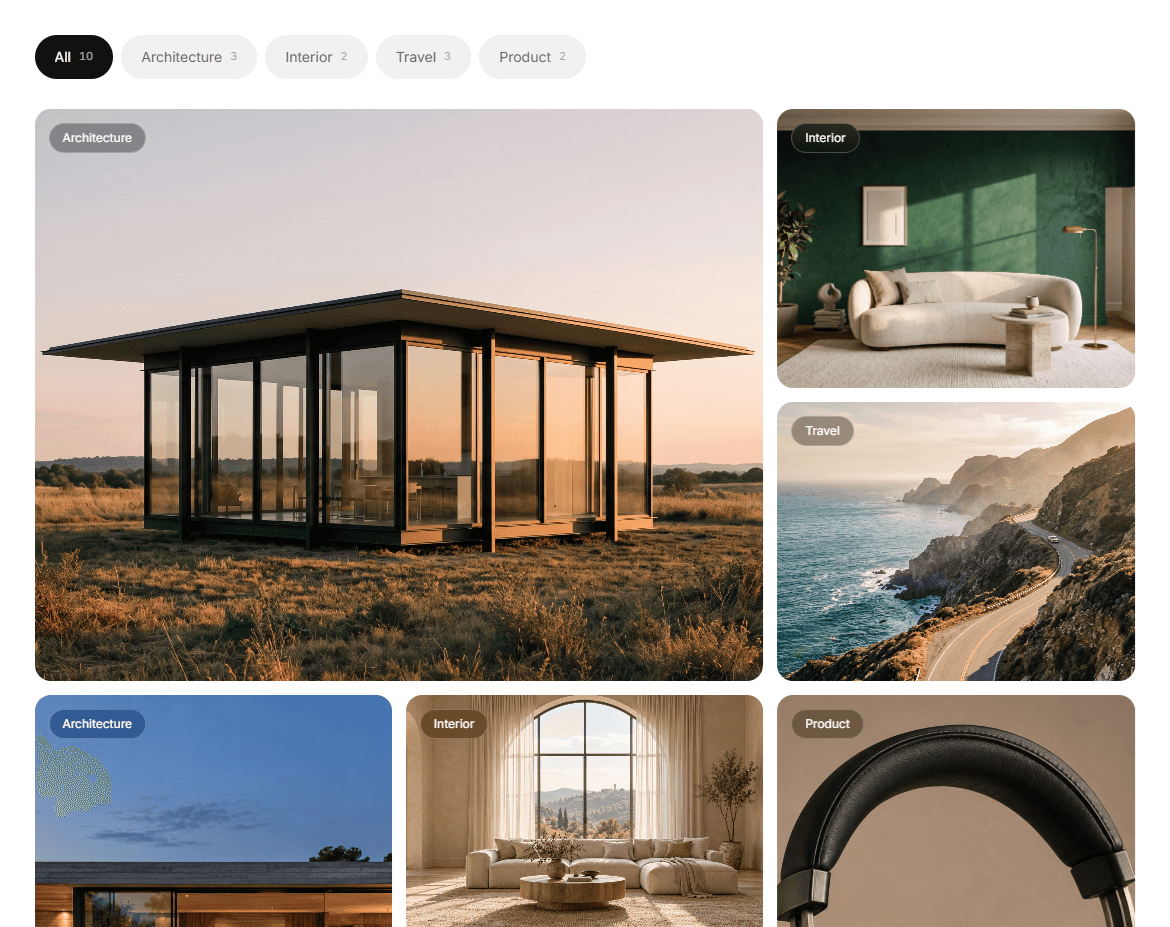
A free, fully responsive bento image gallery for Framer. Add your images, titles and categories right in the property panel, and get a polished, filterable gallery with a cinematic fullscreen lightbox in minutes.
Features
- Bento Layout — Smart packing, so the grid never has holes at any item count or filter
- Category Filters — Visitors filter your work with smooth animated transitions
- Fullscreen Lightbox — Immersive viewing with arrows, keyboard and swipe navigation
- Cinematic Hover Effects — Slow zoom, reveal-on-hover titles and a corner arrow
- Scroll Reveal Animation — Cards appear with a clean curtain reveal
- Fully Responsive — Separate column controls for desktop, tablet and mobile
- Light & Dark Themes — Or set your own custom colors
- Customizable — Gap, radius, typography, title size and image focus
Easy Setup
Drop the component on your page, then select it and use Items → Add to upload images, titles, text and categories. Use commas to give one image several categories.
Need More? Upgrade to Webzost CMS Gallery
Lite uses manual content and the Bento layout. If you want to power your gallery from the Framer CMS, check out Webzost CMS Gallery:
- Connect any Framer CMS Collection List
- 4 layouts: Bento, Masonry, Grid and List
- Live search, sorting, pagination and Load More
- Premium hover effects including 3D Tilt and spotlight
- Dynamic filters generated automatically from your CMS
Get it here: https://www.framer.com/marketplace/components/webzost Support
Need help? Contact info.webzost@gmail.com
Typical response time: 1–2 business days.