About CMS Gallery Plus
Roundwave Gallery is a cinematic CMS ready 3D image gallery for Framer. Your images wind around the screen in a smooth spiral wave and settle into a large hero frame as people drag, scroll or tap through them.
Made for portfolios, photography, product showcases, agency sites and any page where the gallery should be the memorable moment.
[Explore the Interactive Demo →](https://roundwavegallery.framer.website/)
Easy CMS Setup
Video Setup Guide: https://roundwavegallery.framer.website/videoguide
WHAT YOU GET
- Spiral wave layout with a focused hero image (19 to 55 cards in the wave)
- Drag, mouse wheel, arrow keys, on-screen arrows, click-to-focus and autoplay
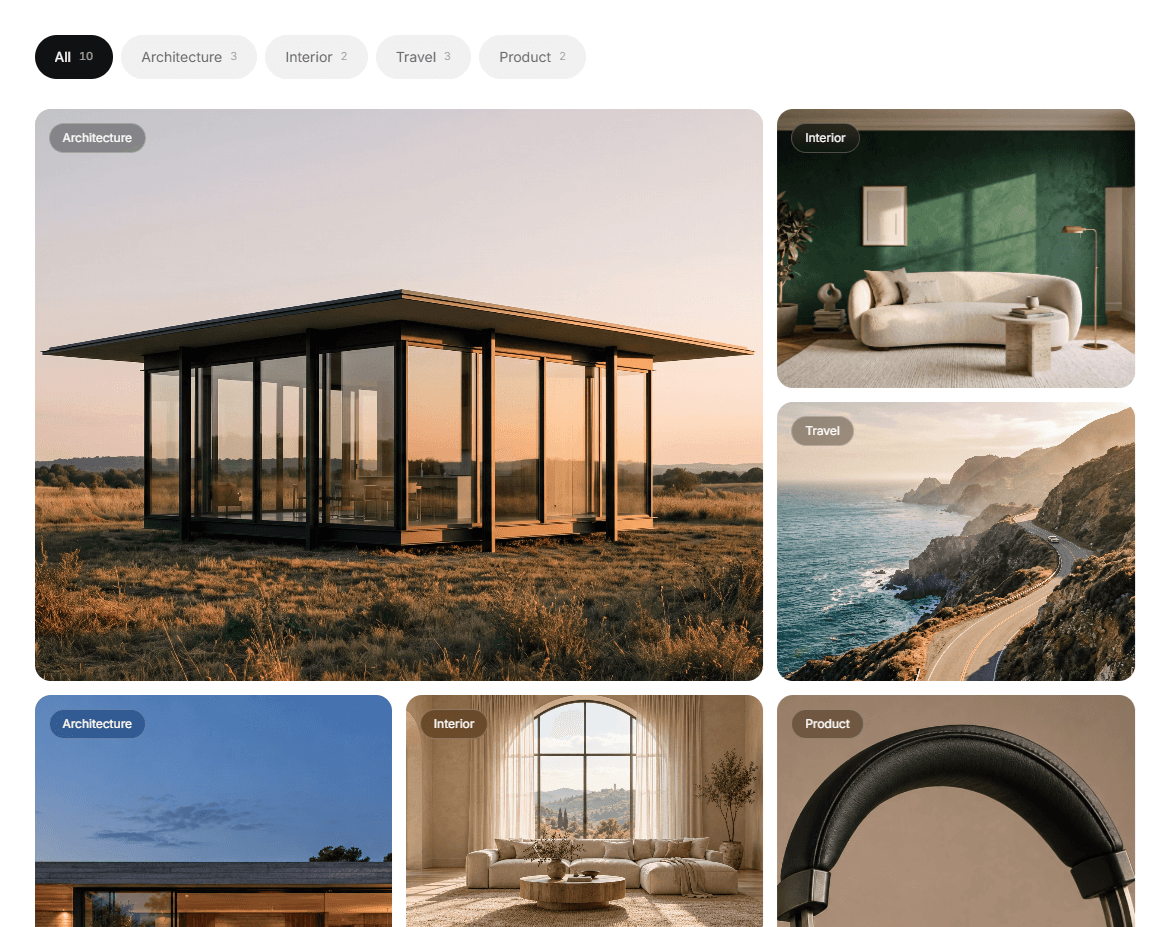
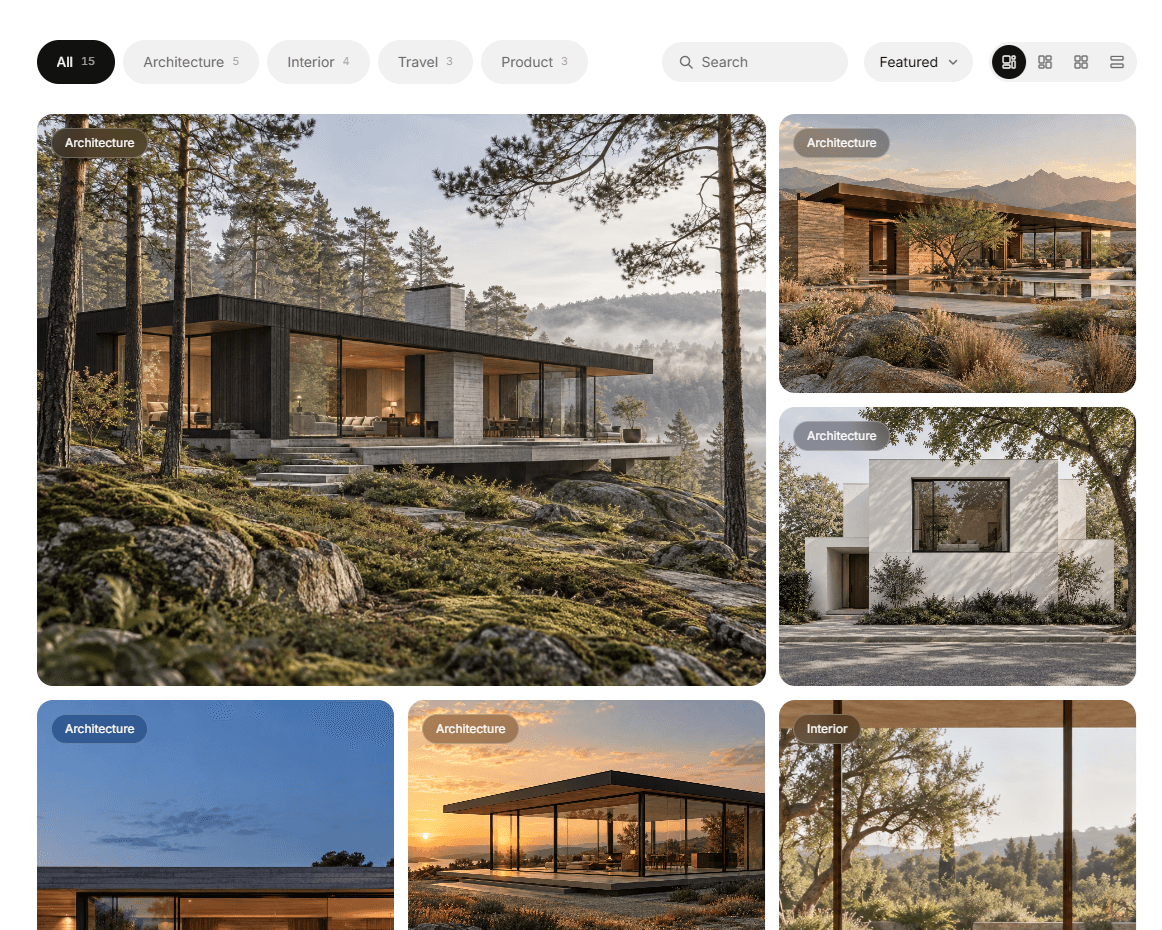
- Category filter: tag your images and visitors filter the wave live
- Optional lightbox with previous / next
- Animated captions: counter, title, edition and a progress line
- Adapts to small screens, respects "reduce motion", pauses rendering when off-screen
TWO WAYS TO ADD CONTENT
Manual: upload images in the properties panel. Add a title, edition, category and link per image if you want captions.
CMS: drop a Collection List into the CMS List slot. Layers named Image, Number, Title, Edition and Category are detected automatically, and you can set custom names.
FULLY CUSTOMISABLE
Hero size, coil size, spread, corner radius, tilt, blur, motion, speed, wheel behaviour, click action, colours and font. All inside Framer, no code.
SETUP IN 2 MINUTES
1. In Framer, create a new code file in the Assets panel and paste the contents of RoundwaveGallery.tsx.
2. Drag "Roundwave Gallery" onto your canvas.
3. Upload your images, or switch Source to CMS.
SUPPORT
Need help? Contact info.webzost@gmail.com
Typical response time: 1–2 business days.
REFUNDS
As this is an instantly delivered digital product, change-of-mind refunds are generally unavailable, except as required by applicable law or Gumroad policies.