About Fluffy Button
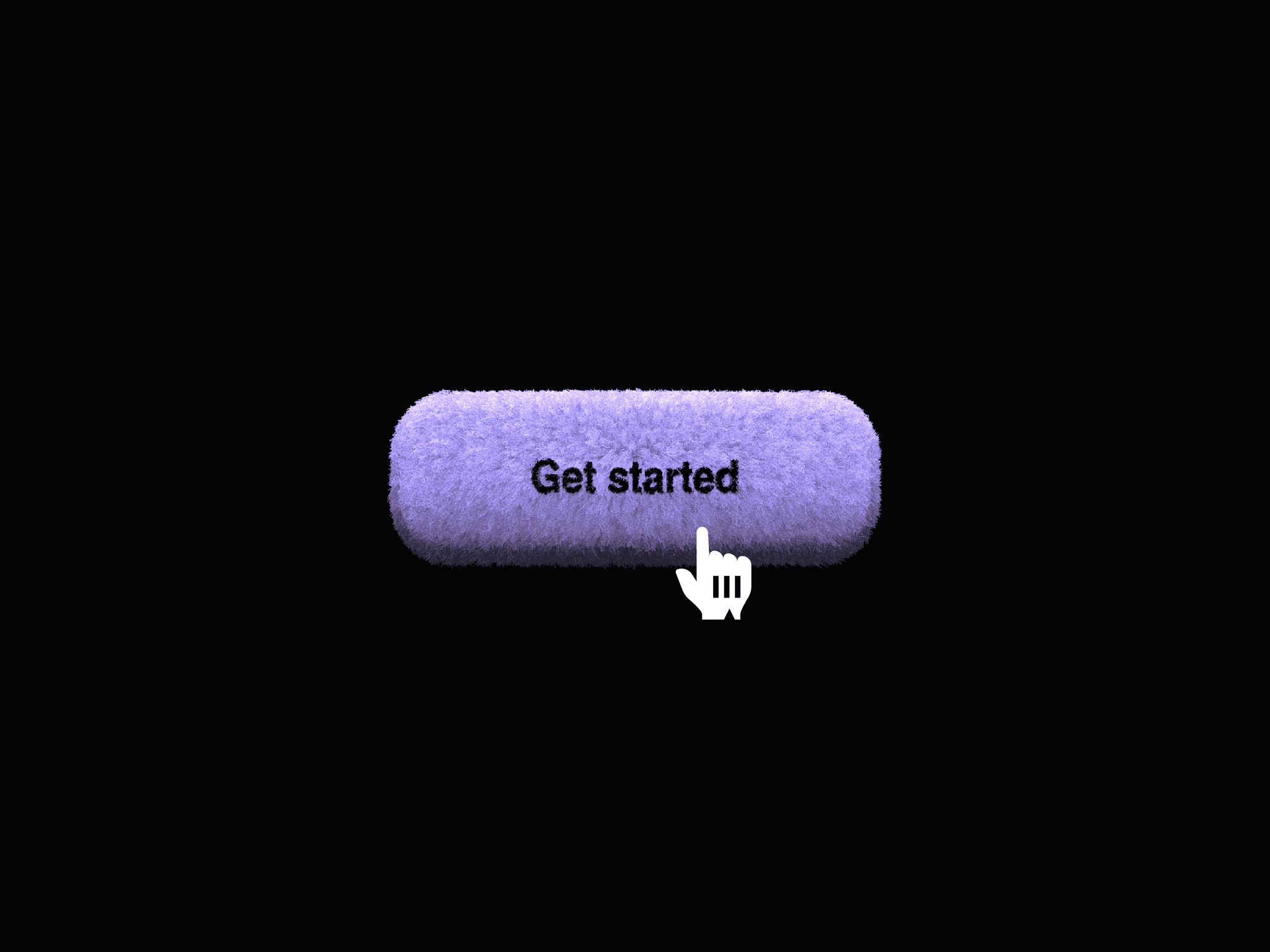
Fluffy Button adds a soft, tactile touch to your Framer website. Its detailed fur texture and gentle interactions turn a familiar button into something playful and memorable.
Move your cursor across the surface to brush the fibers, or hover to trigger a brief gust of wind. A subtle shrink and press response make the button feel soft and responsive, without rotating.
Designed for designers, creators, and brands looking to add personality to their websites, Fluffy Button works well on portfolios, creative agency sites, product launches, campaign pages, and playful landing pages. Use it for calls to action such as “Get started,” “Explore,” or “Let’s talk.”
You can customize the appearance and interaction directly in Framer:
Label styles: Choose readable fur lettering, crisp text, or uploaded artwork.
Colors and typography: Adjust the fur color, label color, font, and text size.
Fur texture: Change the length, density, lift, frizz, and direction of the fibers.
Shape: Adjust the corners, cushion fullness, and inner spacing.
Optional icons: Show or hide an icon, choose a built-in symbol, or upload your own. Control its size, spacing, and position.
Hover wind: Enable or disable the gust and adjust its strength, speed, duration, and direction.
Hover and press: Customize the hover size, spring transition, and press depth.
Lighting: Fine-tune the highlights, shadows, and sheen.
Quality settings: Choose the rendering quality that suits your project.
To get started, add the component to your page, edit the label, and set your destination link. Then adjust the styling in the properties panel. Open Preview to try the brushing, hover wind, and press effects—the canvas displays the finished surface.
Inspired by Plush Tile by Originkit, with its fur-rendering approach adapted into a customizable Framer button.
Made by Andrii. Follow @andriidesign1 on X for more components and design experiments.