About Focus Reveal text
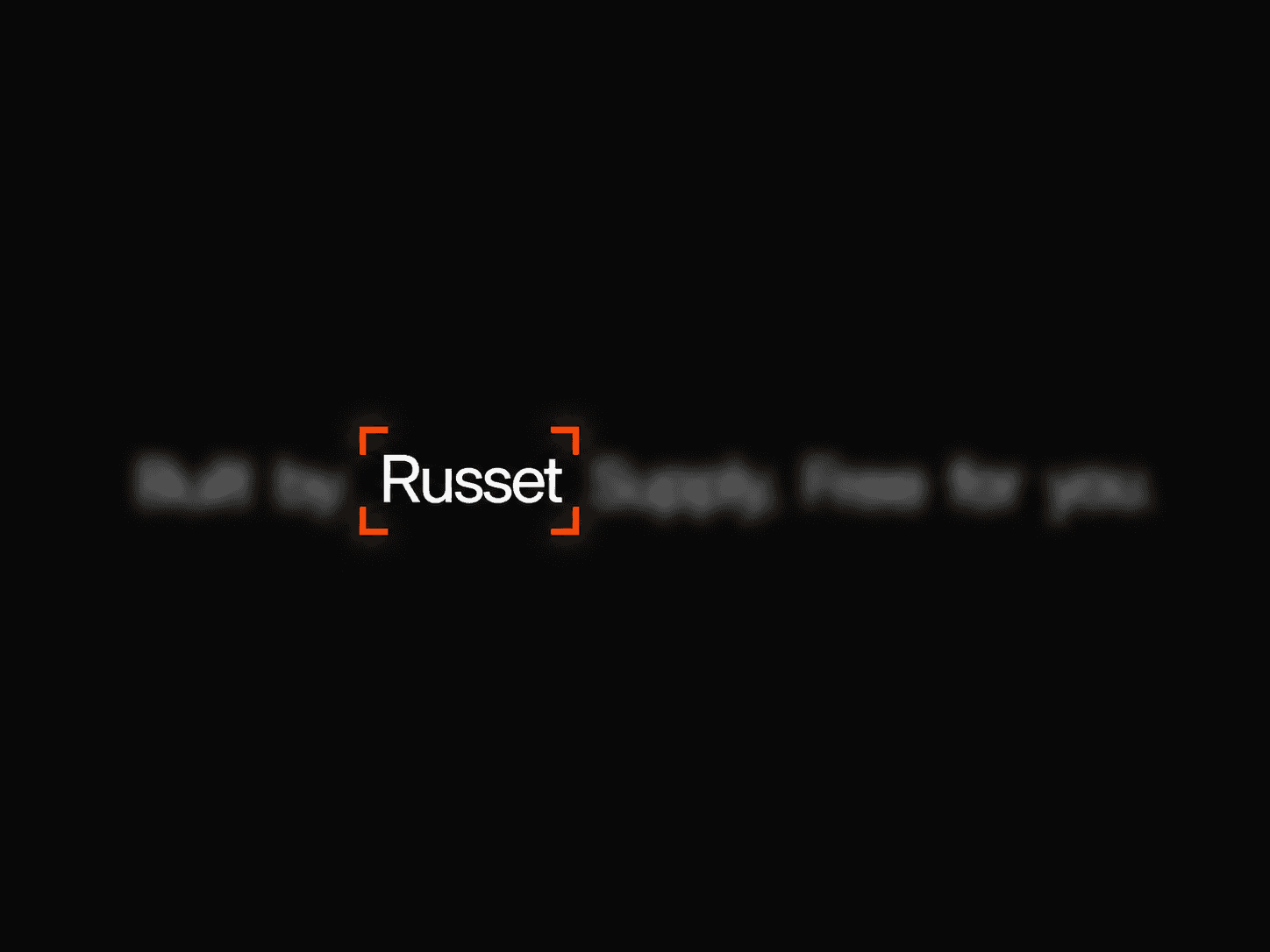
Focus Frame Text – Blur-to-Focus Word Animation with Glowing Frame
A line of text that blurs and dims every word, then brings one into sharp focus at a time. A glowing corner-bracket frame glides from word to word. Type your own text, set the pace, and match the look to your brand with one frame color.
What you get
Full source code (.tsx), ready to paste
Framer remix link with the demo project
README with step-by-step setup
Free lifetime updates
Support within 24 hours
Customizable
Content: any text, with words split automatically and the starting focus word selectable
Typography: font (family, size, weight, line height, letter spacing), text color, alignment, word gap
Focus & Motion: blur amount, dim level for unfocused words, spring, ease or linear motion, with stiffness and damping for spring or duration for ease and linear
Frame: color, line thickness, corner size, corner radius, padding on all four sides, glow on or off, glow size
Playback: auto play, hold time per word, loop, pause on hover, hover to focus (also works with the Tab key)
How it works
Remix or paste the code into Framer
Drag the component onto your canvas
Edit your text, colors, frame and timing directly in the properties panel
Good to know
Code component for Framer, not a standalone download
No external libraries to install
The animation runs in Preview and on the published site. The canvas shows a static view with the frame on your chosen focus word, so you can position everything
Works at any width, and long text wraps with the frame following the focused word
Best with short lines of 3 to 7 words, such as hero headlines and taglines
License: Unlimited personal and client projects. No resale or redistribution.
Refunds: Not working? Email us first and we’ll fix it within 24 hours. If we can’t, you get a full refund.
Questions? support@russetsupply.com