About FAQ Accordion Search
FAQ Accordion Search for Framer: Searchable Category-Filtered FAQ Accordion
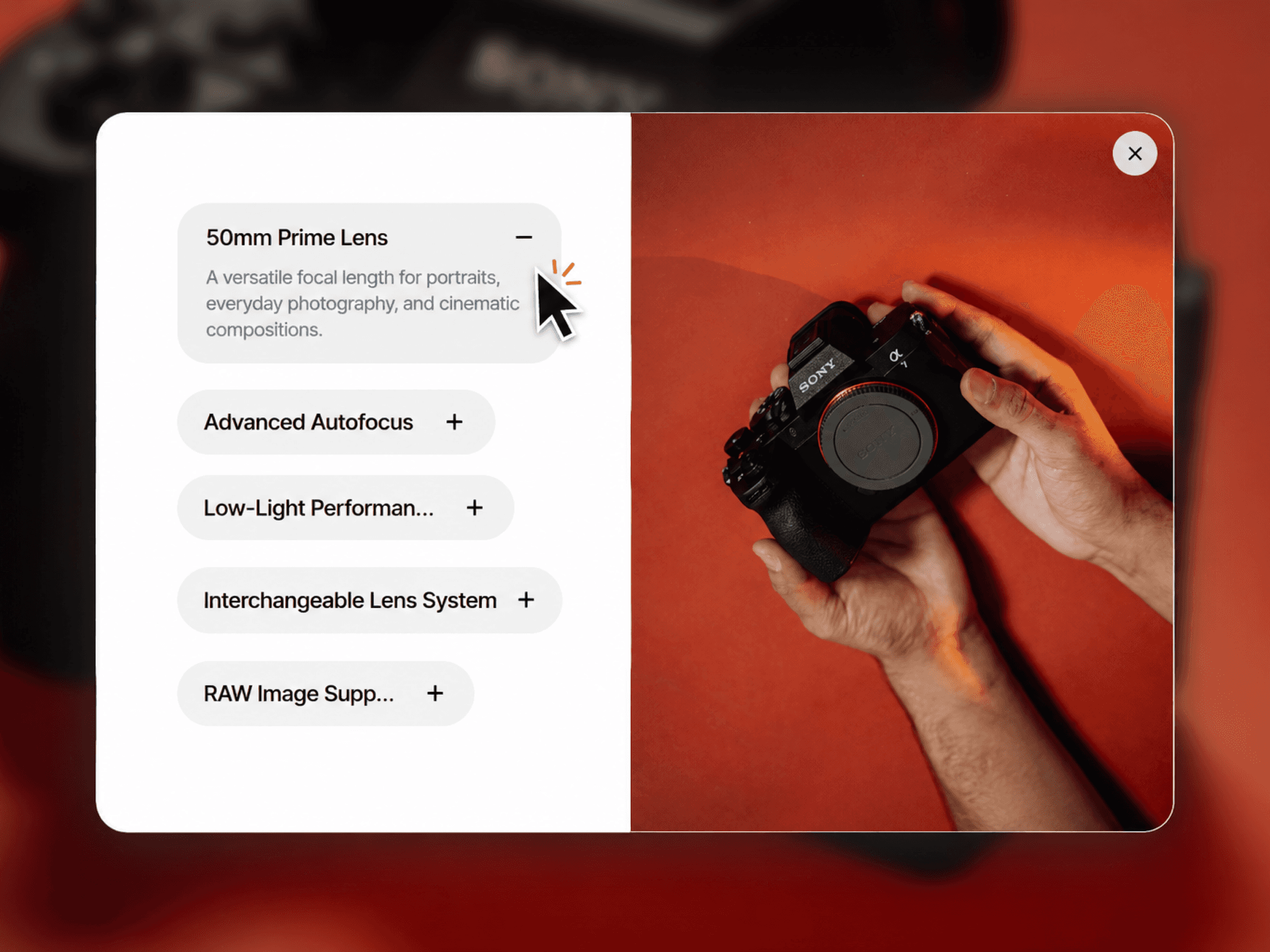
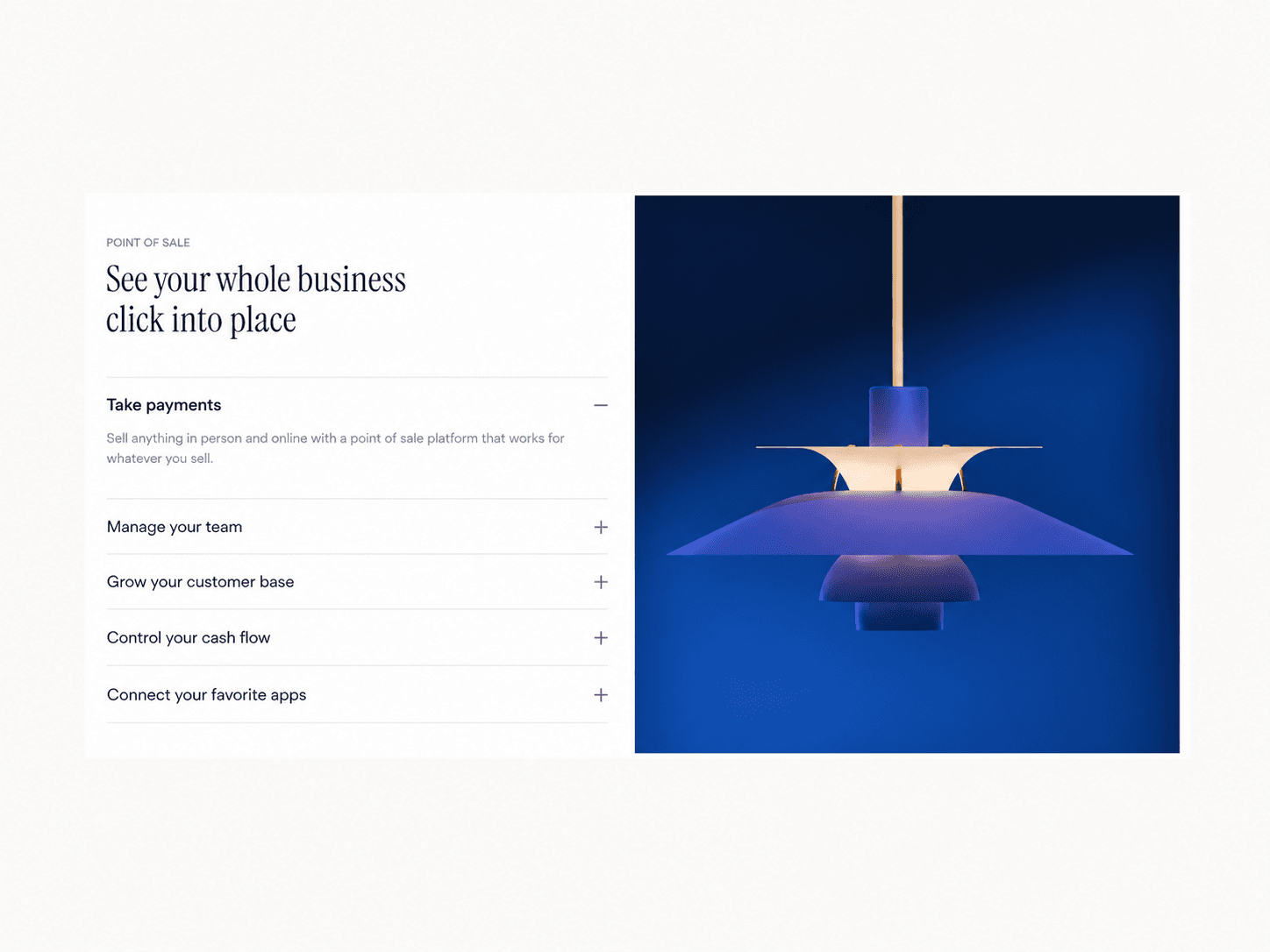
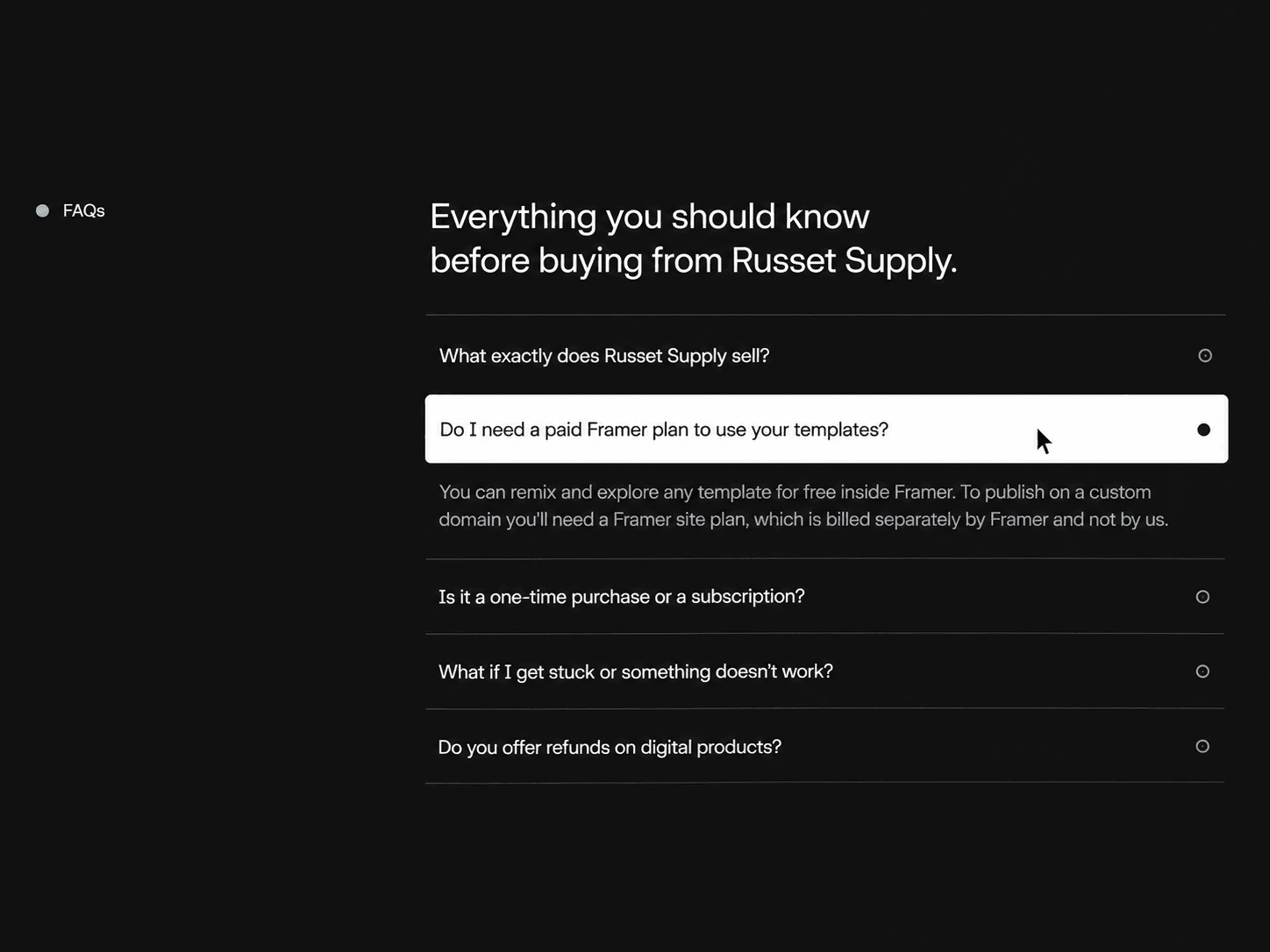
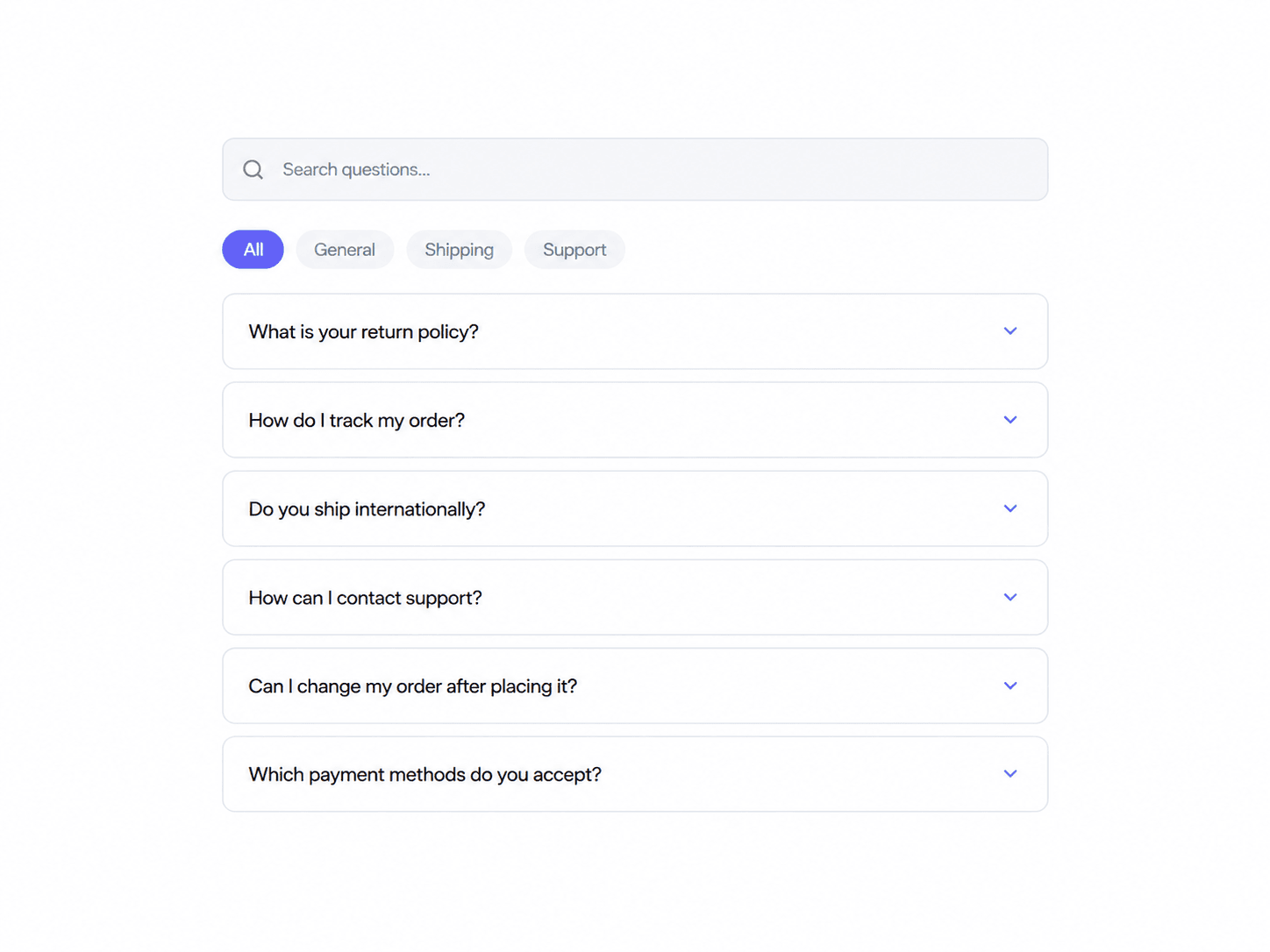
A clean, interactive FAQ accordion with integrated instant search and category pill filtering. Visitors can quickly search questions, filter by topics, expand items, or navigate effortlessly with full keyboard accessibility.
What you get
- Full source code (.tsx), ready to paste
- Framer remix link with the demo project
- README with step-by-step setup
- Free lifetime updates
- Support within 24 hours
Customizable
- Content: FAQ items (question, answer, category), search placeholder, category labels, empty & no-results state text
- Layout: container padding, section gap, item gap, item padding, pill gap
- Style: toggleable background, border width, item radius, search bar radius, pill radius
- Colors: accent, background, border, question text, answer text, hover background, active category text, muted background, muted text
- Typography: question font, answer font, search font, category font
- Interaction & Motion: multi-open toggle, default open state, hover effect, smooth Framer Motion transitions
- Advanced: overflow controls, z-index, reduced motion support, layout reflow animation
How it works
1. Remix or paste the code into Framer
2. Drag the component onto your canvas
3. Edit your questions, categories, colors, and typography directly in the properties panel
Good to know
- Code component for Framer, not a standalone download
- No external libraries to install
- Interactive search, filtering, and animations run seamlessly in Preview and on the published site (canvas shows a static view)
- Responsive layout adapts smoothly to both desktop and mobile viewports
License: Unlimited personal and client projects. No resale or redistribution.
Refunds: Not working? Email us first and we'll fix it within 24 hours. If we can't, you get a full refund.
Questions? support@russetsupply.com