About Focus Slice Carousel
✦ Let your content unfold naturally.
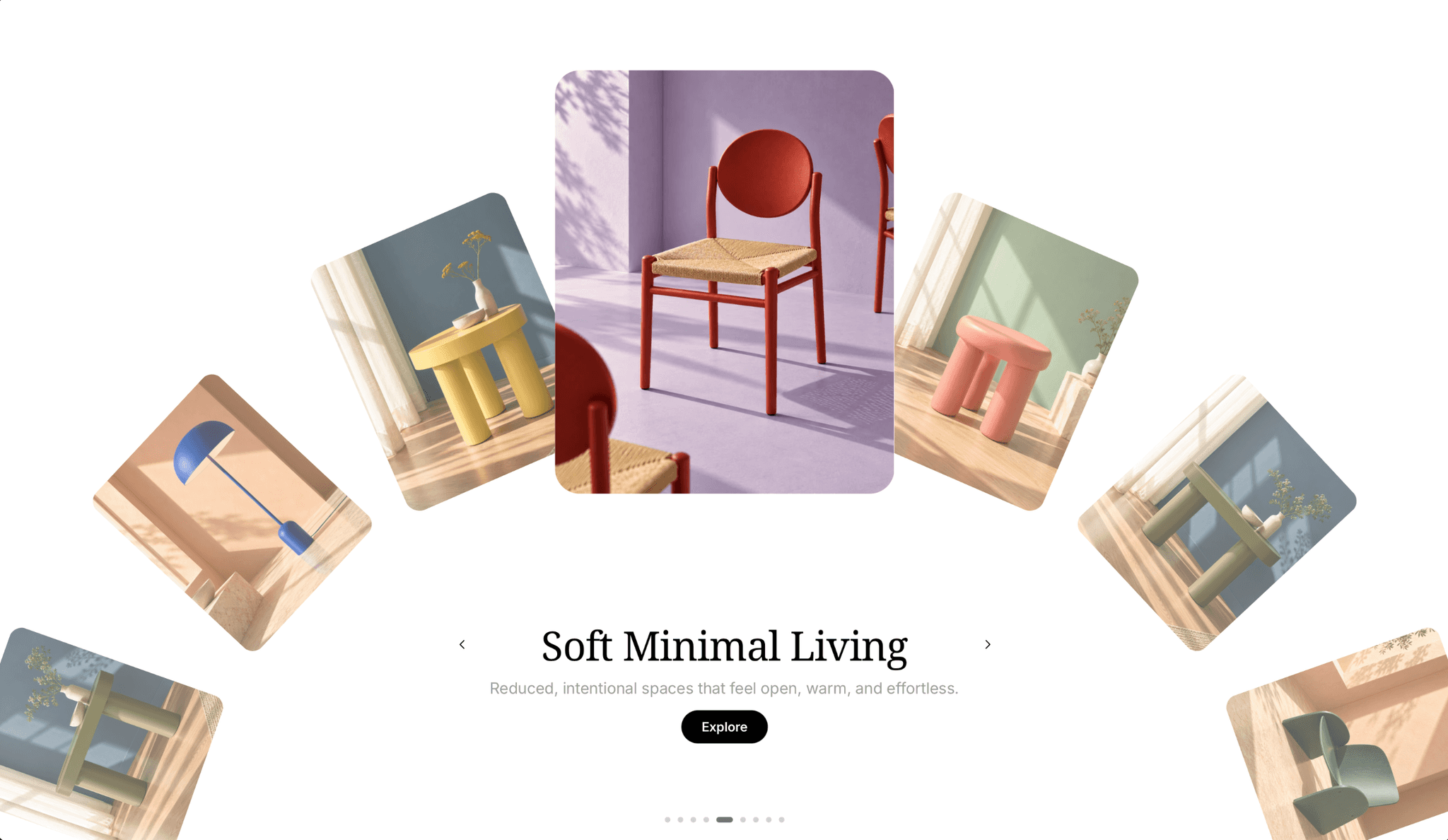
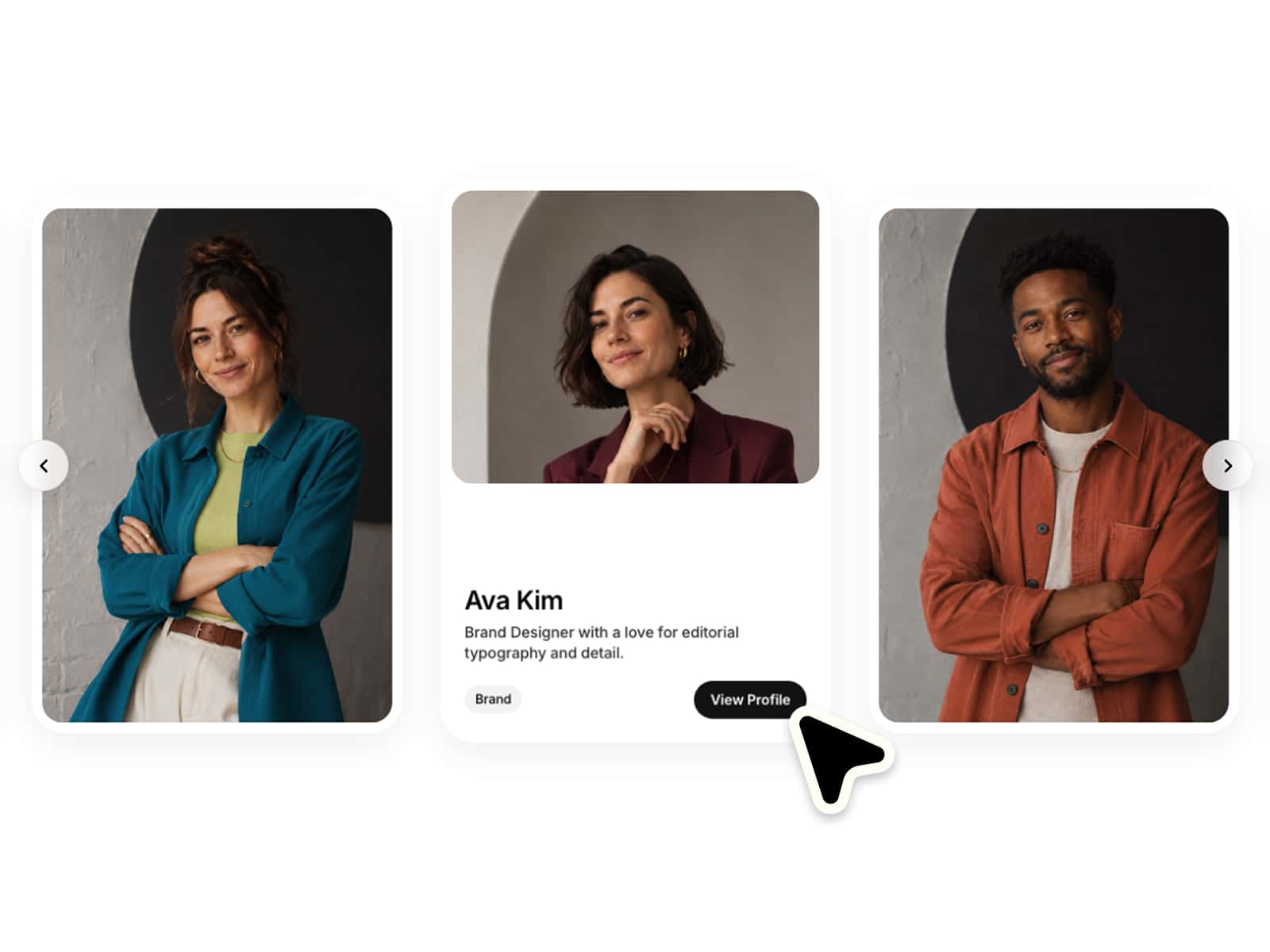
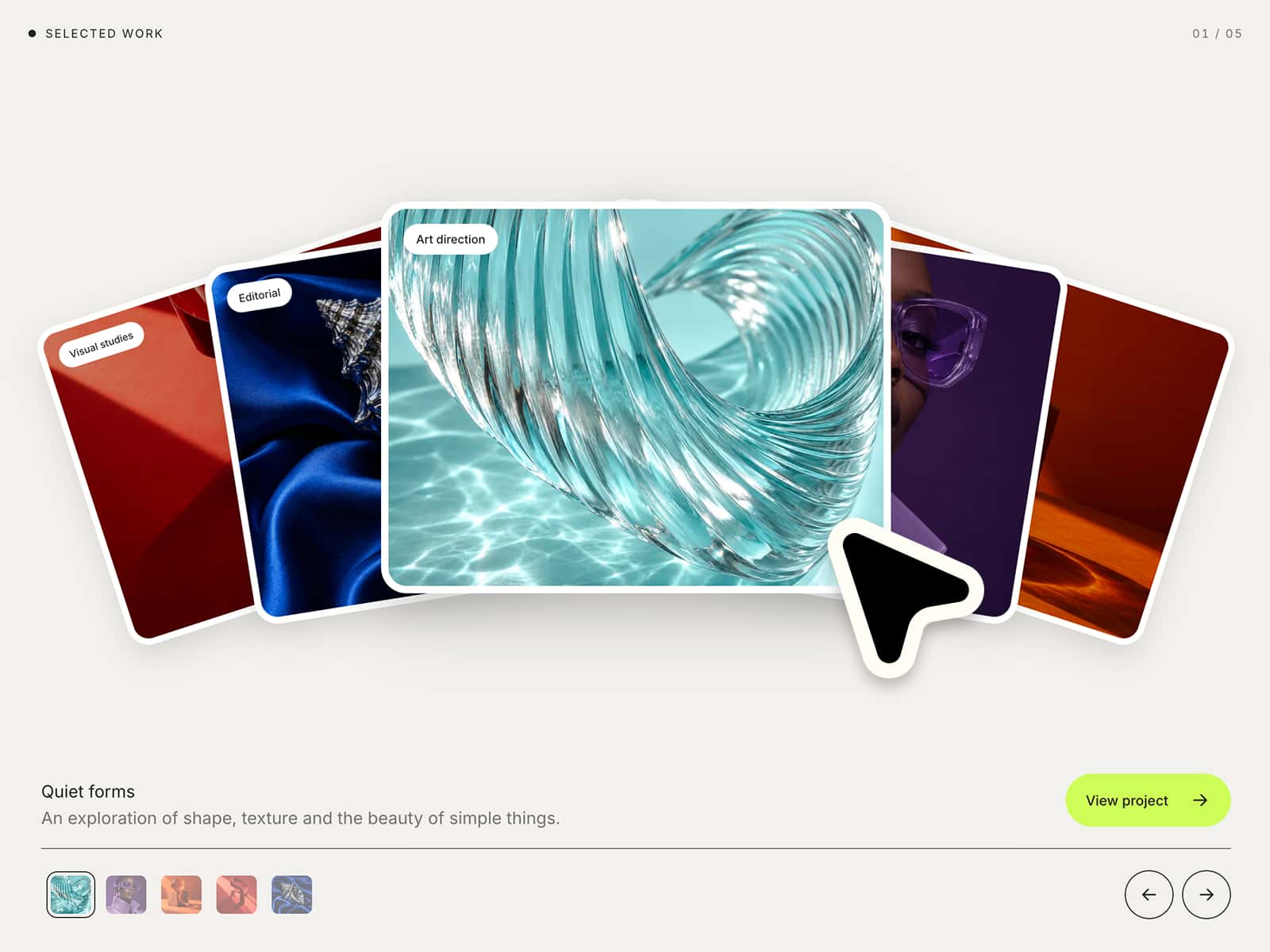
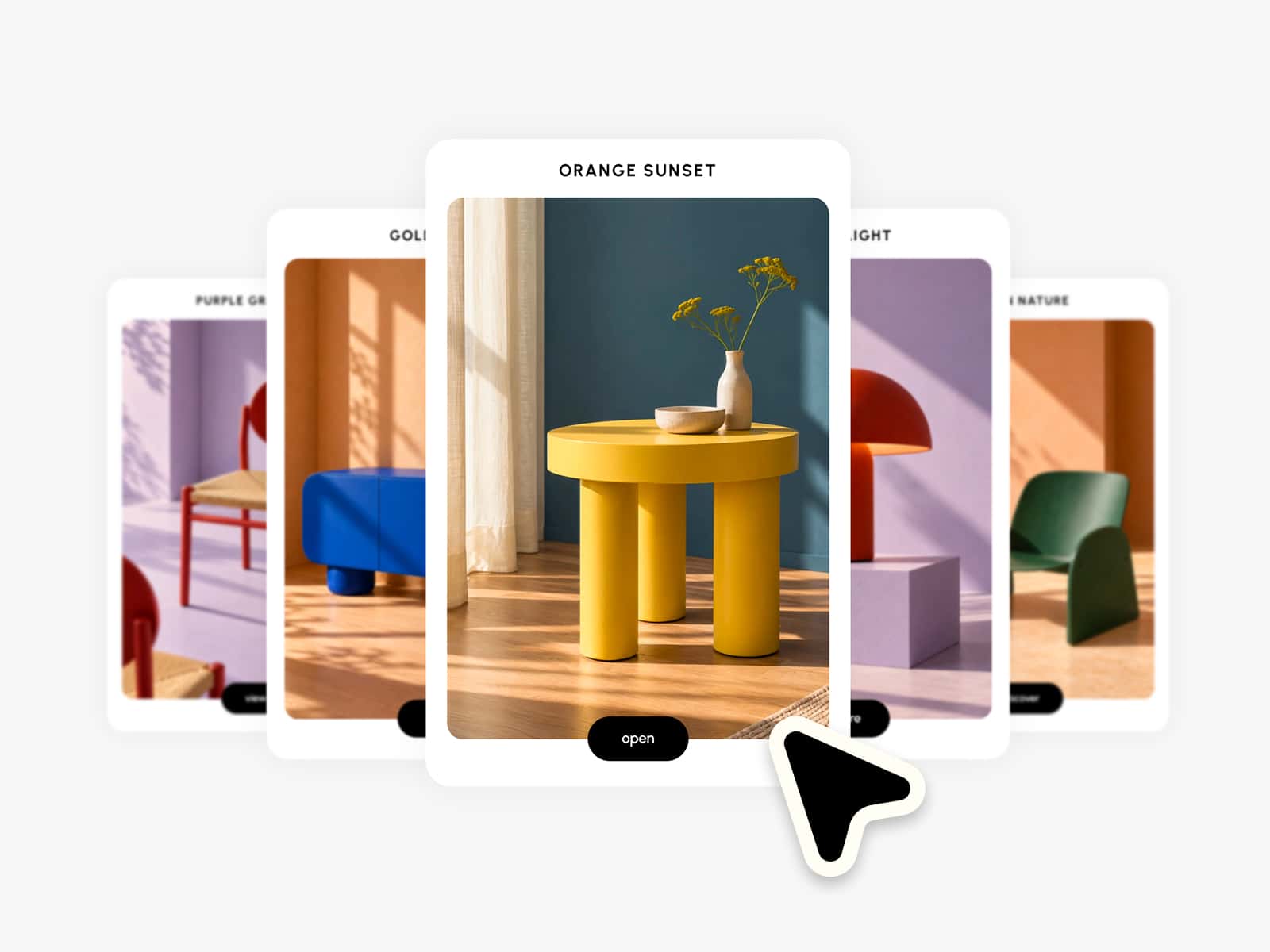
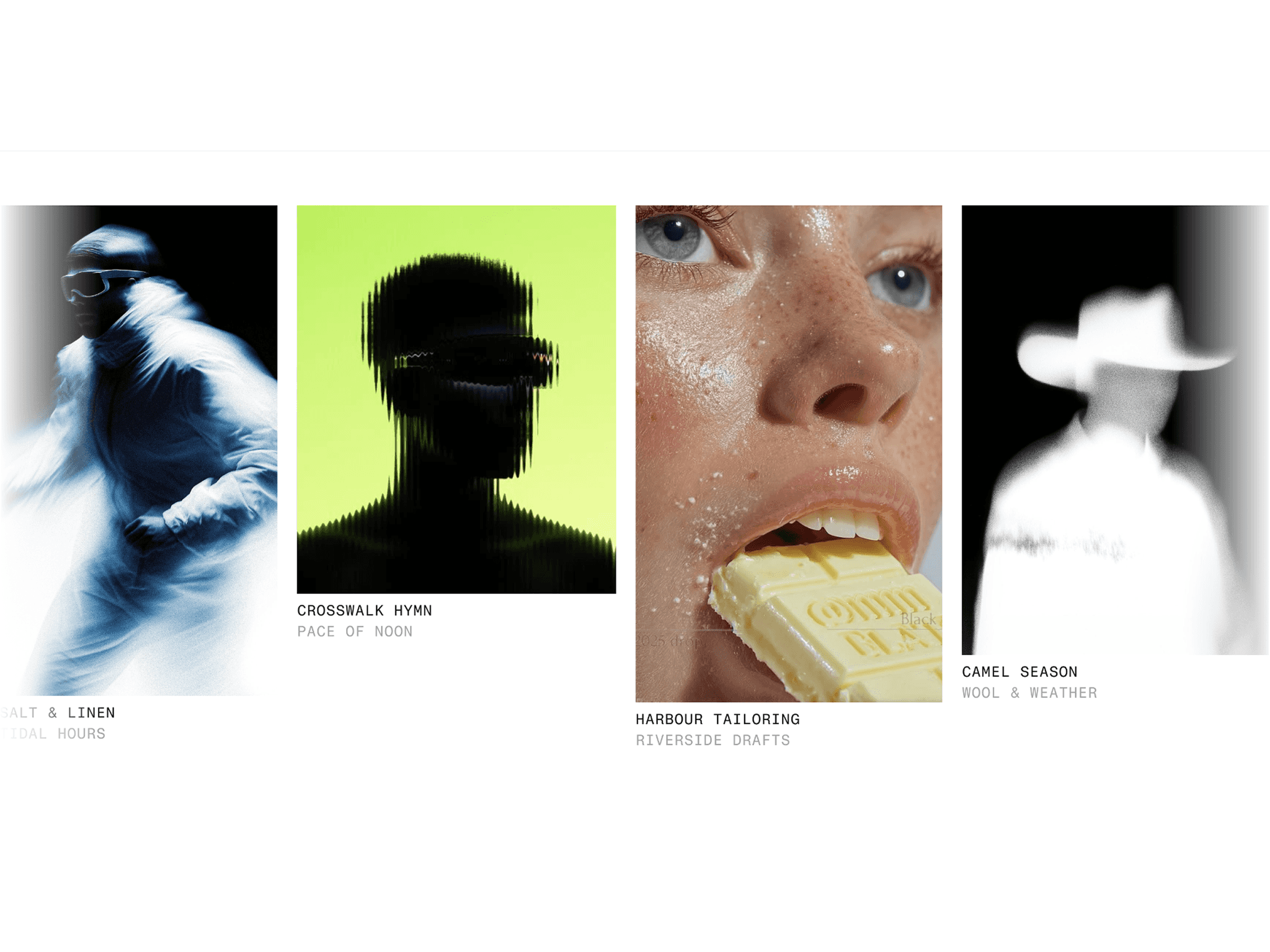
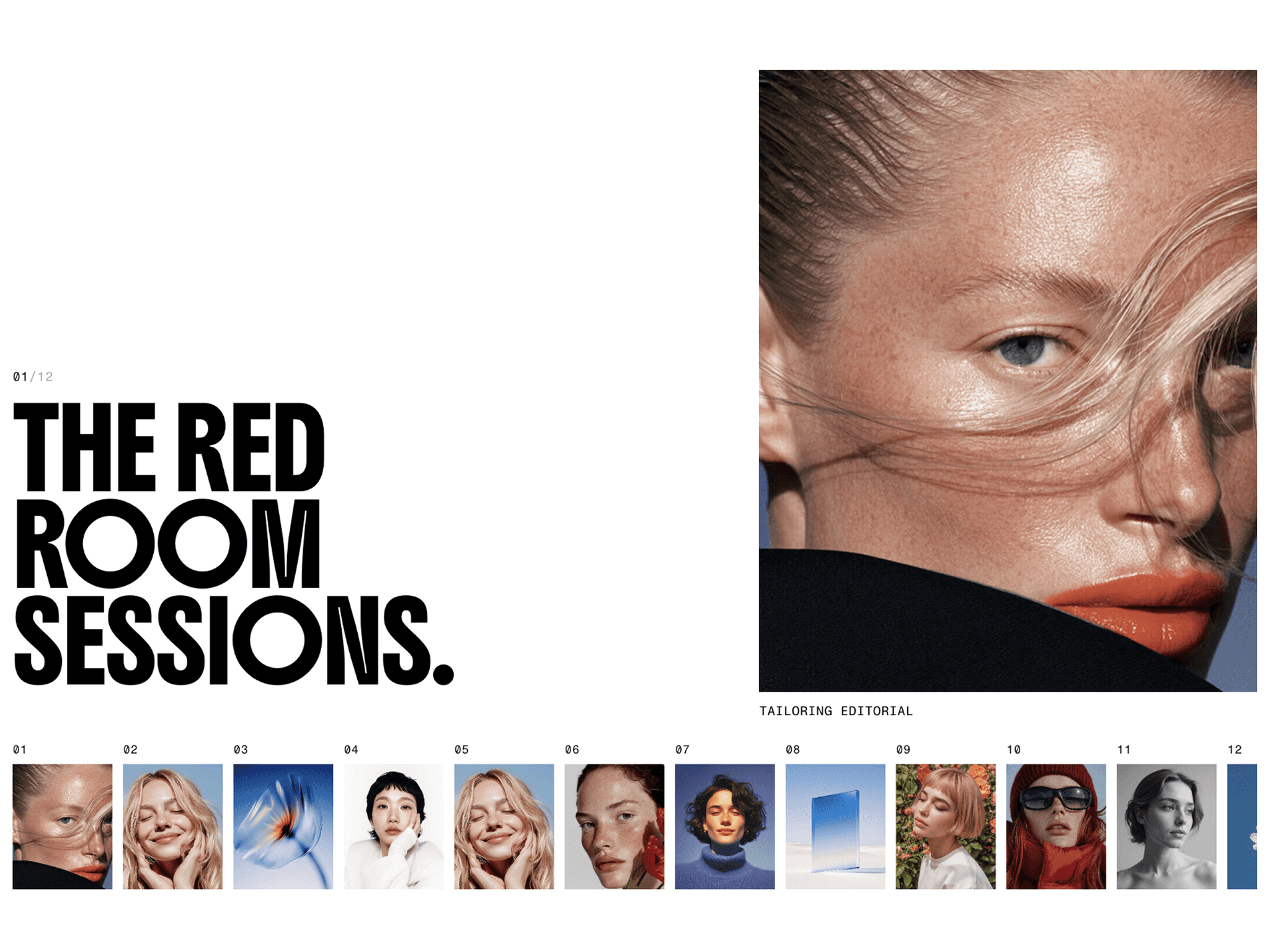
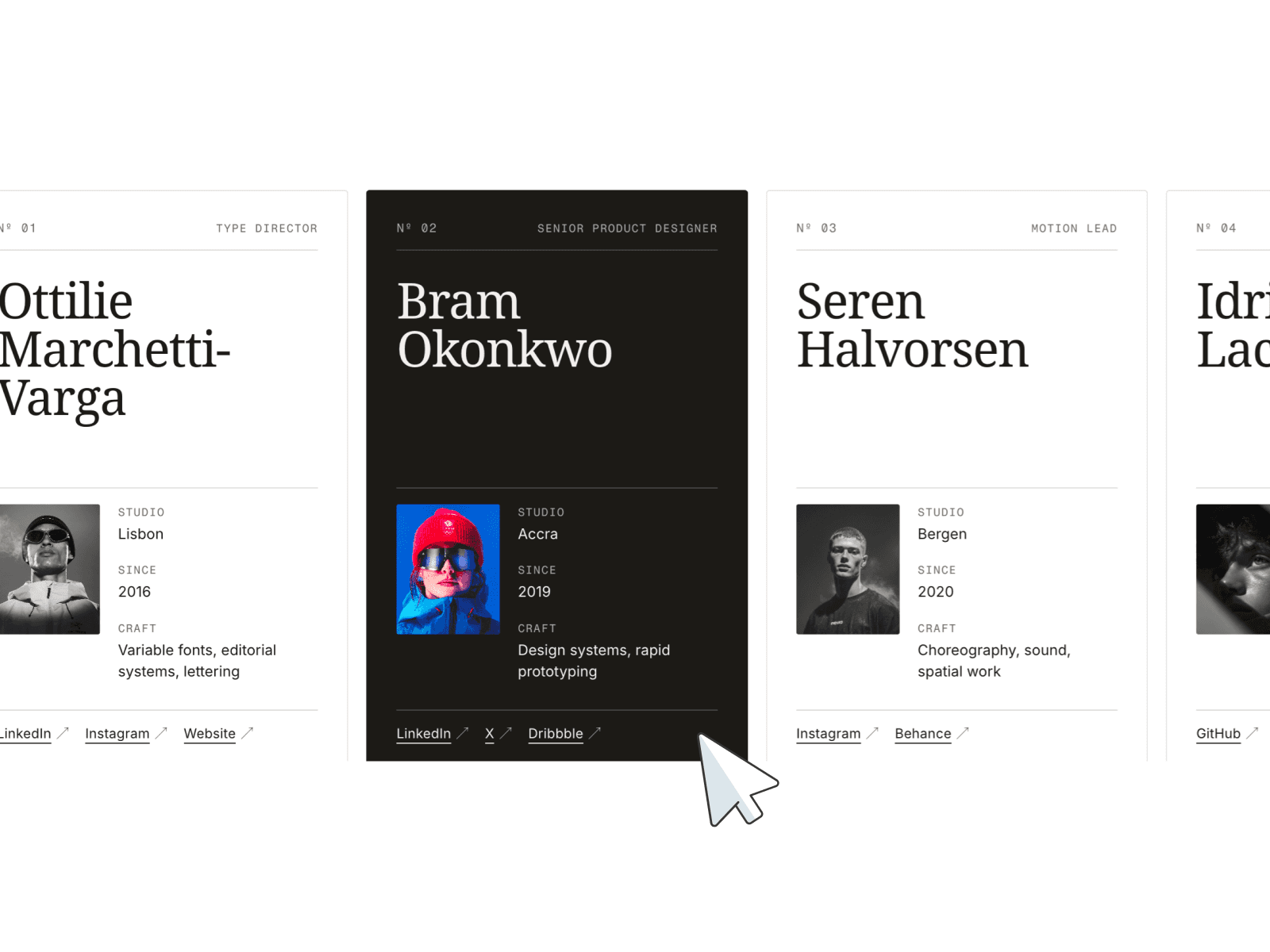
Create immersive expanding galleries with a clear visual focus, smooth interactions and elegant transitions. Fully responsive, easy to customize and ready to use in seconds. Make it completely your own with flexible controls for layout, styling and motion :)
⚙ What you can customize
Easily adapt every part of the component to match your own brand and style.
Images ✦ Titles ✦ Descriptions ✦ Links ✦ Active & inactive sizes ✦ Spacing ✦ Border radius ✦ Animation timing ✦ Scroll navigation ✦ Per-breakpoint layouts
🎯 Perfect for
Service navigation ✦ Portfolios ✦ Case studies ✦ Landing pages ✦ Brand storytelling ✦ Product showcases ✦ Editorial galleries ✦ Creative projects
📱 Responsive by default
Optimized layouts for Desktop, Tablet and Mobile with adaptive expanding layouts and smooth touch interactions.
🖱 Included interactions
Scroll & swipe ✦ Click to focus ✦ Smooth expanding transitions ✦ Linked slides ✦ Responsive layouts
🔗 Live Preview
https://goodness-badger-090727.framer.app/
––––––––
❤ Thank you so much for your support! I genuinely appreciate every download. I hope you have fun customizing this component and making it your own. Happy building!