About Folio Masonry CMS
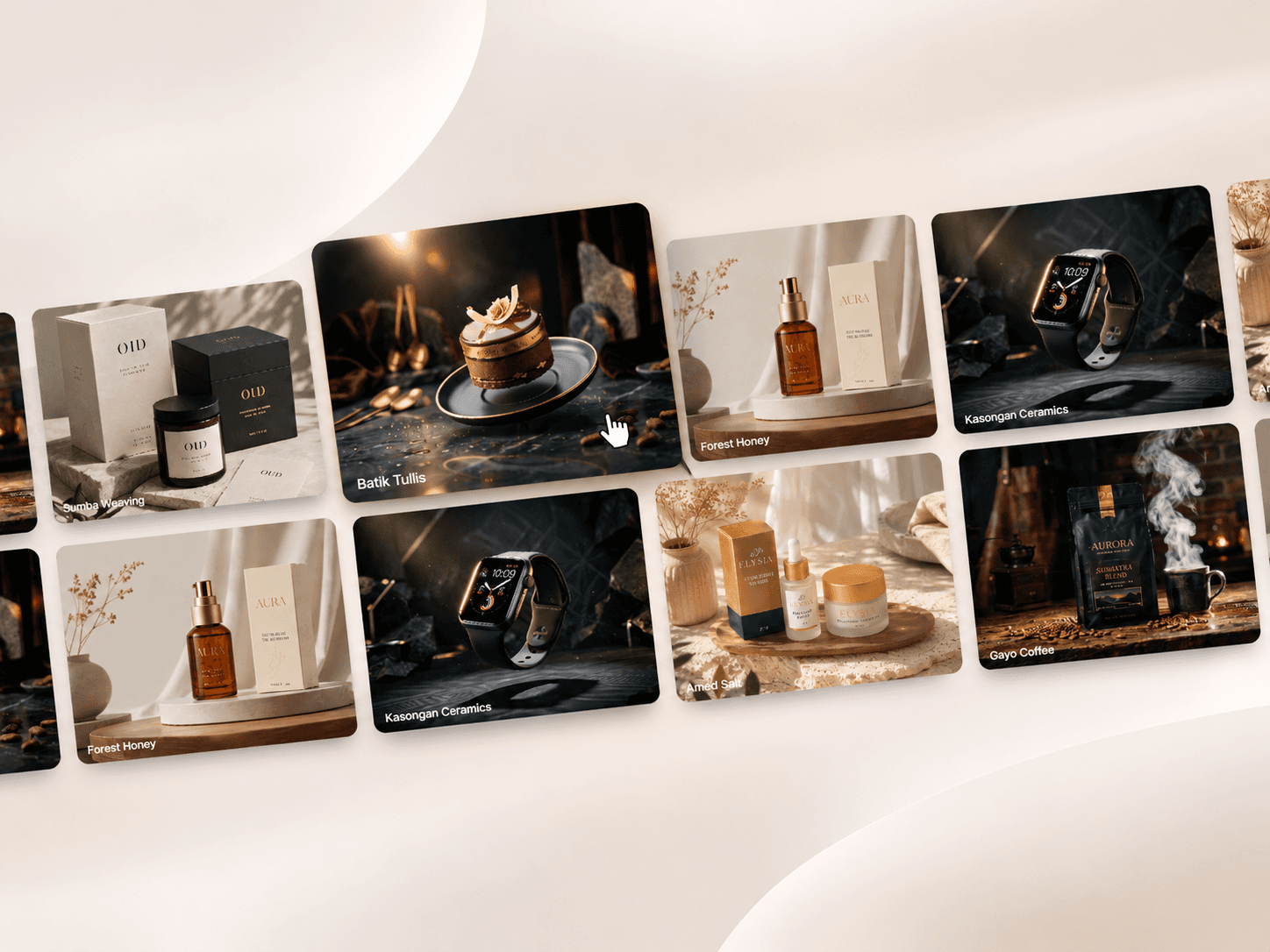
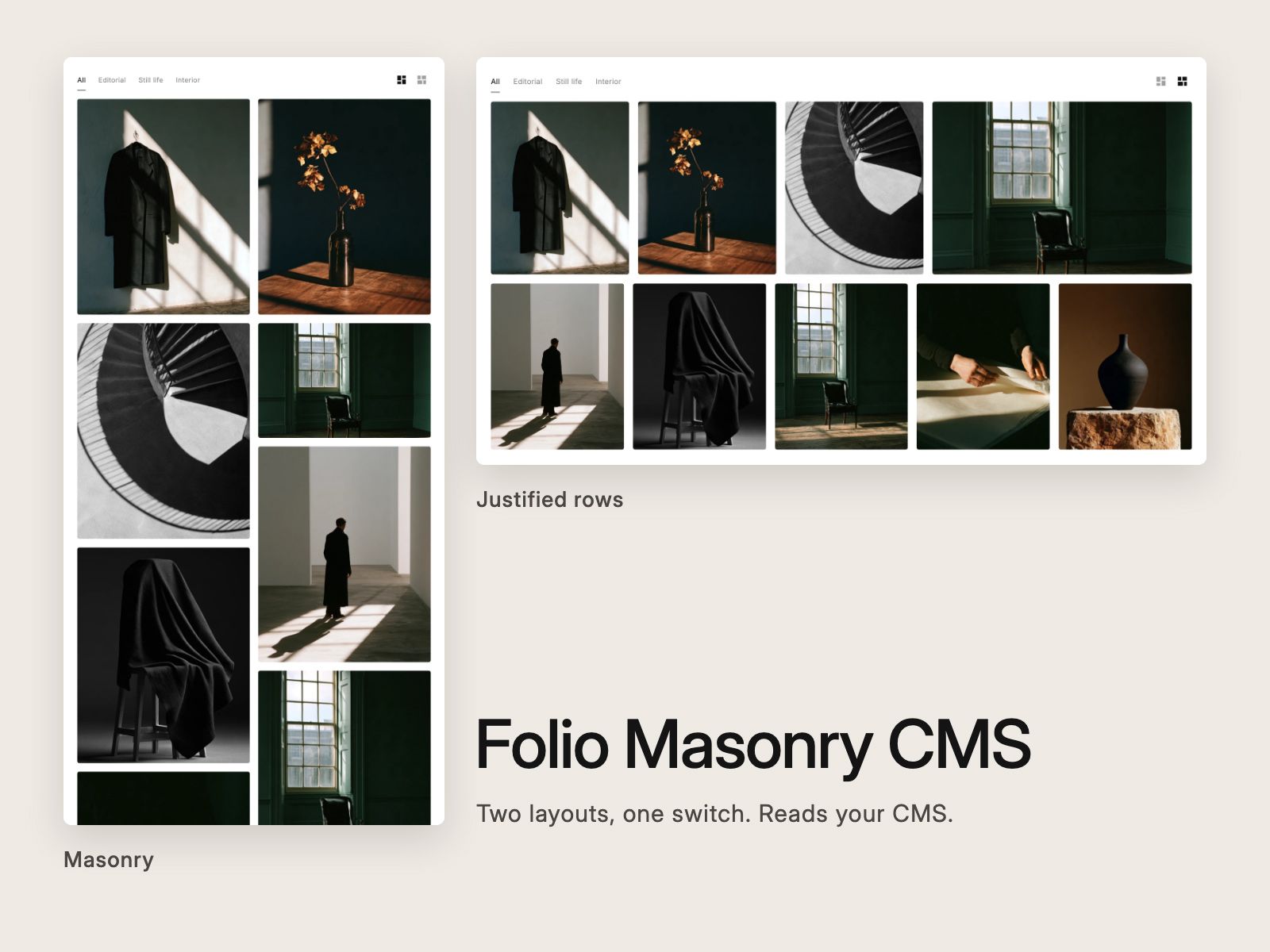
One CMS gallery, two layouts: a masonry grid or justified rows, changed with a single switch, with caption filters and a full-screen lightbox viewer built in.
Layouts: Masonry drops each photograph into the shortest column at its real proportions. Rows scales every row to fill the width, so each row ends flush right and nothing is cropped. Pick one in the panel, or show the switcher and let visitors choose.
Content: connect a Collection List, or any stack, to the Content slot. Each item's image becomes a tile and its first two lines of text become the title and caption. Or skip the CMS and add photographs by hand.
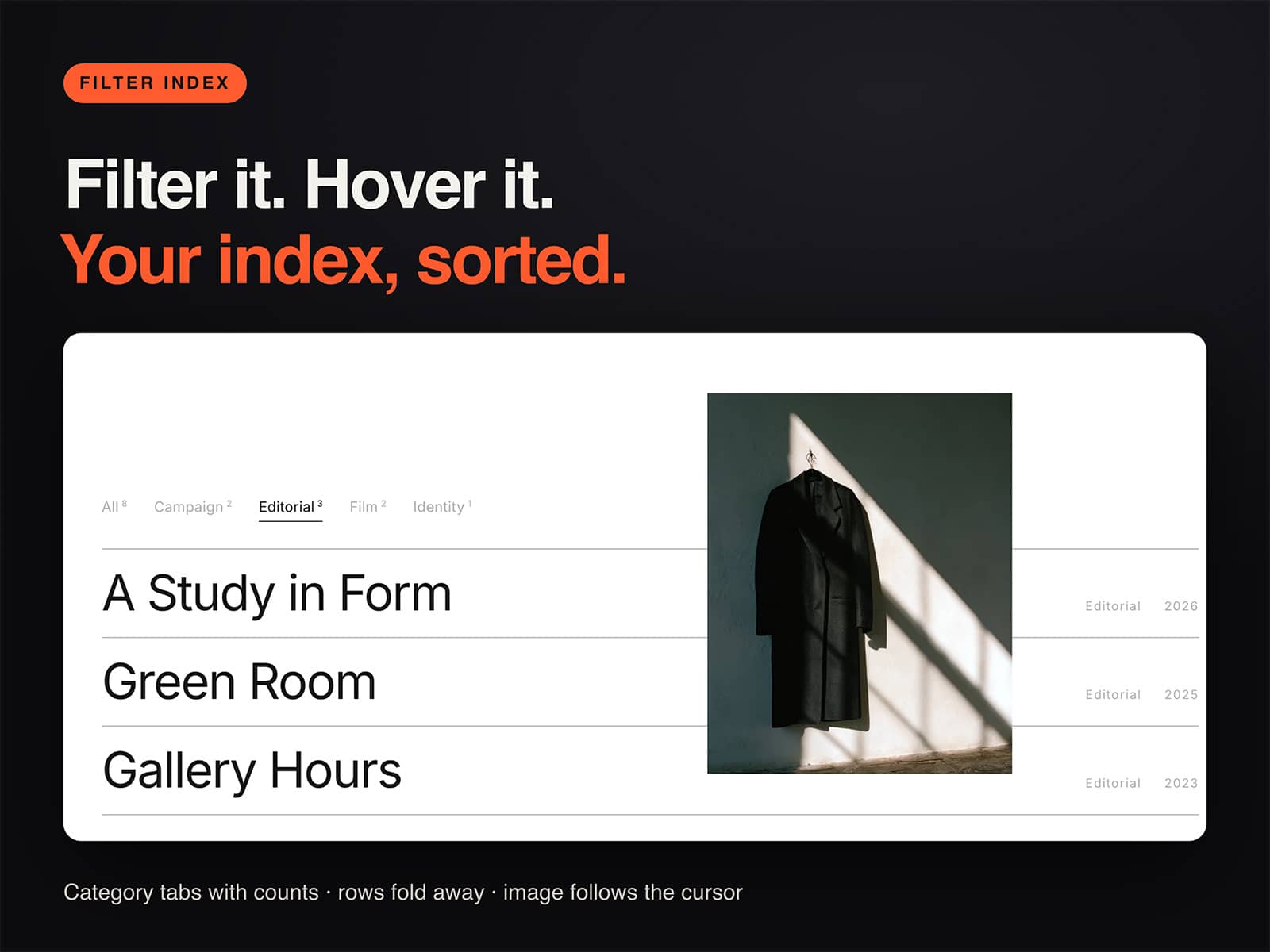
Filters: the filter bar is built from your captions, so there is nothing to set up. Put several captions on one item, separated by commas, and it appears under each. Pick a filter and the remaining tiles slide together.
Viewer: click a tile and the picture grows from that exact spot to full screen. Swipe, arrow keys or the thumbnail strip move through the set, a click zooms in, and dragging down or Escape closes it. Focus returns to the tile you came from.
Controls: Layout, Switcher, Columns, Row Height, Gap, Radius, Hover Zoom, Captions (below, overlay or none), Filter, Reveal on scroll, Thumbnails, Viewer Zoom, Counter, two fonts and four colors.
Setup: drop it on the page and connect your collection. That is one step. It ships with nine demo photographs, so it works before you connect anything. Columns fall to two and then one on narrow screens.
Photographs only, no video. Zero dependencies, no network calls. Visitors who ask for reduced motion get the gallery without the animations. On the canvas the grid renders without the viewer.
If it does not work as described, you get a full refund within 14 days.
Want every KHZ component? The KHZ Editorial Kit has every one in one purchase for $49: https://buy.stripe.com/7sYbJ1eQWf6N5L39eCc3m1j
Built by KHZ ART, a Tokyo studio working in editorial and fashion.