About CMS Shuffle Gallery
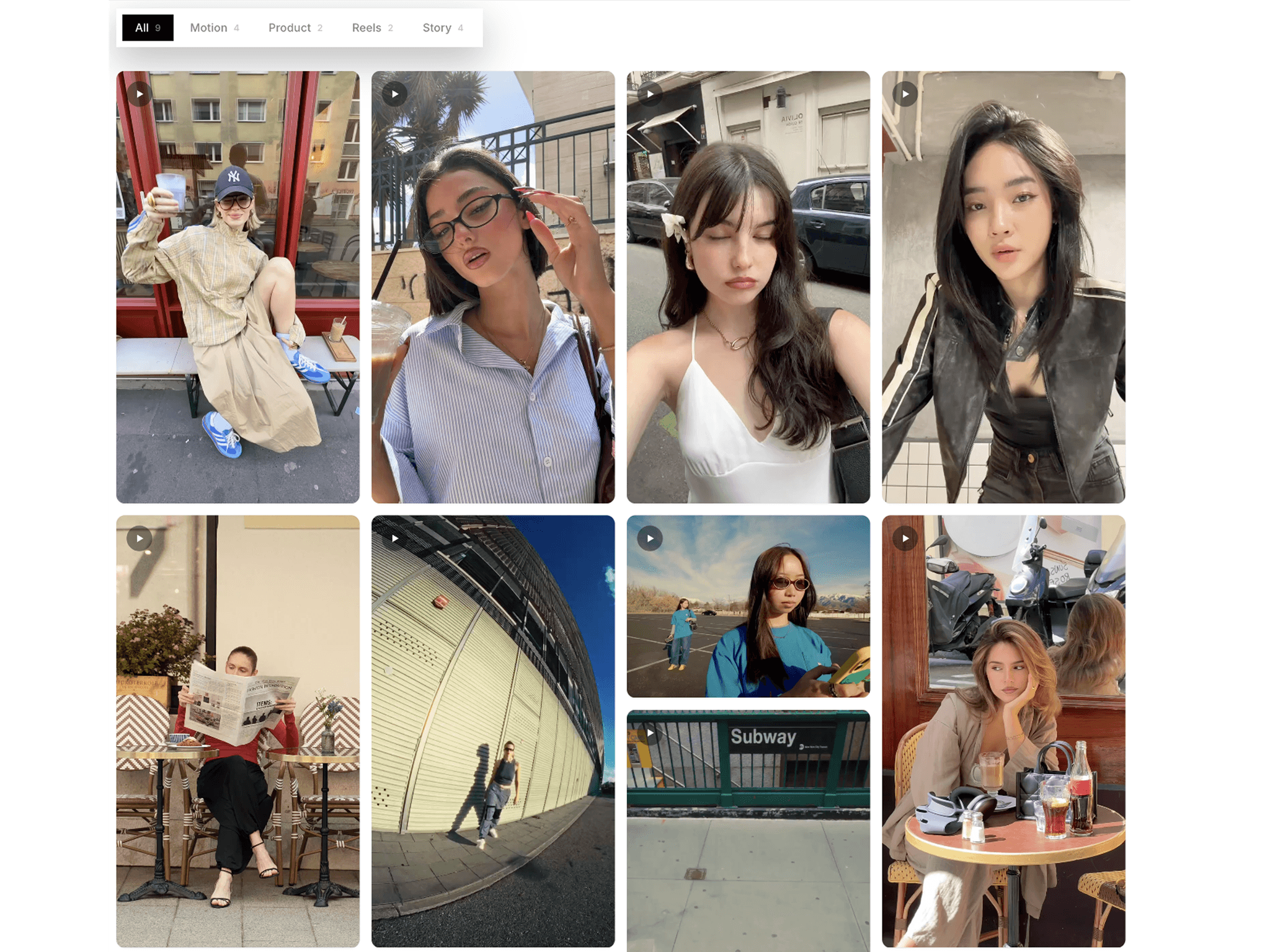
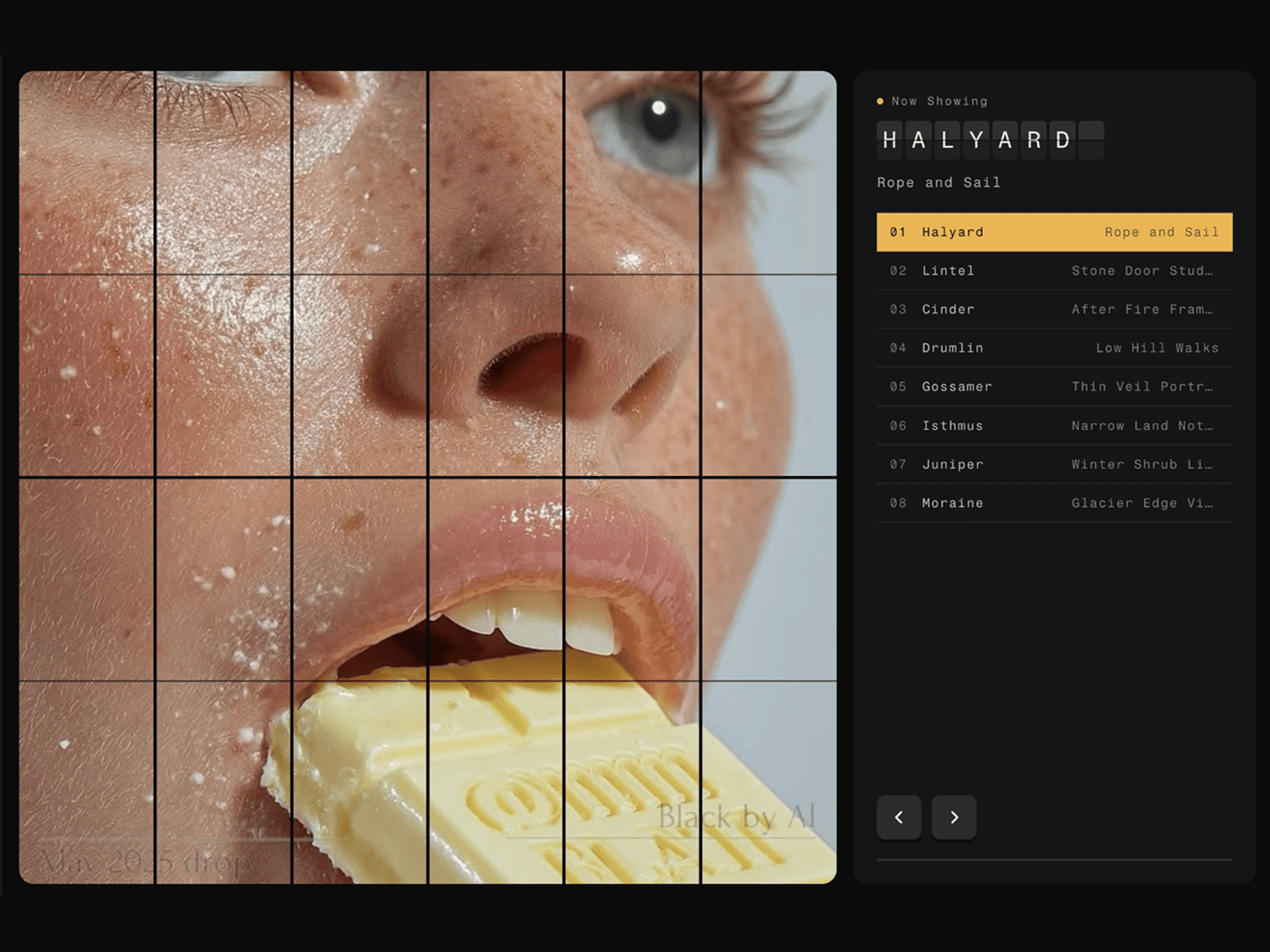
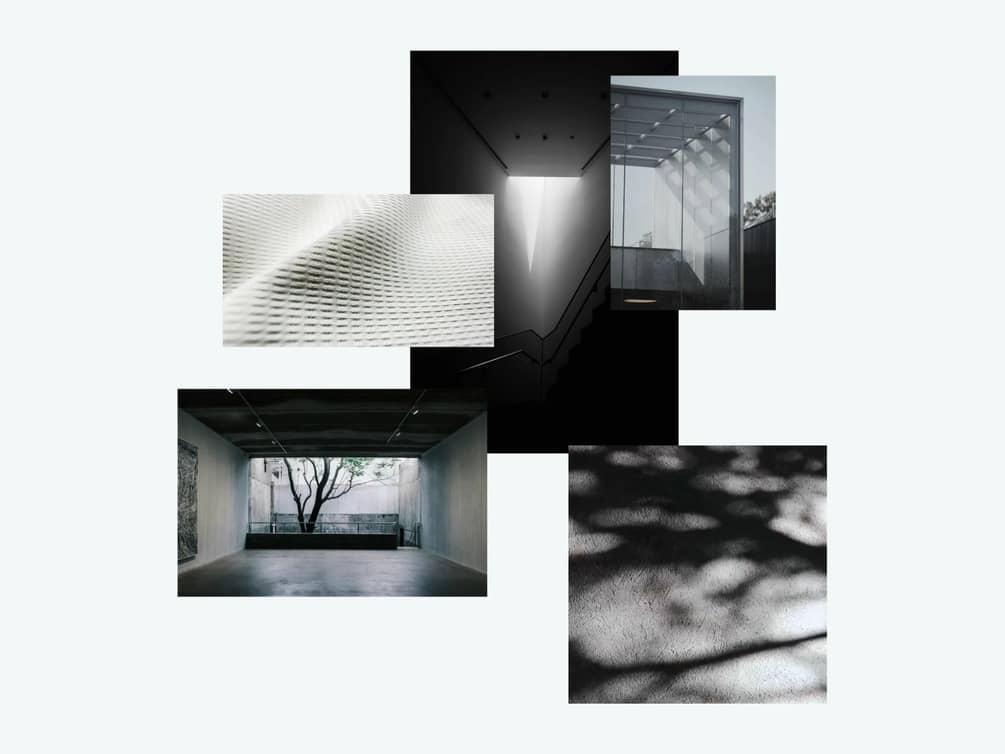
CMS Shuffle Gallery is an interactive masonry gallery for Framer that transforms your images and videos into a dynamic, rearrangeable visual experience. Explore a balanced masonry layout, shuffle cards into new arrangements, and drag items into your preferred order with smooth, spring-based animations.
Customize the grid, card shapes, hover effects, captions, and colors to match your design. With a fullscreen lightbox, video playback options, and responsive layouts, CMS Shuffle Gallery is ideal for creative portfolios, photography websites, agencies, and visual showcases.
HOW TO USE
Add CMS Shuffle Gallery to your Framer page.
Connect your content and add images or videos.
Customize the layout, card styling, and interactions.
Shuffle or drag cards to rearrange the gallery.
KEY FEATURES
Dynamic Masonry Layout: Arrange cards in a balanced, responsive grid.
Shuffle & Reset: Instantly randomize the gallery or restore its original order.
Drag to Rearrange: Move cards with smooth animations and natural spring effects.
Image & Video Support: Showcase mixed media in one gallery.
Fullscreen Lightbox: Open media with navigation, thumbnails, and captions.
Flexible Card Shapes: Support automatic, portrait, square, landscape, and tall formats.
Custom Hover Effects: Choose zoom, lift, dim, or tilt interactions.
Video Playback Controls: Configure playback behavior for videos in the gallery and lightbox.
Responsive Layout: Adjust the number of columns for desktop, tablet, and mobile.
Personalized Styling: Customize spacing, backgrounds, corner radius, typography, and colors.
WHY CMS SHUFFLE GALLERY?
Give your content a more engaging way to be explored. CMS Shuffle Gallery combines the flexibility of masonry layouts with hands-on rearranging and smooth interactions to make every gallery feel dynamic and distinctive.