About FreeflowGallery
🔹 Draggable 3D Gallery
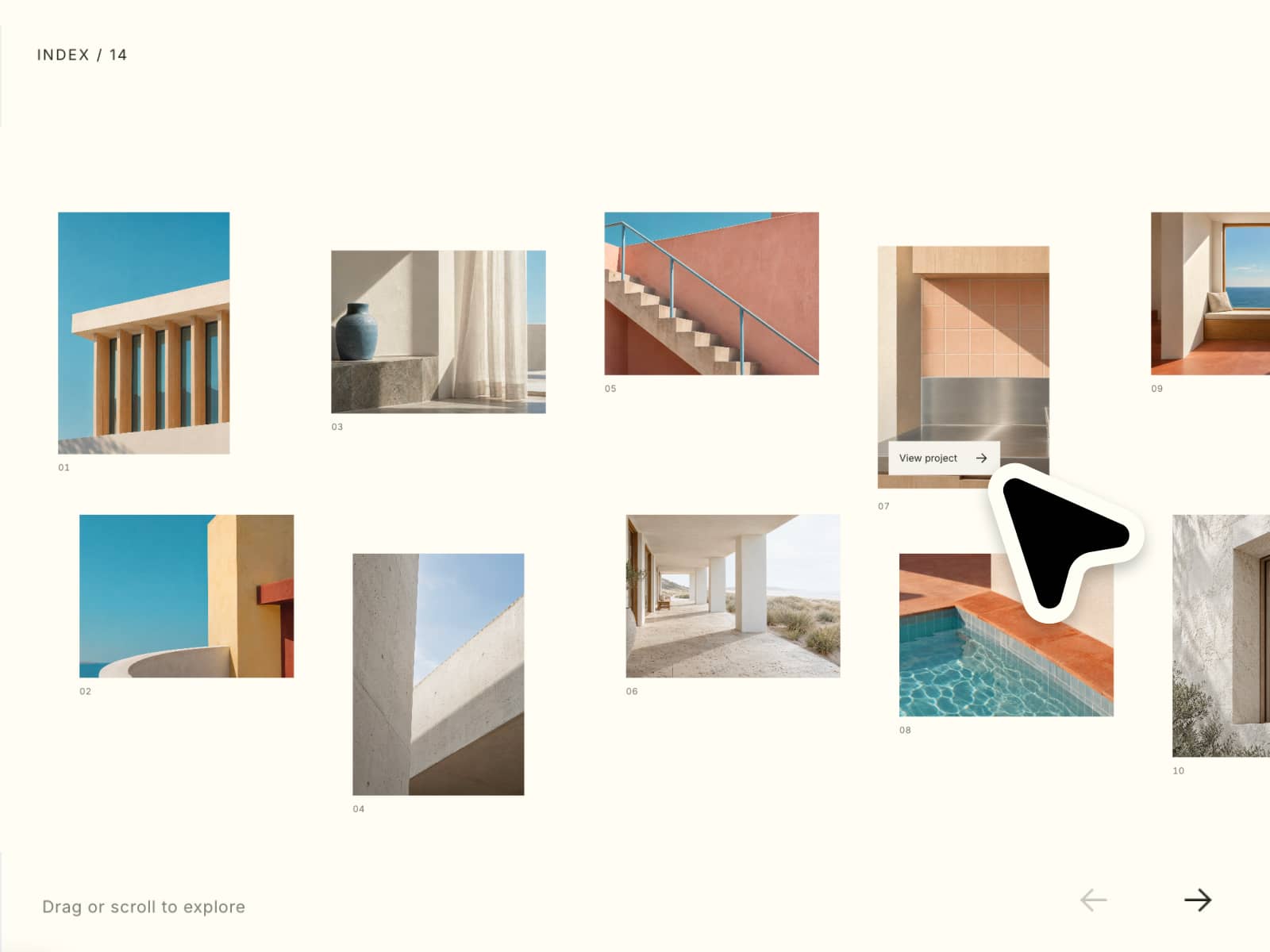
The Draggable 3D Gallery is an interactive UI component that presents images or cards in a three-dimensional space, allowing users to click/touch and drag to rotate, swipe, or navigate through items. It creates a sense of depth and immersion by simulating a 3D environment directly within the browser.
🔹 How It Works
The component arranges images in a 3D layout (such as a carousel, cube, or circular ring) using CSS transform properties like rotateY, translateZ, and perspective.
When the user interacts:
Drag or swipe: Rotates the gallery horizontally or vertically
Mouse movement / touch input: Updates rotation in real-time
Momentum / inertia (optional): Adds smooth continuation after drag
Depth illusion: Items closer appear larger, distant ones smaller
JavaScript is often used to handle drag events and calculate rotation angles, while CSS handles rendering and animation.
🔹 Key Features
Drag-to-rotate interaction (mouse & touch support)
3D depth and perspective effects
Smooth animations with easing or inertia
Responsive and mobile-friendly
Custom layouts (carousel, grid, cube, coverflow style)
🔹 Visual Experience
Feels immersive and interactive
Mimics real-world object rotation
Adds a premium, modern UI touch
Encourages user exploration
🔹 Use Cases
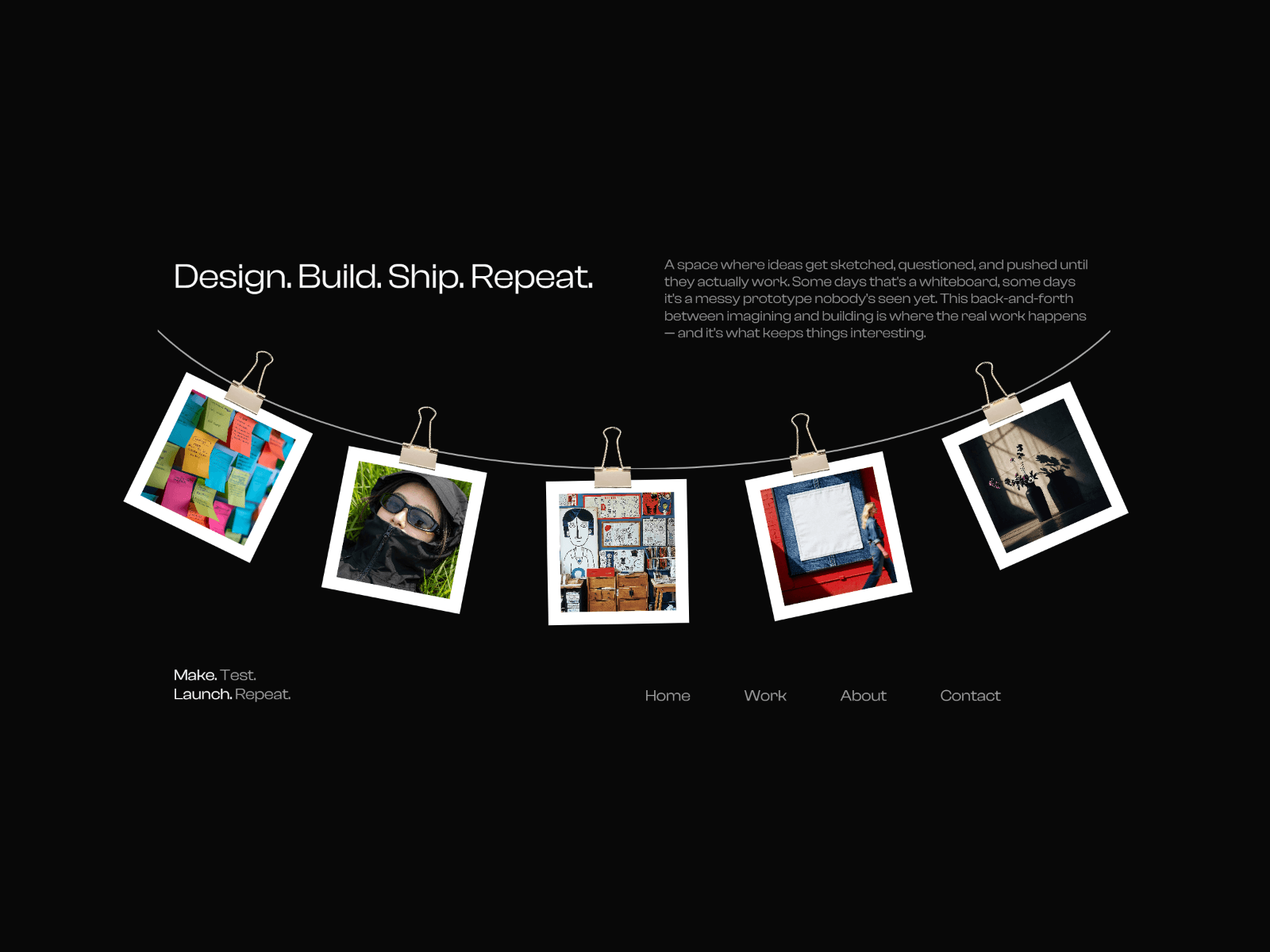
Portfolio showcases
Product galleries (eCommerce)
Image sliders with advanced interaction
Creative landing pages
NFT or digital art displays
🔹 Design Benefits
This component transforms a simple gallery into an engaging experience. It increases user interaction time, makes content more memorable, and gives your interface a high-end, visually rich feel without requiring heavy graphics engines.