About Glass FAQs
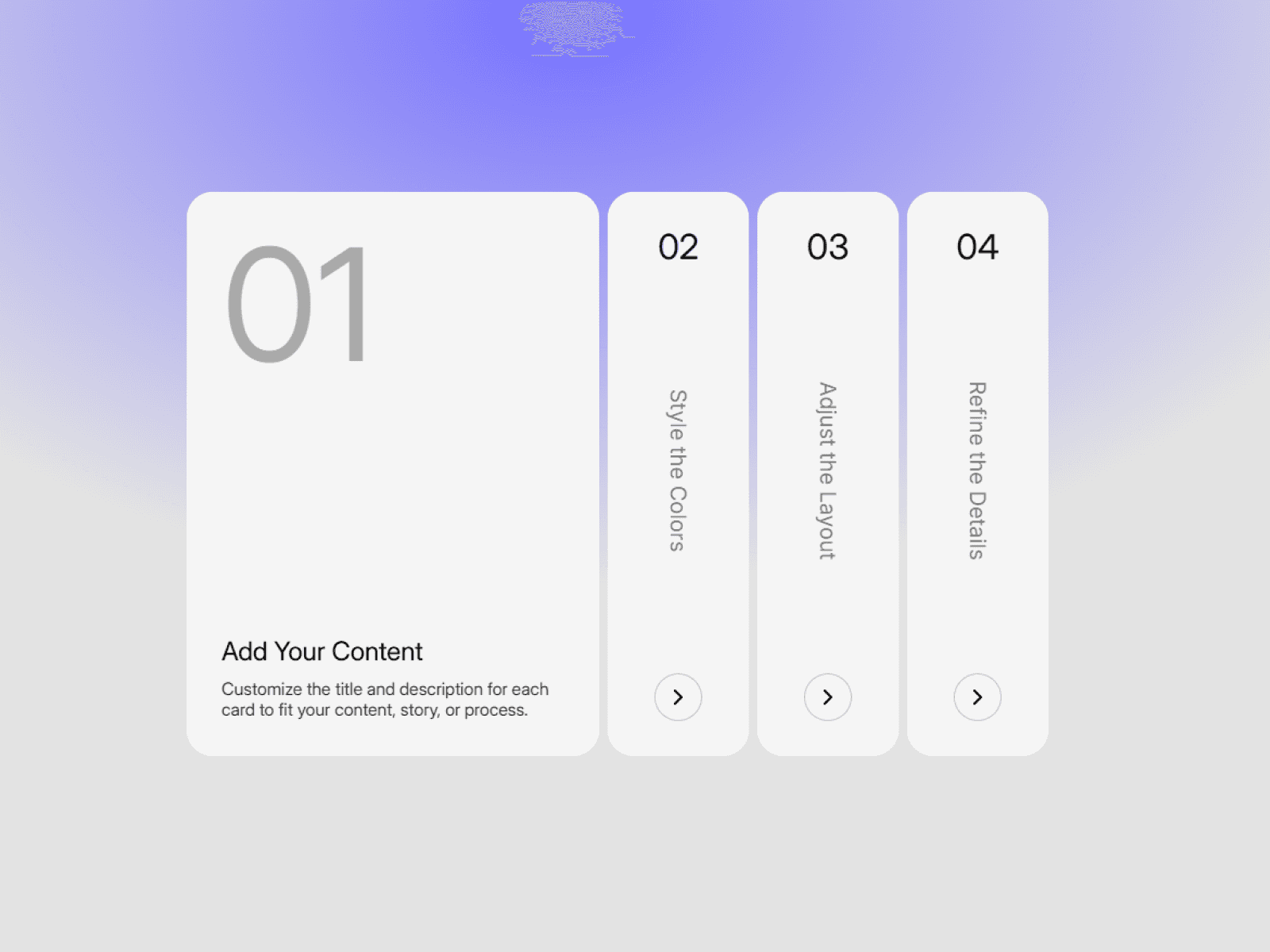
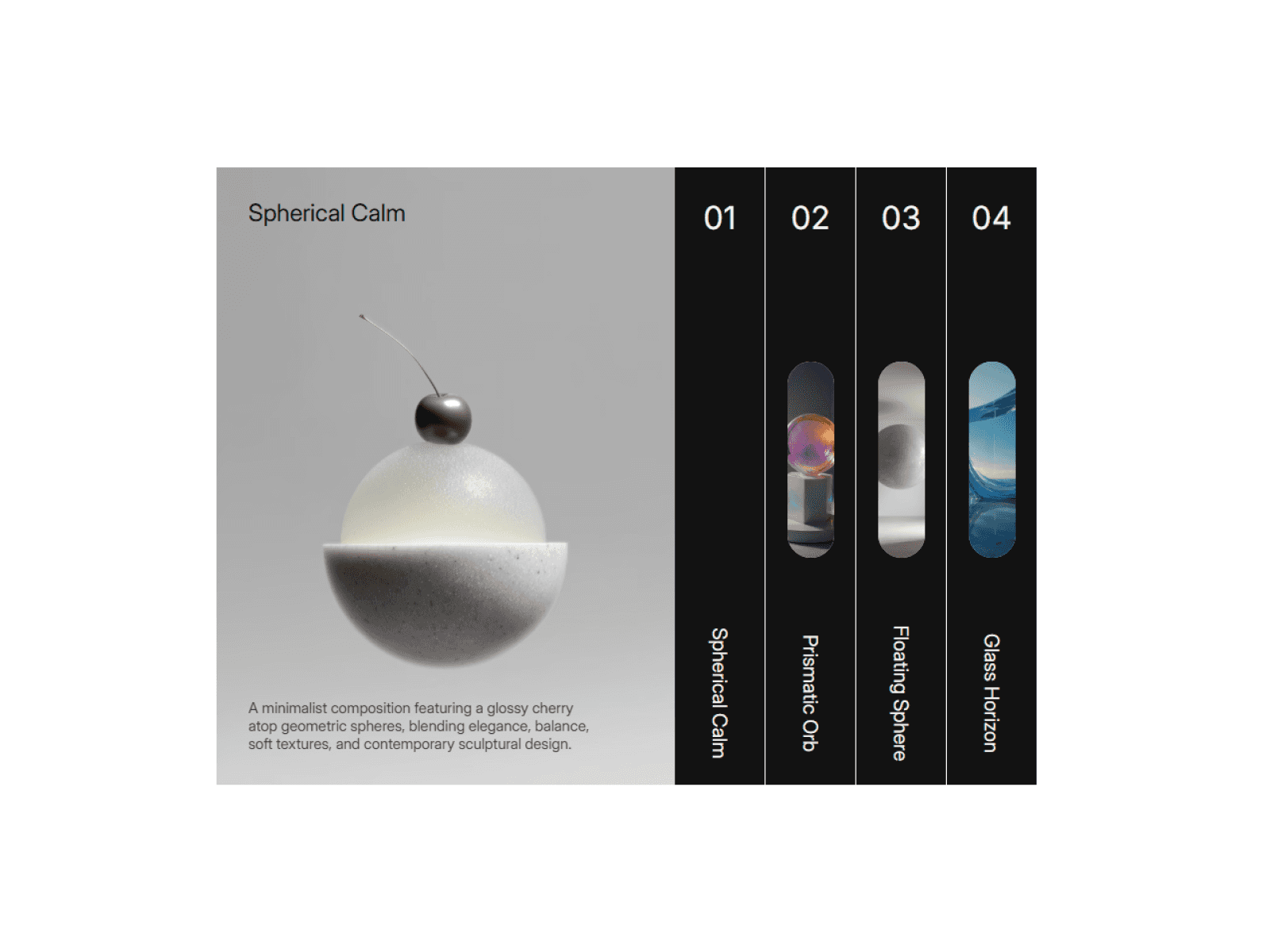
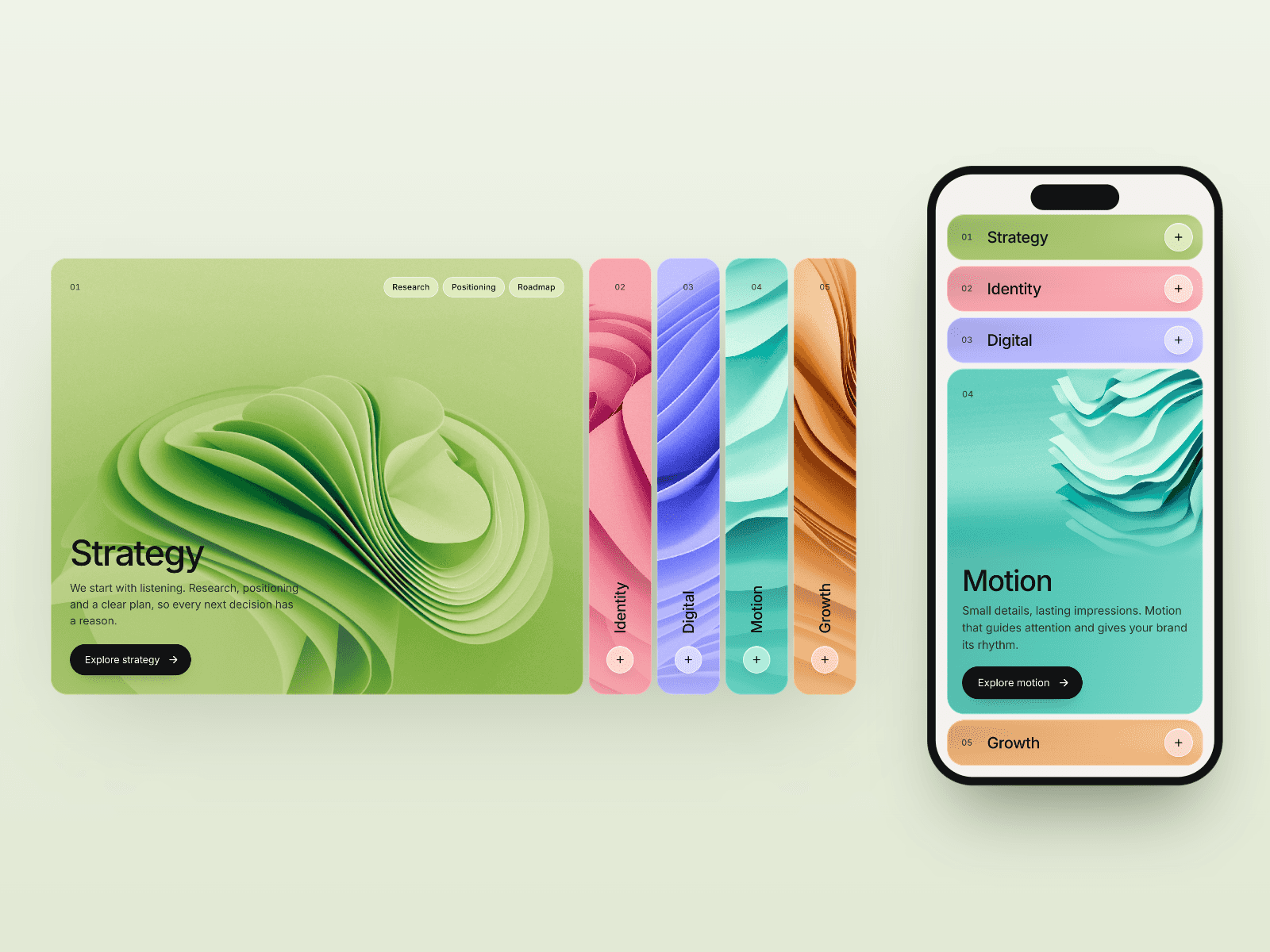
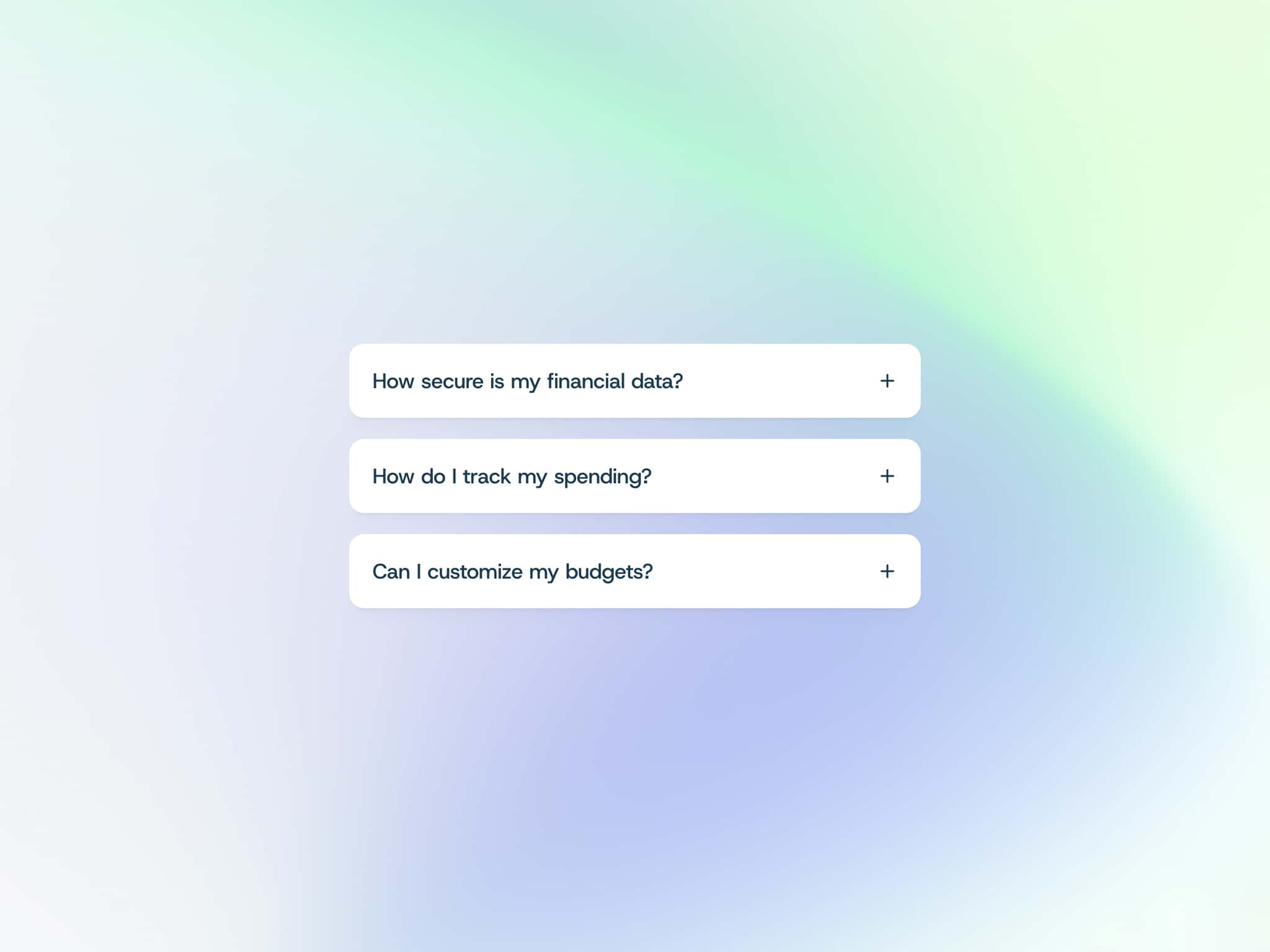
The Glass FAQ component helps you present questions and answers in a structured and interactive way. Users can expand and collapse items smoothly, keeping your pages clean while making information easy to access.
Built with flexibility in mind, the component allows designers to quickly customize colors, spacing directly from the component properties in Framer.
Ideal for landing pages, product pages, help centers, and documentation sites.
Features
Smooth expand and collapse animation
Fully customizable colors
Editable questions and answers
Clean and responsive layout
Multiple accordion items support
Easy to reuse across pages
Customization
You can easily customize:
Question text
Answer content
Background colors
Text colors
Spacing and layout
All properties can be adjusted directly from the Framer component panel.
Use Cases
Perfect for:
Website FAQ sections
Product documentation
Help center pages
Feature explanations
Pricing page FAQs
How to Use
Copy Component URL and Paste in Your Framer Canvas.
Edit the questions and answers.
Customize colors and styles from the properties panel.
Refund Policy
Due to the digital nature of this product, refunds are not available once the component is downloaded.