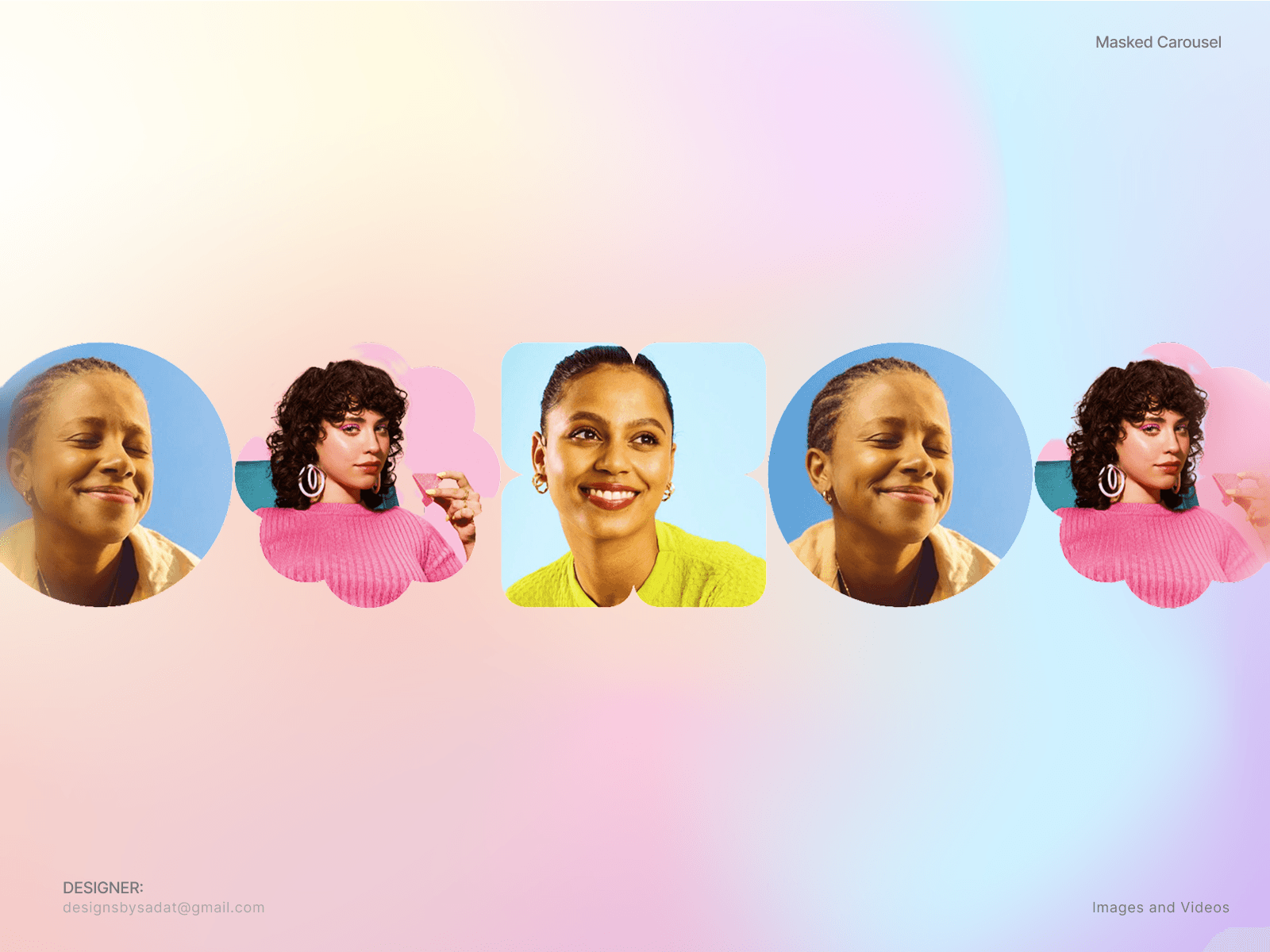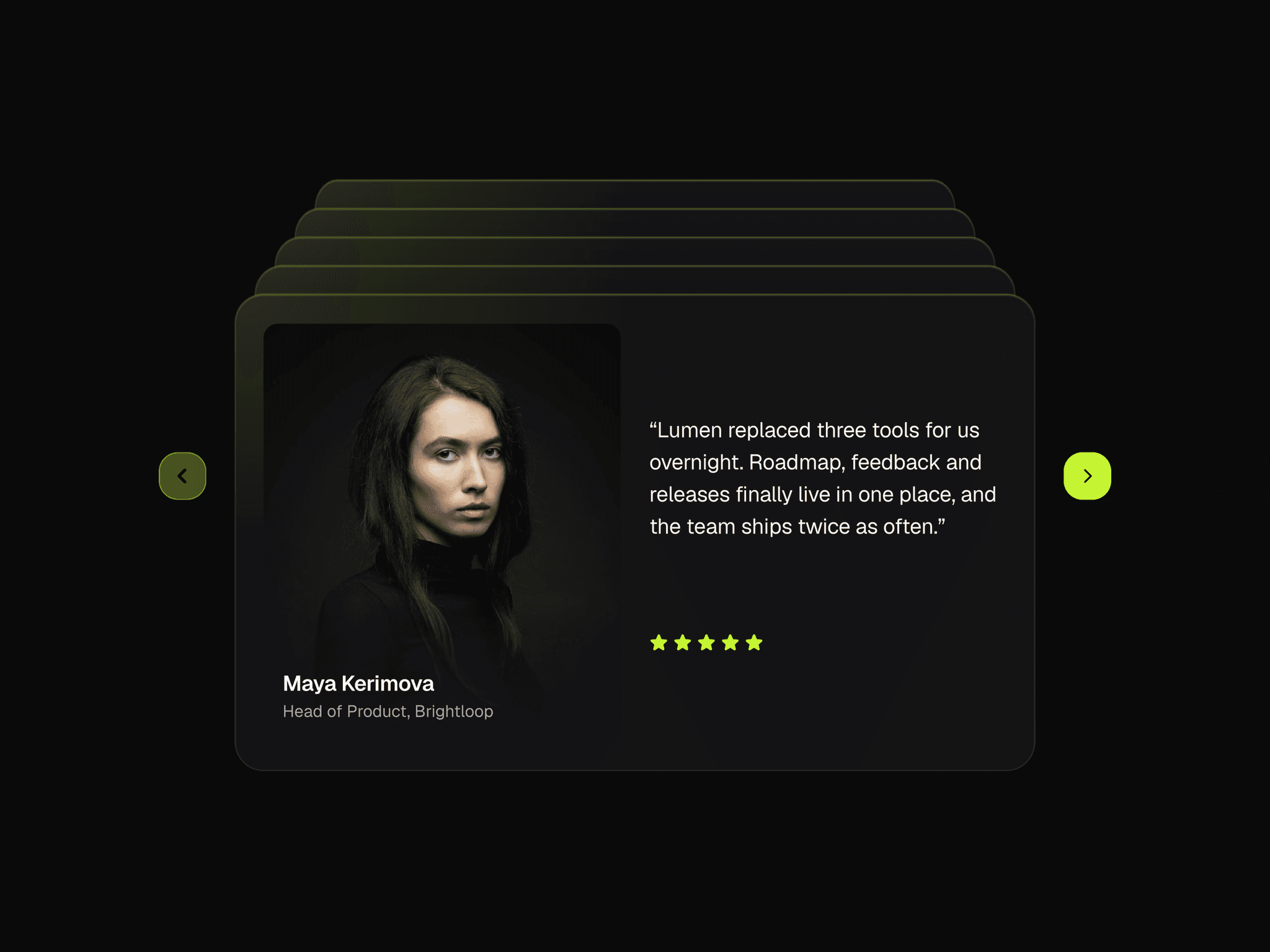
About Glass Media Carousel
Description
Add an infinite 3D glass media carousel to Framer with smooth drag, scroll, swipe, and keyboard controls for immersive image and video galleries.
Features
Showcase images and videos in an infinite 3D carousel
Add up to 80 media items with titles and descriptions
Navigate with wheel, page scroll, mouse drag, touch swipe, or arrow keys
Style frosted glass cards with tint, opacity, thickness, shine, and rounded corners
Adjust visible cards, aspect ratio, spacing, and scale
Add 3D tilt, parallax, staggered entrance motion, and hover labels
Control video playback, rendering quality, and reduced-motion behavior
Customization Options
Images, MP4 or WebM video, posters, titles, and descriptions
Visible card count, aspect ratio, spacing, and scale
Glass tint, opacity, frost, shine, thickness, and corner radius
Carousel yaw, elevation, scroll mode, sensitivity, and smoothing
Autoplay speed, drag, swipe, and keyboard navigation
Entrance timing, stagger, scale, hover lift, tilt, and labels
Pixel ratio, resolution, texture size, and active video limit
How to Use
Add Glass Media Carousel to your Framer canvas
Add image or video media, then enter titles and descriptions
Choose your card sizing, spacing, and glass style
Set scroll, drag, swipe, and keyboard behavior
Tune entrance, hover, and video performance options
Preview your gallery and publish your Framer site
Use Cases
Portfolio and photography galleries
Fashion, lifestyle, and product showcases
Motion design and video portfolios
Agency websites and editorial storytelling
Product campaigns and immersive landing pages