About Glass Side Menu
Explore the best Framer components ↗
About
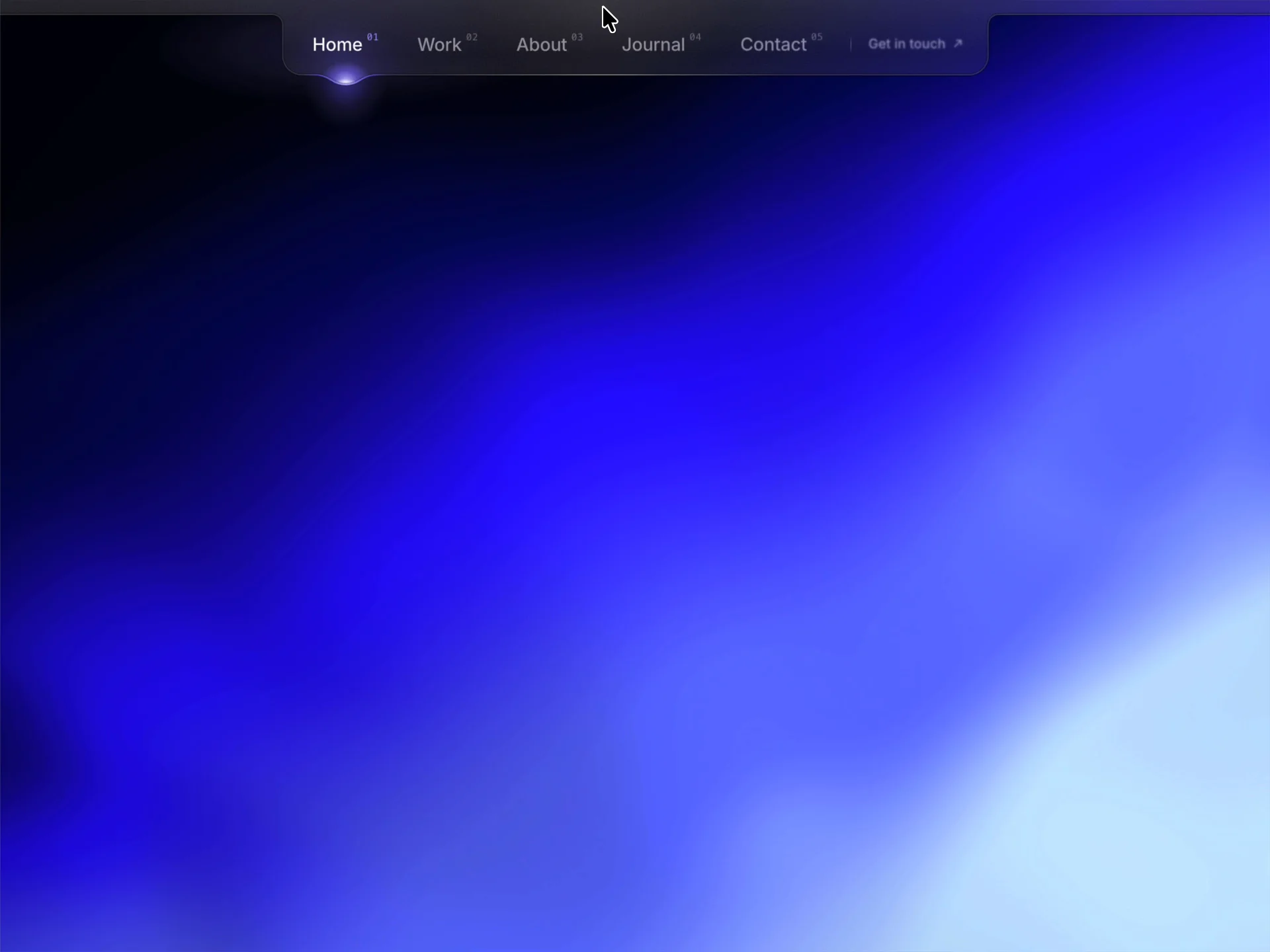
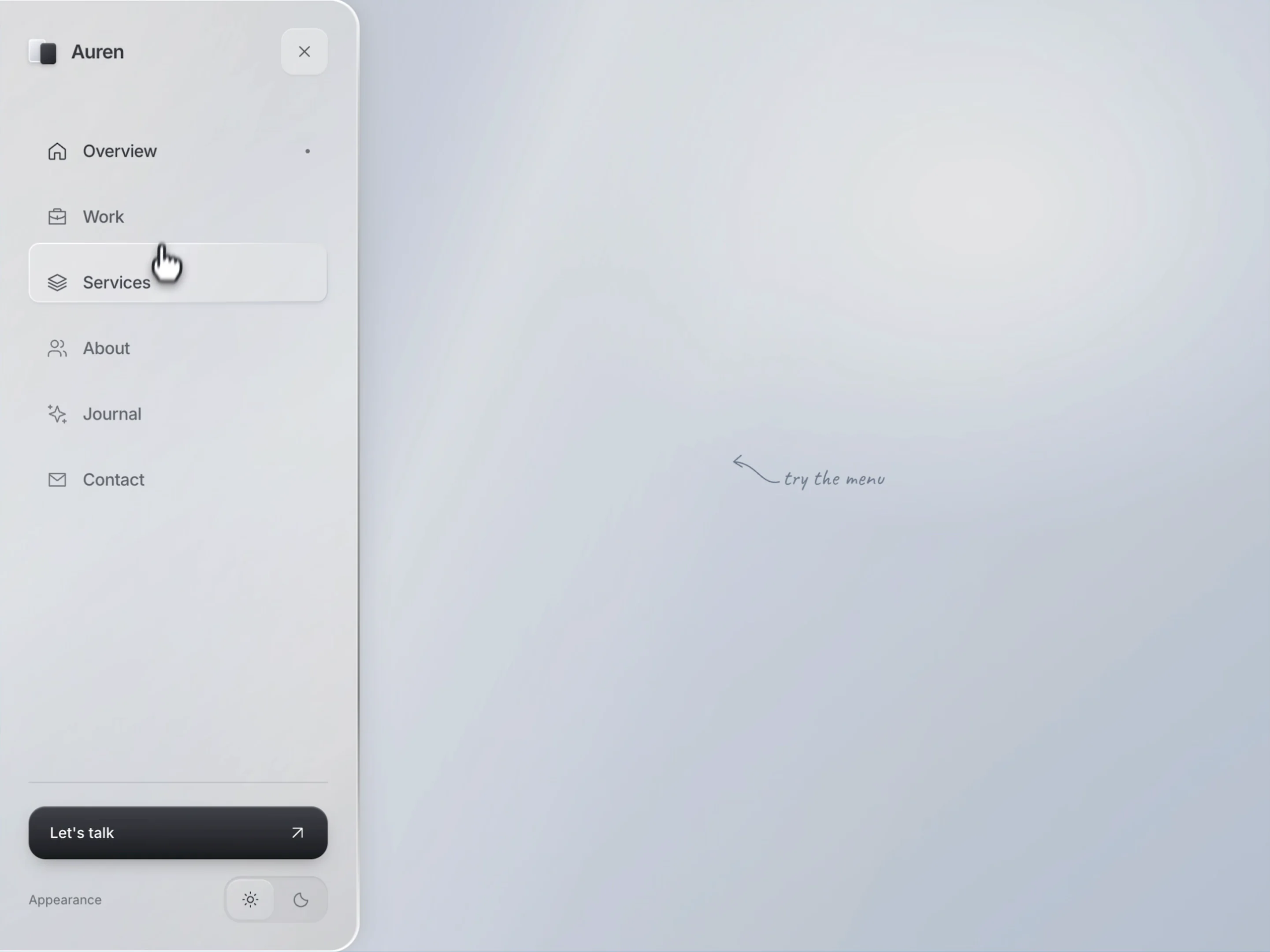
Glass Side Menu is a responsive Framer navigation menu with a frosted glass panel that opens from a compact button. Organize your links, brand and call to action in one polished sidebar, with an optional light and dark appearance switch for visitors.
Designed for desktop and mobile, it brings a clear navigation structure to your site while keeping the closed state unobtrusive. Add an optional page overlay to draw attention to the open menu.
What you can customize
Make the menu your own by shaping its content, colors and layout around your brand. Add your name and logo, edit the menu button and call-to-action labels, and connect your destinations.
Build a navigation list with up to 12 items, choose from built-in icons, select the initial active item and set links to open in the same or a new tab. Adjust the panel and phone widths, padding, corners, glass blur, transition timing and light or dark colors. Choose the initial appearance and decide whether to show the theme switch.
Great for (examples)
A few ways to use this glass sidebar navigation:
Creative portfolios, freelance websites
Design studios, branding agencies
Product launches, SaaS landing pages
Technology brands, startup websites
Editorial projects, digital magazines
Personal websites, creator portfolios
Minimal Framer templates, one-page sites
Need help?
Questions or feedback? Reach me anytime: matthias@lmvision.de or on X @Matthias_Oel.
Need a matching component?
Complete your glass-inspired layout with these components: