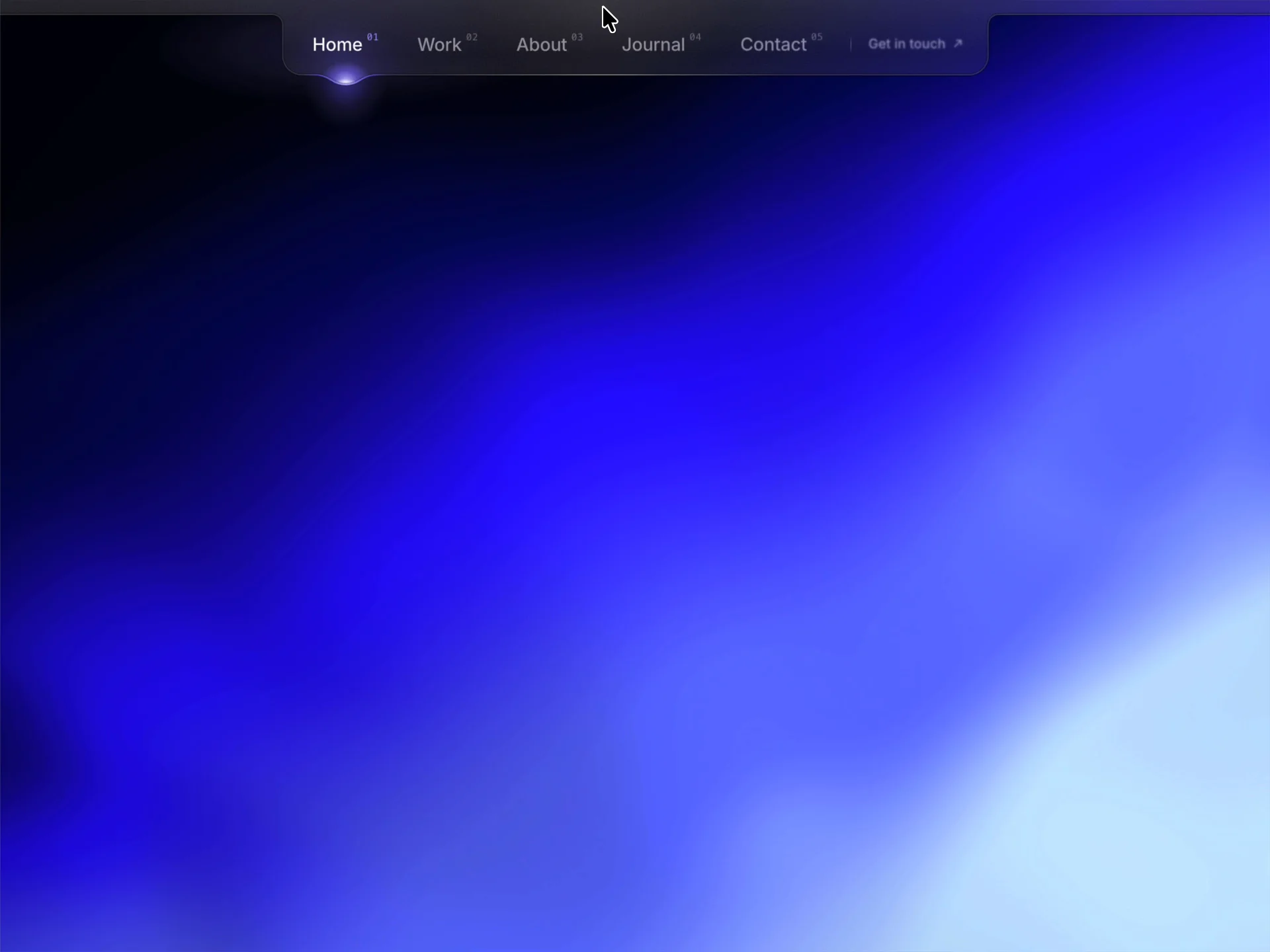
About Liquid Shader Navbar
Explore the best Framer components ↗
About
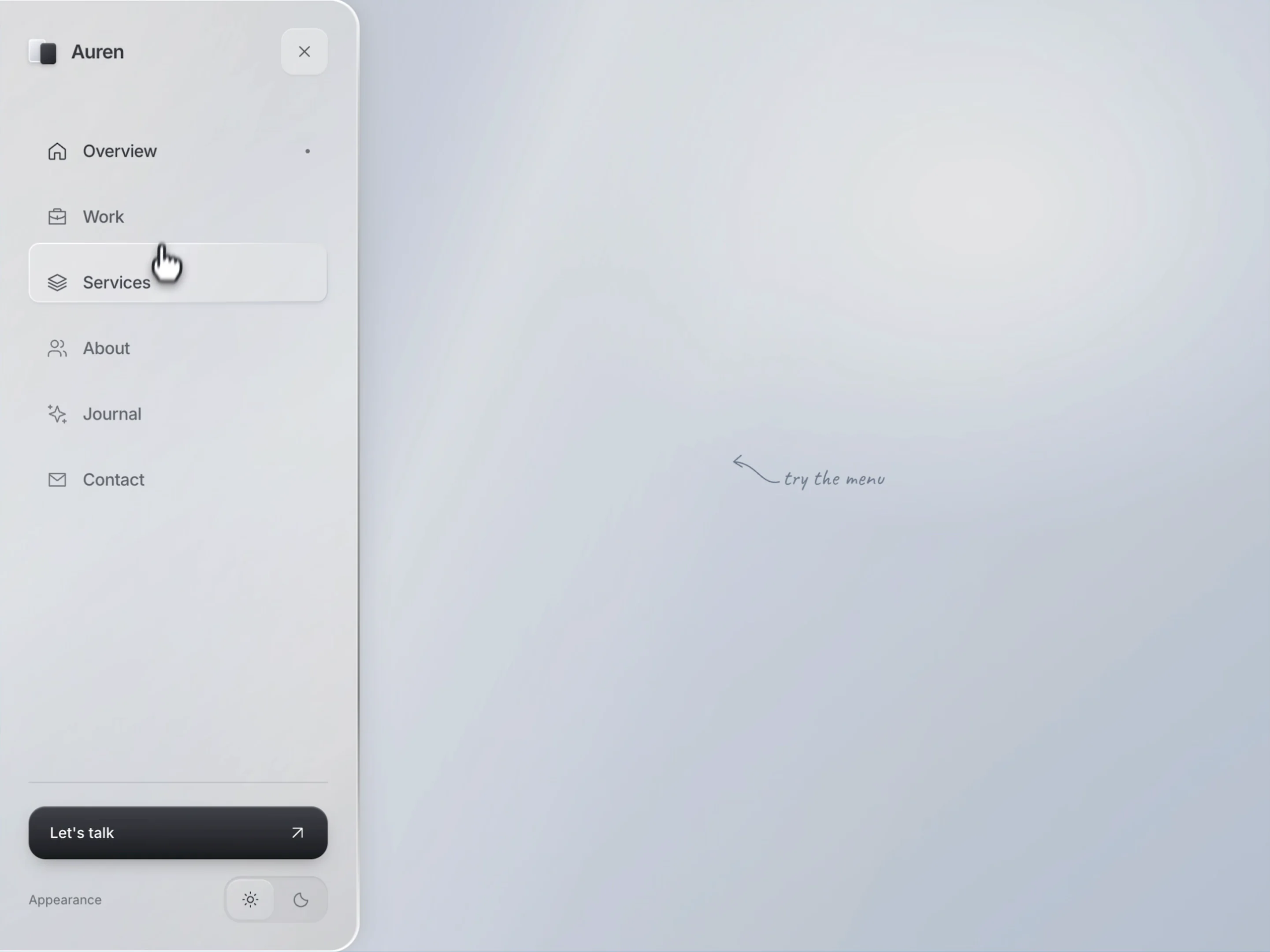
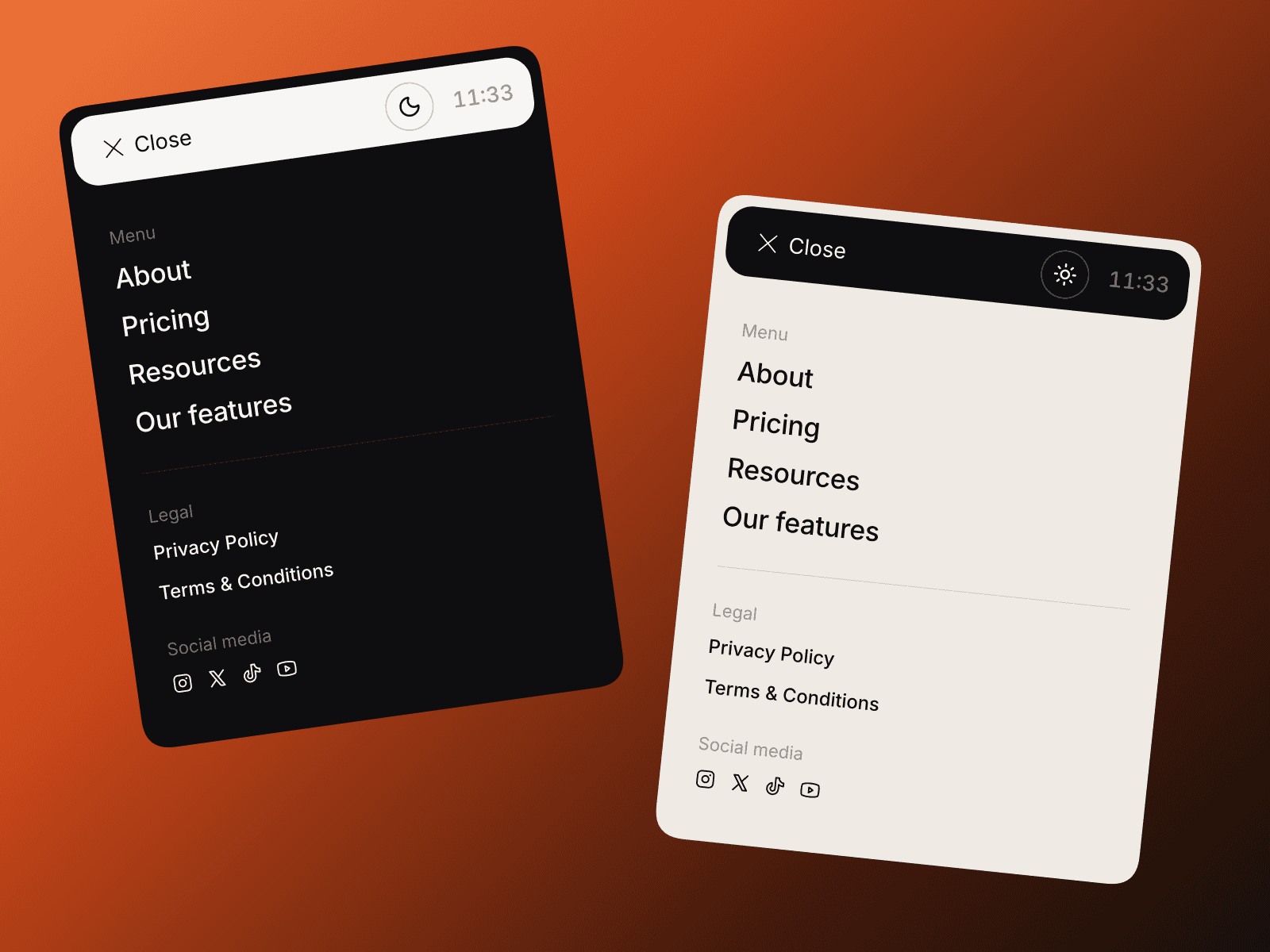
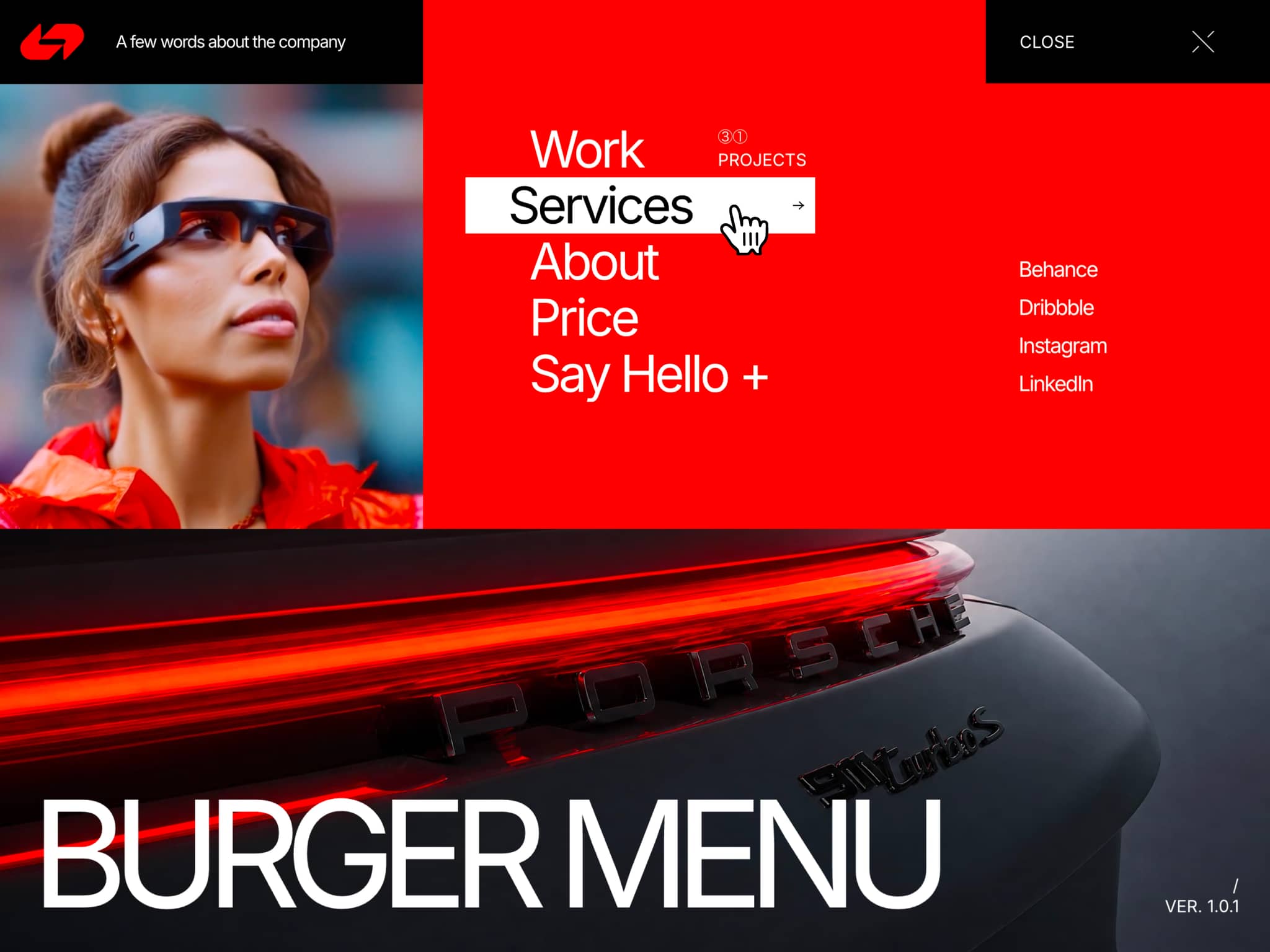
Liquid Shader Navbar is an animated Framer navigation menu that expands from a compact tab into a frosted glass panel. A flowing shader background shifts with each link’s color, while a luminous edge responds as visitors explore the menu.
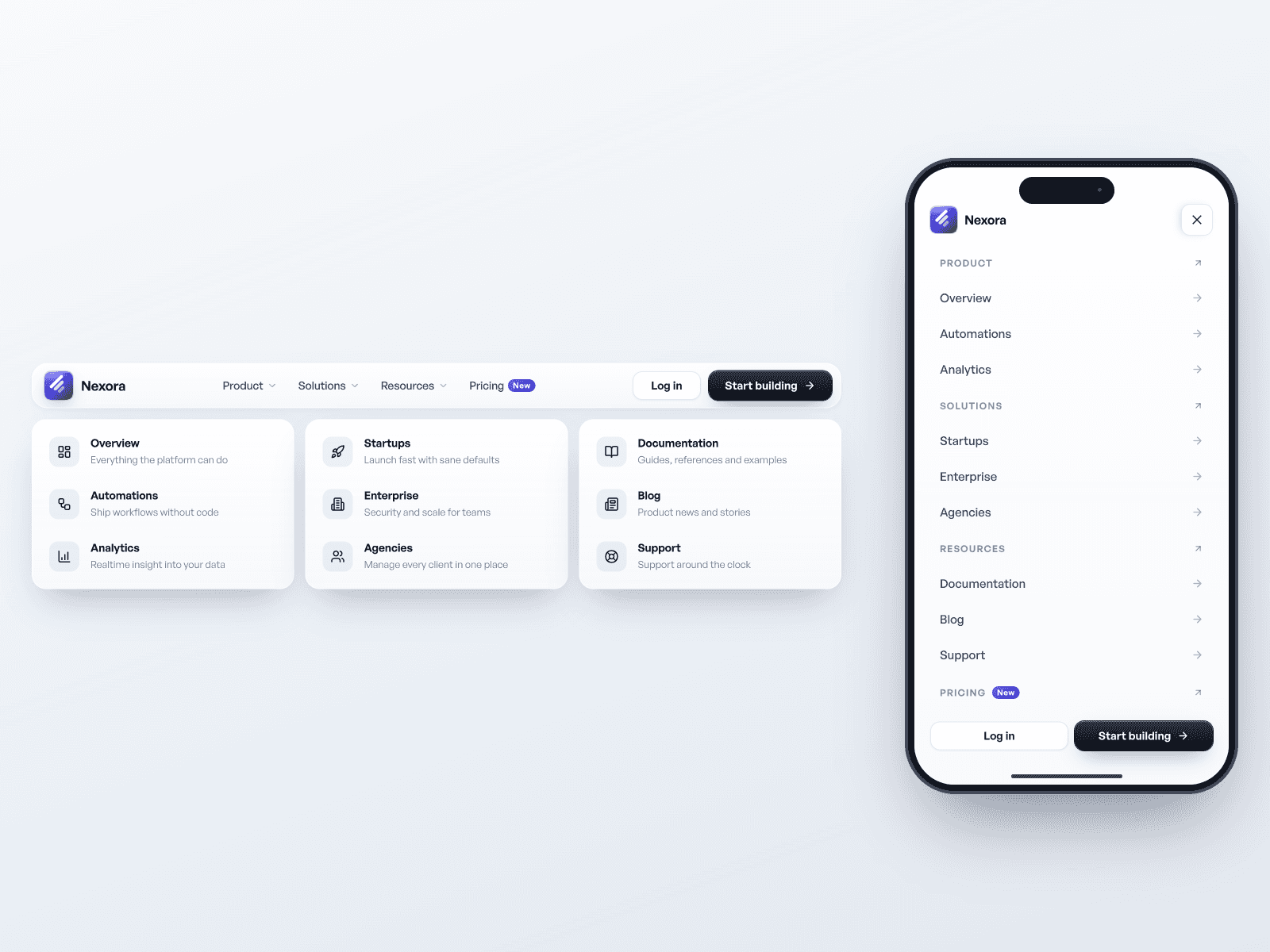
Open the navigation on hover or click, or keep it visible as a horizontal row. When space gets tight, the menu can switch to a stacked layout for smaller screens.
What you can customize
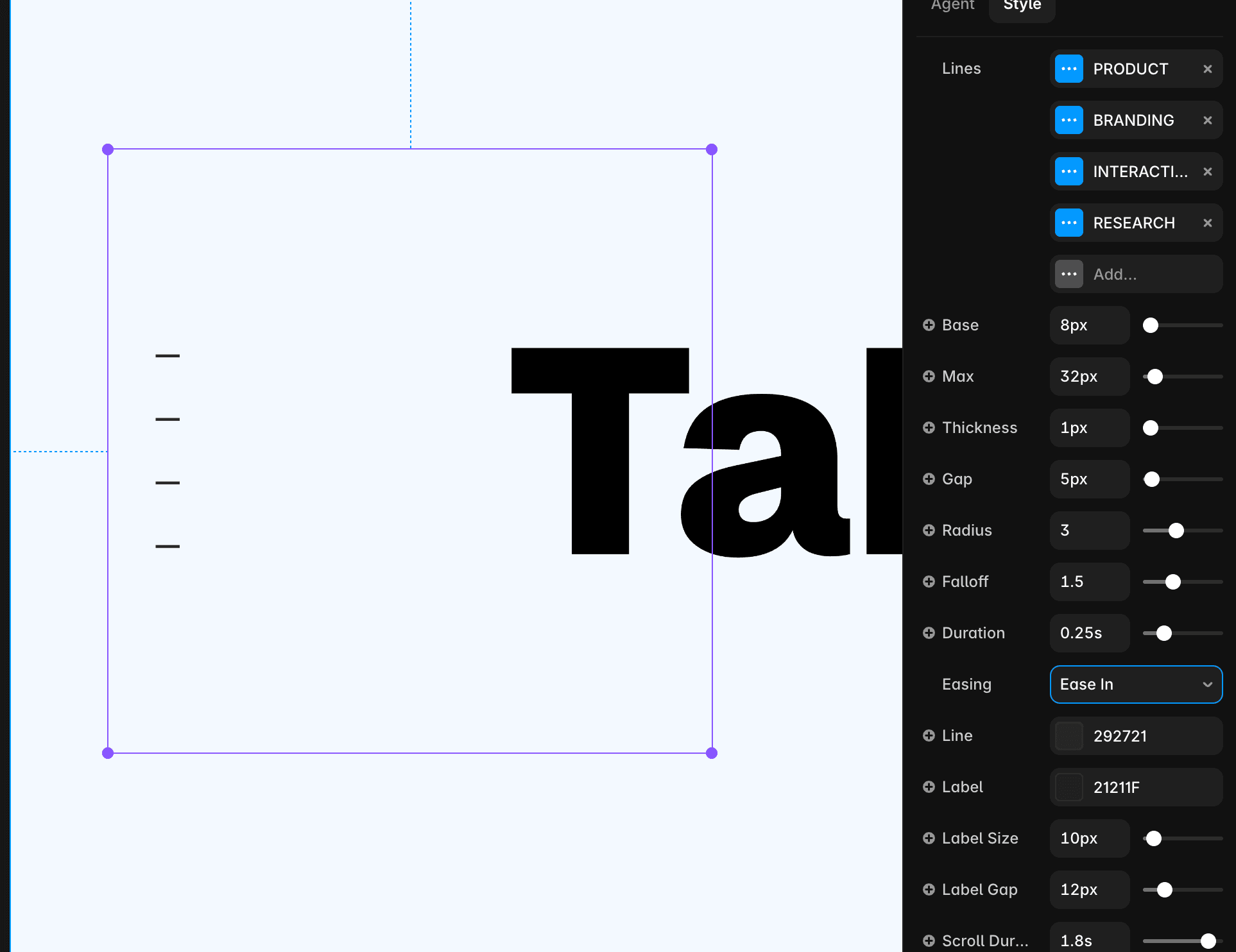
Make it your own by shaping the content, colors and motion around your brand. Add up to nine navigation items with individual labels, destinations, colors and new-tab settings. Set the starting active item, menu label, optional numbering and an extra call-to-action link.
Style the glass panel with your own typography, text and border colors, blur, radius and item padding. Adjust its position, rail height and stacked width, then refine the opening transition.
Show or hide the shader background and choose whether its color responds on hover or selection. Fine-tune its speed, scale and grain for a subtle backdrop or a more expressive navigation experience.
Great for (examples)
Bring fluid color to your next project:
Creative portfolios, personal websites and designer profiles
Digital studios, branding agencies and creative teams
SaaS products, app launches and startup landing pages
Photography portfolios, visual galleries and art projects
Editorial websites, campaigns and interactive experiences
Music, events and entertainment websites
Need help?
Questions or feedback? Reach me anytime: matthias@lmvision.de or on X @Matthias_Oel.
Need a matching component?
Complete the experience with a matching detail: