About Hover Tab Stat Panel
Hover Tab Stat Panel – Four Hover Tabs With an Image and Stats Panel
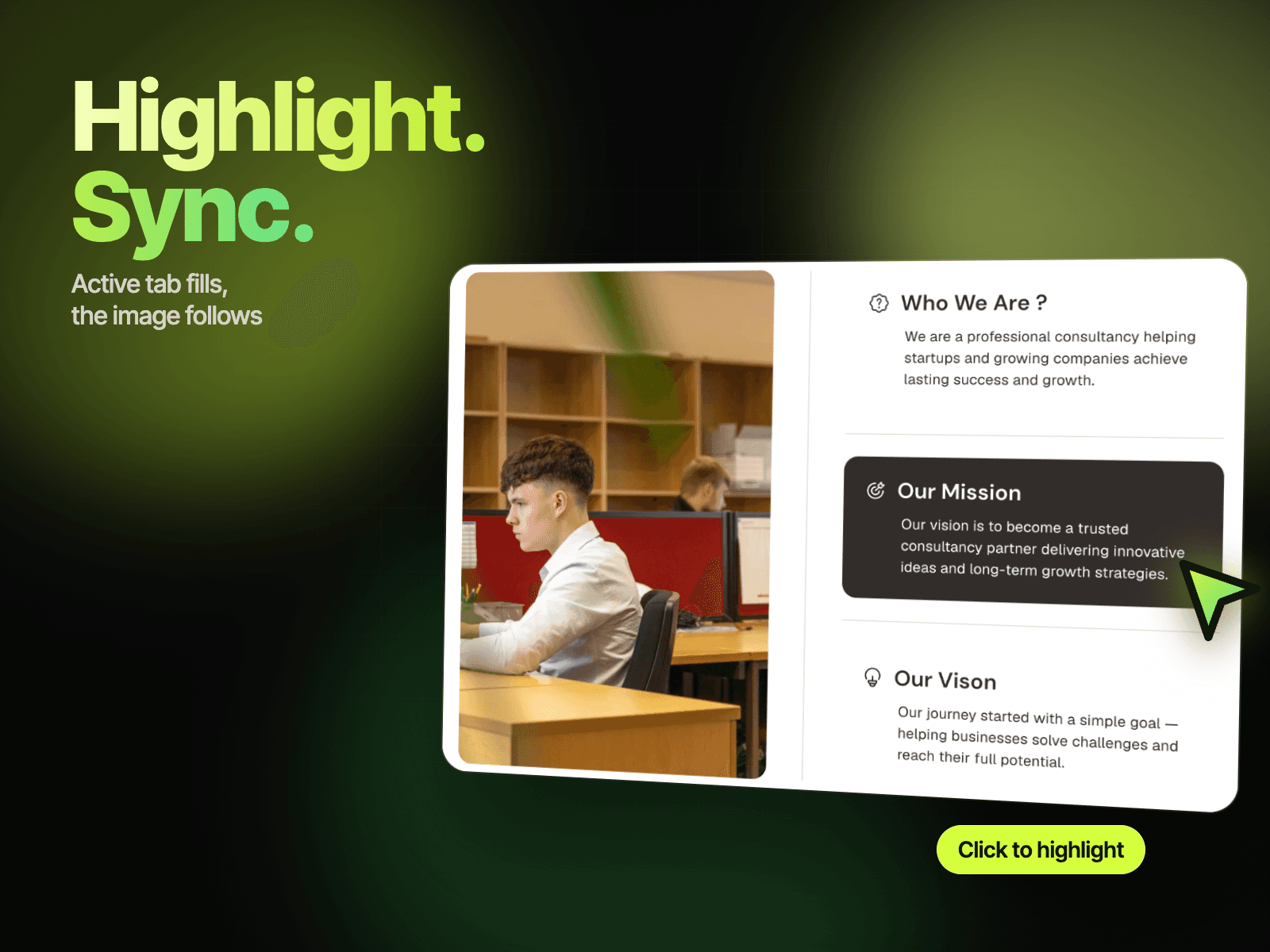
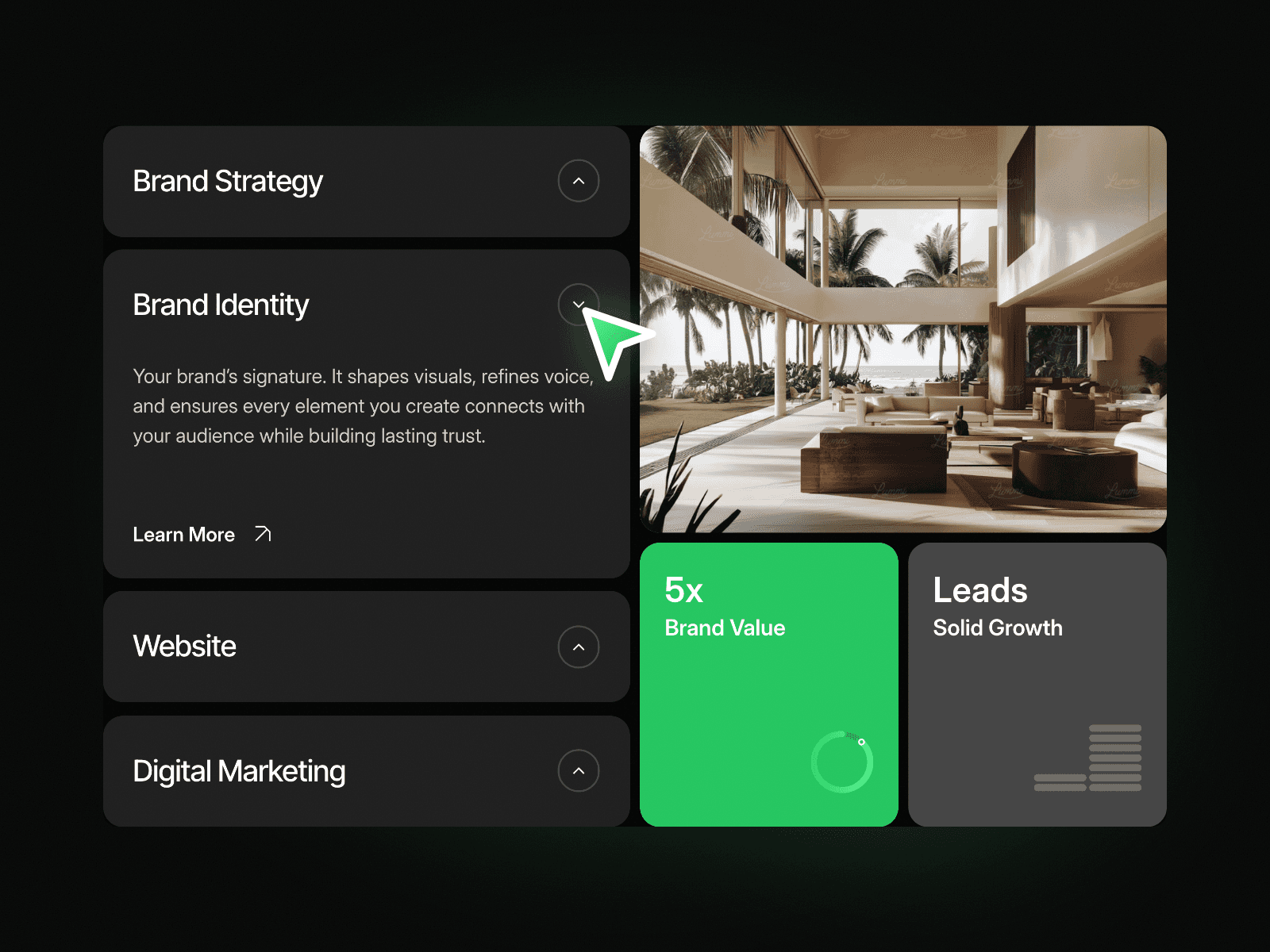
Hover Tab Stat Panel lists four large tab titles beside an image with a glass stats panel. Hover a title and the image and the three stats in the panel change to match it. It shows results, figures or service details without extra clicks.
How it works
Four tabs, each with its own image and three stats.
Hover a tab to switch the image and the stats panel.
The active tab gets its own arrow and underline.
Includes a Mobile variant.
Easy to customize
Edit all four tab titles, images, the panel title, and every stat label and value.
Drop it into any Framer page and edit it from the properties panel or with your AI agent.