About Tab Sync Image Panel
Tab Sync Image Panel – Four Tabs That Open Up and Change the Image
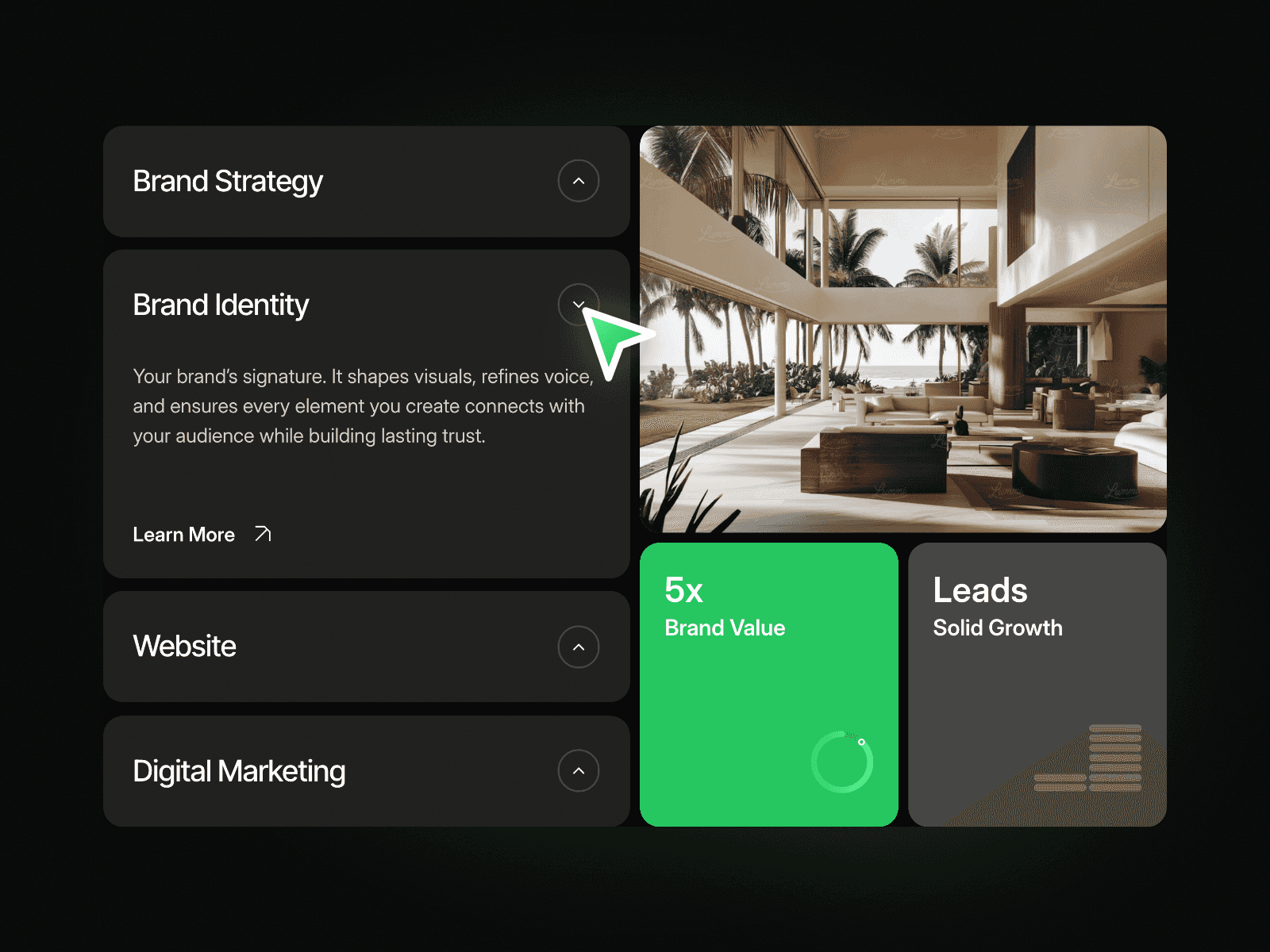
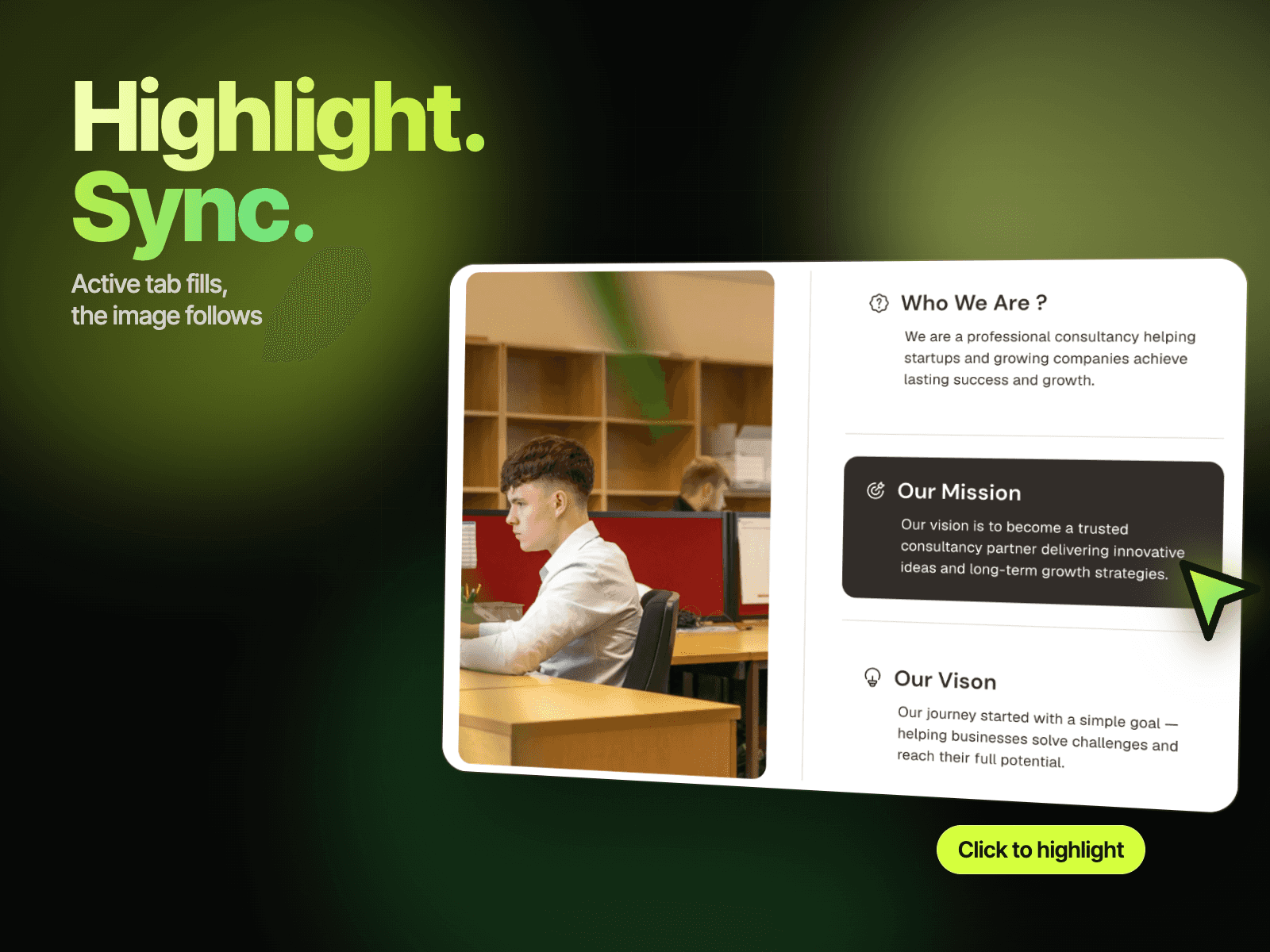
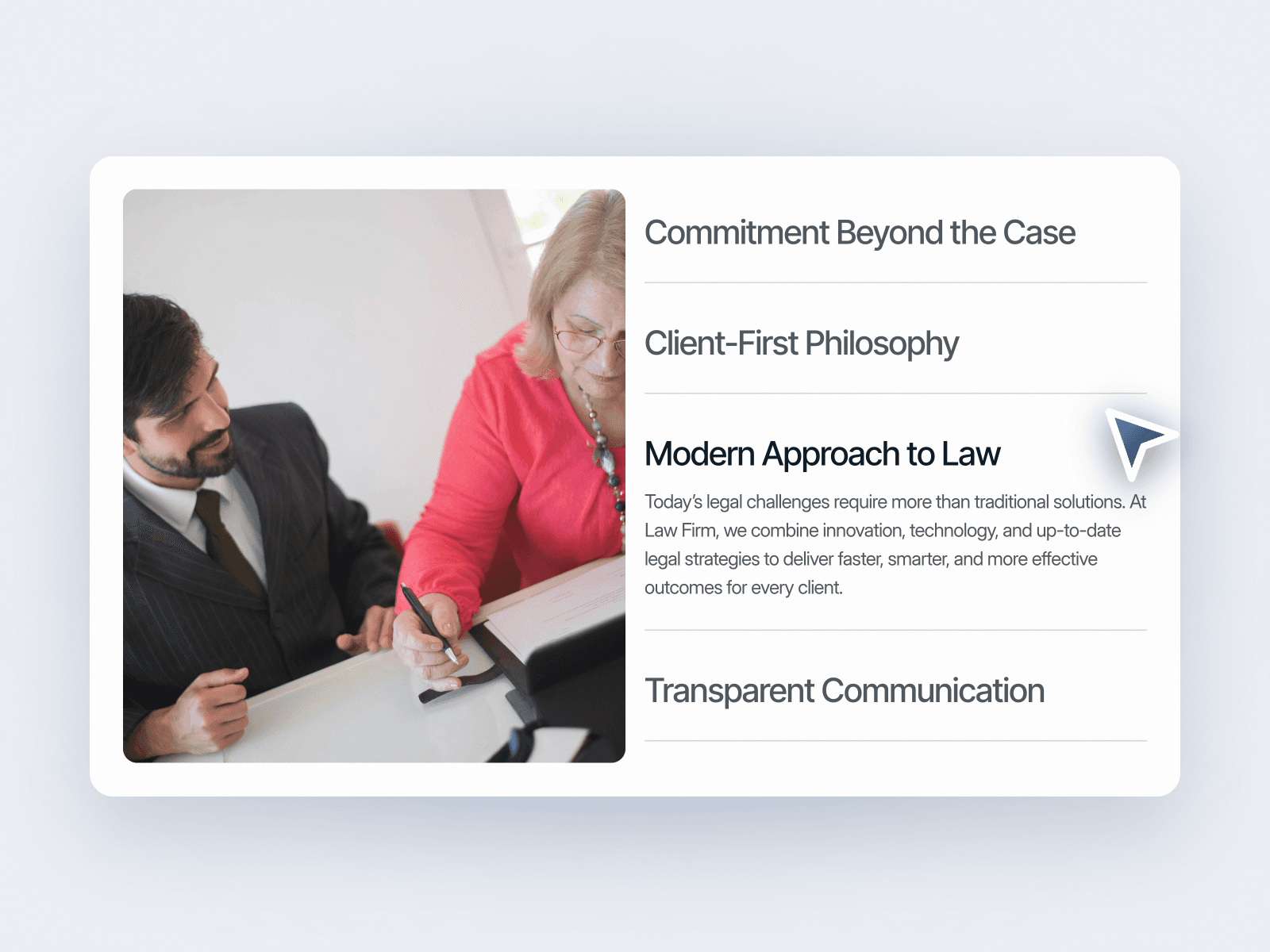
Tab Sync Image Panel puts a large image next to a stack of four titled tabs. Click a tab and it opens to show its text while the others close, and the image on the left switches to match. It is a tidy way to explain your values, services or reasons to choose you in one block.
How it works
Four tabs, with the first one open on load.
Click a tab to open its text and close the others.
The image changes with the open tab.
Includes a Mobile variant.
Easy to customize
Edit each tab's title, text and image.
Use it for values, services, features or a why-choose-us section.
Drop it into any Framer page and edit it from the properties panel or with your AI agent.