About Dimensional Switch
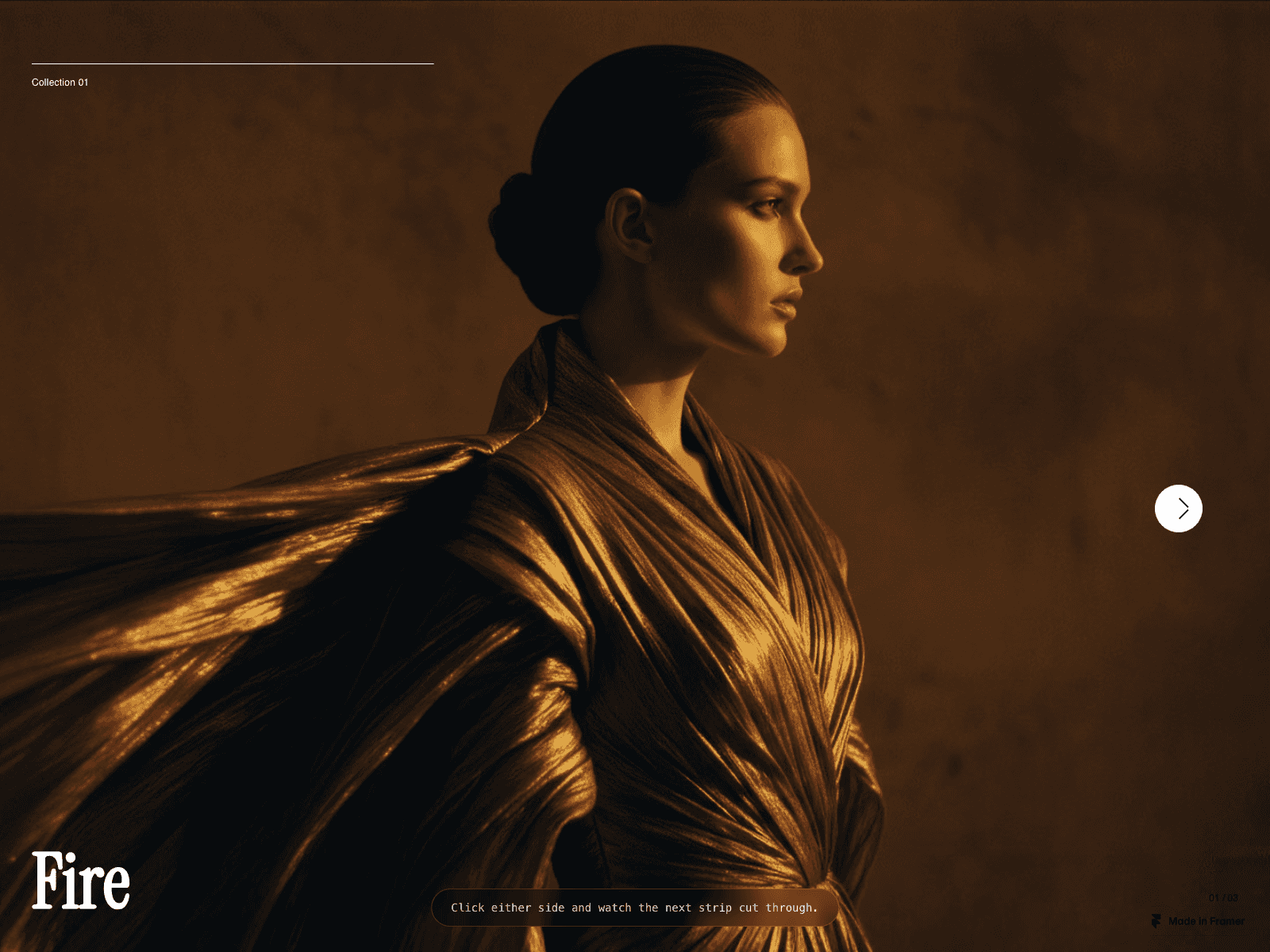
An image card that flips in 3D to show the next slide, while the headline swaps with a turn-and-slide motion. It flips horizontally or vertically, with arrow buttons, dot navigation and optional autoplay.
Key features:
Horizontal or vertical flip
Arrow buttons and clickable dots
Autoplay with adjustable delay (1–10s); pauses when off-screen or when the tab is hidden
Loop, or stop at the first and last slide
5 easing presets
Adjustable card size, corner radius, text size, text, accent and background colours
Up to 12 slides, each with an image and text
Slides without an image show a gradient or solid placeholder
Reduced motion: slides change without the flip animation
How to use:
Drop it into a frame; it fills the frame.
Add slides (image and text) in Slides.
Choose the flip axis, easing and autoplay.
Set card size and colours.