About Ink Portrait
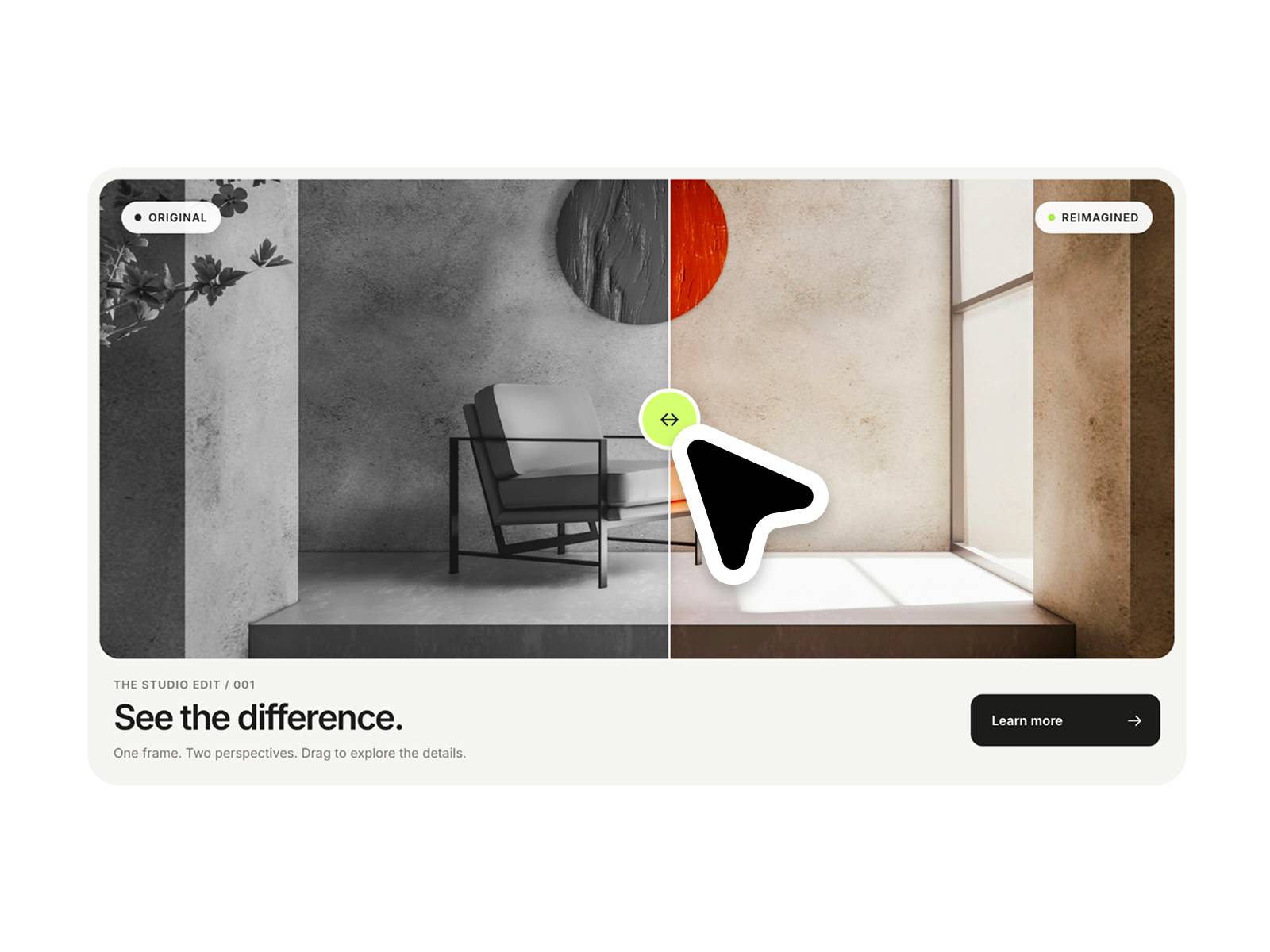
This is the portrait from my About page. Move the mouse and the head turns to look at it. Hover the seal button and the drawing gives way to the real photo, spilling out through a ragged ink circle.
How I made it
Photo first. I took one front-facing photo and had it redrawn as a sumi-e ink wash, with the head on its own layer and the body and landscape as the background.
A head turn. I turned the ink head into a short video that pans left to right and up to down, then cut it into 120 numbered frames (001.webp to 120.webp).
Frames on a grid. Mouse position picks the frame, and smoothing eases between them so the head never snaps.
The spill. The photo sits under the drawing. A noise-based canvas mask grows a ragged ink circle around the face on hover, then shrinks back.
About Component
Head follows the cursor across the whole page
Smoothing control from lazy to instant
Frames load from one link: paste any frame, the rest are found by number
Photo reveal with circle or point shape, size, roundness and offset
Ragged edge, fringe width and rim color controls
Works with the companion seal button
What's Included
InkPortrait code component
Seal button component (hover reveals the photo, click opens your link)
My frames as defaults, so it works right away
How It Works
Drop the portrait in a full-screen frame.
Paste your background, one head frame and your photo link.
Add the seal button on top and set its text and link.
Use Cases
About and "know me" pages
Personal portfolios
Artist and illustrator sites
Keywords
portrait, mouse follow, head tracking, cursor follow, image sequence, ink, sumi-e, about page, portfolio, photo reveal, interactive portrait, framer component
Support
If you experience any issues or need help customising the component, reach out within 3 business days of your purchase. Email: framercore@siddhantbaghel.art