About Inline Searchbar
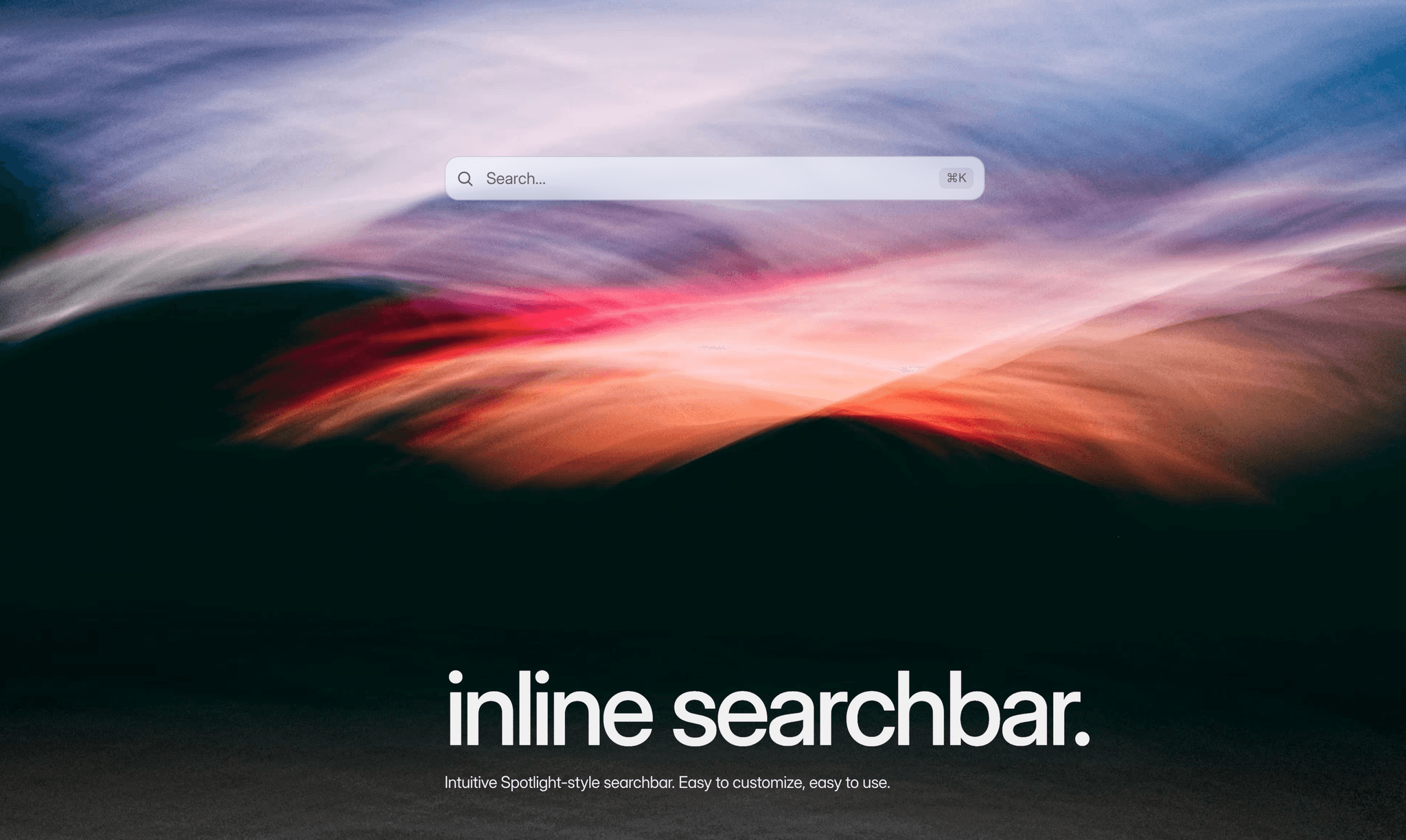
Visitors type directly into the bar and results grow out of it instantly, Spotlight-style. Every page of your published site is searchable out of the box. No external search service, no API keys, no code.
Built for docs, blogs, portfolios and content-heavy sites where visitors should find any page in seconds instead of digging through menus.
Key Features
- Instant results
- Global hotkey: focus the search from anywhere (Cmd/Ctrl, Alt, Shift or a bare key) with an optional keyboard Hotkey-badge
- Full keyboard navigation
- SPA-safe: the index survives page transitions
Styling
- Spotlight expand: the bar itself grows with the results or switch to a detached floating panel
- Animation control
- Liquid glass
- Smart shadow
- Custom Design mode: make the bar invisible and build your own chrome around it
Who is this for?
- Framer sites with many pages: docs, blogs, portfolios, shops
- Landing pages that want a Spotlight/command-bar feel
- Anyone replacing Framer's default search popup with an inline, on-brand search
What's customizable?
Input prop controls
- Placeholder text, icon and color
- Background, blur, text and colors
- Border, focus border, corner radius, padding
Hotkey prop controls
- Modifier and key, on/off
- Badge with text and fill colors
Results prop controls
- Style: Connected (Spotlight) or Detached (floating panel), placement above or below
- Animation: Spring, Ease, or Instant, with duration and bounce
- Background, blur, title, snippet and hover colors, hover corner radius
- Max results, empty state text, page slug on/off
- Shadow Always or Active Only
- Panel and item padding
Fonts prop controls
- Input, result title and result snippet
How to set up?
1. Drop the component onto your page
2. Publish your site (the search index only exists on the published site, the editor shows sample results)
3. Done. Every page with content is instantly searchable. No custom code, no external dependencies.