About Inset Menu
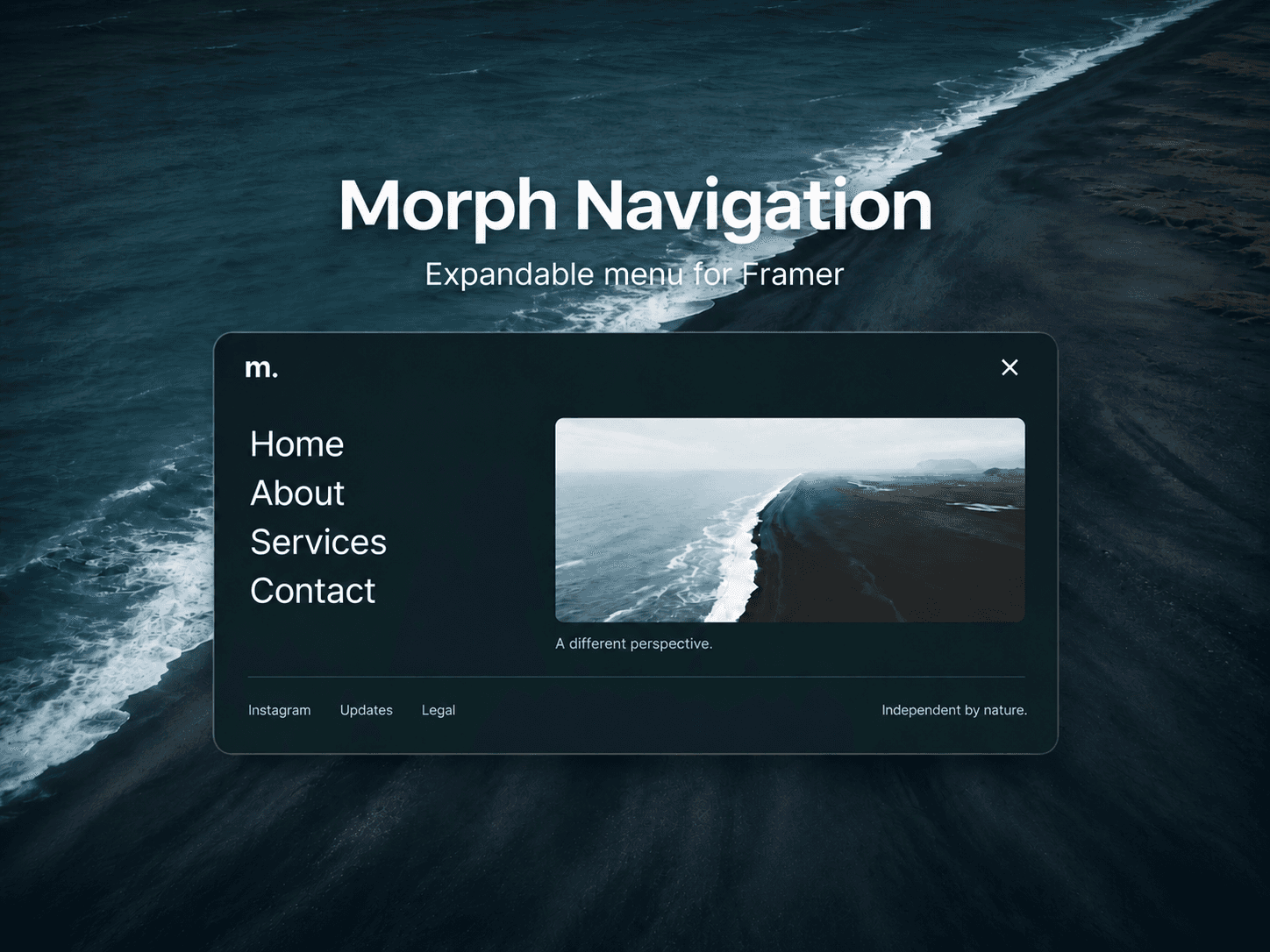
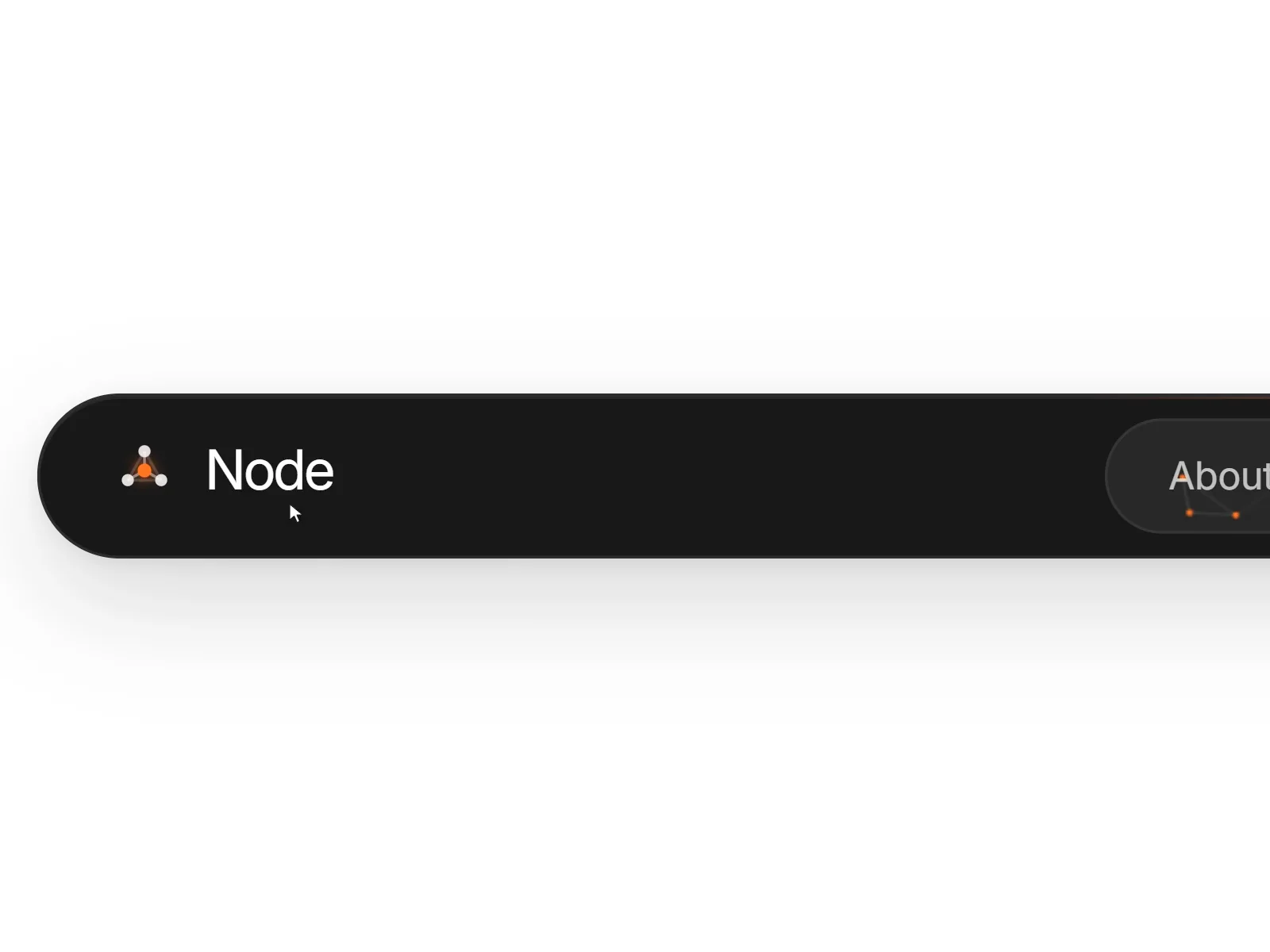
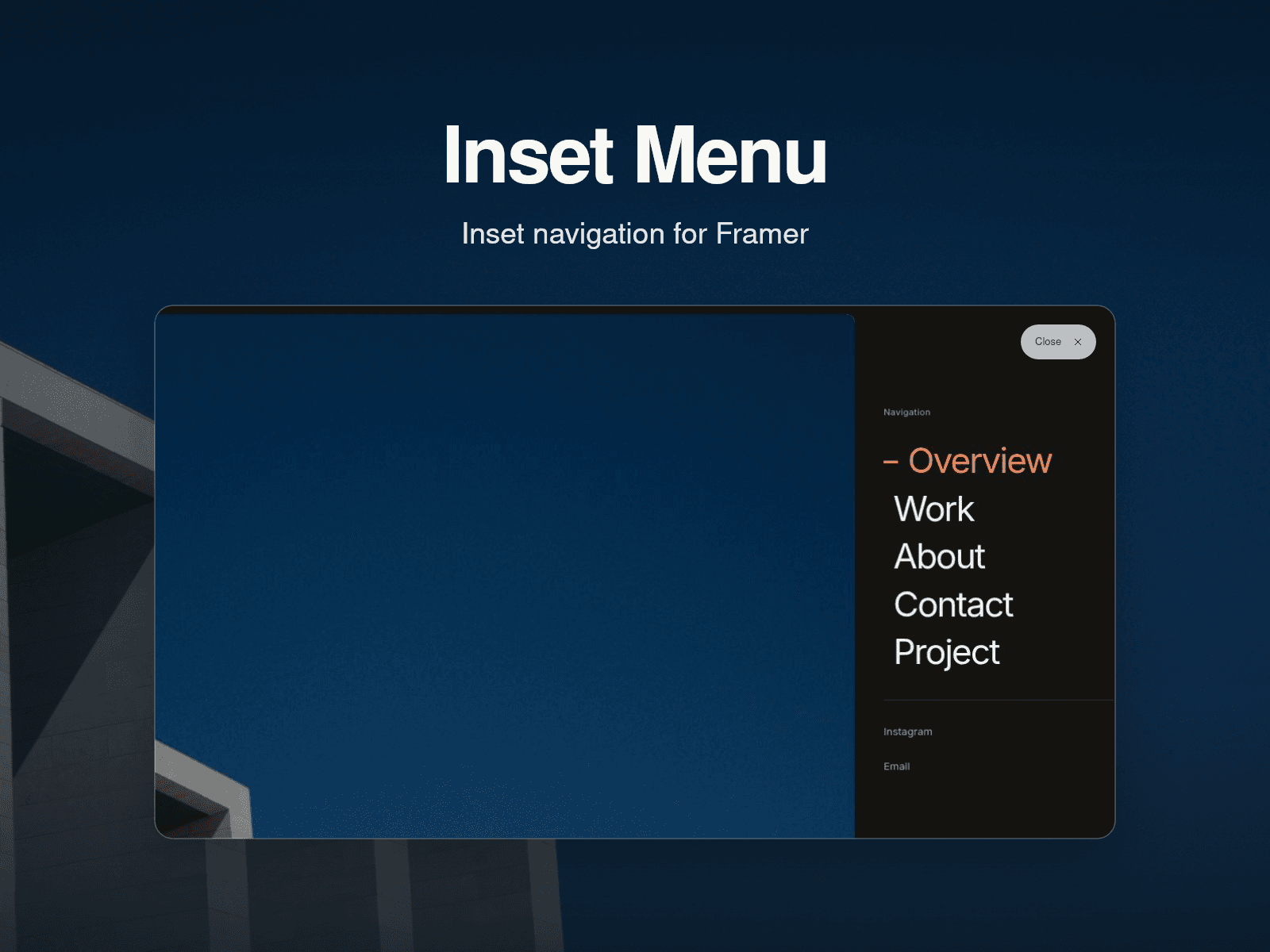
Inset Menu is a responsive navigation component for Framer. Open the menu and your page moves into a rounded, inset frame beside the navigation panel. Close it to bring the page back to full size.
What visitors see
The open menu keeps a portion of the page in view. Menu links enter in sequence, and the panel adapts to smaller screens. By default, visitors can close it by clicking outside or pressing Escape.
Customize in Framer
Connect your layout through Page Content and add a brand name, a logo, or a background image.
Set up Menu Items and Footer Links in the properties panel. Give each link a label and a destination.
Choose a solid, glass, or difference-blend button. Set its position for desktop and phone, and adjust the panel width, page inset, corner radius, and animation timing.
Getting started
Open Show Preview, then click Menu to try the interaction. After checkout, copy the Component URL from the confirmation page and paste it onto your Framer canvas. Set Width to Fill and Height to 100vh, then connect your page frame in Page Content.
Refund & Cancellation Policy
You can cancel before paying by closing the checkout page. After the component link is delivered, change-of-mind refunds are generally unavailable.
We refund verified duplicate charges and issue a full refund if we’re unable to deliver the component. If you experience a technical issue, please contact us with your purchase details and the steps to reproduce it so we can investigate.
If you need help, contact us within 14 days of purchase using the contact details on your payment confirmation page. Your statutory rights still apply.