About Feelings Button
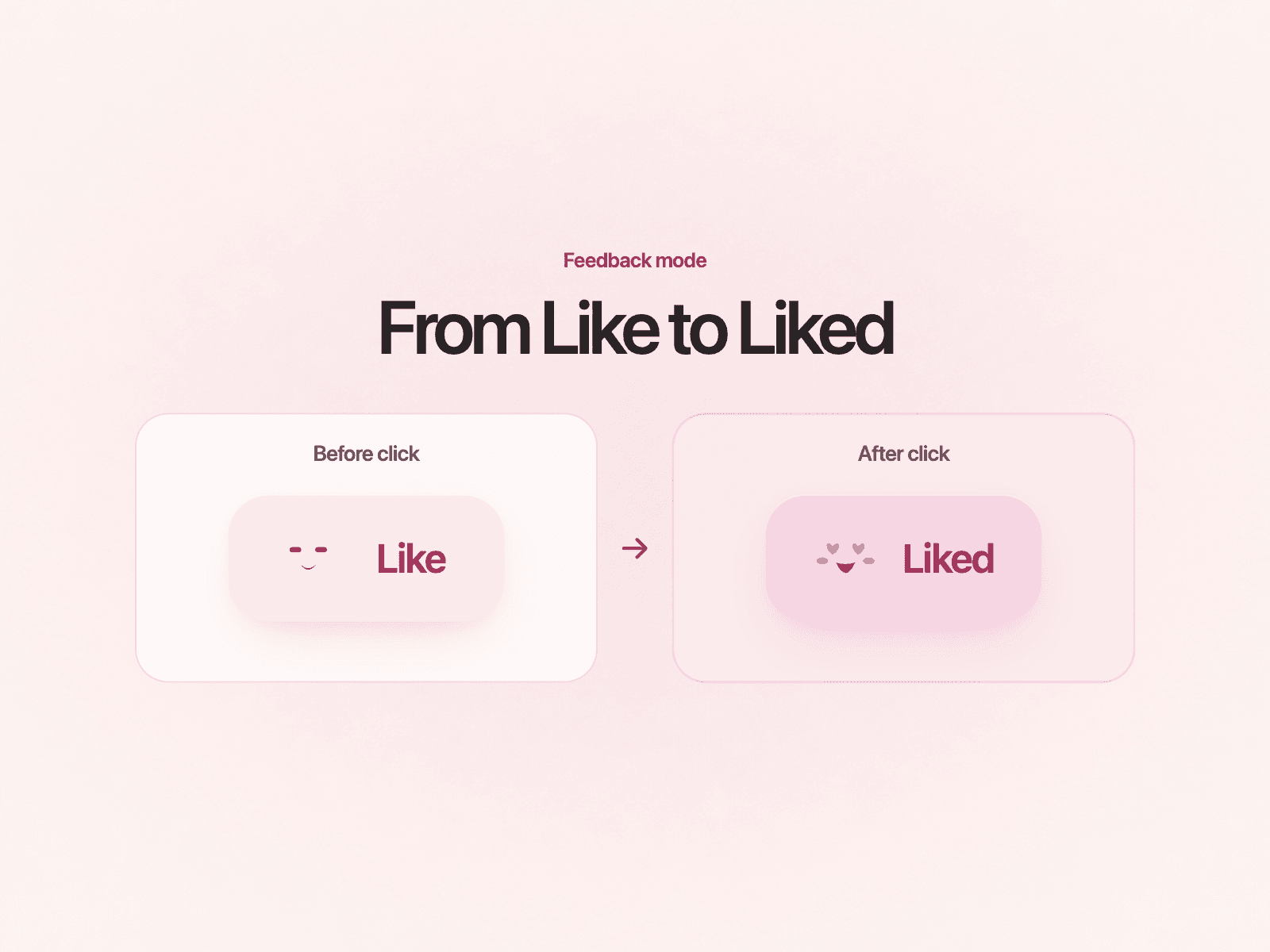
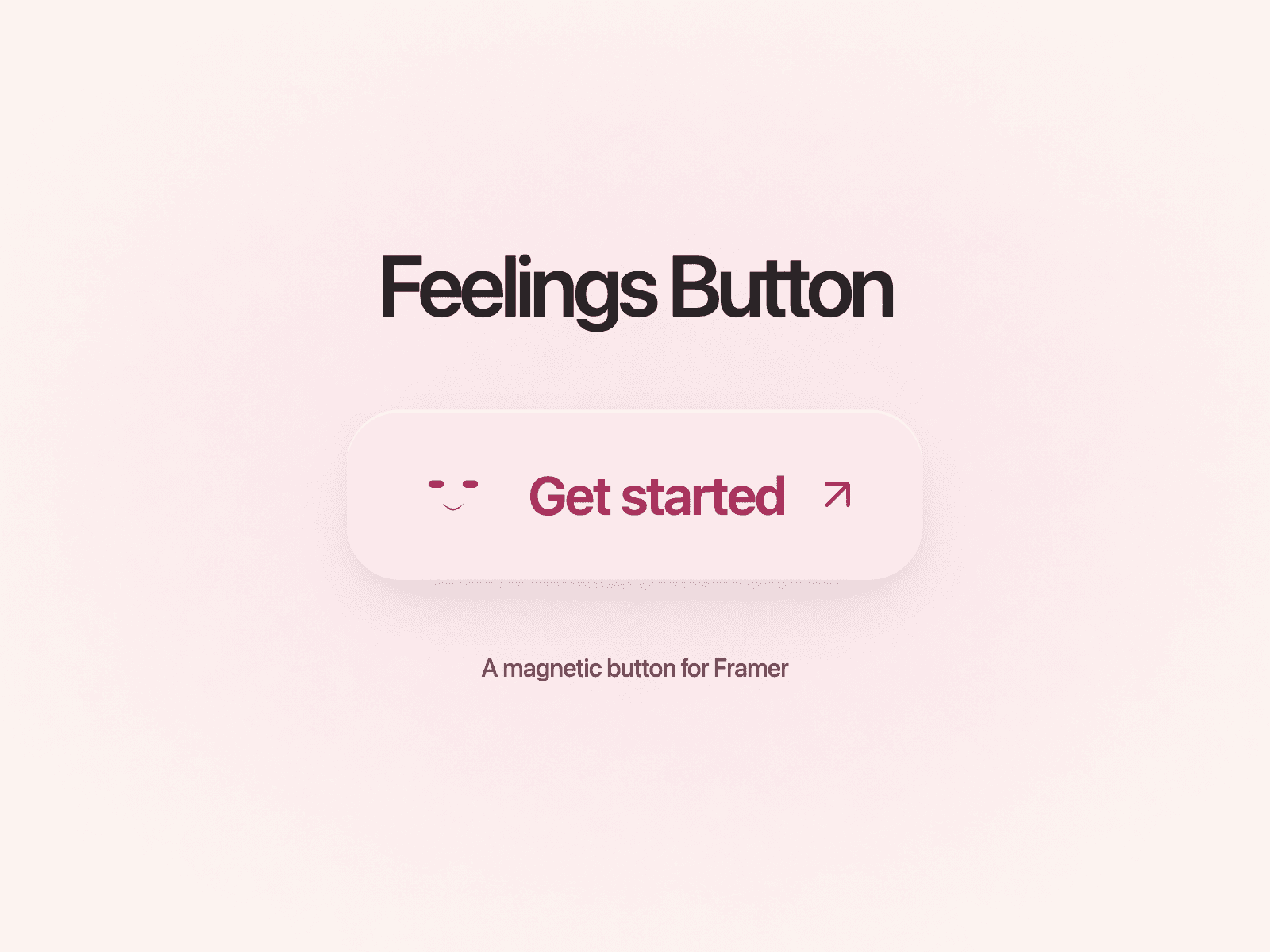
Feelings Button follows the cursor on hover and animates its face on click. Use it for a call to action, a toggle, or a quick confirmation in Framer.
Three ways to use it
Link opens a destination in the same tab or a new one.
Toggle switches between on and off states.
Feedback shows a brief confirmation after a click or displays the status of an async action.
Customize in Framer
Choose a built-in palette or set your own colors. Edit the label, icon, and typography, show or hide the face, and adjust the magnetic pull.
Getting started
Open Show Preview to try the hover and click animations. After checkout, copy the Component URL from the confirmation page, paste it onto your Framer canvas, and choose an action mode.