About Reading Index
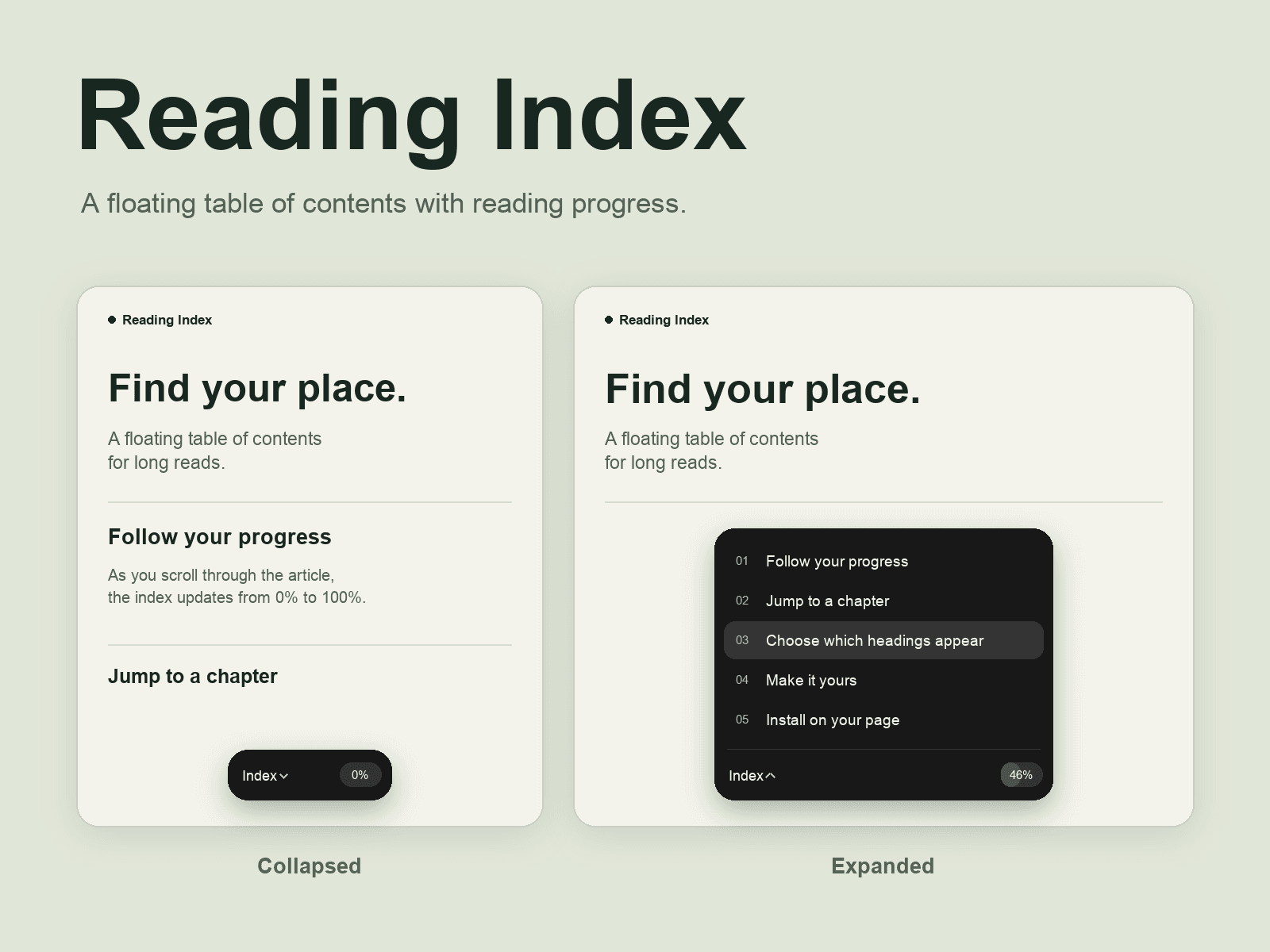
Give long articles a floating table of contents with a live reading progress indicator. Readers can open the index with a click, tap, or keyboard and jump straight to a section.
Build the index from H2 and H3 headings or choose your own links. Anchor it at the bottom left, center, or right, and customize the label, colors, type, panel width, and chapter numbers.
To set it up, place Reading Index directly on the page, set Position to Fixed, and match its Anchor to the horizontal pin. Set Article ID to the Scroll Section name of your article.