About Inset Push Menu
About Inset Push Menu
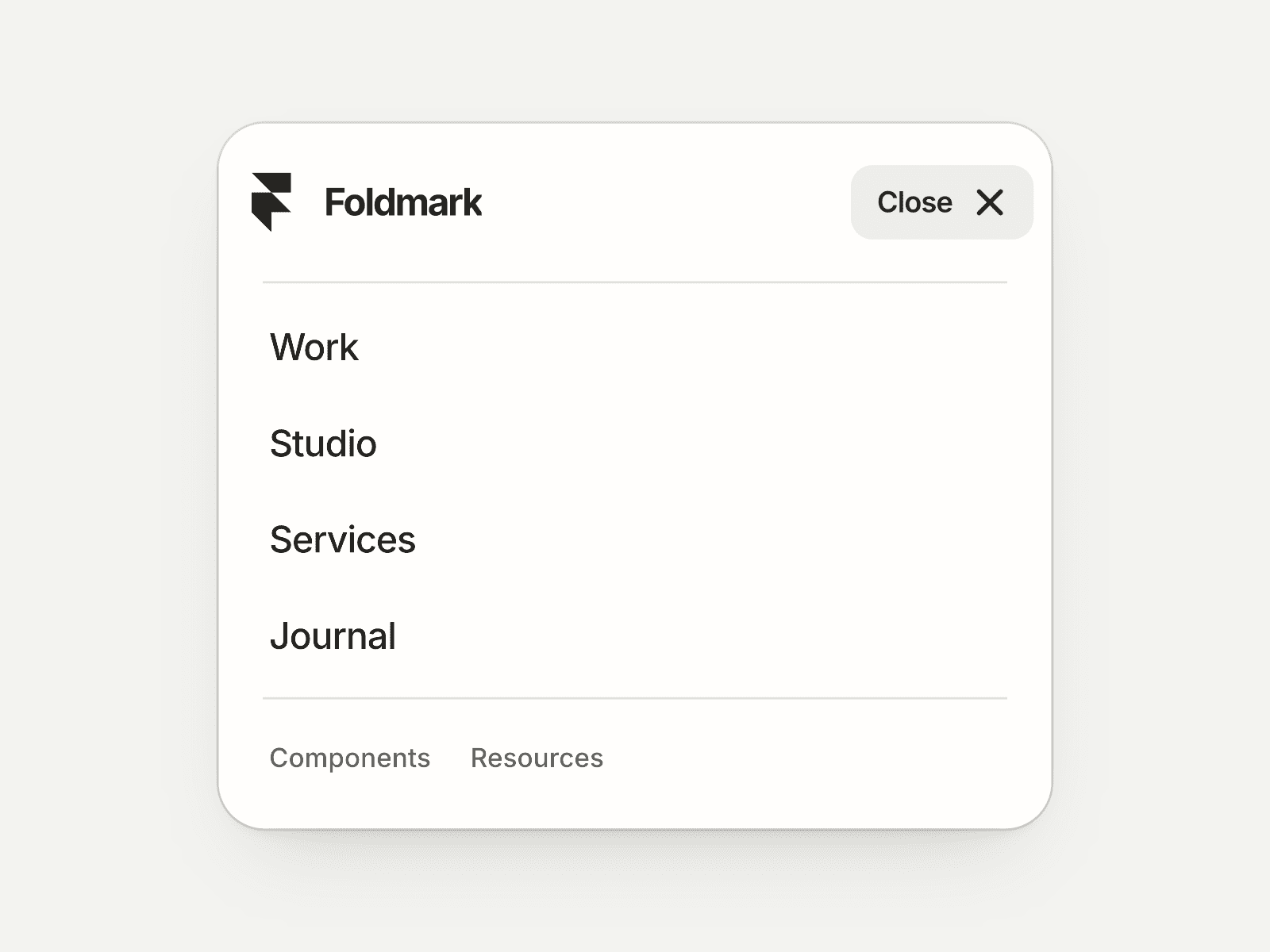
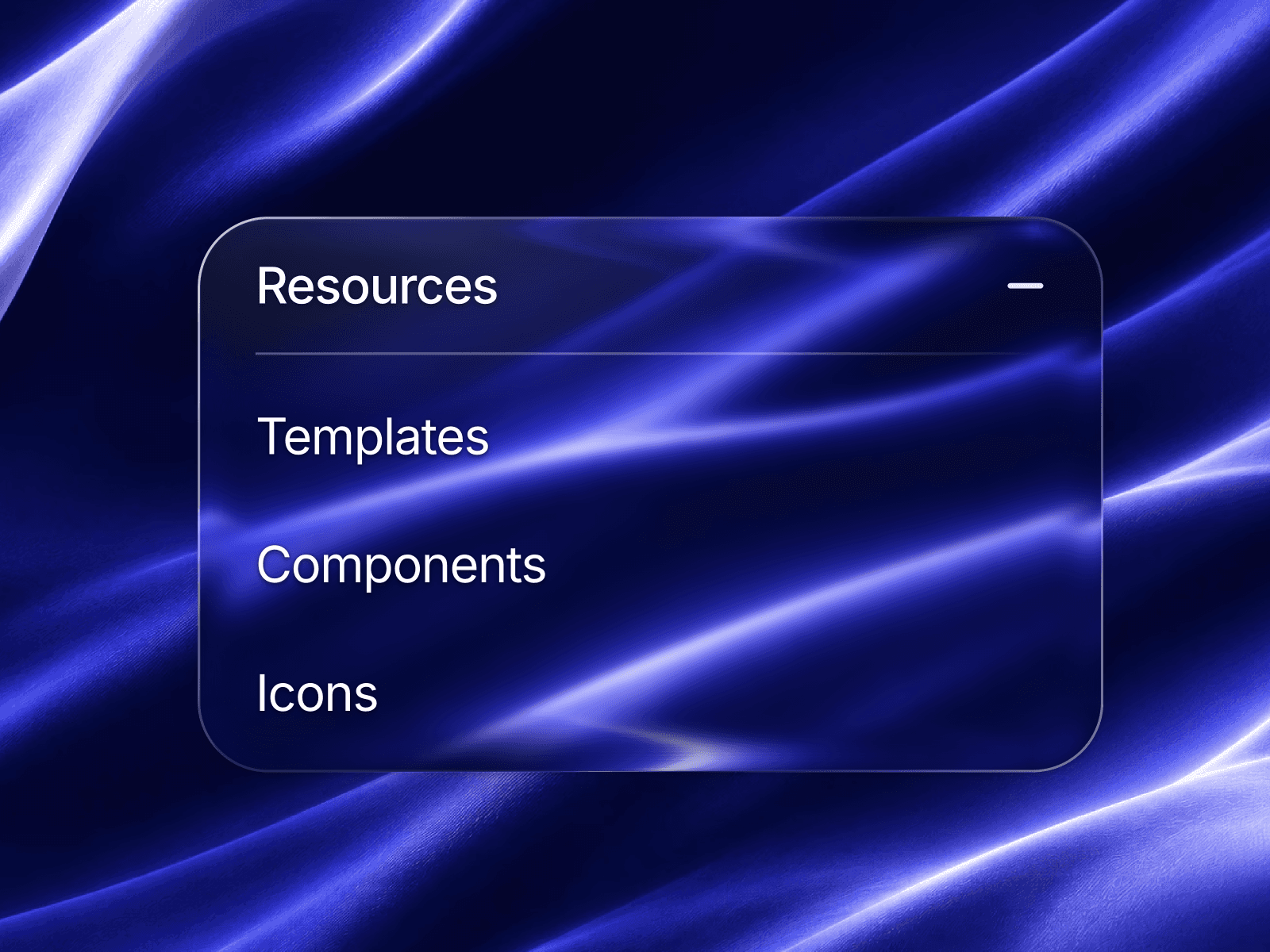
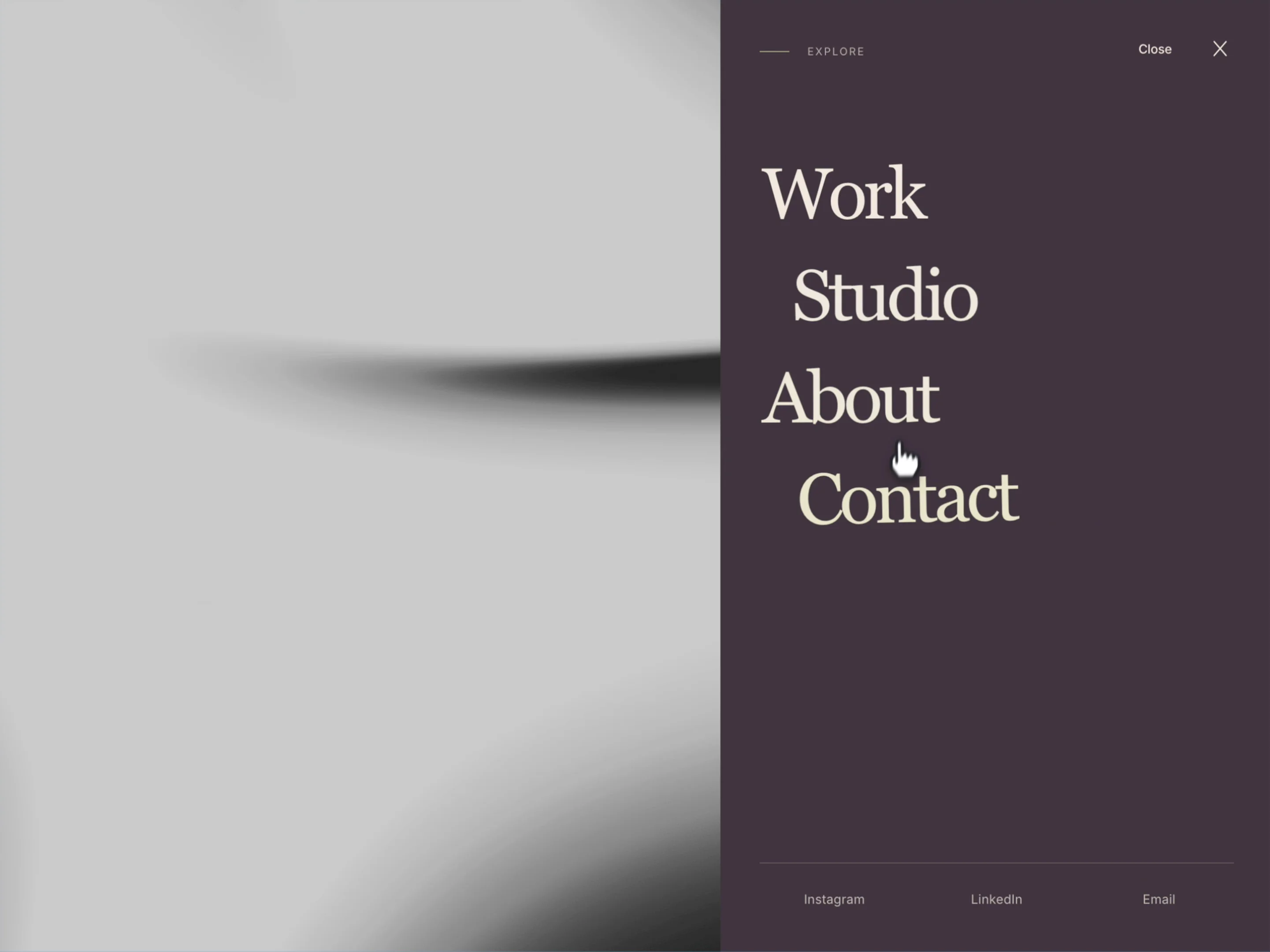
Inset Push Menu is a responsive Framer side menu that moves your page aside to reveal navigation. Its inset panel brings together oversized links, smaller social links and smooth motion for a distinctive editorial feel.
Navigation in motion
Open the menu to shift the page content and reveal the links in sequence. Hover interactions add a subtle rotation to the navigation, while the close control, outside click and Escape key offer ways to return to the page.
Make it your own
Shape the menu to fit your brand. Edit the main and secondary links, labels and destinations, with individual new-tab settings. Choose your menu, text and accent colors, then adjust typography, padding and corner radius.
Fine-tune the transition duration, link stagger and hover rotation. You can show link numbers, change the initial open state and add an optional hint while the menu is closed.
Responsive by design
The layout adapts to the available space and respects reduced-motion preferences. Preview the open or closed menu on the canvas while you refine the design.
Getting started
Place the menu outside your page-content stack and fix it to the right. Name the stack “Page Content” or enter its layer name in the Push Layer control so the menu can move it when opened.
Where it fits
Use it for creative portfolios, design studios, agency websites, editorial projects, personal brands and product landing pages that need a memorable way to navigate.
Made by Frame Agency