About GradientFlowCarousel
About GradientFlowCarousel
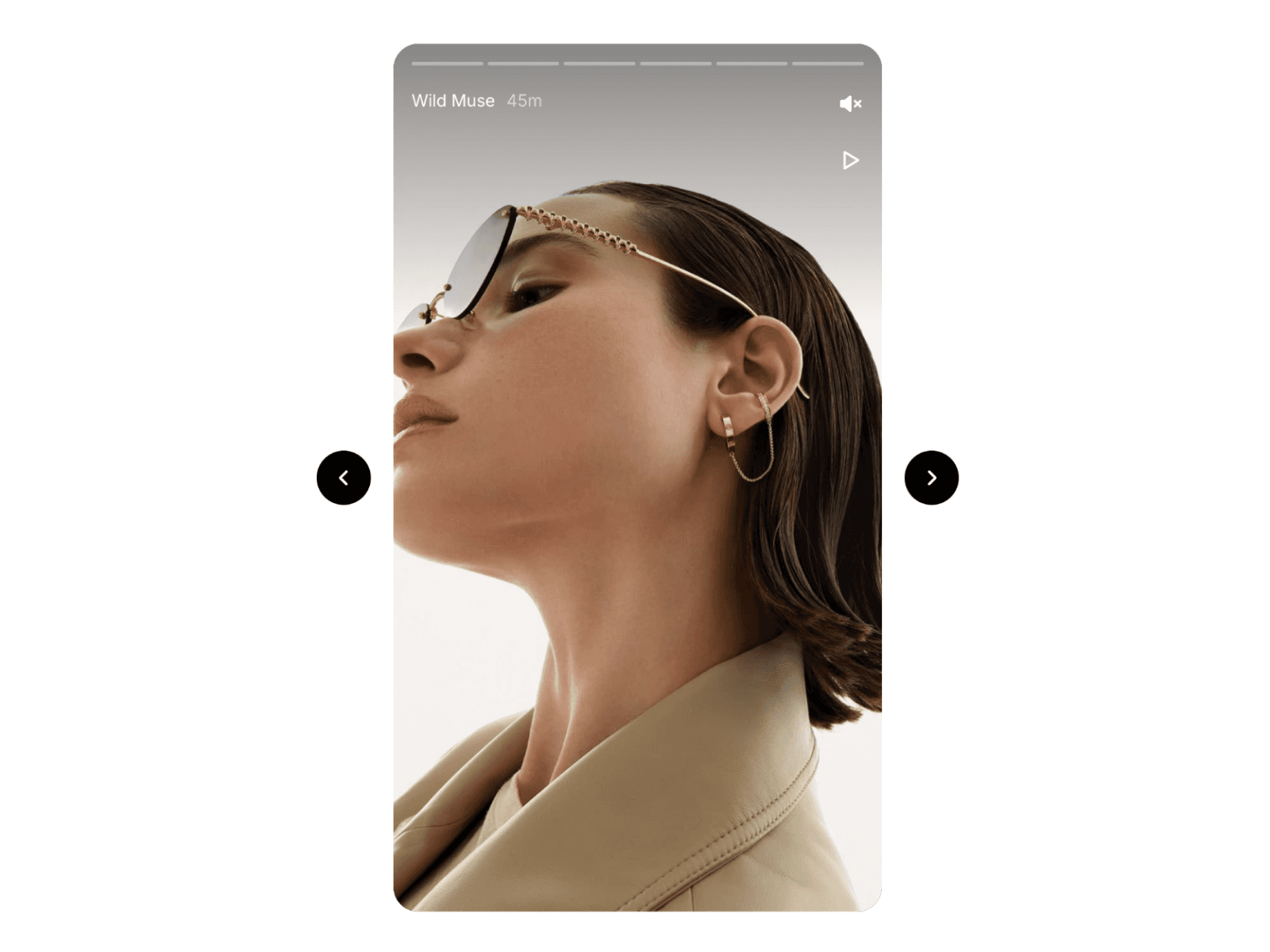
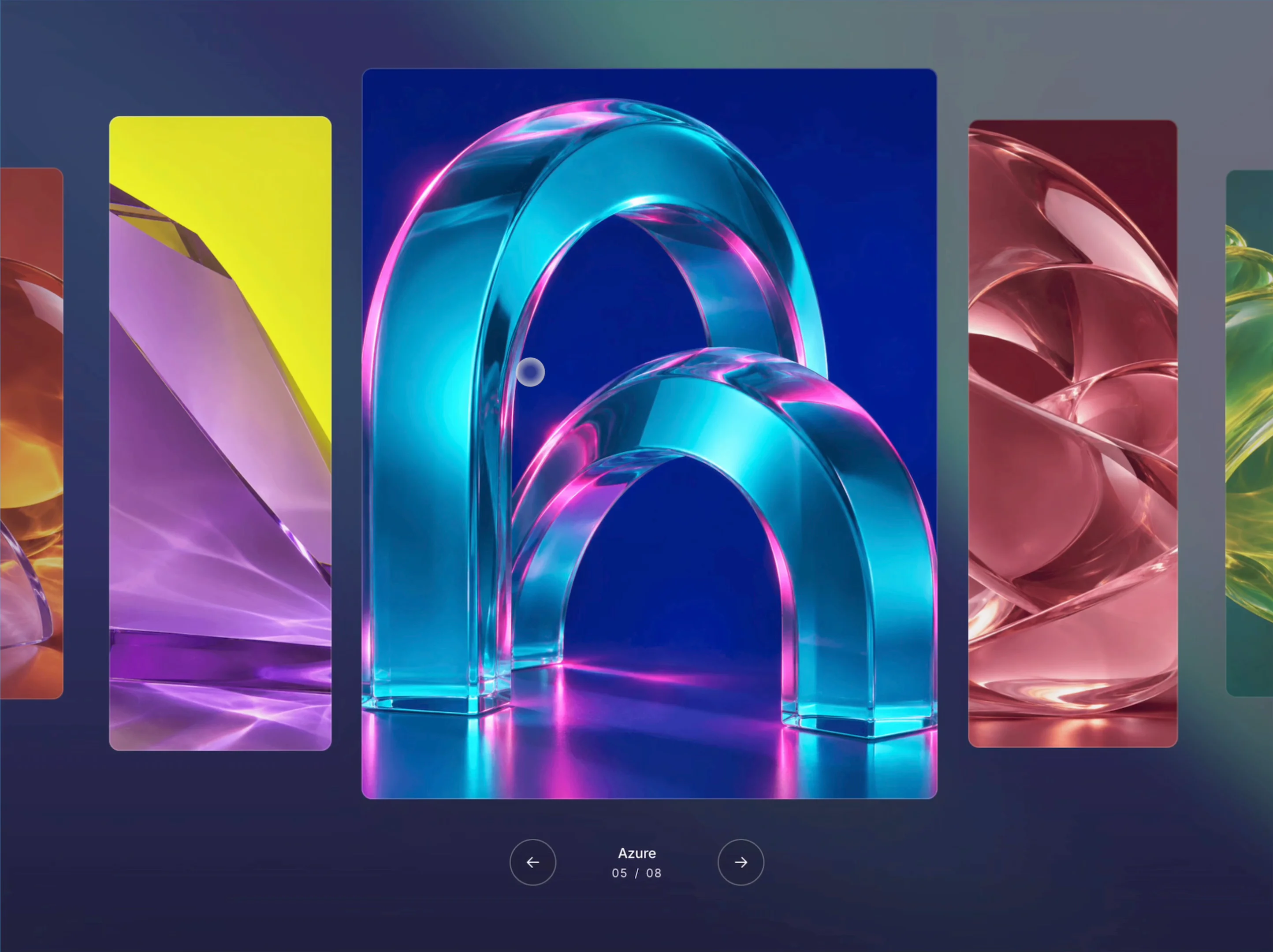
GradientFlowCarousel is a responsive image carousel for Framer with a flowing background that changes color as visitors explore your images. A central image stays in focus while neighboring slides offer a glimpse of what comes next.
Images and color in motion
Move through the carousel with drag gestures, touch swipes, navigation arrows or a trackpad. The looping layout keeps the gallery moving, while the fluid gradient transitions between the colors of each slide. Use automatic image colors or create your own three-color palette for each image.
Make it your own
Shape the content, layout and motion to fit your brand. Add up to 20 images, give each slide a title and link, and adjust its focal position. Choose portrait, square or wide image proportions, then refine the spacing, padding and corner radius to suit your design.
Set a starting slide, adjust transition timing and title typography, or hide the title and counter for a cleaner presentation. Each link can open in the same tab or a new tab. You can also turn off the moving gradient for a calmer backdrop.
Responsive by design
The carousel adapts to its container and supports keyboard navigation alongside mouse, trackpad and touch input. It also respects reduced-motion preferences, helping the gallery feel considered across different browsing experiences.
Where it fits
Use it to showcase selected projects on a portfolio, display campaign imagery for a creative studio, or introduce collections on a fashion, photography or interior design website. It also works for product highlights, visual stories and editorial galleries.
Made by Frame Agency