About Liquid Glass Menu
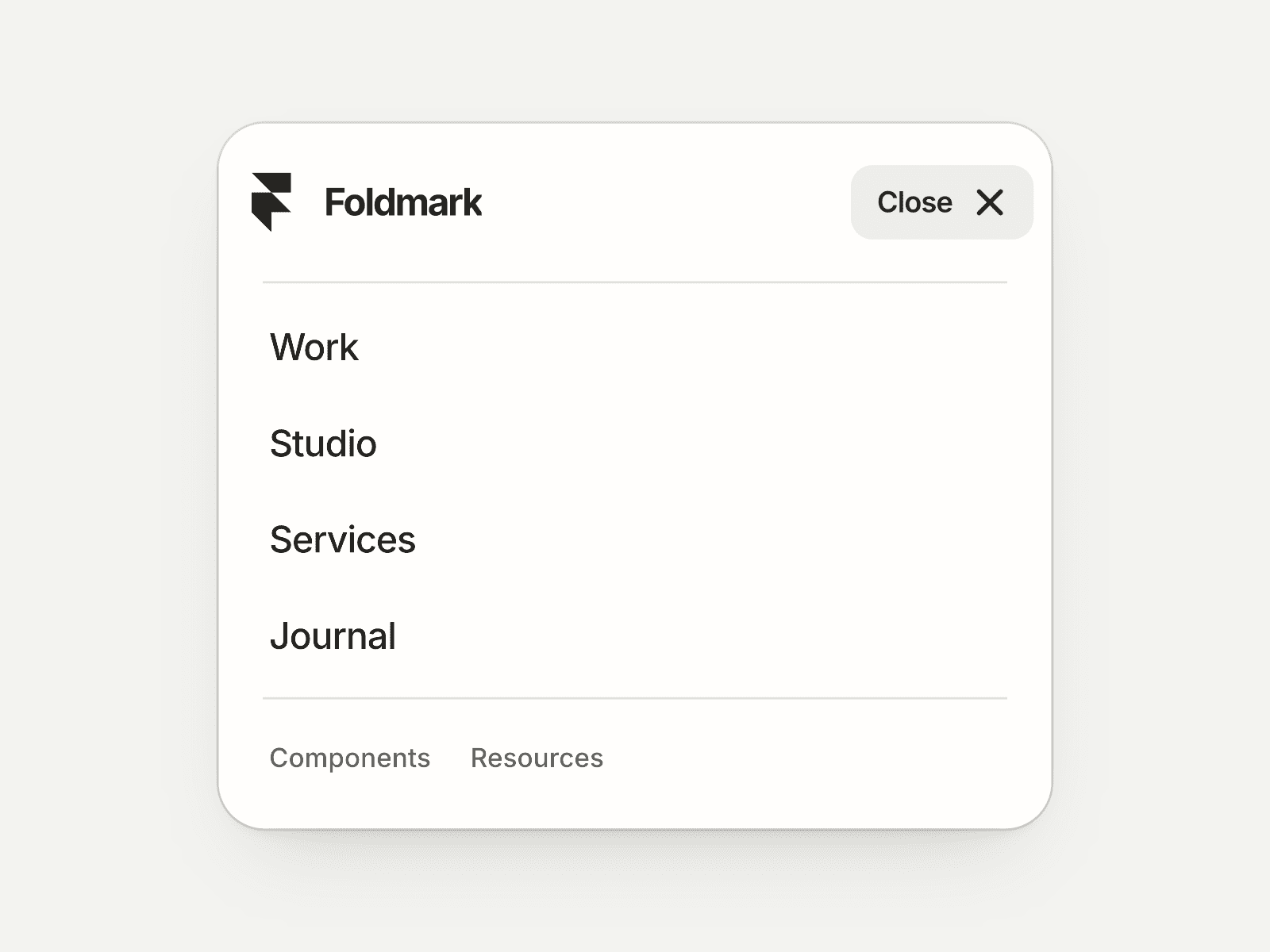
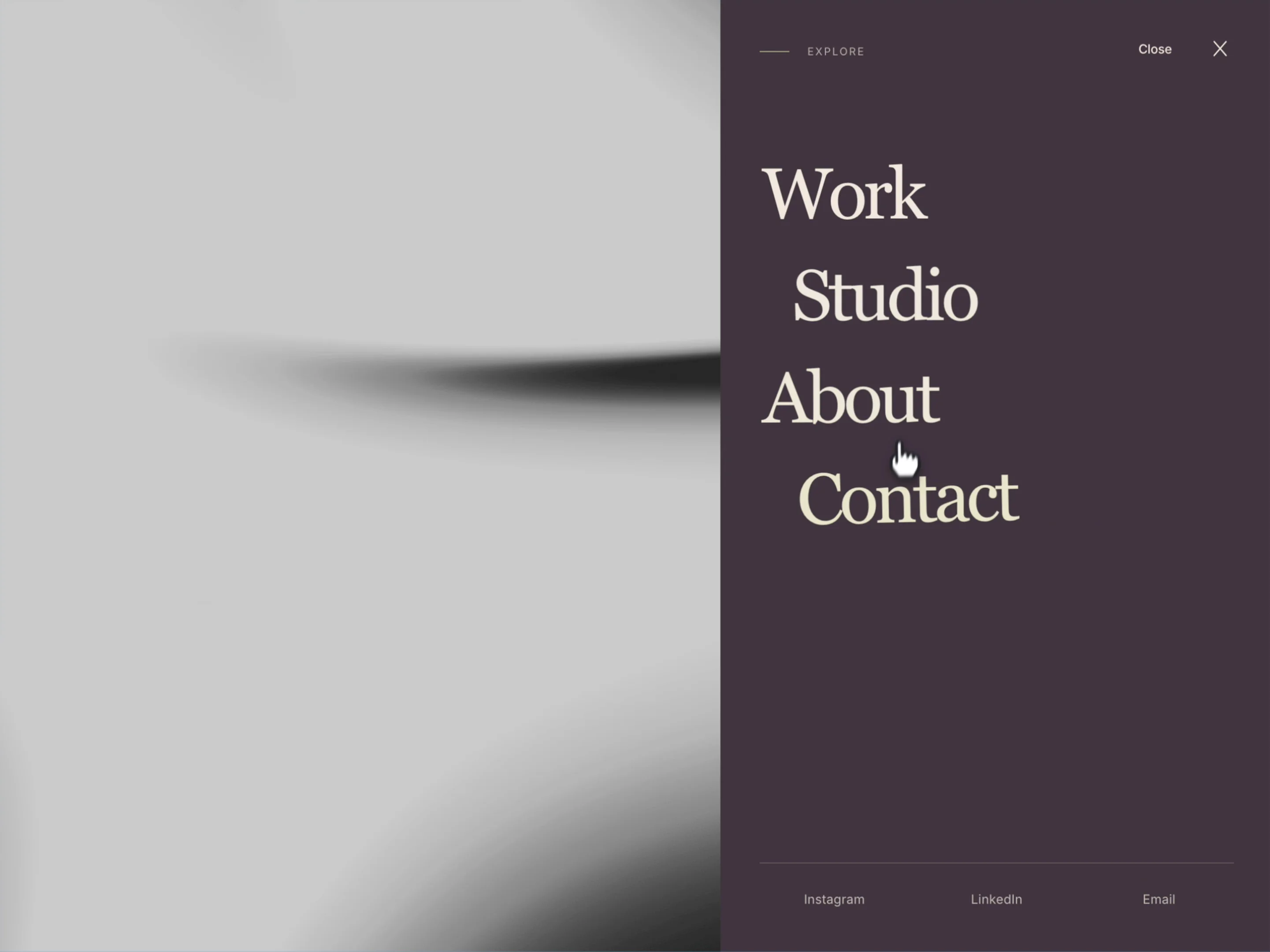
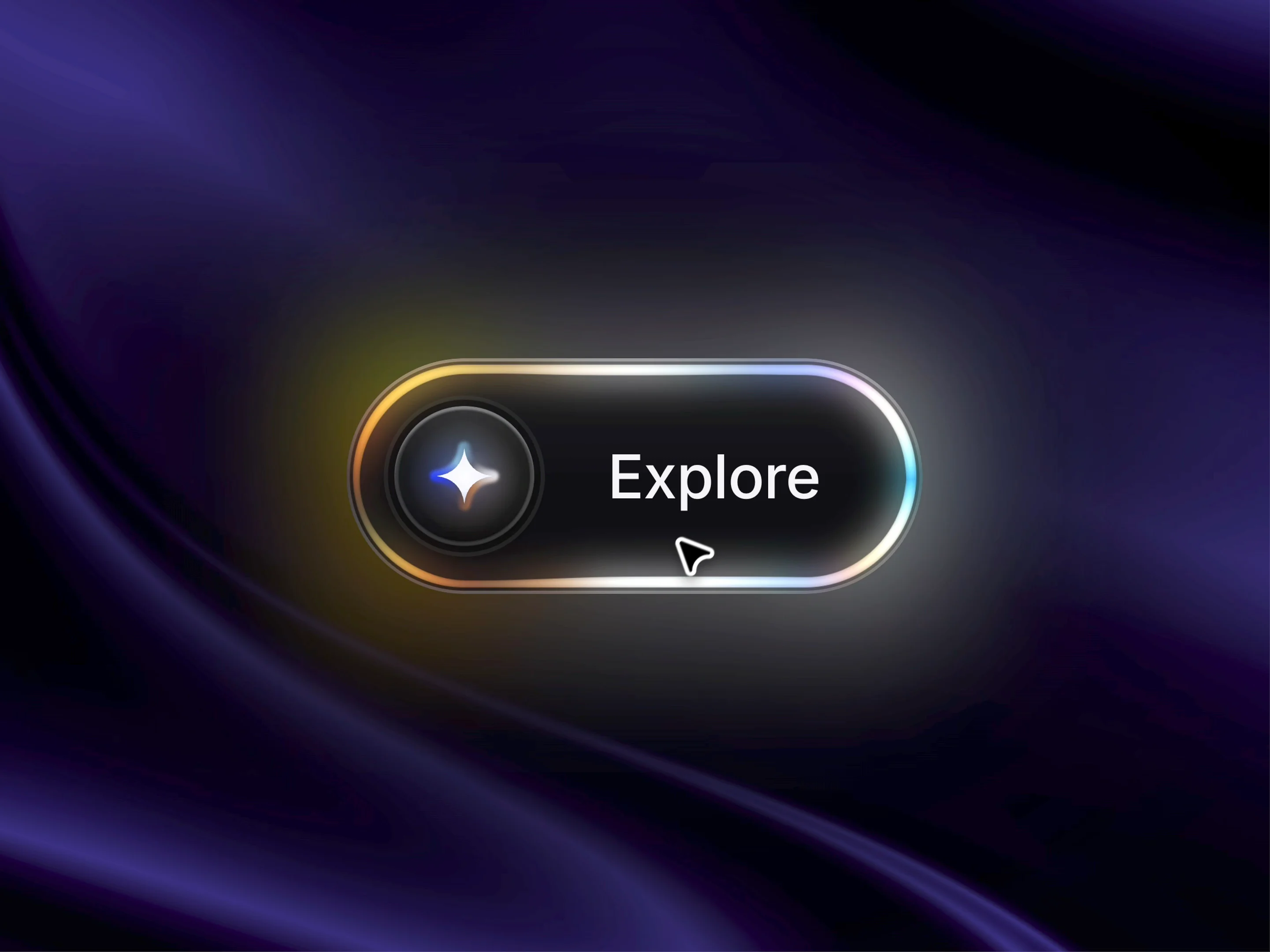
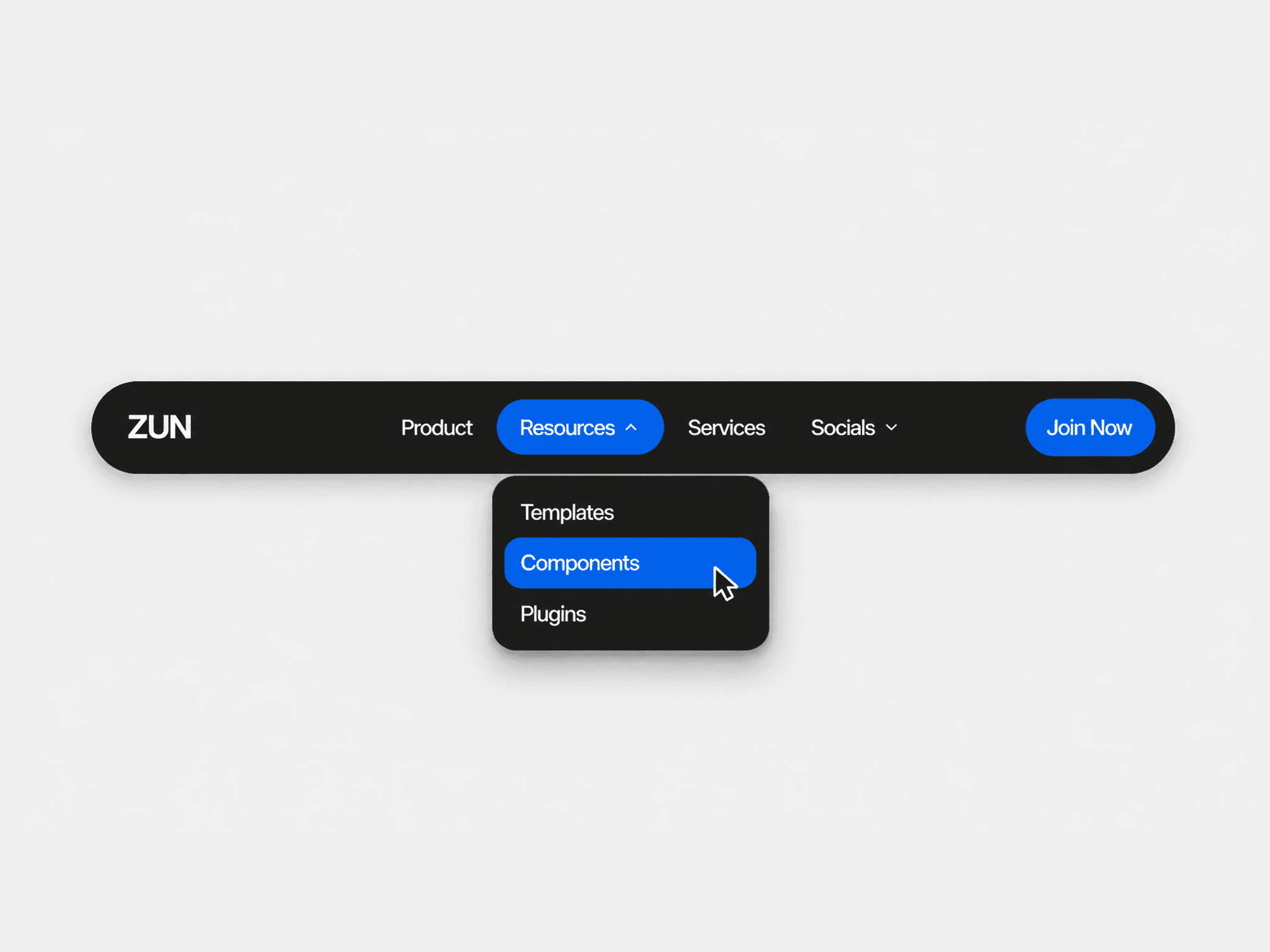
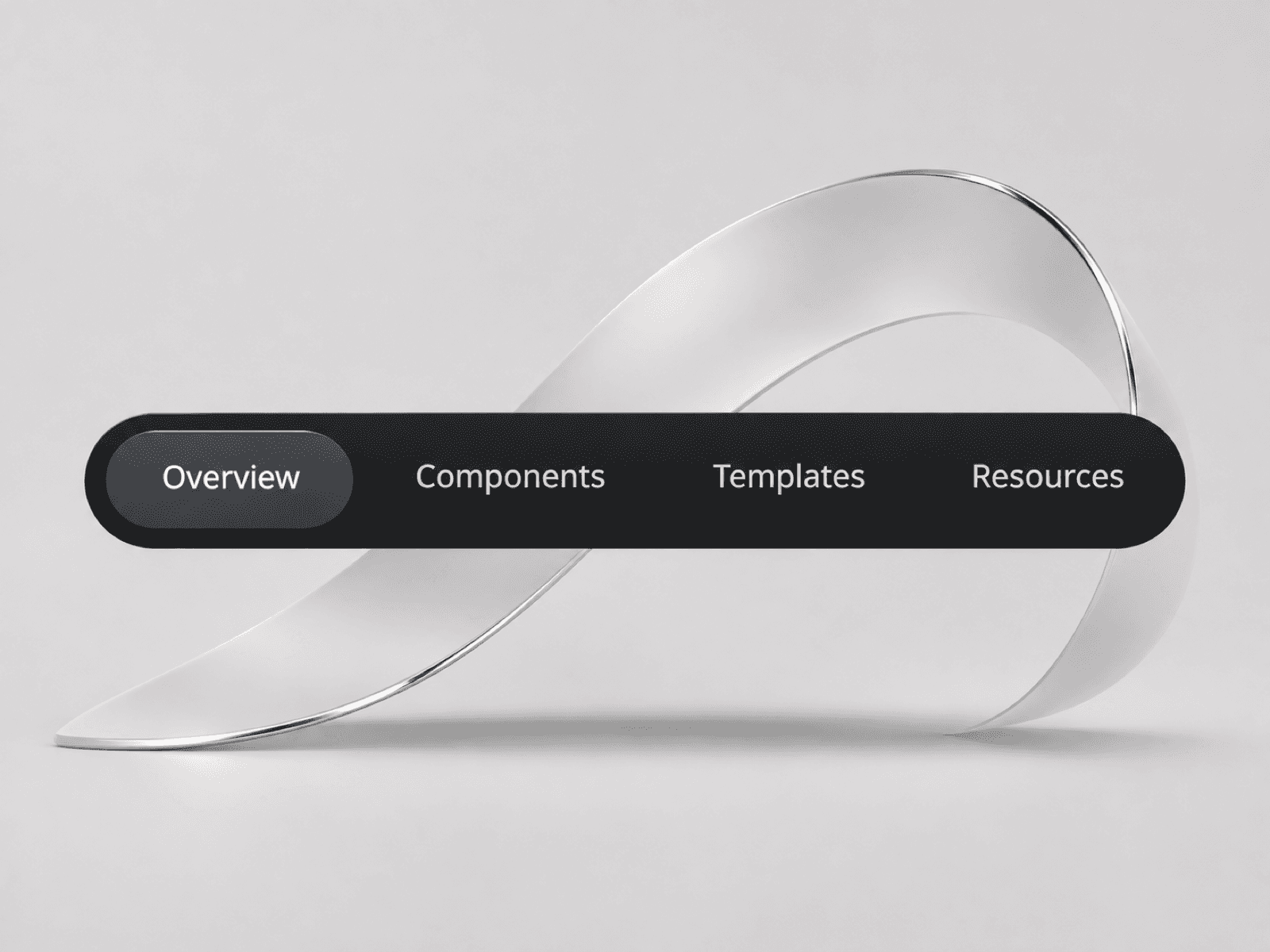
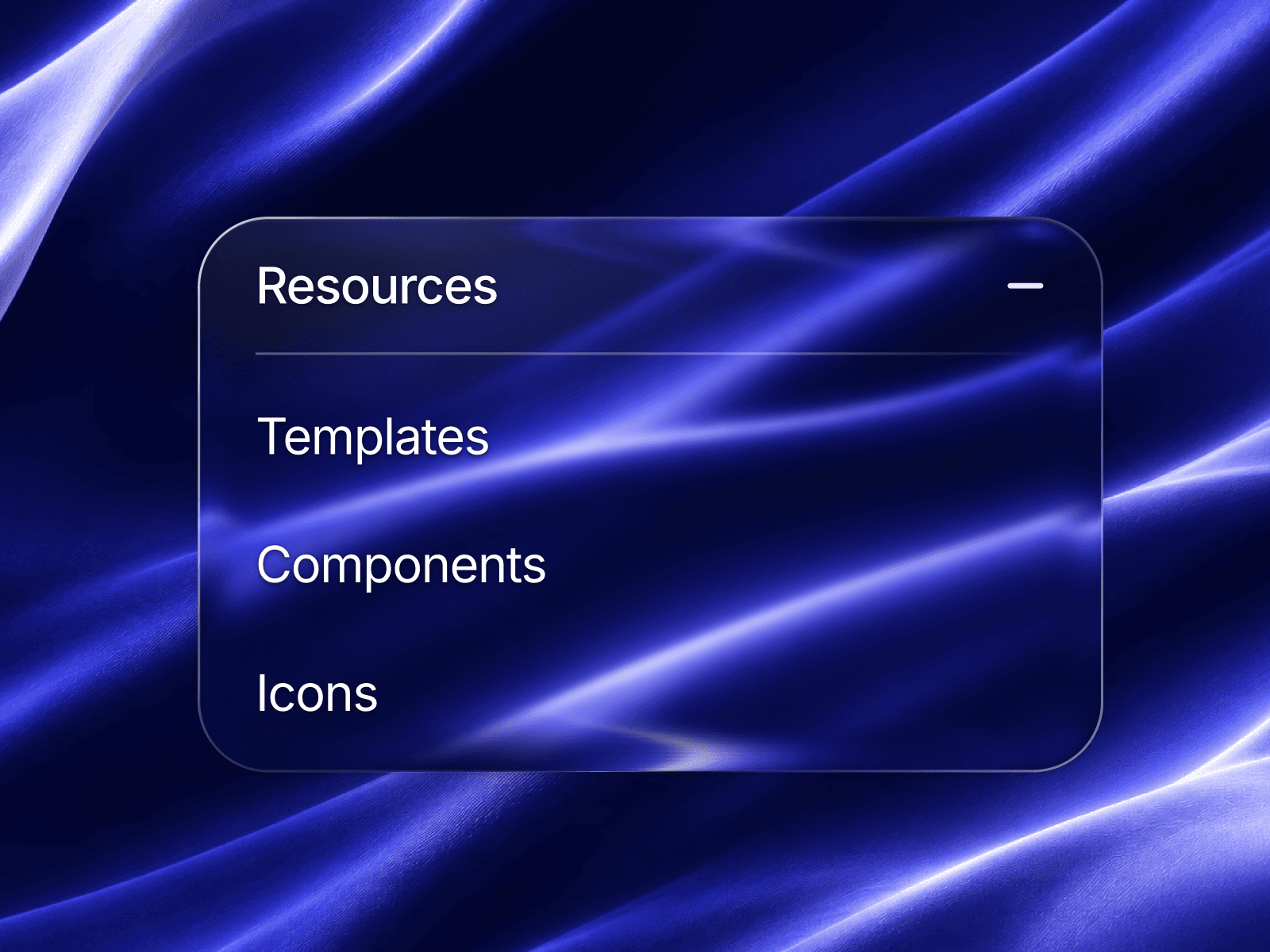
Liquid Glass Menu is a free dropdown navigation component for Framer. A compact trigger opens a clear glass panel that bends and softens the backdrop. It keeps related links out of the main navigation without covering the page with a solid block of color.
A dropdown that bends the backdrop
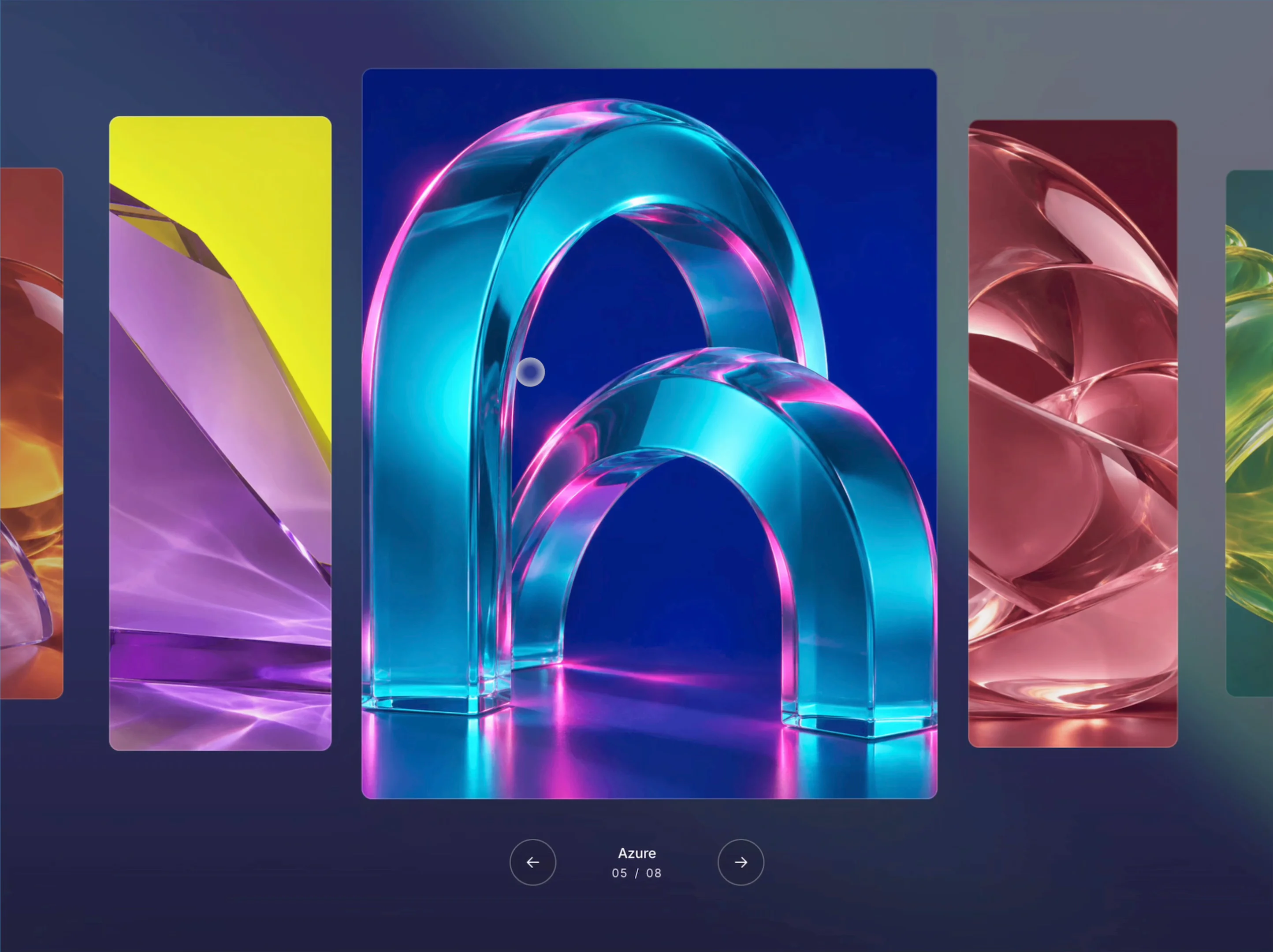
The effect is easiest to see where the panel overlaps a photograph, a gradient or a sharp edge. As visitors move through the menu, a highlight follows the hovered or focused row. The glass can read differently from one backdrop or browser to another, so check it over the actual content on your page.
Customize it in Framer
Set the trigger label and typography, then tune blur, tint and refraction to give the glass a softer or sharper edge. Adjust the outline, row highlight, text and focus colors individually. Change the panel width and alignment, and set padding and corner radii for the trigger, panel and rows.
Add up to 12 items with individual labels, destinations and new-tab settings. Keep all rows neutral when the menu opens or choose one to highlight by default. You can also start with the menu open to see how the panel lines up while you work on the page.
Keyboard and motion
Use the arrow keys to move between items and Escape to close the menu. The component respects reduced-motion preferences.
Where it fits
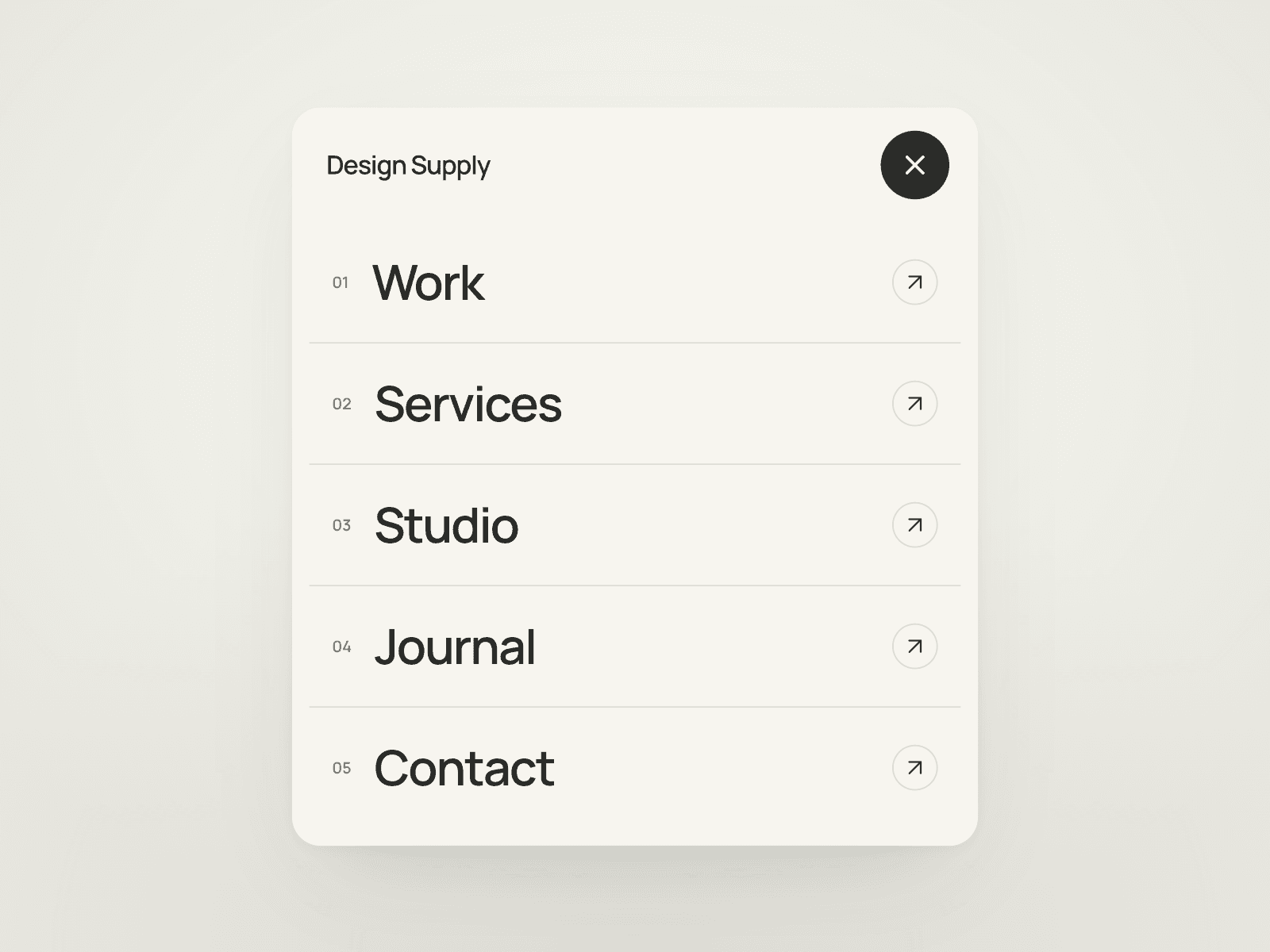
Use it for a resource dropdown on a product site, a project index on a studio portfolio, or a small navigation group for journal sections, documentation or event pages. It works best when you have one related group of links to tuck behind a single label.
Made by Frame Agency