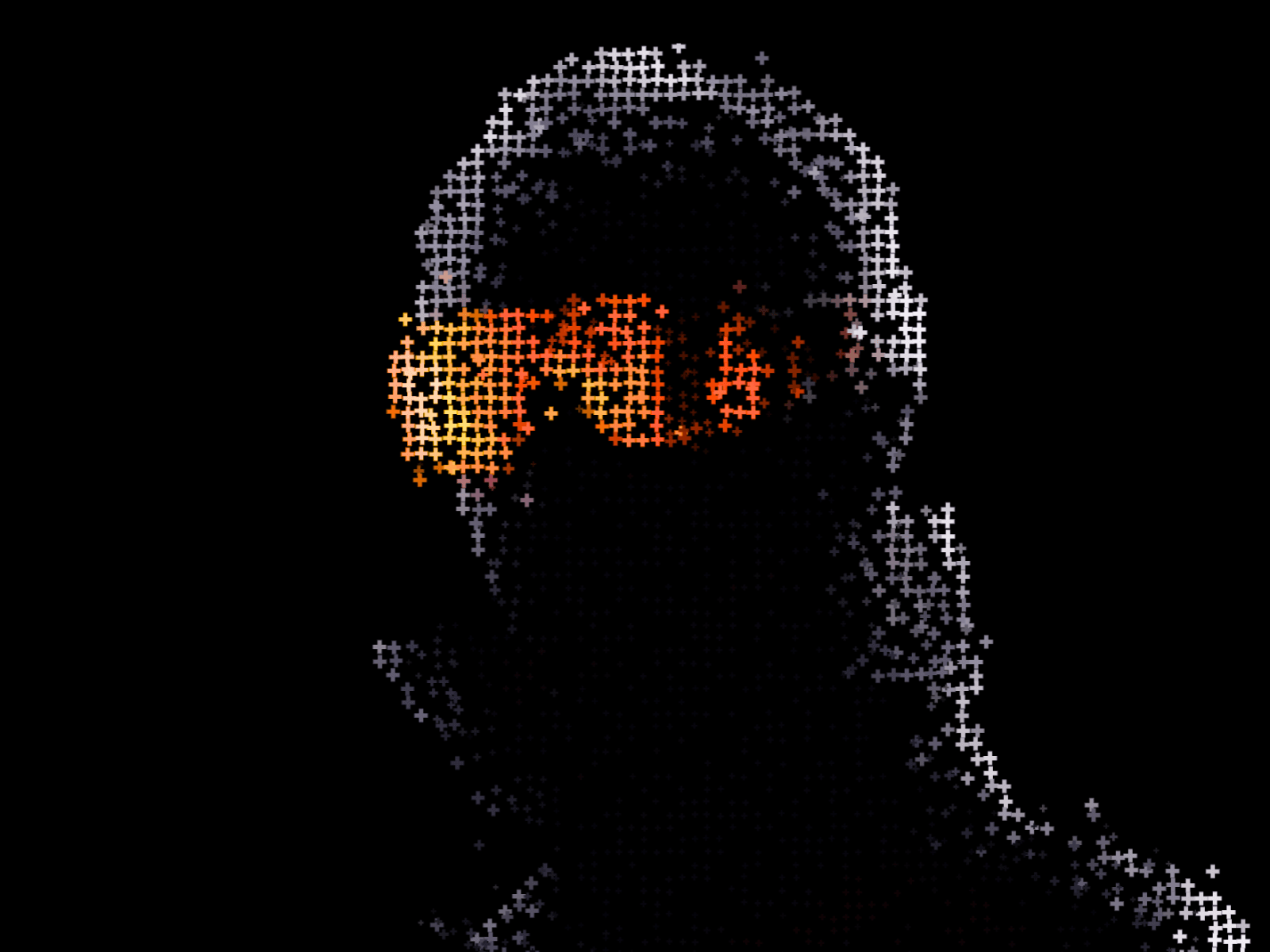
About Interactive Halftone
Turn a portrait or transparent PNG into an interactive 3D halftone in Framer. The light and dark areas of your image shape the depth of the dots. Move your cursor across the image to scatter them, or click to send a ripple through the design.
Features
Give a flat image real depth. Turn a portrait, logo, or illustration into a textured visual that feels sculpted.
Make the image respond to visitors. Dots move as the cursor passes over them, then settle back into place. A click sends a ripple through the image.
Create different looks from the same image. Choose from four particle shapes, from round stipples to square pixels.
Keep the focus on your subject. Use a transparent PNG or remove a solid black or white background to blend the image into your layout.
Bring a still image to life. Add gentle motion that runs even when visitors aren’t moving the cursor.
Easy to customize
Drop it into Framer and get a polished look with the included defaults. To make it feel like part of your brand, keep your original image colors or build a custom palette. Adjust the dot shape and size, the depth of the image, and how strongly it reacts to the cursor. There are more controls for contrast, background, and motion timing when you want to fine-tune the look.
How to use
Add Interactive Halftone to your Framer canvas.
Upload a portrait, logo, or transparent PNG.
Open Preview and move your cursor across the image. Adjust the colors and motion to suit your page.
Picture it on your site
Portfolio hero — Turn your portrait into an interactive visual that introduces your creative style.
Product launch — Give your campaign artwork a tactile look that visitors can explore.
Brand showcase — Reimagine your logo or mascot as a moving halftone in your own colors.
BUY NOW 👉: https://designsbysadat.lemonsqueezy.com/checkout/buy/88788875-eb01-48c4-92a8-a495926b024d