About Iris Carousel
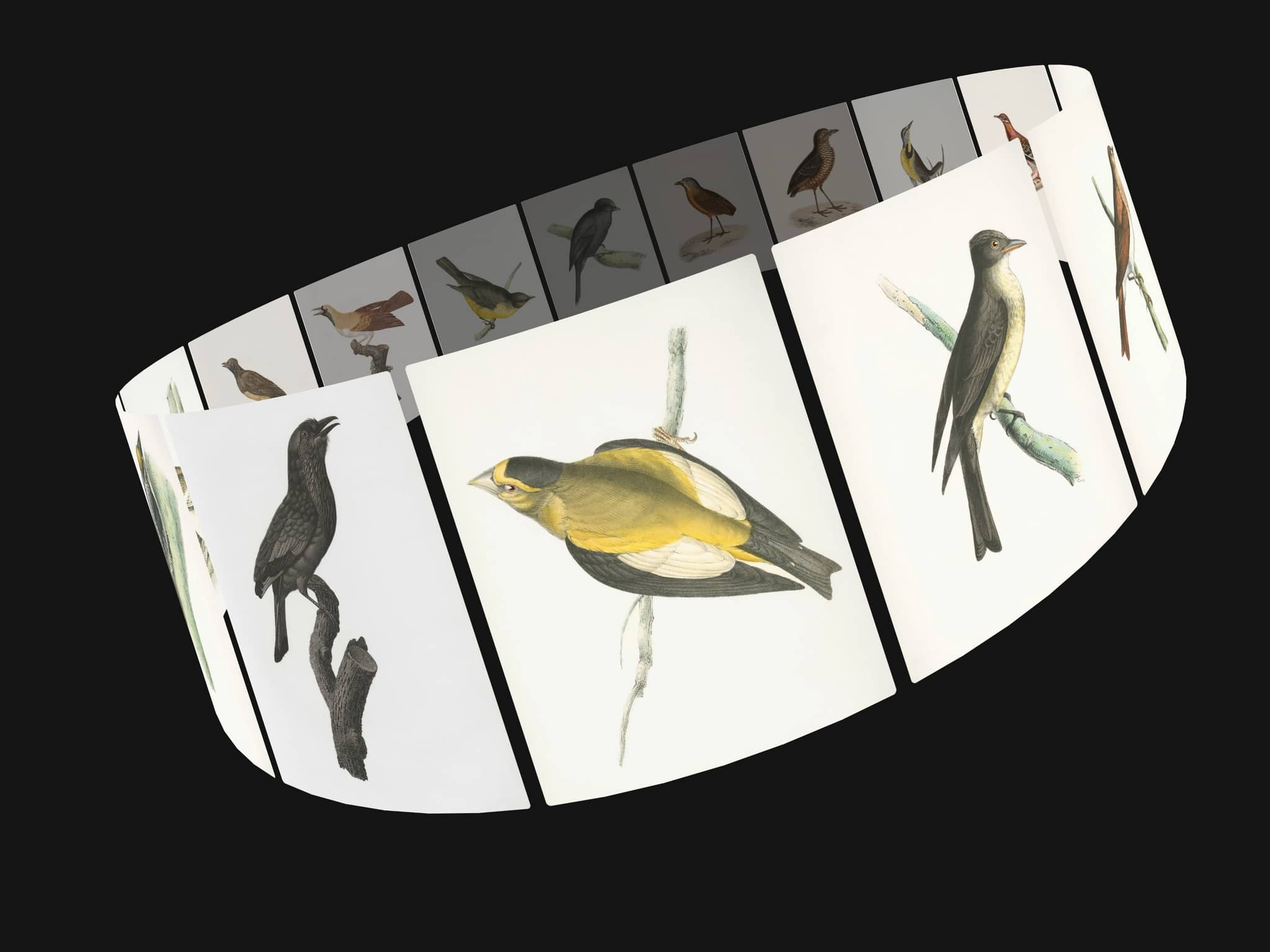
Iris Carousel is a showcase carousel built around one move: every slide waits in a round lens, and the one that reaches the centre opens from a circle into a full frame.
A title that runs through the picture. Each title is fitted to the same width, set as large as the stage allows, and inverts wherever it crosses the image. Want it calmer? Put it in front of the image or behind it.
Two ways to move. Drag mode: drag, swipe, trackpad, arrows, arrow keys, an endless loop and autoplay with a ring timer on the next arrow. Scroll pin mode: the carousel pins to the screen and page scroll moves it. Each slide rests in the centre, and when scrolling stops the row settles on a whole slide.
Linked to scroll. The centred lens opens and the title rises as the carousel scrolls into view. Scroll drift slides the row a few slides while the page passes, with no pinning.
Every slide. An image or a video, a title, a line of text and a button. Link the button to a page, or type a path for CMS detail pages. Up to 20 slides.
Restyle everything. About 100 controls in ten groups: frame ratio and corners, lens shape, size and count, arc, depth, haze, parallax, rings, the glow the stage takes from the active image, the round Drag / Open cursor, button, arrows, dots, spacing and timings. Any font, any colour.
Finished the moment you drop it. Six built-in studies fill the slides until your images are in. No setup, no external requests, nothing stored in the browser. Built for desktop, tablet and phone. Reduced motion is respected, and arrow keys and screen reader labels are built in.
Setup. Insert the component, set its width to Fill and add your slides in the panel. For Scroll pin, the section and the frames around it need Overflow set to Visible.