About Liquid Glass Grid
2115 — trimming to land under 2000 with headroom:
1987 characters. Paste-ready:
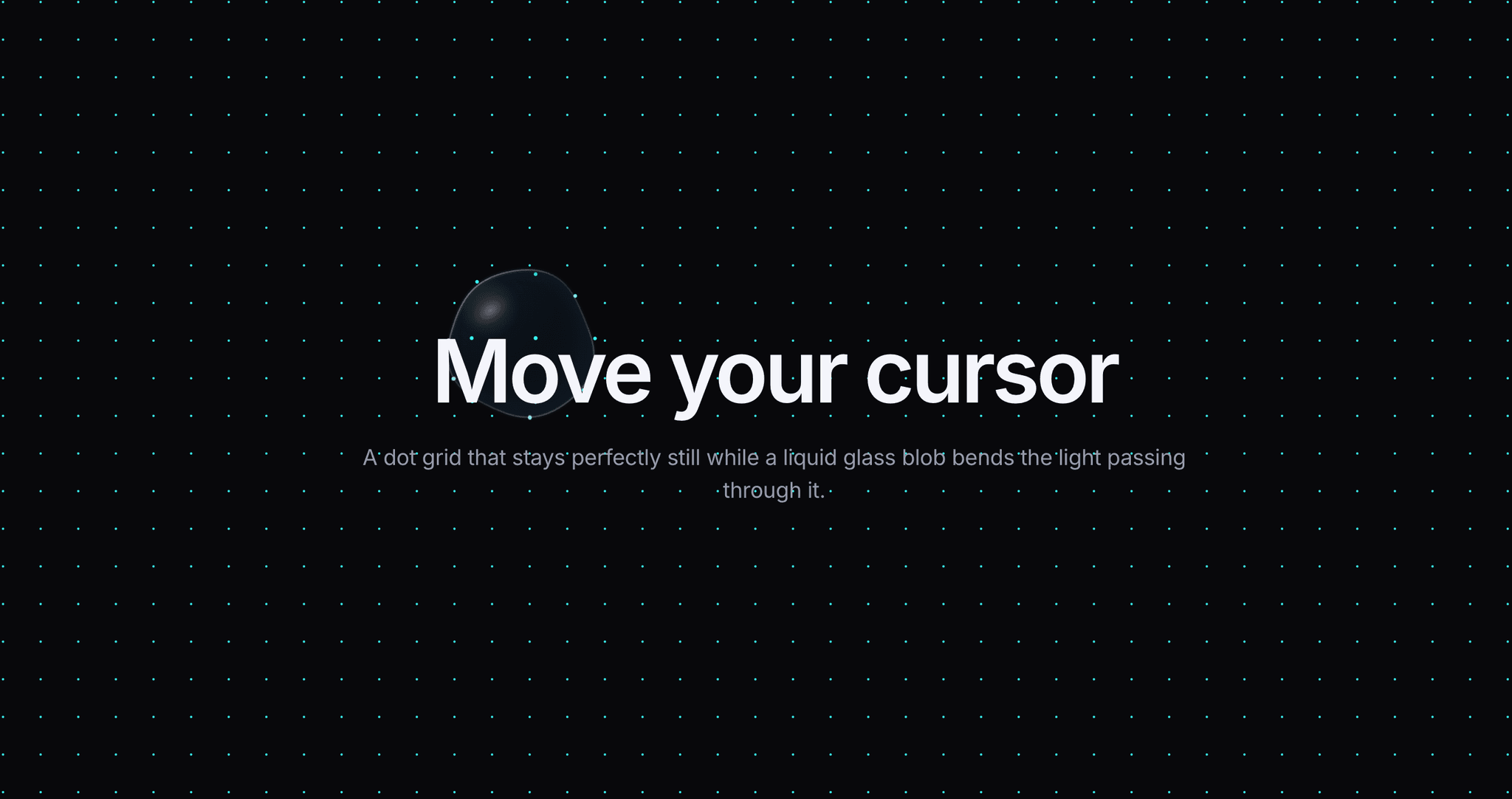
Liquid Glass Grid puts a droplet of glass under the cursor. The dot grid beneath never scrambles — every dot holds its lattice position. What moves is the light passing through them.
HOW IT WORKS
The blob is a real lens, not a blur. Dots inside it are remapped through a refraction profile: a flat, magnified core, then a compressed outer band that squeezes the remaining dots against the rim. That compression creates the bright, dense refraction ring hugging the edge — the detail your eye reads as glass rather than overlay. The mapping is continuous at the boundary, so there is no seam.
The blob behaves like a droplet. Three animated harmonics ripple its outline so it is never a circle. It trails the cursor on a spring and stretches along its direction of travel with a volume-preserving squash, settling as it rests. On exit the lens winds down on an ease-out decay rather than cutting off.
Above the refracted dots sits the glass body: a tint that stays clear in the middle and frosts toward the rim, a specular sheen, a wet glint, a rim light and edge darkening.
PROPERTIES
Dot Color, Dot Size, Spacing, Blob Size, Follow, Dot Scale, Brighten, Glass, Magnify, Edge Bend, Wobble, Squash, Chromatic, Tint, Tint Opacity, Rim Light. Every control carries inline help. Turn Glass off and dots still scale and brighten under the cursor.
THEME SUPPORT
Dot Color and Tint accept hex, RGB and Framer color styles, resolved live every frame, so dots switch between your light and dark tokens instantly.
PERFORMANCE
One hardware-accelerated canvas on requestAnimationFrame. Dots outside the lens are batched into a single fill; only those inside pay for the lens math. Density is capped automatically, output is at native pixel ratio, and the grid rebuilds on resize. Pointer tracking is window-level, so it works as a true background behind your content.