About Logo on Scroll v1
About this Component
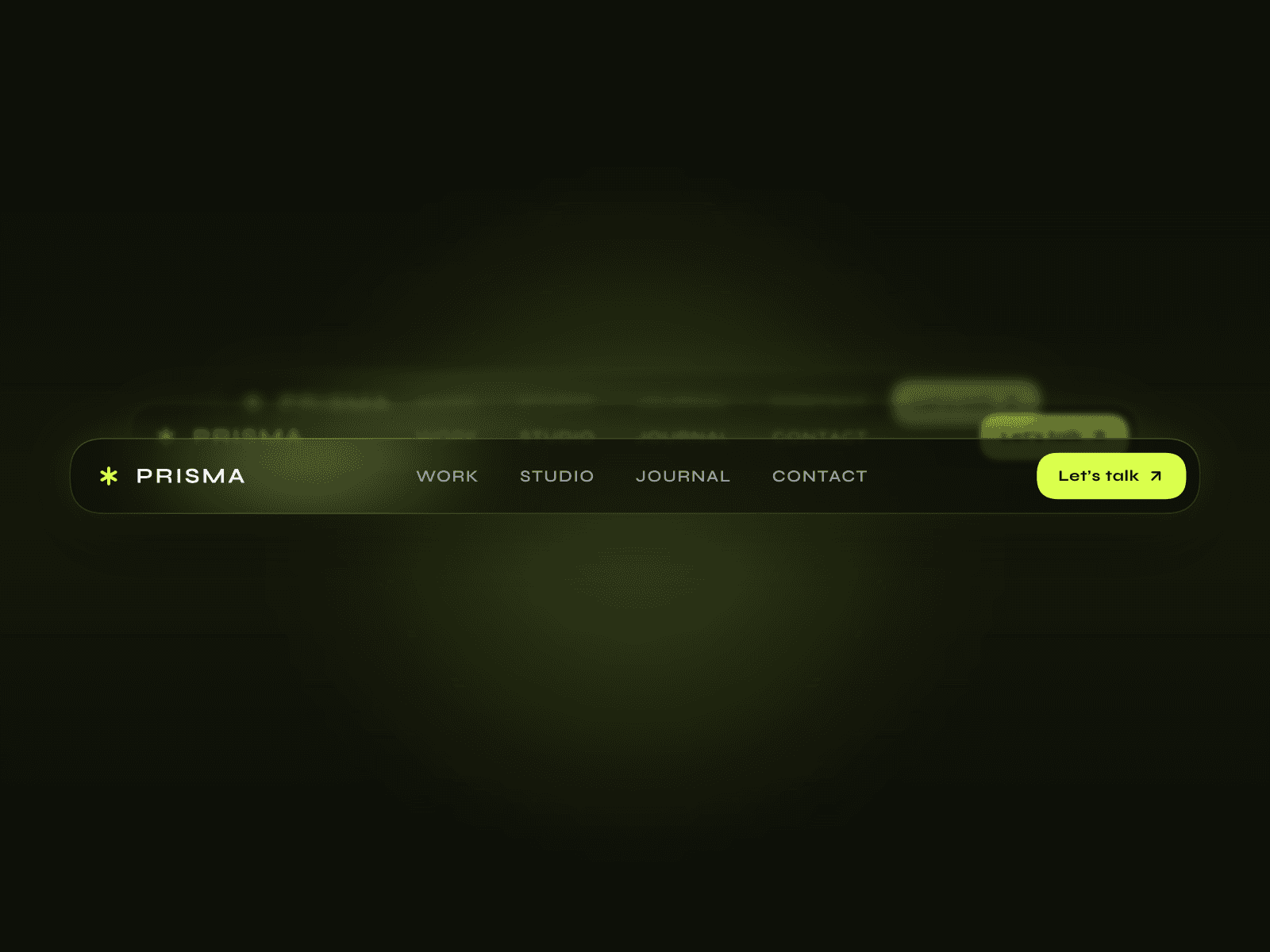
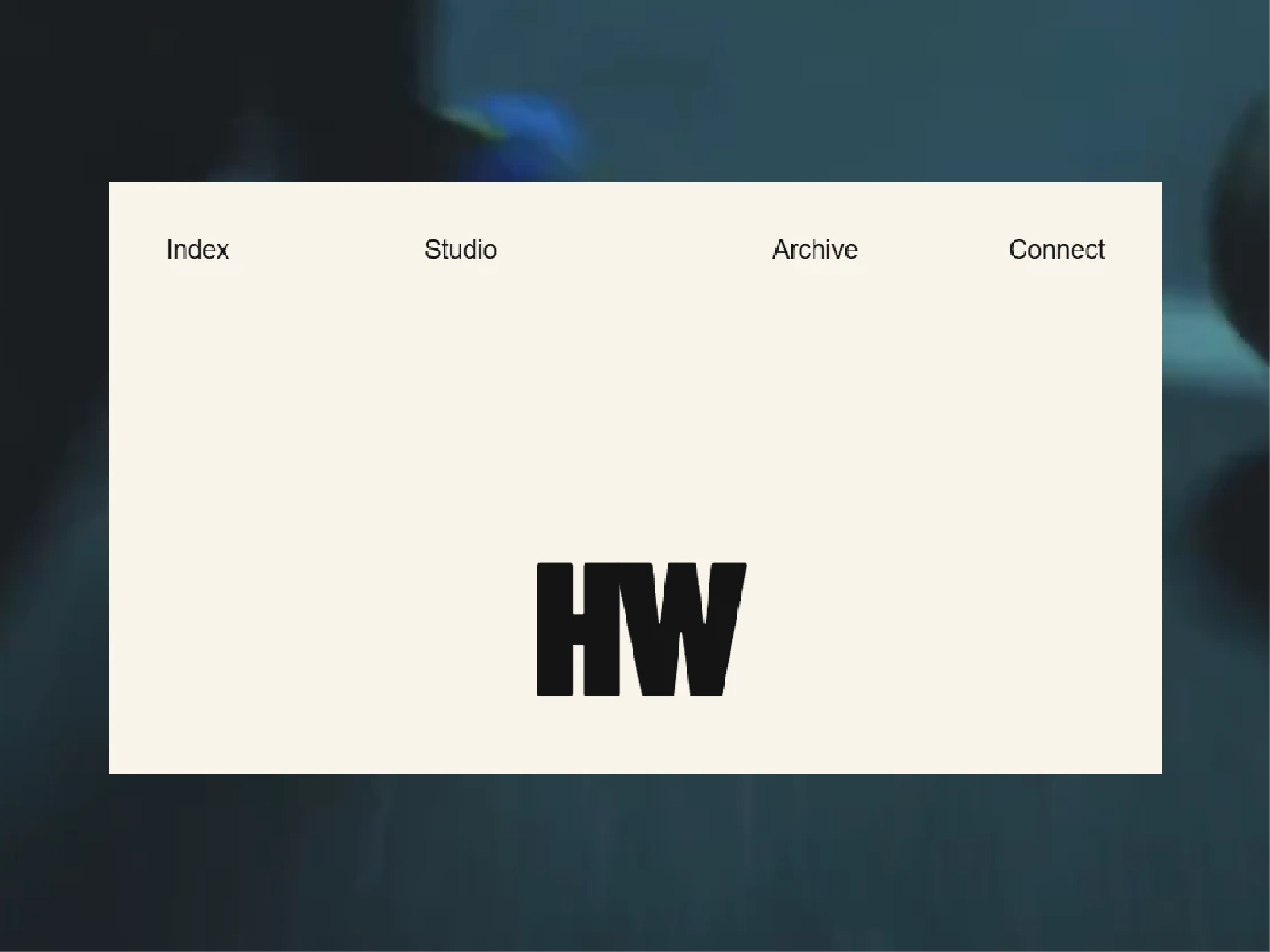
Logo on scroll creates a responsive scroll-driven transition where a large centered logo shrinks into a fully functional navigation bar while the surrounding panel expands to fill the viewport.
Use a text logo or upload your own image, choose between solid, image, or video backgrounds, and fine-tune the animation for desktop and mobile independently.
Perfect For
Creative portfolios, agencies, studios, editorial sites, landing pages, brand showcases, and websites that need a strong transition from hero content into navigation.
Key Features
Scroll-driven panel expansion
Logo-to-navbar transition
Image or text logo support
Solid, image, and video backgrounds
Up to 4 customizable navigation links
Optional persistent navbar
Independent mobile animation toggle
Mobile link Reveal / Always / Hide modes
Adjustable mobile logo positioning
Responsive desktop and mobile layouts
Custom typography and spacing
Scroll smoothing and animation distance controls
Canvas preview control
Static renderer support
Offscreen animation pausing
Organized property controls
How It Works
Place the component inside a sticky viewport-height frame within a taller scrolling section. As the page scrolls, the panel expands while the logo scales down and docks into the navbar. Choose Scroll Away to keep the navigation tied to the section, or Stay Fixed to keep the completed navbar visible throughout the rest of the page.
Mobile behavior can use the same reveal animation or skip directly to the completed navigation layout.
Questions?
Reach out at hasanwali6890@gmail.com
Refund Policy
All sales are final upon purchase as this is a non-tangible digital product. A refund is offered only if the component suffers a critical technical failure that cannot be reasonably resolved. Refunds are not provided for buyer's remorse, aesthetic preference, or post-purchase modification requests. Report confirmed technical failures with supporting evidence within 14 days of purchase.