About Lumen Reveal
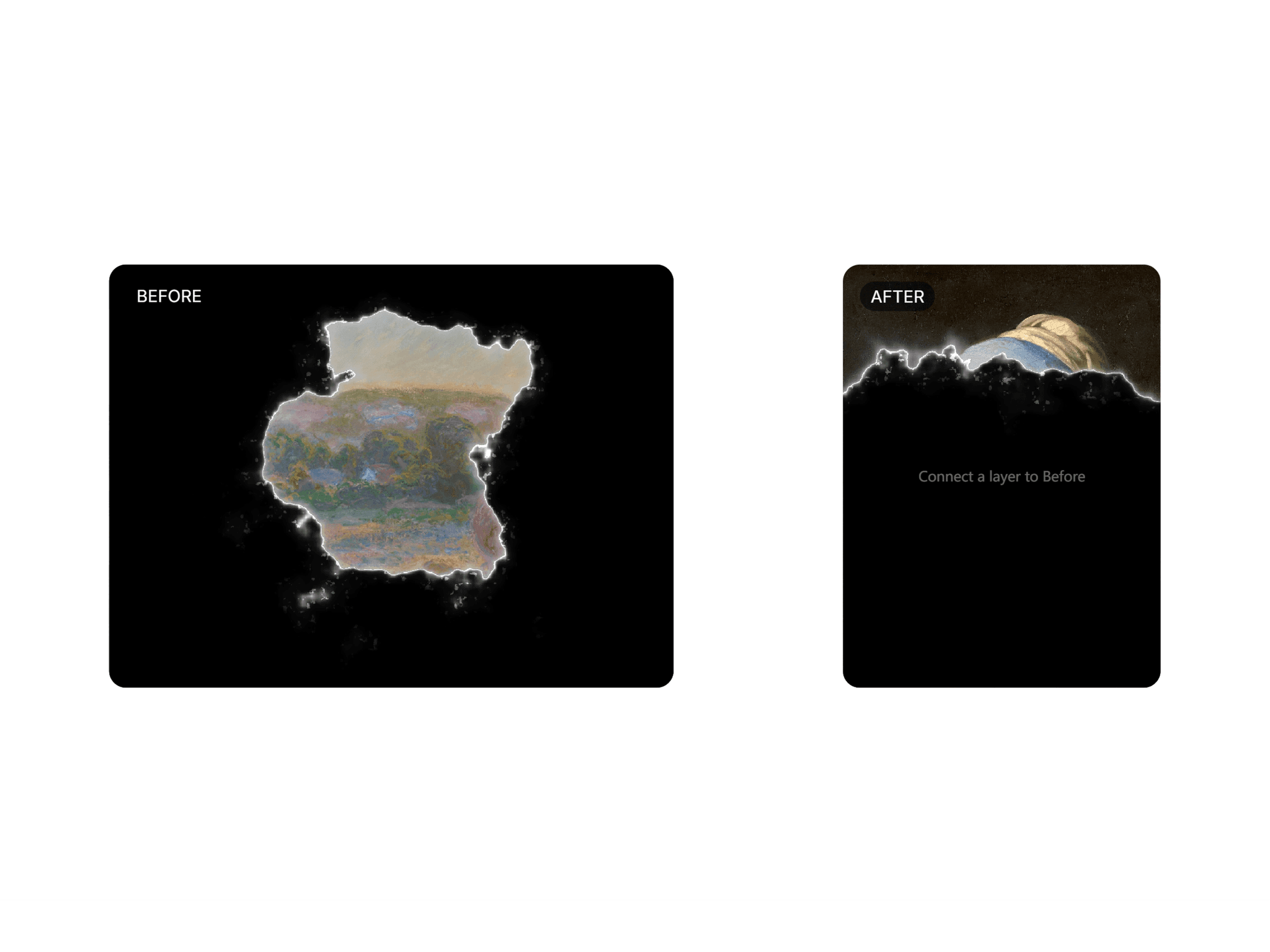
Lumen Reveal breaks one layer open with light to reveal another. A soft shadow gathers, a glowing edge traces an organic path, and the next layer opens into view. It’s the kind of cinematic reveal you see on editorial launch pages, ready to drop into any Framer site.
Connect any Frame, image or component to the Before and After slots. Everything inside stays sharp, editable and interactive.
Features
Before / After slots: works with any layer, from a single image to a full section.
Scrub mode: the edge follows the cursor or finger, like a comparison slider.
Flexible triggers: click, hover, scrub, loop, in view, variants, progress, or external buttons via code overrides.
Reveal from anywhere: open from the center or from any side.
Tunable edge: color, width, glow, flicker, shadow and shape. Change the seed for a new pattern.
Optional labels: Before / After tags with custom text, position, font and pill style.
Events: On Start / On End to chain your own interactions.
Lightweight: GPU-accelerated and smooth at 60fps.
How to use
Create two Frames directly on the canvas, outside your page breakpoints.
Select Lumen Reveal and connect them to the Before and After slots.
Choose a trigger. Pick Scrub for a comparison slider, or Click / Hover for a transition.
Tip: a darker Before layer makes the glowing edge stand out the most.