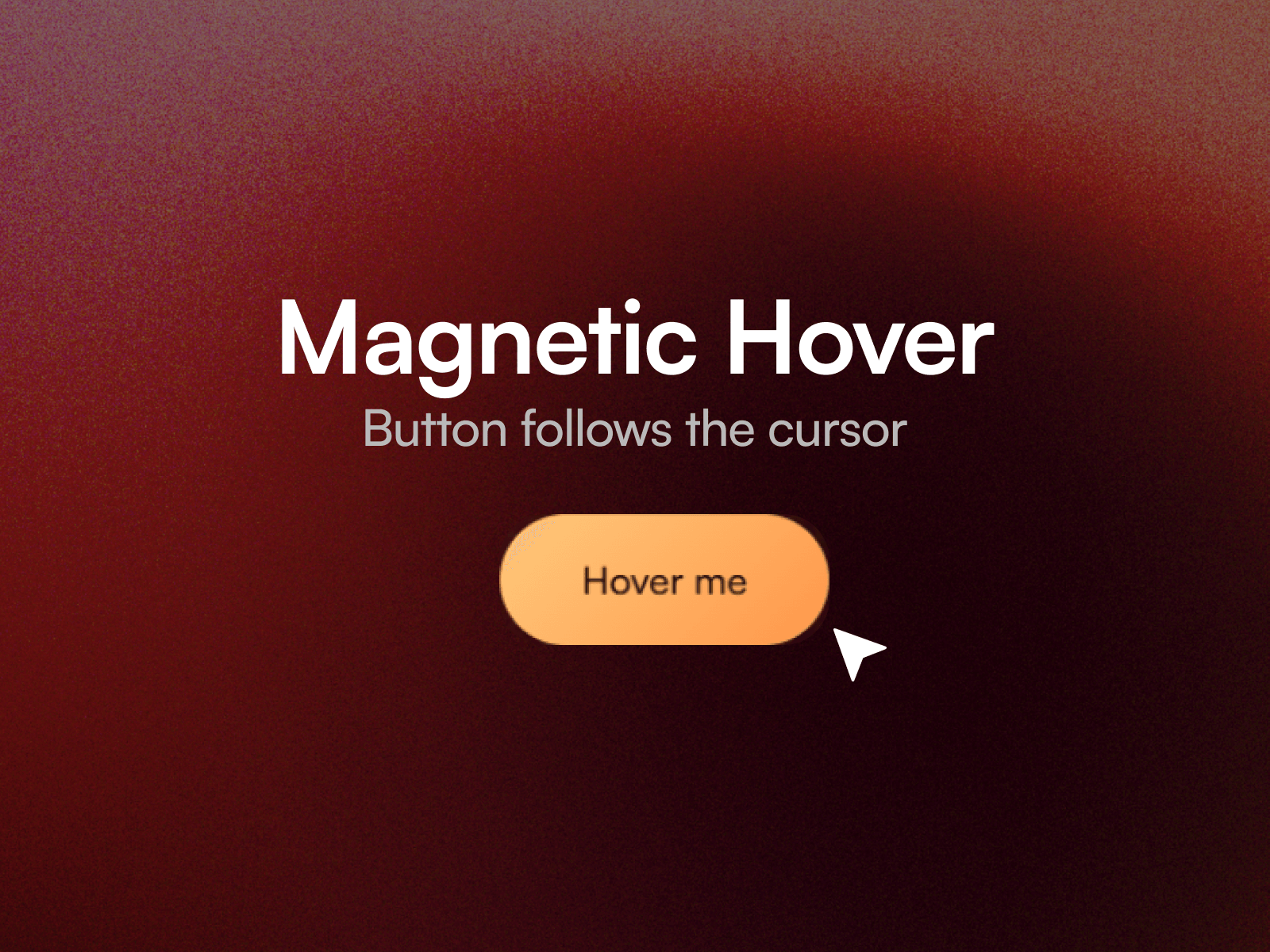
About Magnetic Hover
Magnetic Hover pulls any layer toward the visitor's cursor. The pull starts before the pointer reaches the layer and falls off to nothing at the edge of its field, so it reads as attraction rather than a snap.
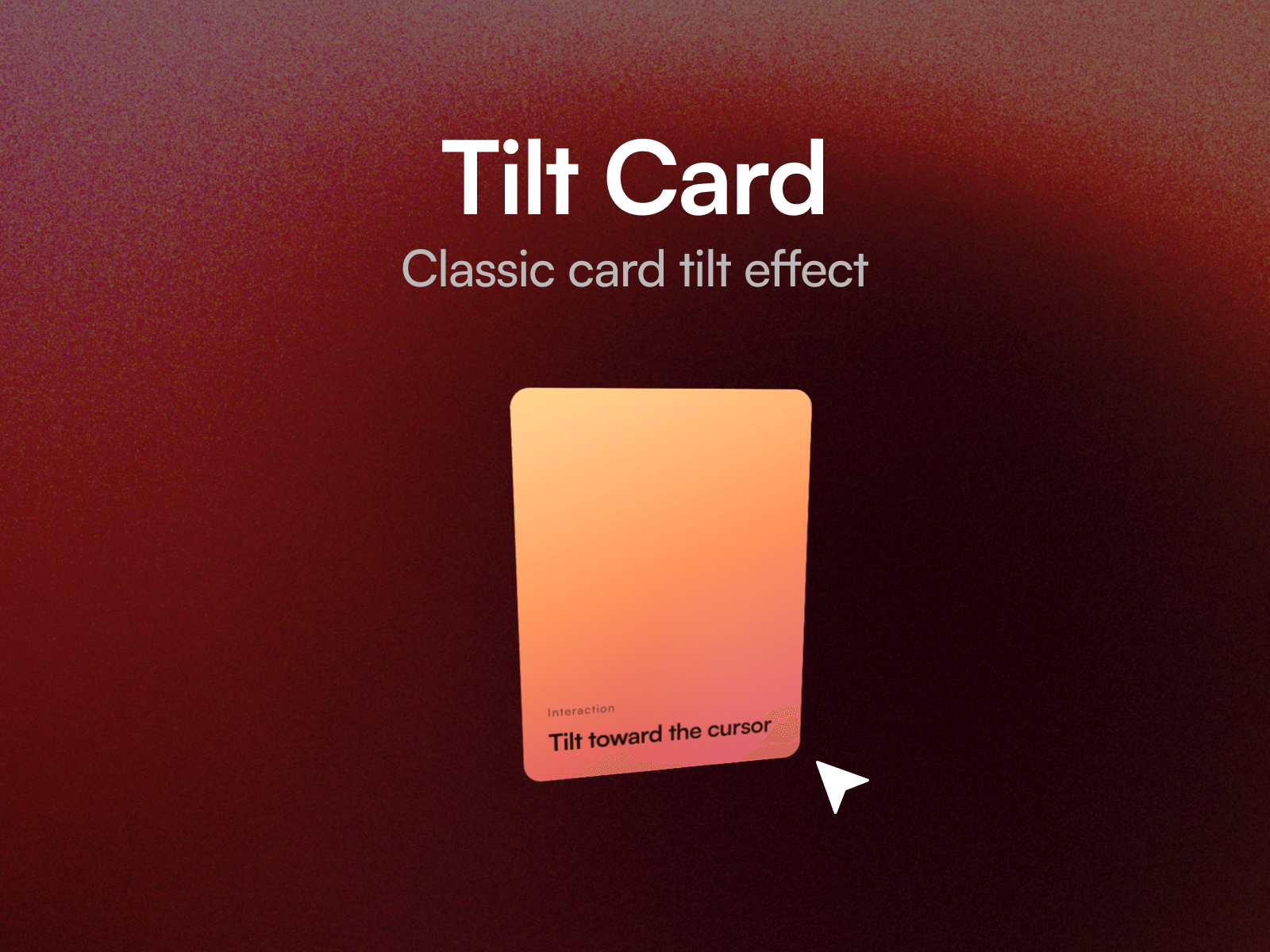
Drop a button, card, image or icon into the Content slot and tune the motion on the canvas. Twelve property controls cover pull strength, field radius, scale, follow and release timing with separate easing on each, and an optional tilt.
Three tuned presets
Subtle. A tight field and a light pull, for dense interfaces where motion should barely register.
Standard. A clear pull with a soft elastic settle. This is how it ships, so it works well without touching a control.
Elastic. A wide field and a long overshoot, for a single hero call to action.
Setting up
Paste the component link into your Framer project's Insert panel. Nothing to install.
Turn on Show Field while you position it. That draws a dashed circle marking the magnetic radius, which makes the Field value far easier to judge. Switch it off before publishing.
Good to know
The layer in the Content slot needs to sit at the top level of your page, alongside the breakpoint frame. That is how Framer slots work.
Motion runs on published sites and in preview. On the canvas the component holds still on purpose, so it stays easy to select while you design.