About MegaMenuDarkLight
About
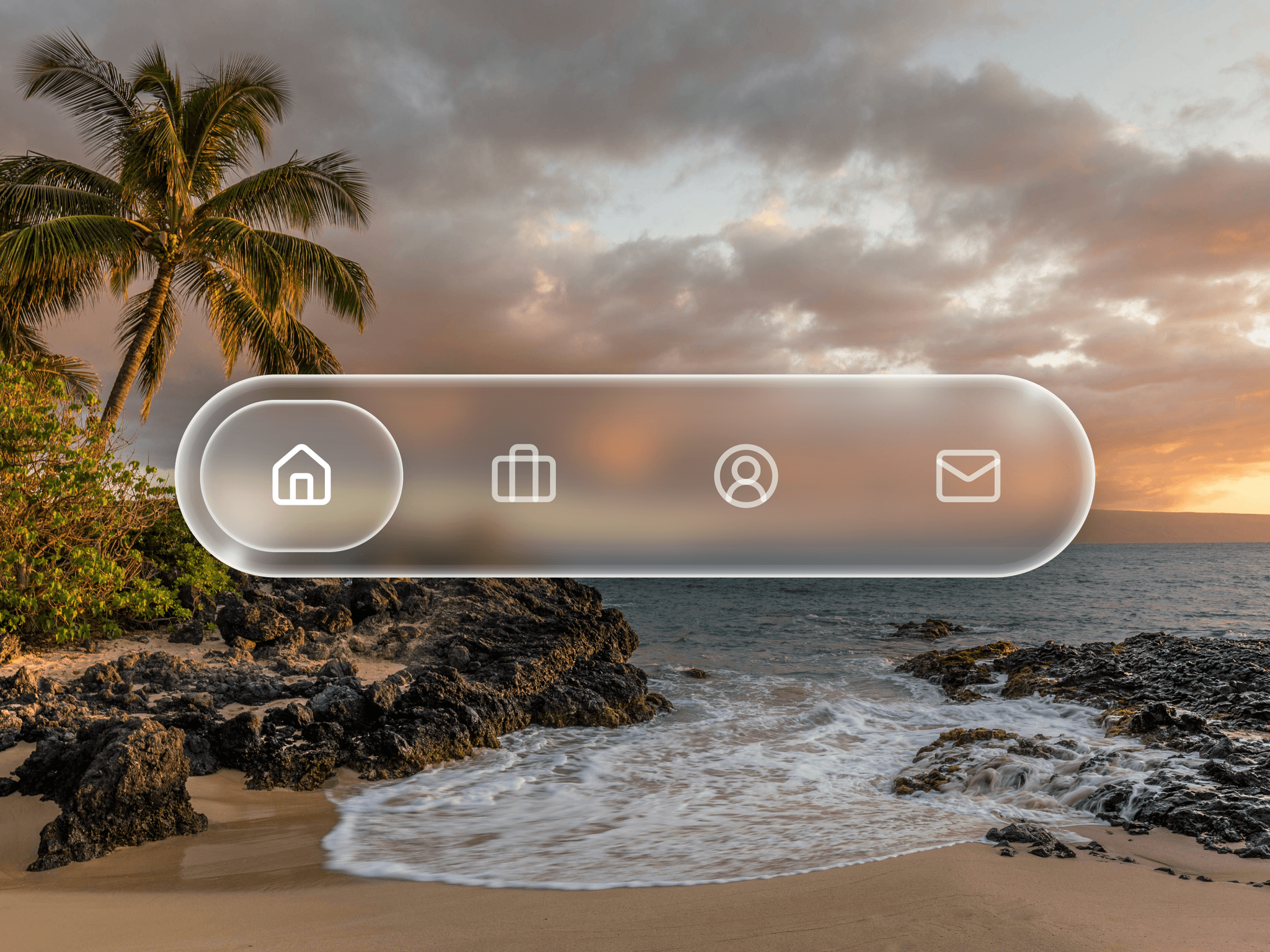
Envo Menu adds a sleek, modern navigation bar with an integrated dark and light mode toggle straight into your Framer projects. Drop it right at the top of your landing page, SaaS dashboard, or digital portfolio to give your users a highly interactive, accessible browsing experience. Customize your navigation items, toggle between distinct color modes on the fly, and enjoy a deeply responsive menu that looks perfect on both mobile sidebars and desktop displays.
What it does
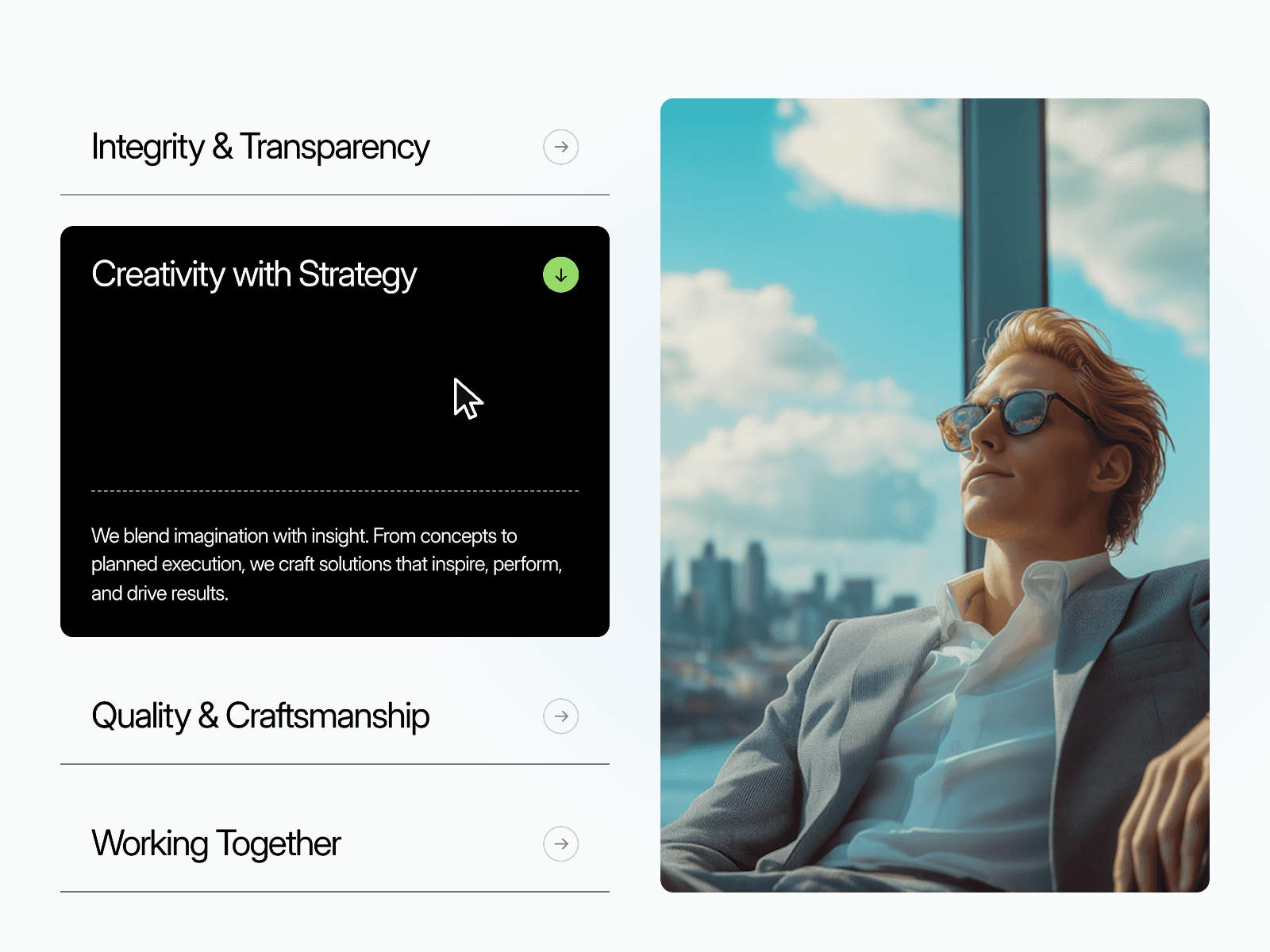
Renders a fluid desktop navbar and a clean slide out mobile sidebar based on your chosen width settings. It handles instant color theme transitions, organizes your navigation links into beautiful columned layouts, and dynamically displays custom badges or descriptions for high priority links. The component also features built in CTA buttons and footer links inside the dropdown panels to maximize user engagement.
What you can customize
Layout and spacing: Set fine grain dimensions including Nav Padding X and Y, Sidebar Width, Blur Amount, and your preferred dropdown Link Columns up to 3 cols.
Component styling: Tweak structural aesthetics with adjustable Navbar Radius, Dropdown Radius, Card Radius, and Border Width.
Brand assets: Input custom logo text like EnvoLab, modify logo font size and color, and fully customize your primary CTA button label, background color, and padding.
Colors and typography: Define independent text sizes and weights for primary nav text, link titles, descriptions, and bold group labels. You have direct control over text and background hex colors for the navbar, dropdowns, and sidebars.
Great for
SaaS and product landing pages
Digital agency sites
Creative portfolios and dashboards
Content heavy resource hubs
E-commerce and modern storefronts
Need help?
Questions or feedback? Reach me anytime: dulajdilshan766@gmail.com or on X @Dulajweb