About Milestone Timeline
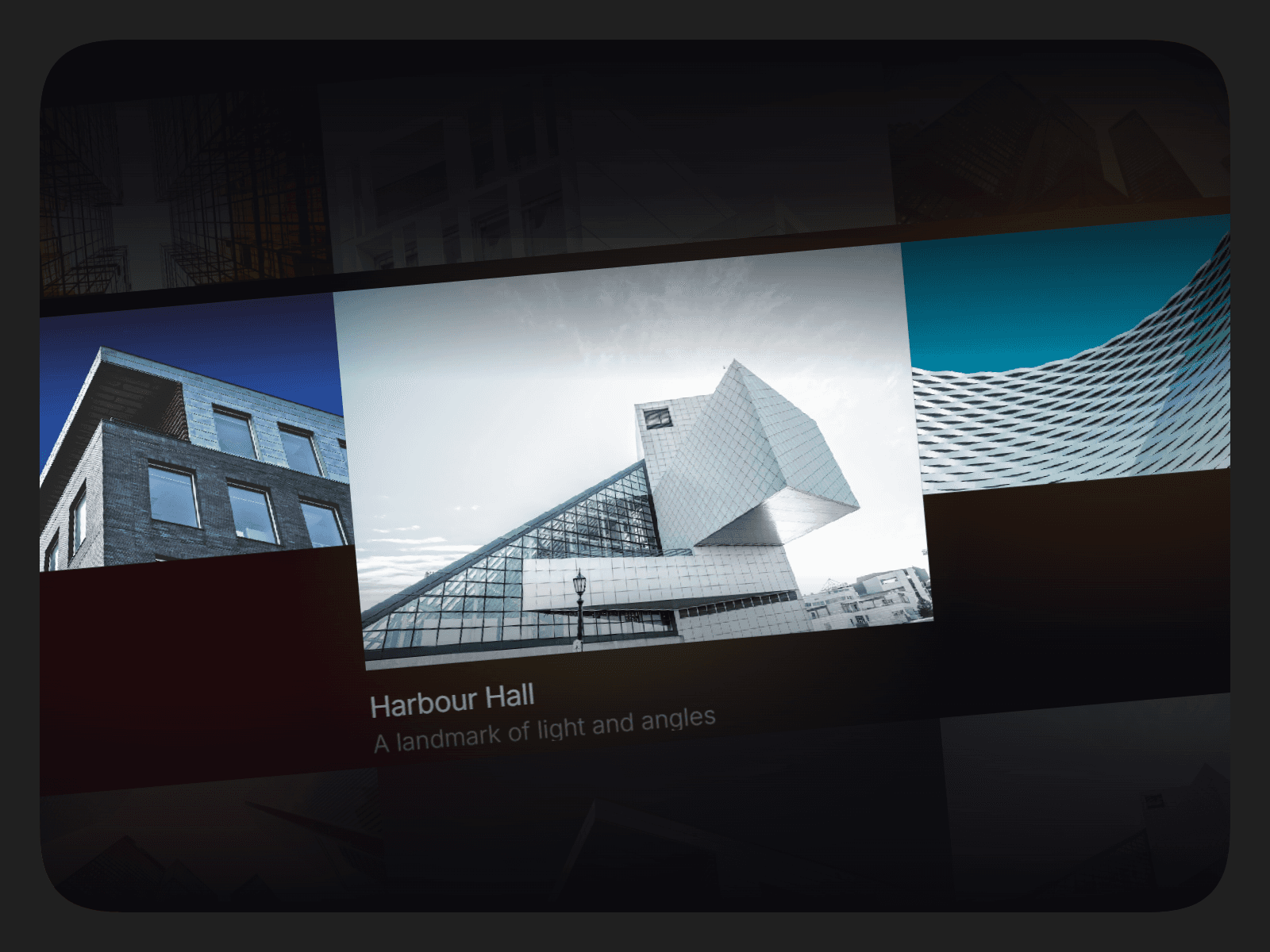
Milestone Timeline is a beautifully animated roadmap component built for Framer.
Perfect for product launches, feature roadmaps, project milestones, or storytelling.
Designed to be mobile-friendly and fully responsive, it adapts seamlessly across devices while keeping your milestones clear and engaging.
Demo
What Makes It Stand Out
Smooth horizontal animation with optional auto-loop playback.
Supports both SVG icons and emojis for each step.
Mobile-first design that adapts effortlessly to all screen sizes.
Clear year/label display for structured storytelling.
Flexible enough for roadmaps, project timelines, or user journeys.
Customizations
Fine-tune the timeline to match your brand and project needs:
Add unlimited timelines with an unlimited number of steps per timeline.
Set the default active step for the playback starting point.
Adjust arc width and angle between steps.
Toggle lines between steps and define boundary lines.
Enable/disable auto-loop animation with custom interval settings.
Align vertically (Top / Centre / Bottom).
Customize fonts, active/inactive text colors, and line colors.
Control placeholder line color and background fill.
And much more.. (Watch the demo video)
Usage
Getting started is simple:
Copy & paste the component into your canvas.
Resize it as needed.
Add data to the Timeline Data property, including time and steps for each timeline.
For each step, upload a custom SVG icon or use an emoji.
Add the content/description for the step.
Repeat to create as many timelines and steps as you like.
After completing your purchase, you will receive a link to the component.
Copy the URL and paste it into your Framer project to import it.