About Morph Video Lightbox
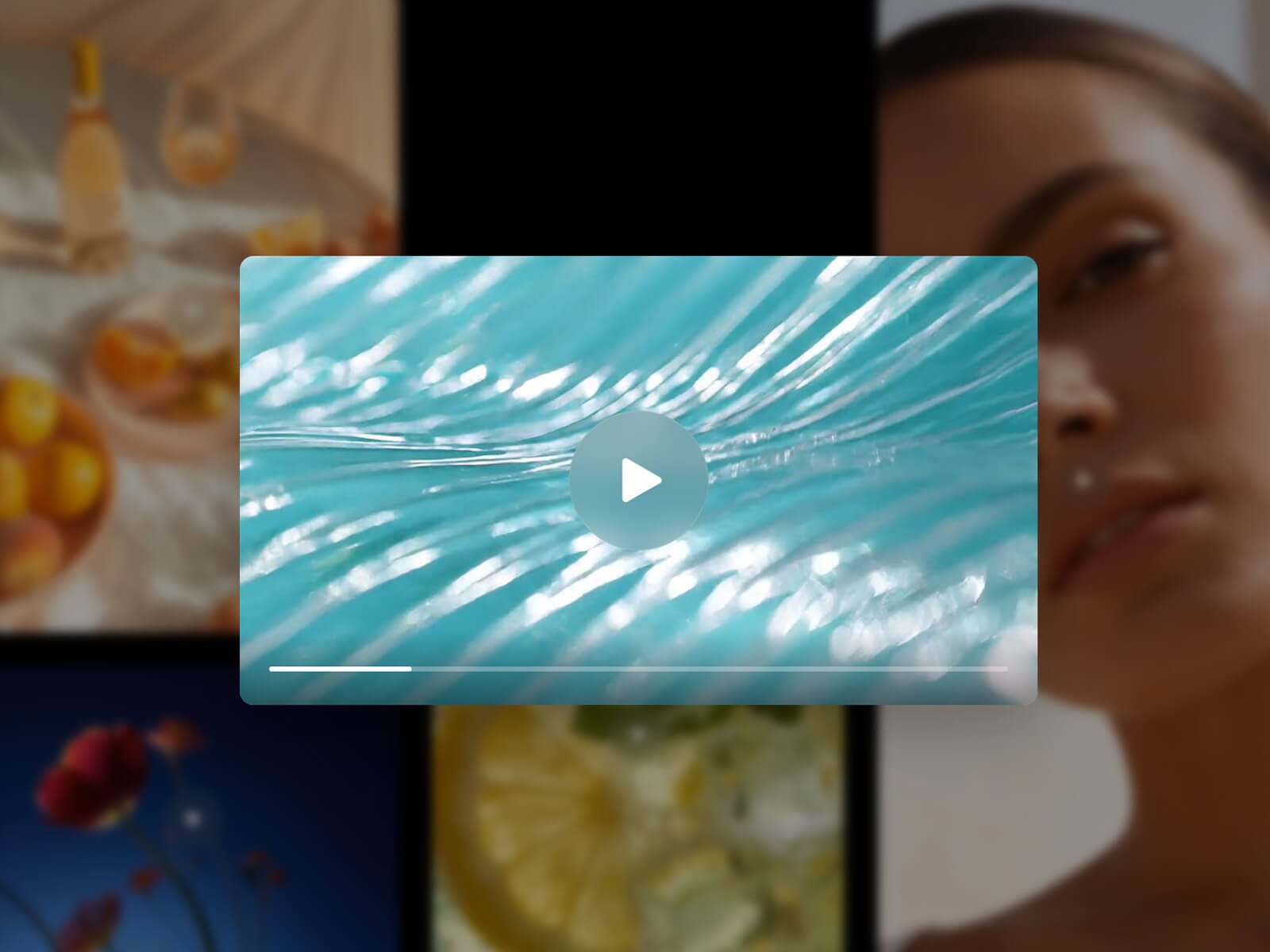
Morph Video Lightbox turns any video into a clickable poster that expands, from its own position, into a full-size lightbox — not a generic modal fading in over the screen. Works with uploaded video, a direct URL, YouTube, or Vimeo.
Fully customizable: every detail is yours to tune, overlay color and blur, button style, radius, shadow, and motion, so it fits your design instead of looking bolted on.
Key Features
Source
Upload a video, link a URL, or embed YouTube or Vimeo
Poster auto-fetched from the YouTube or Vimeo thumbnail when none is set
Poster
Native Radius, Shadow, Hover Zoom, and Hover Overlay
Poster shape is independent from the lightbox ratio — any aspect ratio works
Optional "Video as Poster": a silent looping preview instead of a static image, paused automatically off-screen
Lightbox
Freely adjustable Ratio (0.2–2.8) and Width — portrait, square, cinematic, or anything
Native Radius and Shadow, crossfading between poster and lightbox
Overlay Color, Blur, and Padding
Motion
Native Transition control: real spring physics or a tween with custom easing
Interrupting an open or close reverses smoothly, never restarting from scratch
Controls
Custom glass-style Play/Pause and optional Close button, both fully styleable
Custom progress bar, time, mute, and fullscreen — or hide them entirely
Loop, Autoplay, Muted, and close-on-end options
Accessibility
Full keyboard support (Tab, Space, Escape) and respects "reduce motion"
How to Set Up
Drag Morph Video Lightbox onto your canvas
Upload a video, or switch Source to URL, YouTube, or Vimeo
Publish
Refund Policy
All sales of digital products are final and non-refundable. Questions? Contact hellonostromostudio@gmail.com before purchasing. Enjoy!