About Figma Selection
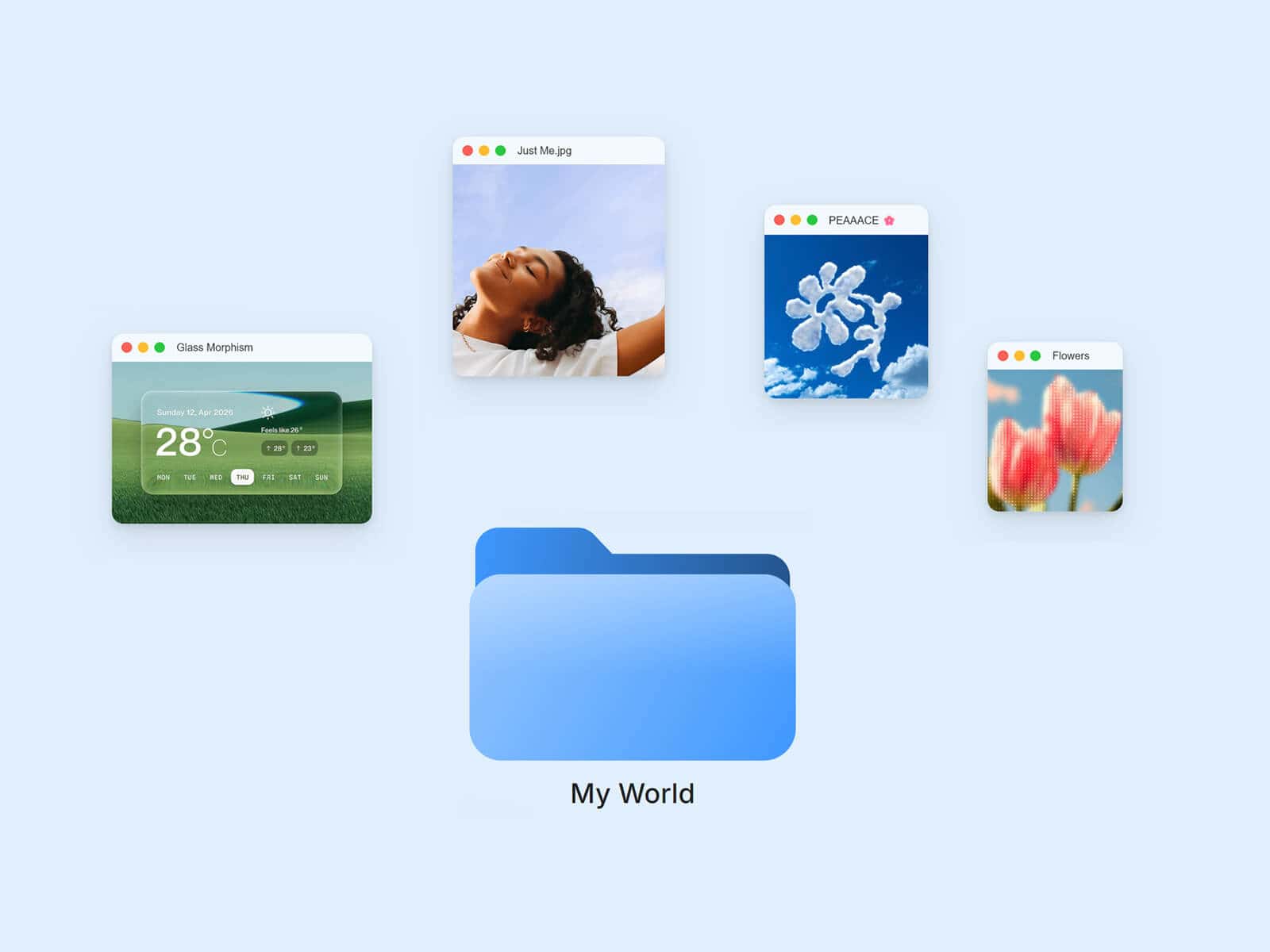
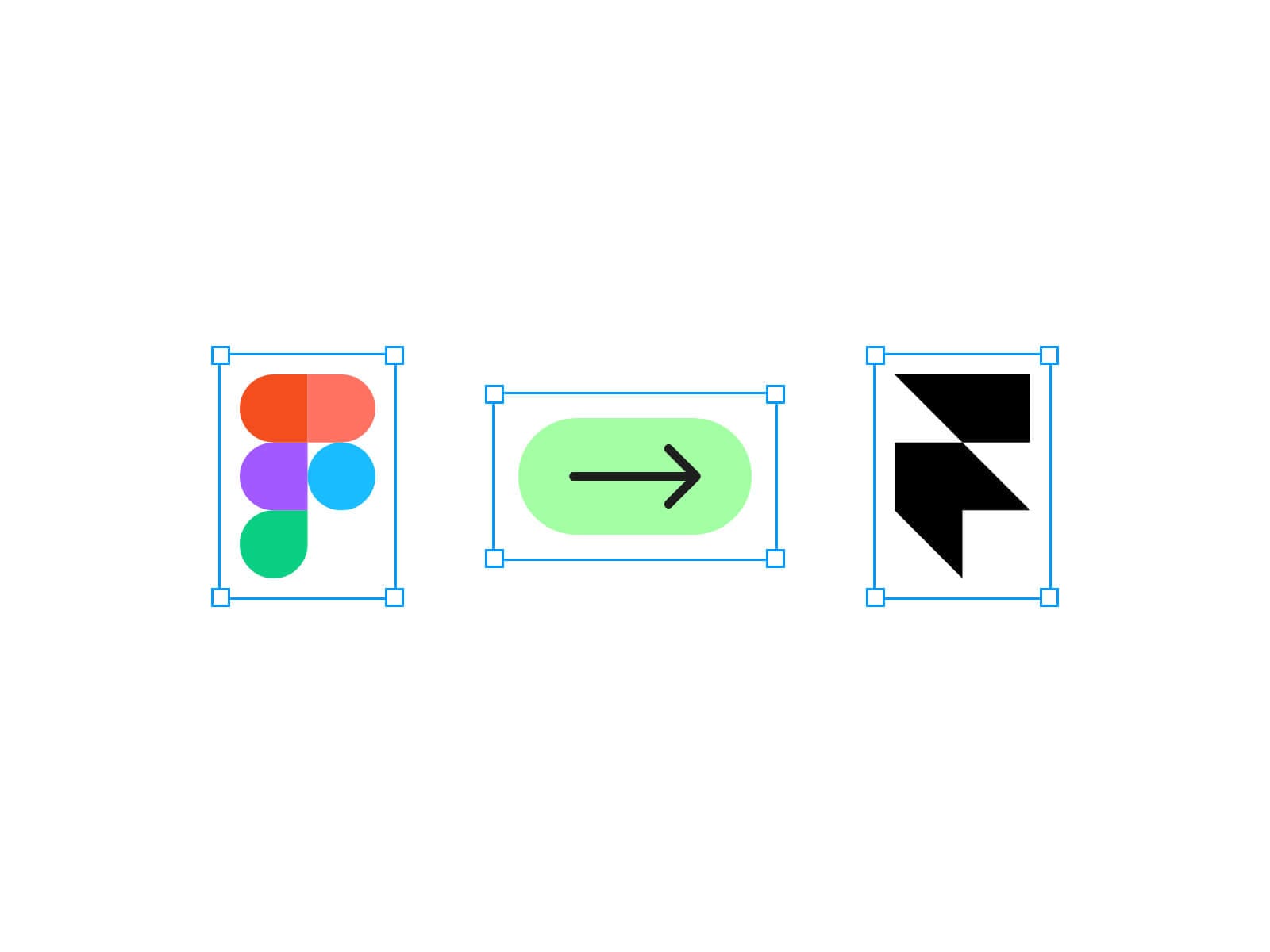
Figma Selection turns any image into a live selection box, just like grabbing a layer in Figma: a blue frame with four corner handles sits around it, and dragging a corner scales and spins the image in real time — release, and it springs right back to its true size. Nothing else on the page ever moves, because the resize is purely visual.
Made to Be Yours
Every part of the frame is customizable: color, border width, corner handle size and colors, padding, and whether the frame scales along with the image or stays a constant weight. Works with any image, and stays crisp at any size since nothing is rendered as a blurry CSS zoom.
Key Features
Interaction
Drag any corner to scale and rotate at once, centered and ratio-locked
Springs back to true size and orientation on release
Min / Max scale limits; rotation can be turned off
Optional live "W × H" dimension pill, Figma-style
Bigger invisible hit area on each handle, no visual size change
Optional Bring to Front while resizing or dragging, so it's never hidden behind other elements
Drag
Optional freeform drag to reposition, without touching the real layout
Snap Back to origin, or leave it with optional Momentum
Spring stiffness/damping shape both the snap-back and the corner release
Grab / grabbing cursor while dragging; corners keep their own resize cursors
Style
Frame color/width and handle fill/border are independent
Padding always scales with the image; frame and handles can scale too, or stay a fixed weight
Size it however you like — fix the width and set height to Fit to match your image's own proportions
How to Set Up
Drag Figma Selection onto your canvas
Upload your image
Publish
Refund Policy
All sales of digital products are final and non-refundable. Questions? Contact hellonostromostudio@gmail.com before purchasing. Enjoy!