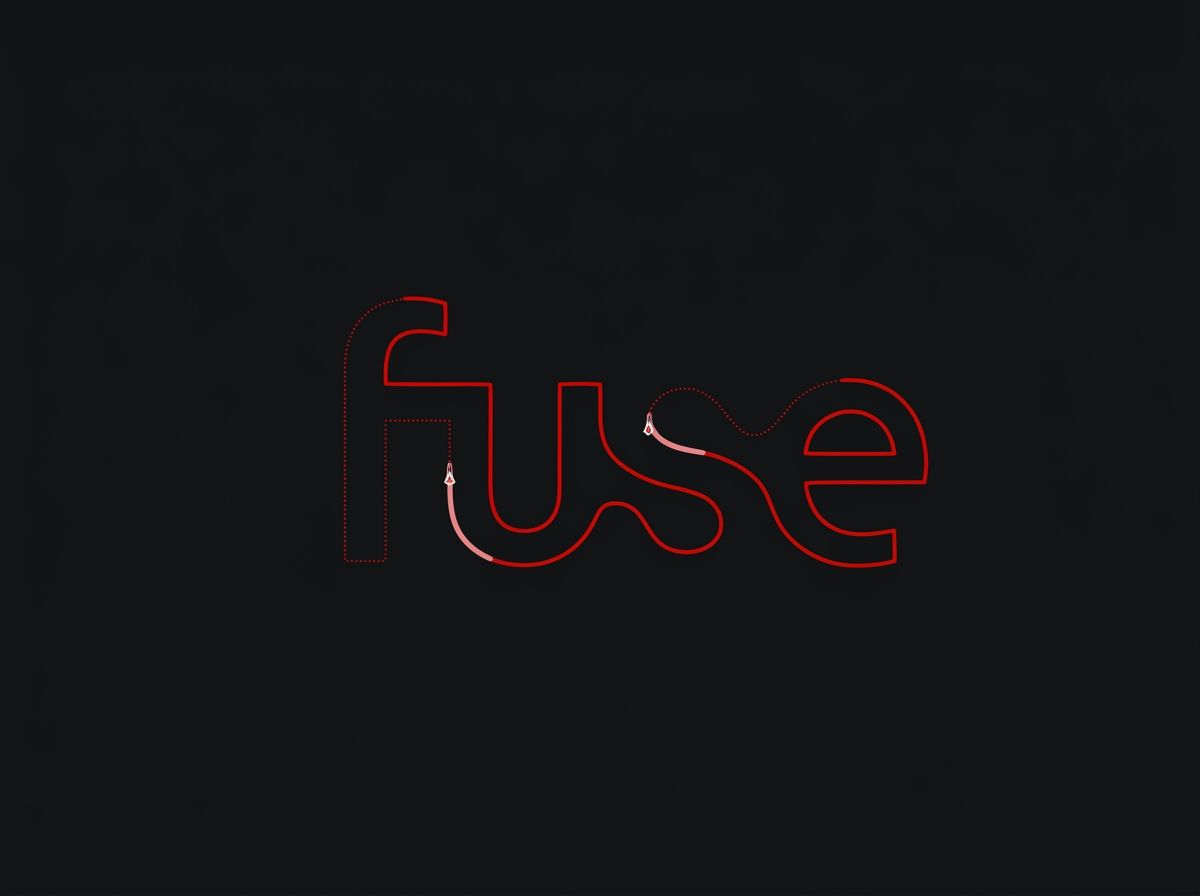
About Motion animator
Motion Animation turns any SVG into a hand-drawn line animation. Strokes draw themselves one after another while a drawing tool follows the tip of the line. Drop in your own logo, icon or illustration, or start from one of the built-in presets. It works well in hero sections, loaders, intros and portfolio pages.
Features
5 draw styles: Ink Draw, Spring Pop, Pixel Step, Blueprint, Dual-Nib
7 drawing tools: Crosshair, Pixel Nib, Drafting Pen, Calligraphy Nib, Compass, Halftone Spray, Laser Diode (or hide the tool)
4 color shifts: Static, Artwork Gradient, Wet Ink, Light Sweep, all built from your own Ink and Accent colors
4 triggers: page load, scroll into view, hover, click
3 repeat modes: once, loop, ping-pong
Extras: easing and spring controls, stroke taper, dither texture, grid overlay
4 built-in SVG presets to try it instantly
What you can customize
SVG: upload a file, pick a preset or paste code
Timing: duration, delay, easing or spring
Playback: trigger and repeat
Styling: draw style, tool, color shift, stroke taper
Colors: canvas, ink, accent
Stroke & Texture: width, dither, grid
Where to use it
Hero sections, as an animated logo or illustration
Page loaders and intro screens
Logo reveals on portfolio or agency sites
Section dividers and scroll-in moments
Product or feature illustrations that draw themselves
Blueprint or technical-style landing pages
Creative studio, designer and developer portfolios
Hover or click interactions on icons and cards