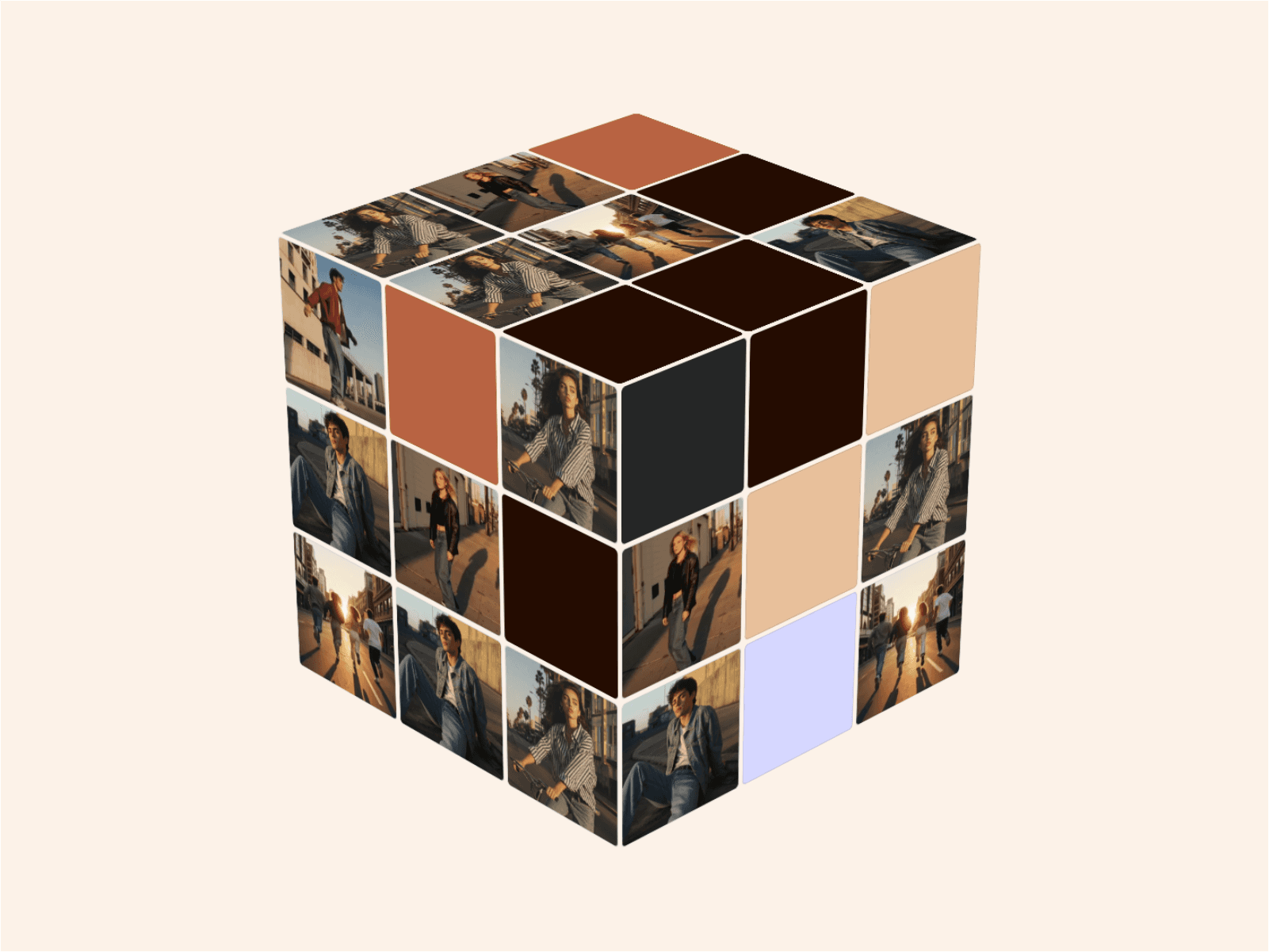
About Motion Blur
✨️Limited Offer Up to Oct 30
Get 6 of my paid components at $15.00 ($20.00 before), bundle link.
What's included?
Remix Link with 4 demos ✅
Component URL ✅
Documentation ✅
License ✅
Customer Support ✅
Would you prefer getting a bundle?
📦️ You can get my paid components including this one at a significantly lower price following this link
Key Benefits
Auto Motion DetectionBlur adapts intelligently to movement.
Cinematic Blur EffectCreate smooth, high-quality motion trails that feel fluid.
Full Creative ControlFine-tune blur intensity, smoothing, samples, and scale to match your style.
Real-Time PerformanceThe Auto blur uses WebGL for fast, responsive rendering—even with complex effects. In the case of Static blur, it uses 2d canvas context instead to avoid exhausting the number of WebGL contexts.
Limitations
Limited number of auto blur intances
The "Auto" blur uses WebGL for the blur effect, WebGL is very performant and great for effects like this one, but if you run many elements with a WebGL context (this is truth not just for this component), in some devices, canvases using it could start to crash and stop displaying its content. My personal recommendation is that you use at most 4-6 per page, and this number can vary depending on how many other WebGL components you are using.
What about static blur instances?
This ones doesn't have the same limitations, they rely on 2d canvas context and you can use much more of these.
Performance
If you run multiple Auto blur instances with large sample values, in some devices may not perform as fast as you would like. For better performance use a value between 10-18 samples in auto blur instances and limit the amount of components per page.
Support
Feel free to reach me out for any help https://schemetastic-support.framer.website/