About Motion Observe Nav
Explore the best Framer components ↗
About
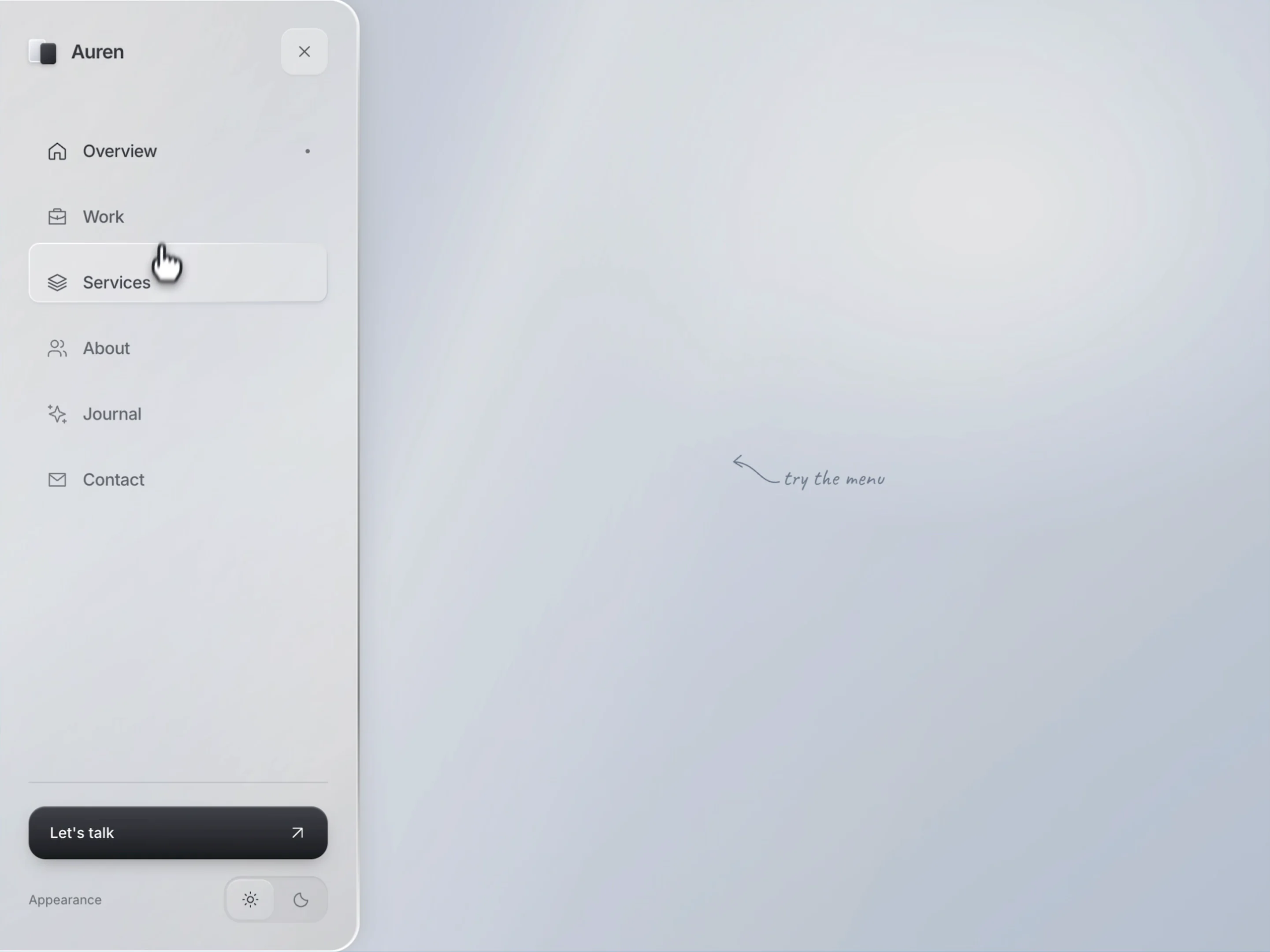
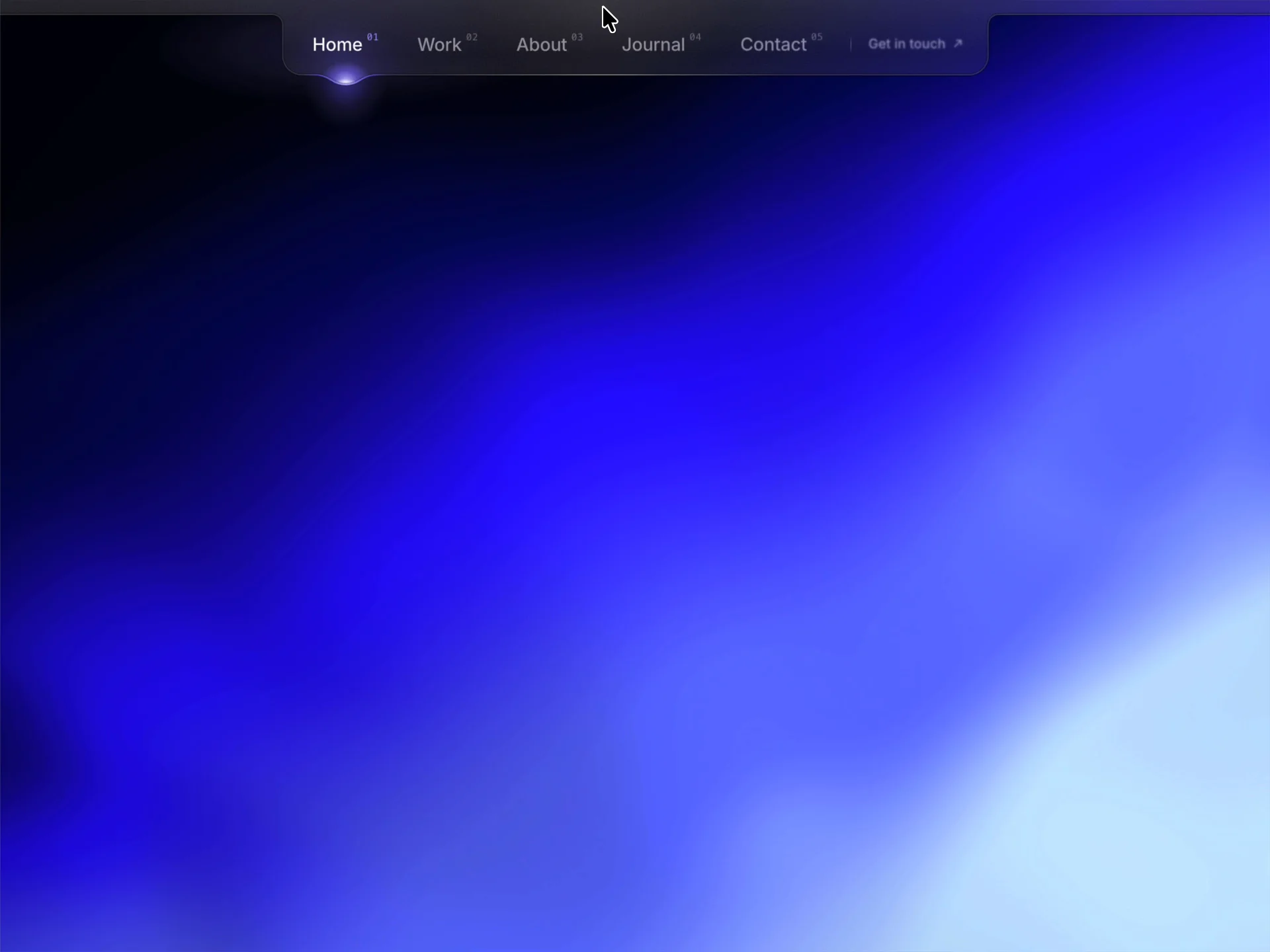
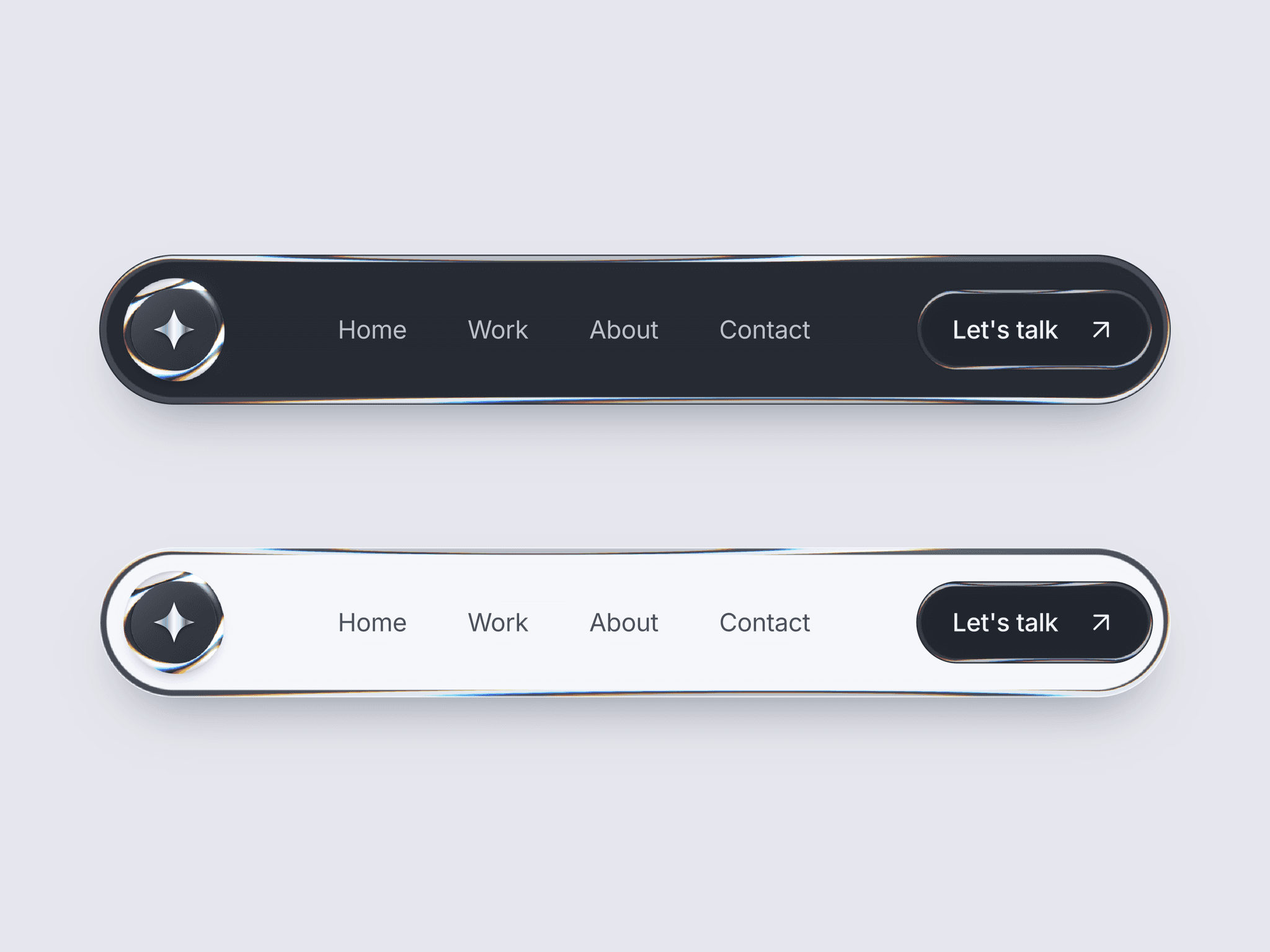
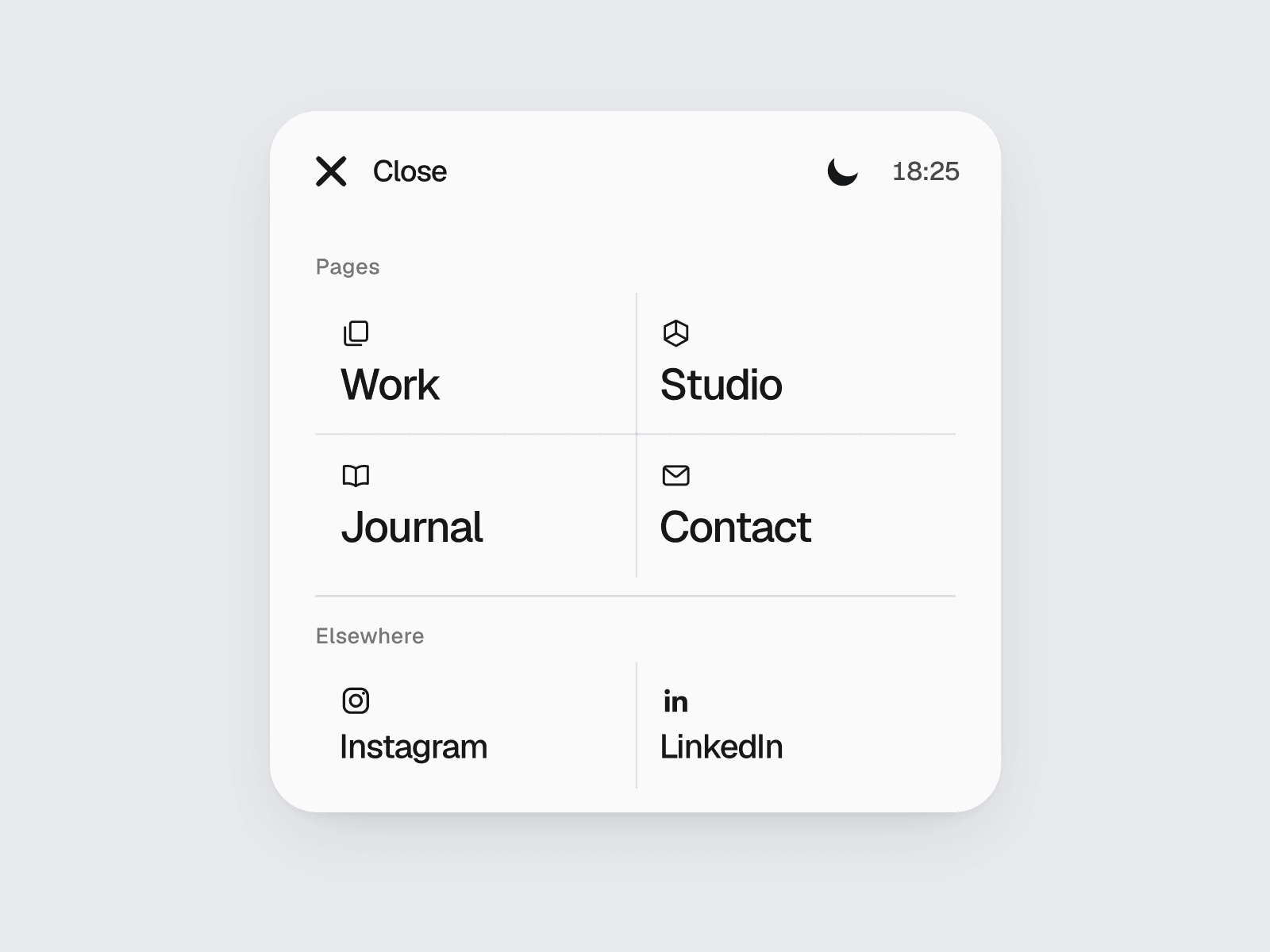
Motion Observe Nav is an animated navigation menu for Framer. Tap the four-square icon and a compact bar opens into a two-by-two grid of page links. The squares turn into a close icon, right where your pointer already is.
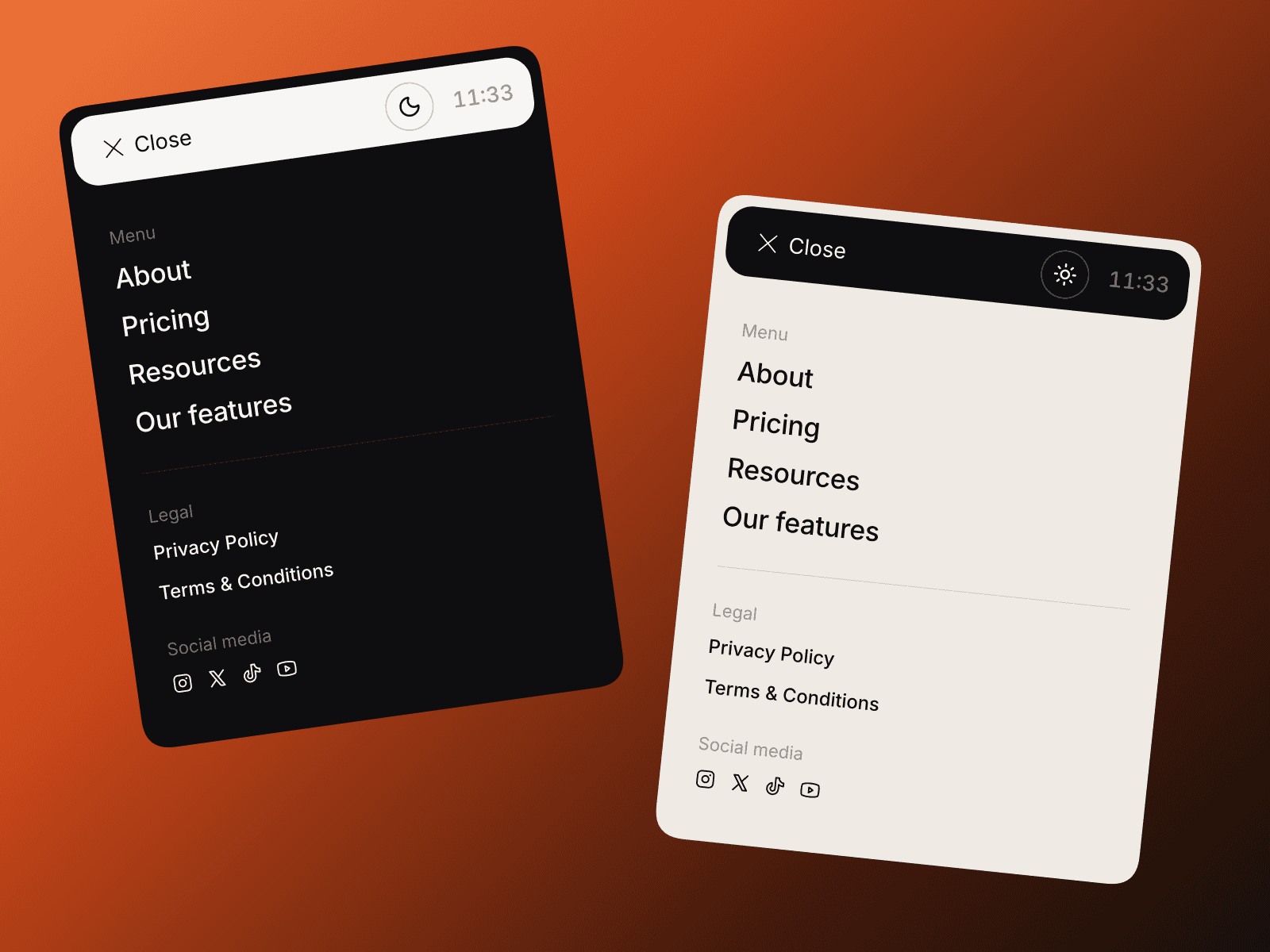
Tap the theme toggle to switch the menu between light and dark. The icon morphs between a sun and a crescent moon. With background sync on, the page background changes color with the menu.
Move between tiles and a single highlight follows you from one link to the next. Each label rolls up while its icon stays in place. Two smaller social tiles carry the same motion below the grid, giving your main pages the most room.
What you can customize
Build the grid around the four places you want visitors to find first. Give each tile its own label, icon and destination, and choose which links open in a new tab. Keep the social row for Instagram and LinkedIn, or hide it for a quieter menu.
Choose your light and dark colors, set the starting theme and adjust the corner radius. You can also show local time in the header and turn the rolling labels on or off.
The menu works with touch and keyboard input, closes with Escape and respects reduced-motion preferences. On shorter screens, visitors can scroll inside the open menu to reach the last link.
Great for (examples)
A few sites where four clear destinations are enough:
Designer portfolios with work, profile, journal and contact pages
Architecture studios with a project index and practice profile
Independent magazines with a handful of editorial sections
Photography sites with selected series and print shops
Exhibition microsites with artists, dates and visitor information
Need help?
Questions or feedback? Reach me anytime: matthias@lmvision.de or on X @Matthias_Oel.
Need a matching component?
Give your work its own index and your contact links a home in the footer.