About Motion Parallax Pro
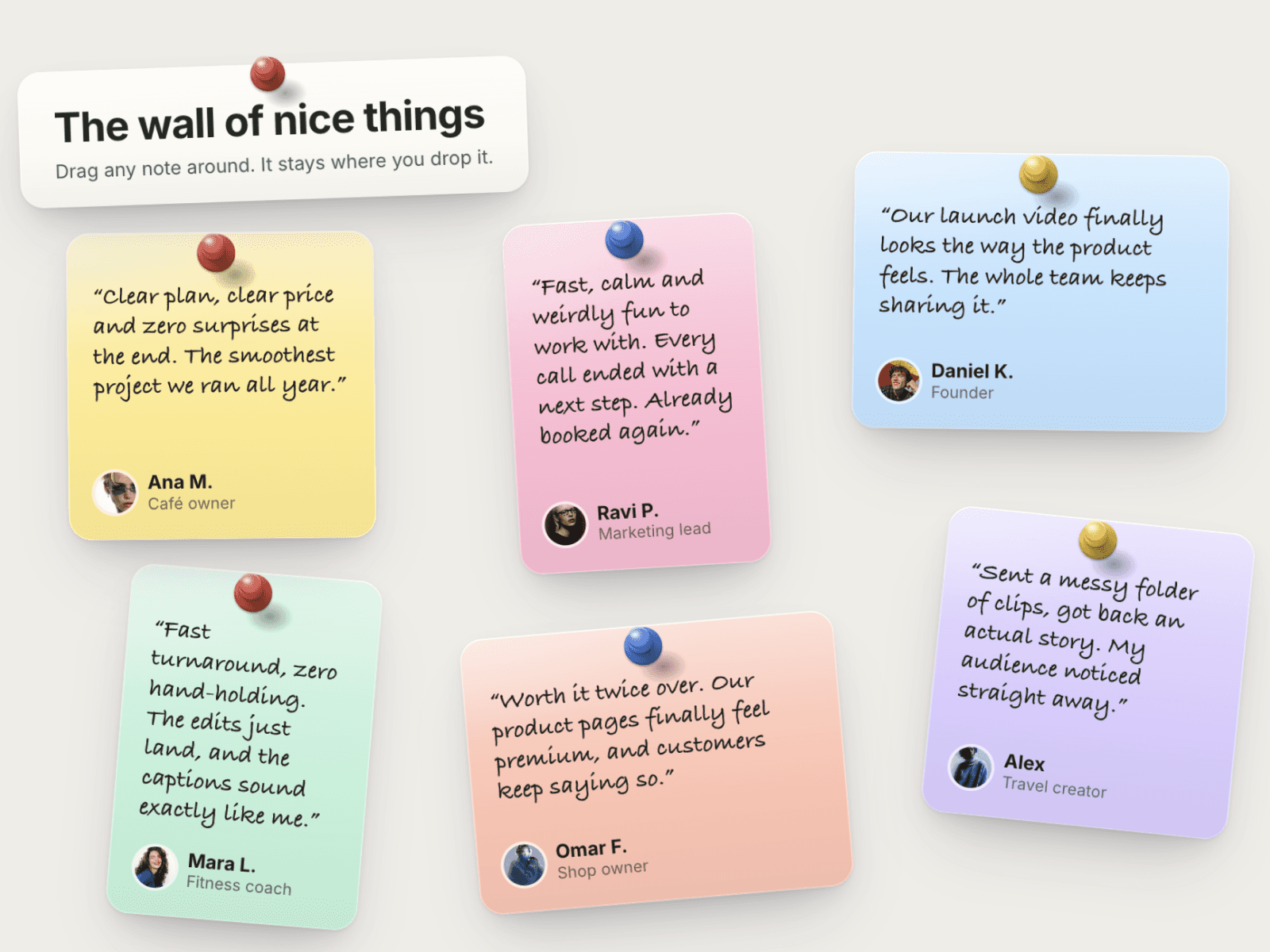
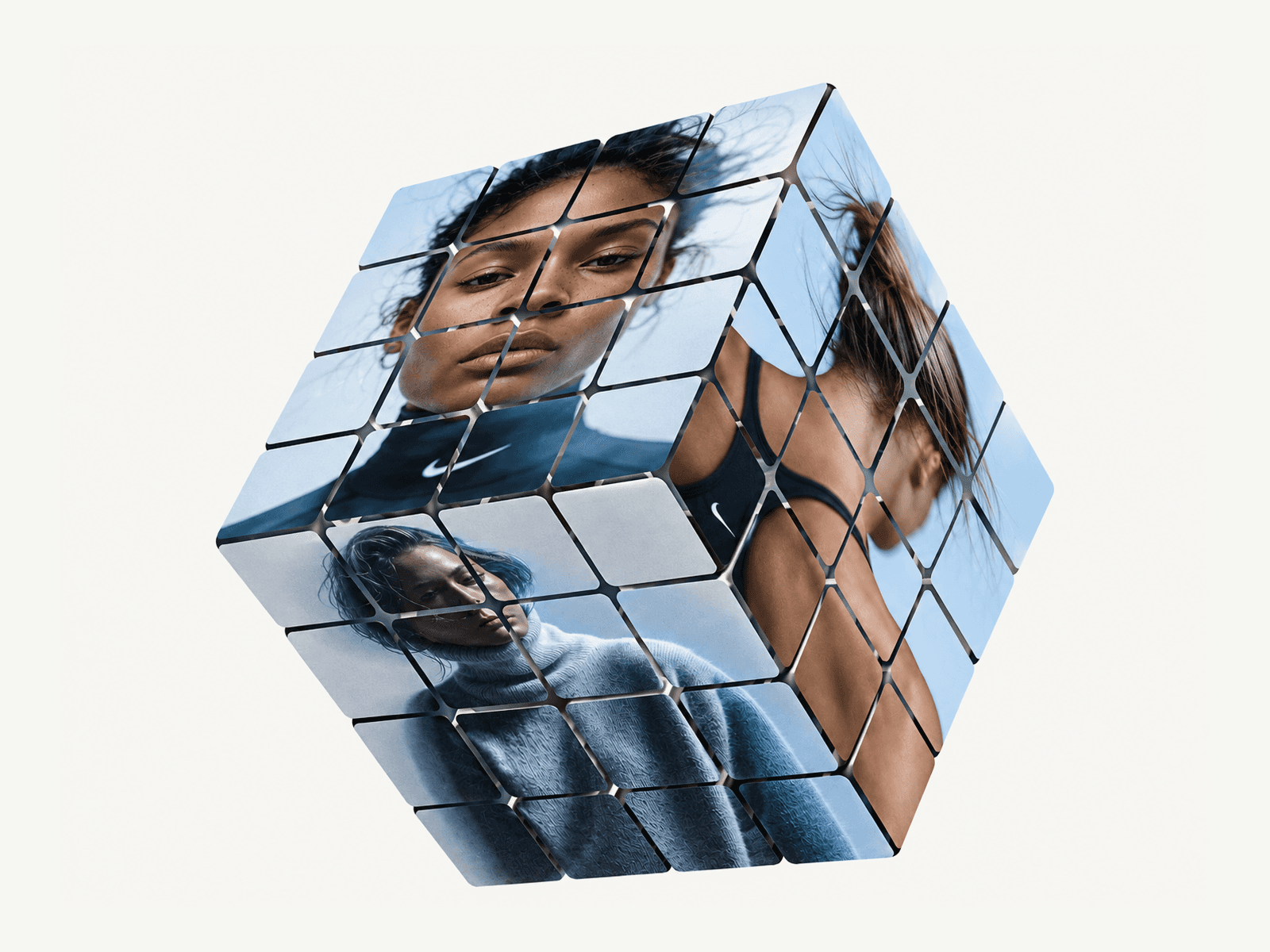
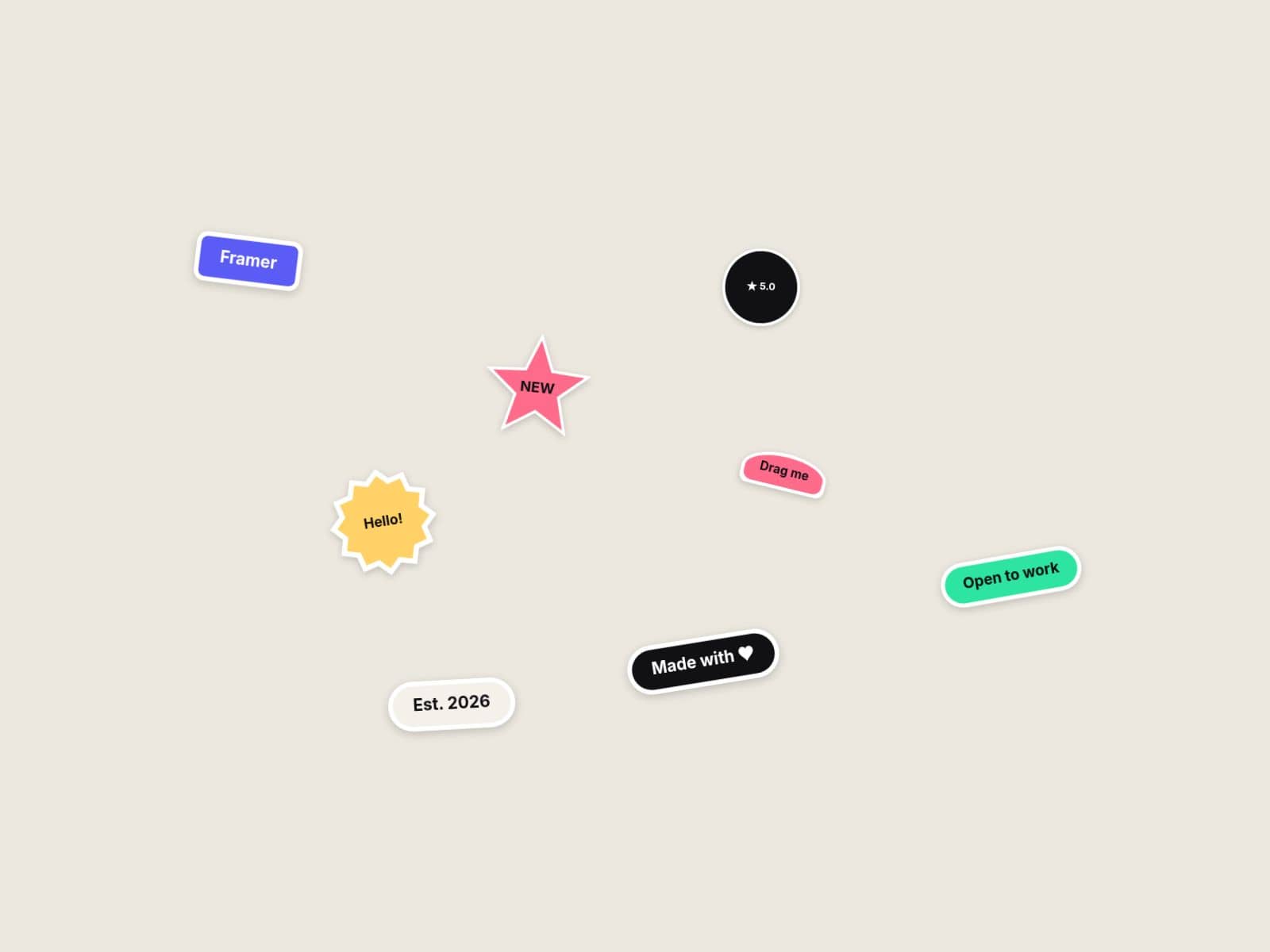
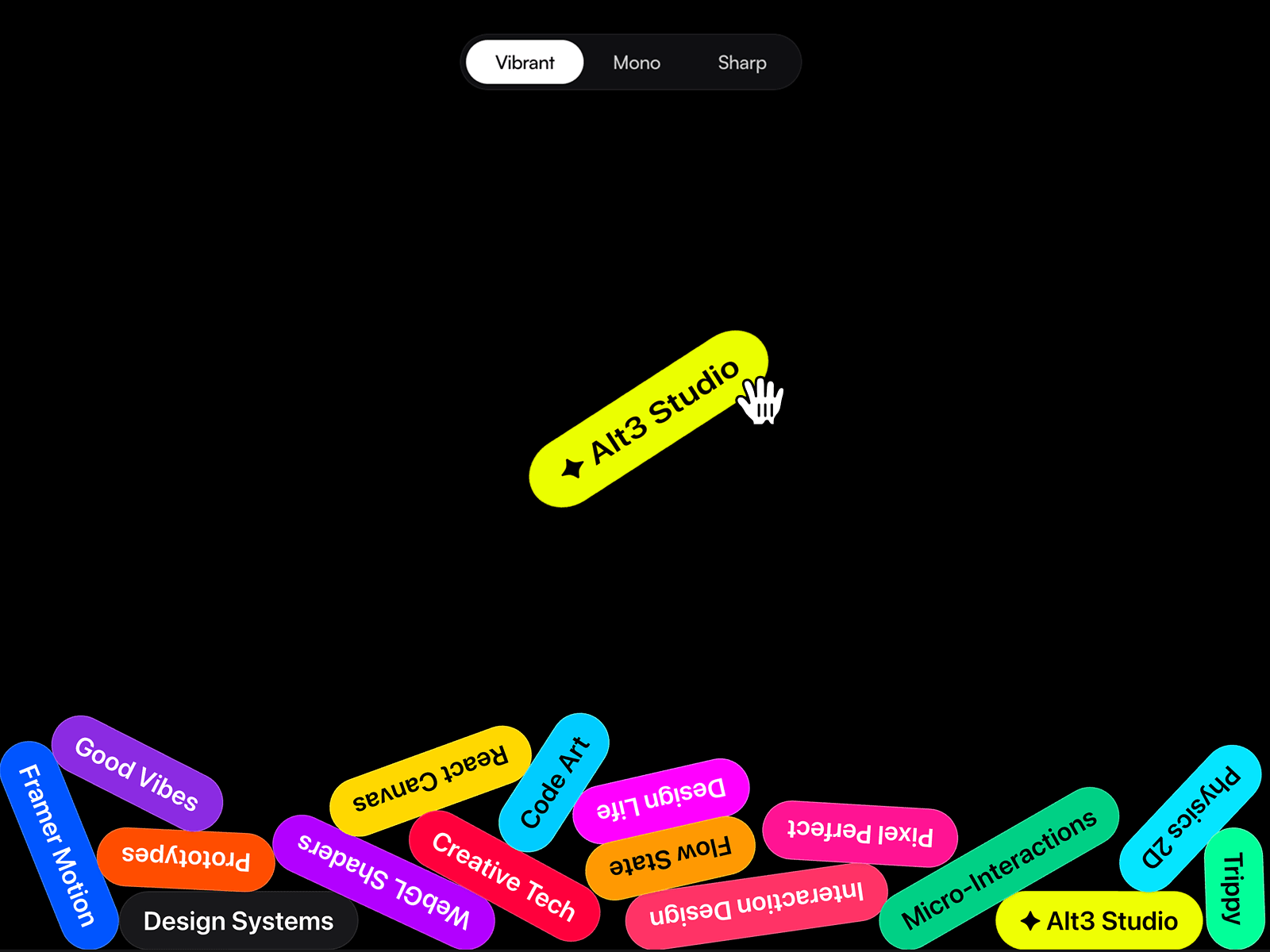
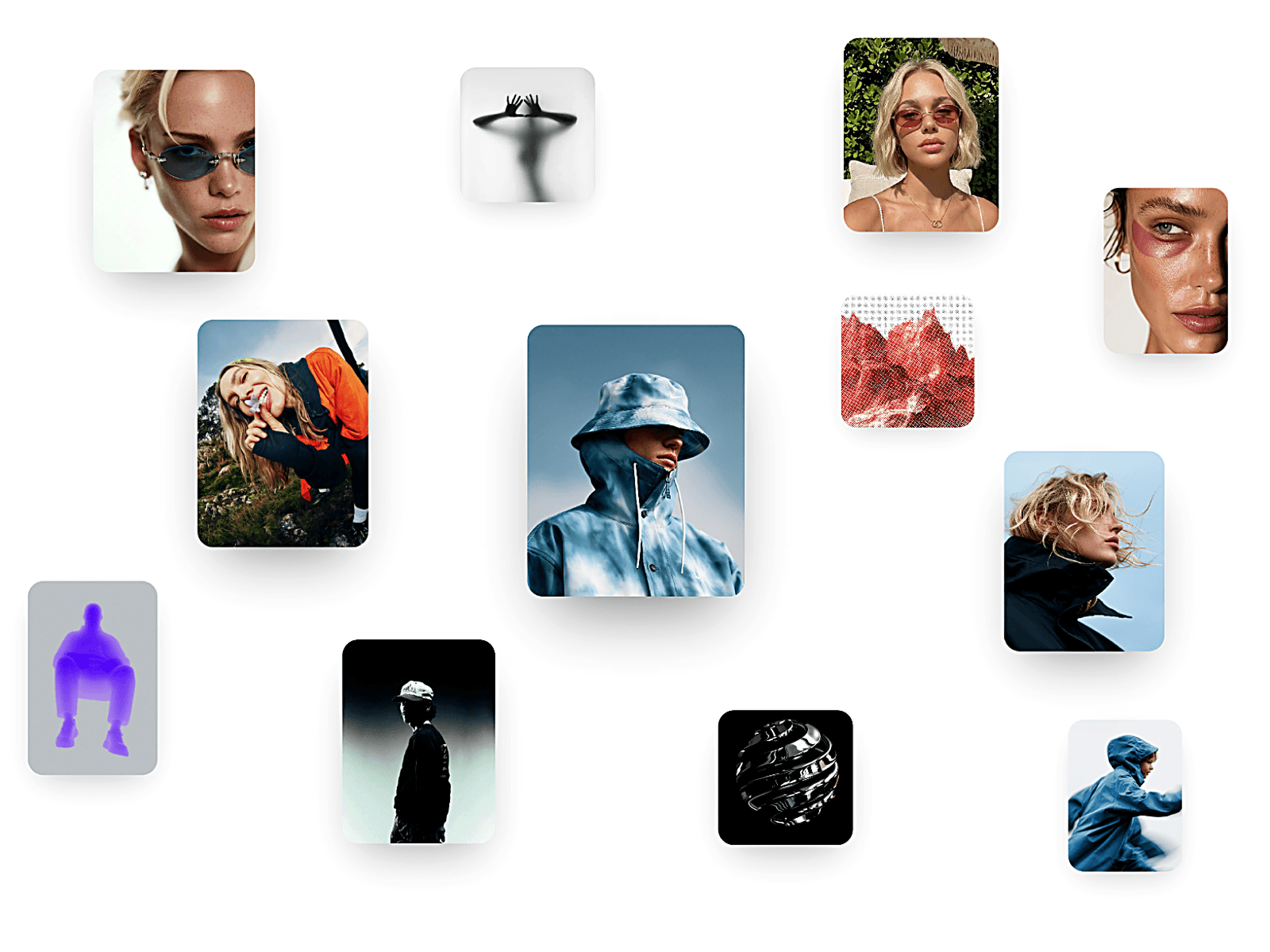
Motion Parallax Pro turns a static layout into an interactive media experience. Arrange image and video pieces across a scene, then add responsive motion that reacts to cursor movement. Choose from Parallax, Counter, Magnet, or Scatter modes to create depth, movement, and visual interest without building the effect from scratch.
Customize each piece’s position, size, aspect ratio, and depth. Add floating motion, depth blur, hover focus, and staggered entrance effects. The viewer can open media in a lightbox with navigation, captions, and optional links. Motion settings include response, reach, radius, and bounce, so you can tune the effect to your design.
Features & Customization
Add up to 24 image or video pieces.
Set each piece’s title, caption, and link.
Adjust position, size, aspect ratio, and depth.
Choose Parallax, Counter, Magnet, or Scatter motion.
Tune motion reach, radius, response, and bounce.
Enable floating motion and adjust its amount and tempo.
Add depth blur, fade, and hover focus effects.
Customize background, corner radius, fit, and shadow.
Configure entrance animation, stagger, and duration.
Set viewer behavior, backdrop, typography, and link options.
Where to Use
Use Motion Parallax Pro for portfolio showcases, creative agency pages, product presentations, and editorial layouts that benefit from layered media and interactive movement.
It also works well for landing page hero sections, campaign visuals, and visual storytelling where you want visitors to explore imagery in a more engaging way.
I hope you enjoy using Motion Parallax Pro! For custom components or other Framer-related projects, contact oddframeworks@gmail.com.