About MultiFormWizard
Live Preview: https://multistepformwizard.framer.website
Includes a step‑by‑step PDF for connecting your form to Formspree.
About this component
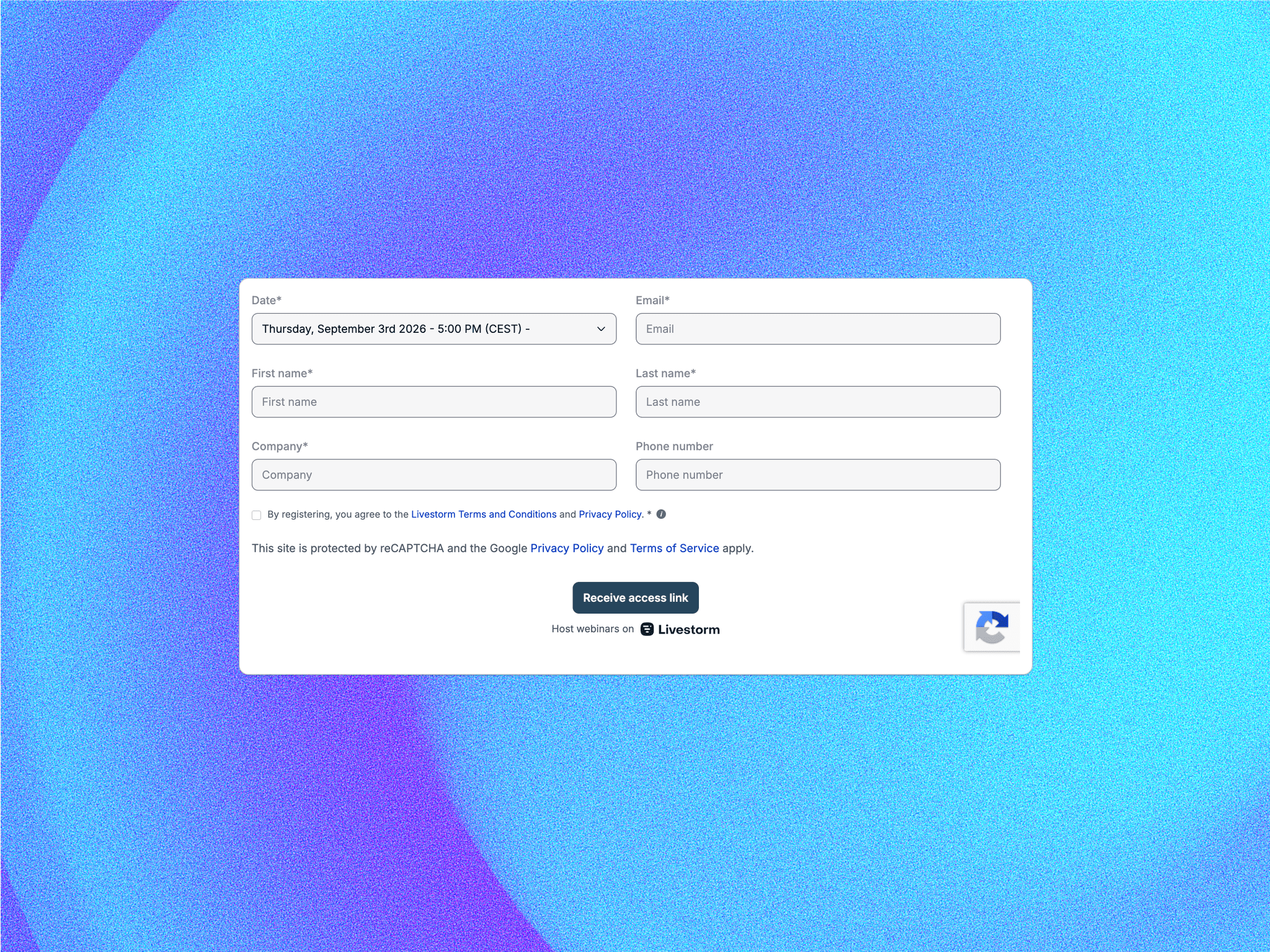
MultiStep Form Wizard breaks long forms into focused steps that convert. Start from a preset or paste a tiny JSON schema, validate each step with friendly errors, autosave progress, review answers before sending, and post submissions to Formspree or any webhook (JSON). The property panel is grouped, no guesswork.
Perfect for
Lead generation and quote requests
SaaS onboarding and qualification
Demo/consultation requests
Waitlists, surveys, and newsletter quizzes
Contact forms that actually convert
Key features
Multi‑step UX that converts
Steps or progress bar, step titles, Back/Next
Optional Review & Submit screen with per‑step “Edit” links
Submit appears only on the Review step (fewer accidental submits)
Schema‑driven fields (no code needed)
Text, Email, Tel, Textarea, Select, Radio, Checkbox, Checkbox‑Group
Use presets or paste your JSON (example below)
Rock‑solid, simple validation
Required fields, email format, min/max length
Scroll + focus to first invalid field, inline errors
Autosave & resume
Saves to localStorage for 7 days, resumes where you left off
Webhook integrations that just work
JSON POST to Formspree (recommended) or any endpoint
Polished visuals, easy theming
Colors, radius, spacing, font, button style (filled/outlined)
Step indicator colors and text colors
New: form border color for an optional outer border
Accessibility by default
Proper labels, aria‑live error announcements, focus rings
Zero dependencies
Lightweight, fast, and canvas‑friendly
What you can customize (grouped controls)
Content & Schema
Preset (Lead Gen, SaaS Onboarding, Newsletter Quiz)
Form title/description
JSON form schema (steps + fields)
Show/hide step titles
Submission
Webhook URL (paste your Formspree endpoint)
Method (POST/GET)
Payload format (JSON)
Labels
Back / Next / Submit text
Review
Enable/disable Review step
Review title
Progress
Show step indicator
Indicator style: Steps or Progress
Appearance
Primary/background/input/text/subtitle/placeholder/border colors
Radius, spacing, max width, font
Step active/inactive colors + text colors
Form Border color (outer border)
Buttons
Style: filled or outlined
Back/Submit backgrounds, text, borders
Success & Error
Success title/message
Error message
On success: show message or redirect (with URL)
How it works
Drop the component anywhere in your canvas.
Choose a preset or paste your JSON schema.
Customize labels and appearance to match your brand.
Connect submissions:
Paste your Formspree endpoint (quick start—PDF included)
Or use any webhook URL (JSON POST)
Preview, test, and publish.