About MultiLayoutGallery
About
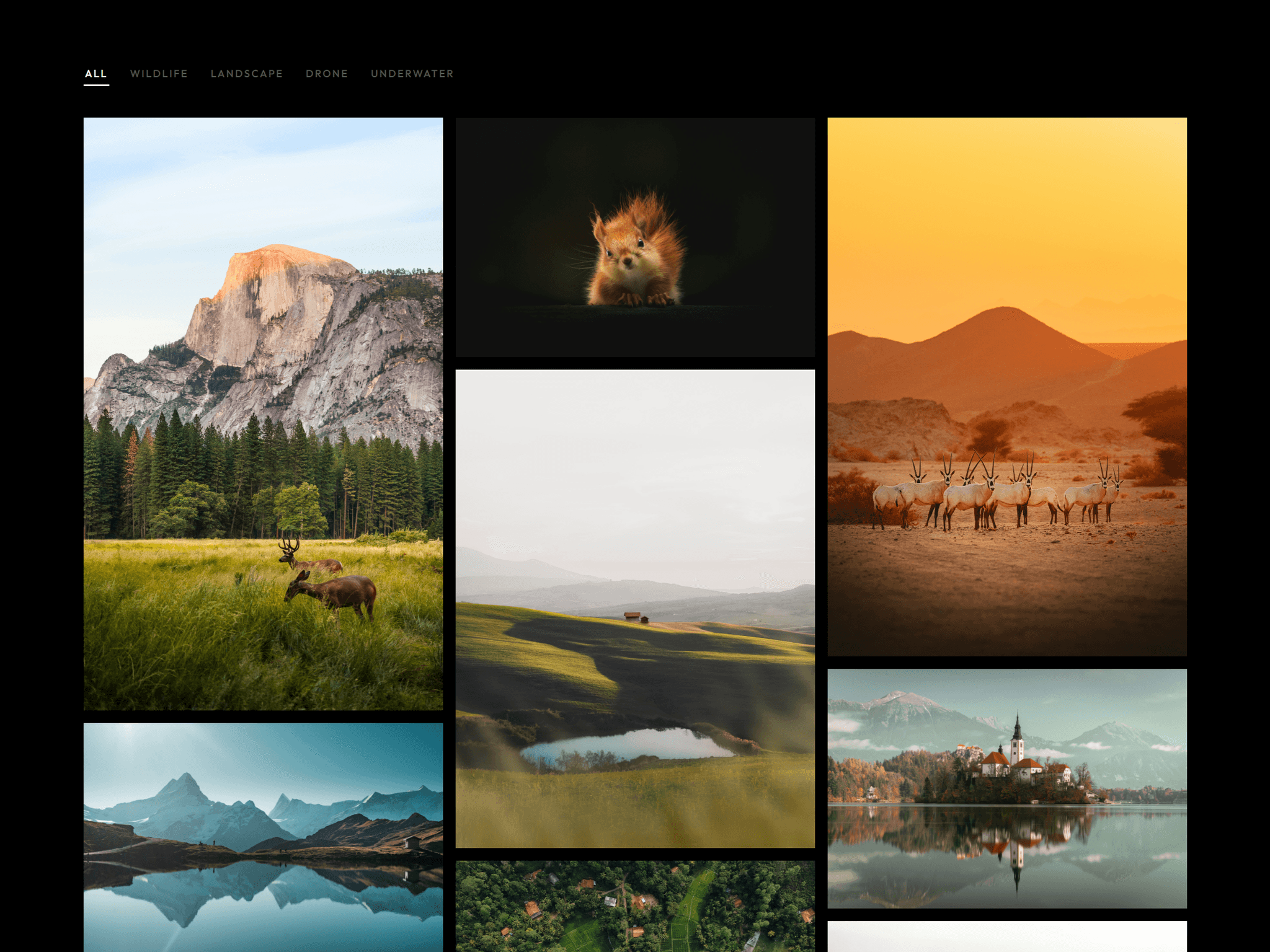
OmniGallery brings a highly dynamic, multi style media showcase directly into your Framer projects. Drop it into a portfolio, a product launch page, or a creative landing section to give your visitors an immersive way to explore your work. Easily switch layout styles, control motion effects, and enjoy a fully responsive gallery that automatically fluidly scales to match any screen size or layout.
What it does
Renders media items across three unique visual frameworks, handles smooth autoplay sequences, and responds to scroll interactions for an interactive feel. The component lets you adjust speed settings for standard viewing or hover effects, customize the scale and spacing of your items, and map individual links to your files. It handles complex layout shifts natively, ensuring your presentation looks polished on both desktop and mobile devices.
What you can customize
Layout mode: Choose between Circular, Isometric, or Classic arrangements with a single click.
Media & links: Upload your list of media items and instantly assign target URLs to each piece.
Movement & speed: Fine tune the animation experience with global playback speed controls, hover speed modifiers, and toggleable autoplay or scroll interactions.
Grid & ring settings: Adjust the number of rings, ring gap spacing, individual item sizing, and media gaps using simple sliders to fit your exact brand styling.
Great for
Portfolio and agency case studies
Product feature highlights and launch pages
Creative landing pages and hero sections
Photography or design moodboards
Interactive dashboards and media hubs
Share your build
If you ship something cool with it, post it on X and tag me @Dulajweb
Need help?
Questions or feedback? Reach me anytime: dulajdilshan766@gmail.com or on X @Dulajweb