About MultiTabMasonry
About this Component
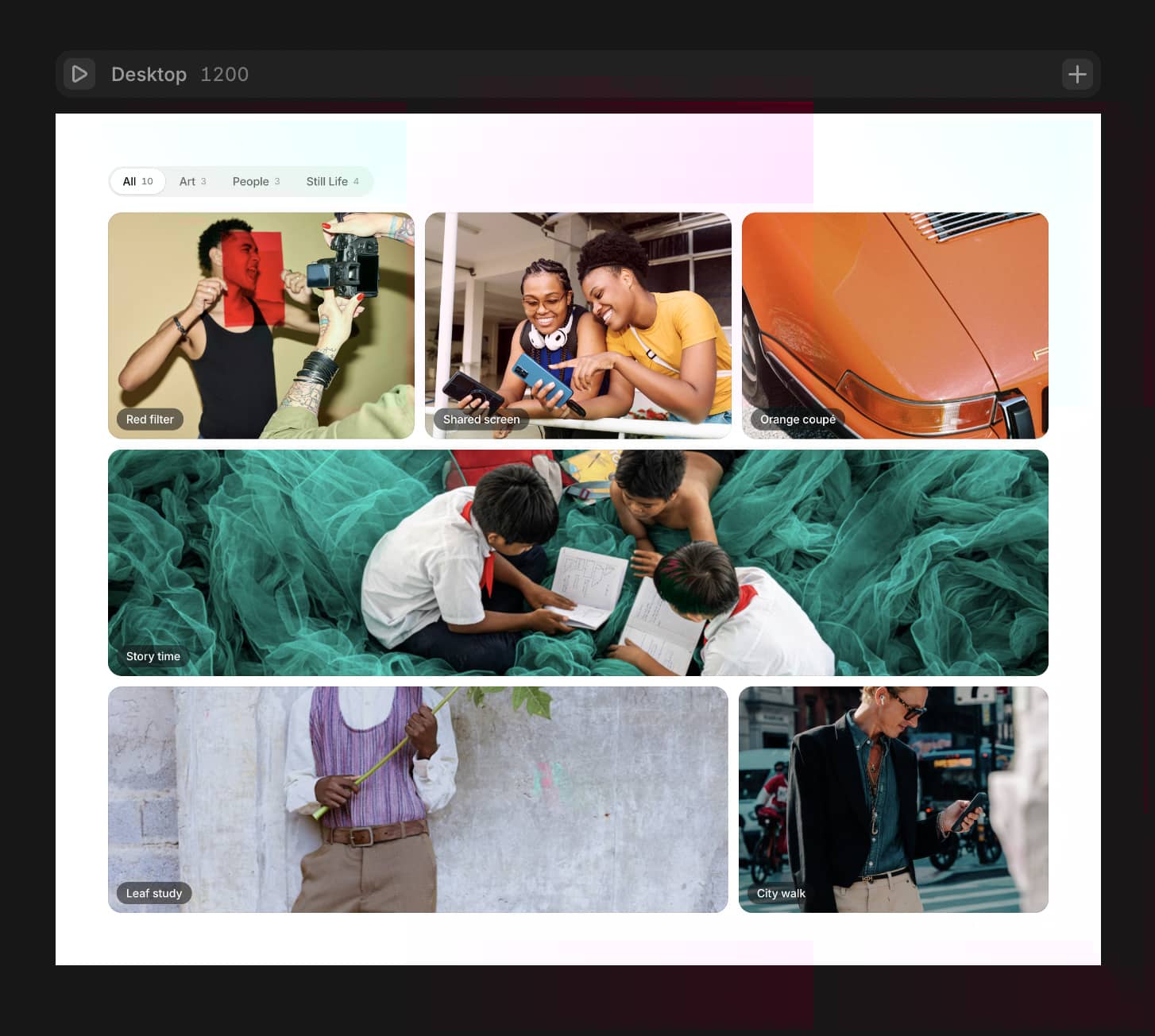
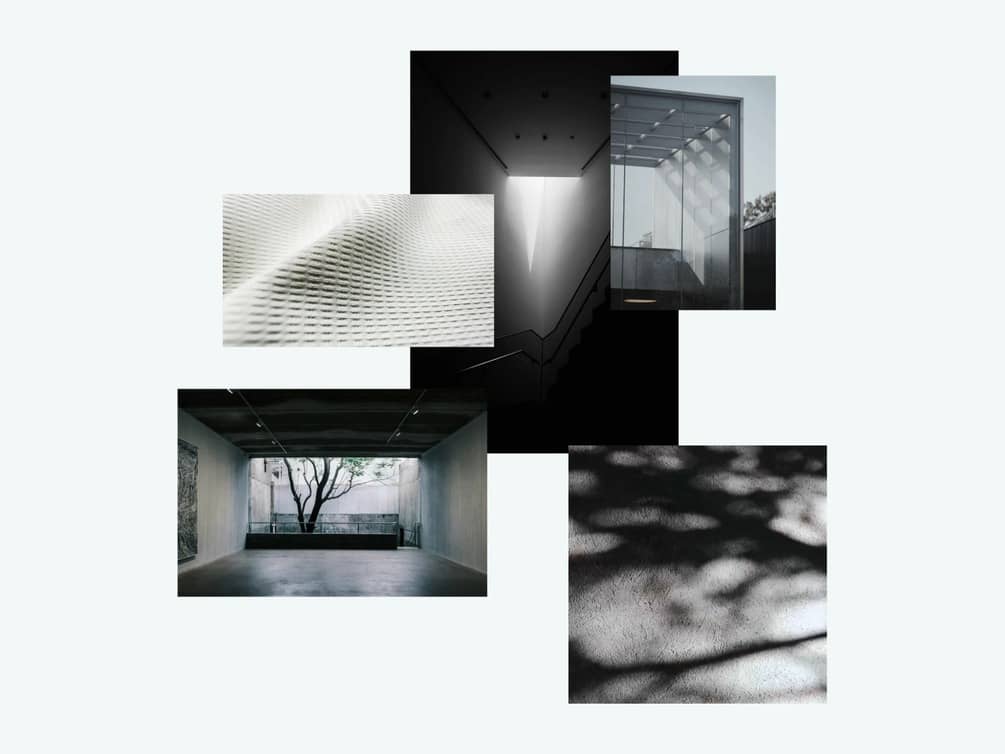
MasonryTabs is a refined, production-ready gallery component designed for creators who need organized, beautiful image displays without compromising on motion or flexibility. Each tab houses its own independent masonry gallery where images respect their natural aspect ratios — no awkward cropping, no forced uniformity.
Switching between tabs triggers a buttery-smooth staggered side-fade animation that brings each image to life, giving your visitors a sense of curated intentionality with every interaction. Every detail is controllable — from column and row counts to spacing, colors, animation timing, and scroll behavior — all through intuitive property controls. No code required after dropping it in.
Whether you're categorizing photography genres, separating project types, or building a multi-collection showcase, MasonryTabs gives your content the structure it deserves while keeping the experience fluid and modern.
Key Features
Multi-Tab Navigation — Organize content across multiple customizable tabs with clean, minimal tab styling and smooth active-state transitions.
True Masonry Layout — Images auto-adapt to their natural height, creating an organic, Pinterest-style grid that feels intentional and balanced.
Staggered Side-Fade Animations — Each image animates in with a subtle horizontal fade when its tab becomes active, creating a cinematic reveal effect.
Flexible Grid Controls — Adjust column count, row count, gap spacing, and border radius per your exact design needs.
Dynamic Image Management — Add or remove images per tab effortlessly through property controls — the gallery gracefully adapts to any count.
Built-in Scroll Handling — Galleries that exceed the set height become smoothly scrollable, with customizable max-height controls.
Fully Responsive — Columns intelligently reduce on smaller breakpoints, and tabs wrap naturally on mobile — pixel-perfect at every screen size.
Complete Style Customization — Control background colors, tab colors, active indicators, text styling, image hover effects, padding, and more.
Perfect For
Photography portfolios with categorized collections
Agency websites showcasing work by type or client
Product galleries organized by category or season
Design portfolios separating UI, branding, and illustration
Architecture & interior design showcases by project
Any multi-collection visual display that needs structure and elegance
Property Controls at a Glance
| Control | Description | |---|---| | Tab Count | Set number of tabs (2–8) | | Tab Labels | Customize each tab's display name | | Images Per Tab | Upload and manage images independently per tab | | Columns | Adjust grid columns (1–6) | | Gallery Max Height | Set scrollable threshold | | Gap & Border Radius | Fine-tune spacing and image rounding | | Animation Duration | Control fade-in speed and stagger delay | | Tab Styling | Colors, fonts, active indicators | | Background Colors | Component, tab bar, and gallery backgrounds | | Hover Effect | Toggle subtle scale or dim on image hover |
Why MasonryTabs?
Most gallery components force you to choose — tabs or masonry, animation or performance, beauty or control. MasonryTabs refuses that compromise. It's the gallery component you drop in once and never need to replace.
Clean. Animated. Organized. Yours.