About 3D Parallax Effect
Key Features
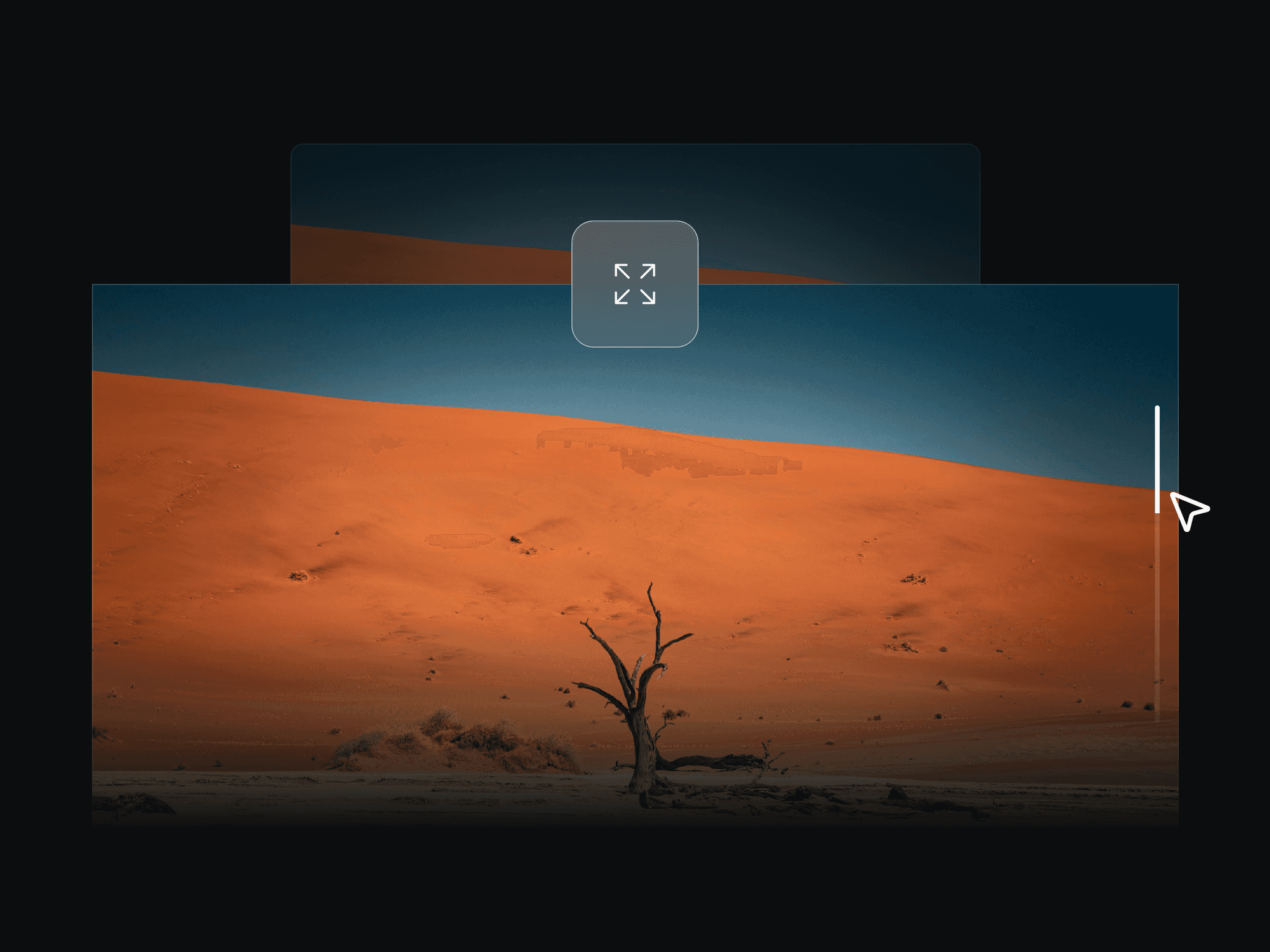
Interactive 3D Parallax: Connected frames shift and tilt smoothly as the user moves their mouse across the screen or hovers over the card.
Automatic Layer Depth: Text, images, and buttons inside your frames are automatically pushed forward so they visually pop off the background.
Glowing Particle Background: Add an instant wow-factor with built-in, customizable floating 3D background particles.
Other Features
Super smooth 60fps animations
Connect and position up to 5 individual layers
No coding required
Customization Options
Interaction Mode: Choose whether the 3D effect triggers from the whole screen or only when hovering directly over the card.
Frame Layout (X, Y): Easily adjust sliders to position your connected layers exactly where you want them.
Tilt & Depth Settings: Control the maximum tilt angle, how far the layers shift, and the visual 3D gap between elements.
Environment: Toggle the glowing background particles on or off, adjust their color, and change their brightness.
How to Use
Copy: Copy the component directly from the provided Framer project link.
Paste: Paste it into your own Framer canvas exactly where you want it to appear.
Customize: Select the component and tweak the settings in the right-hand properties panel to match your brand.