About Pixeled Cursor Trail
Pixelated Cursor Trail Component
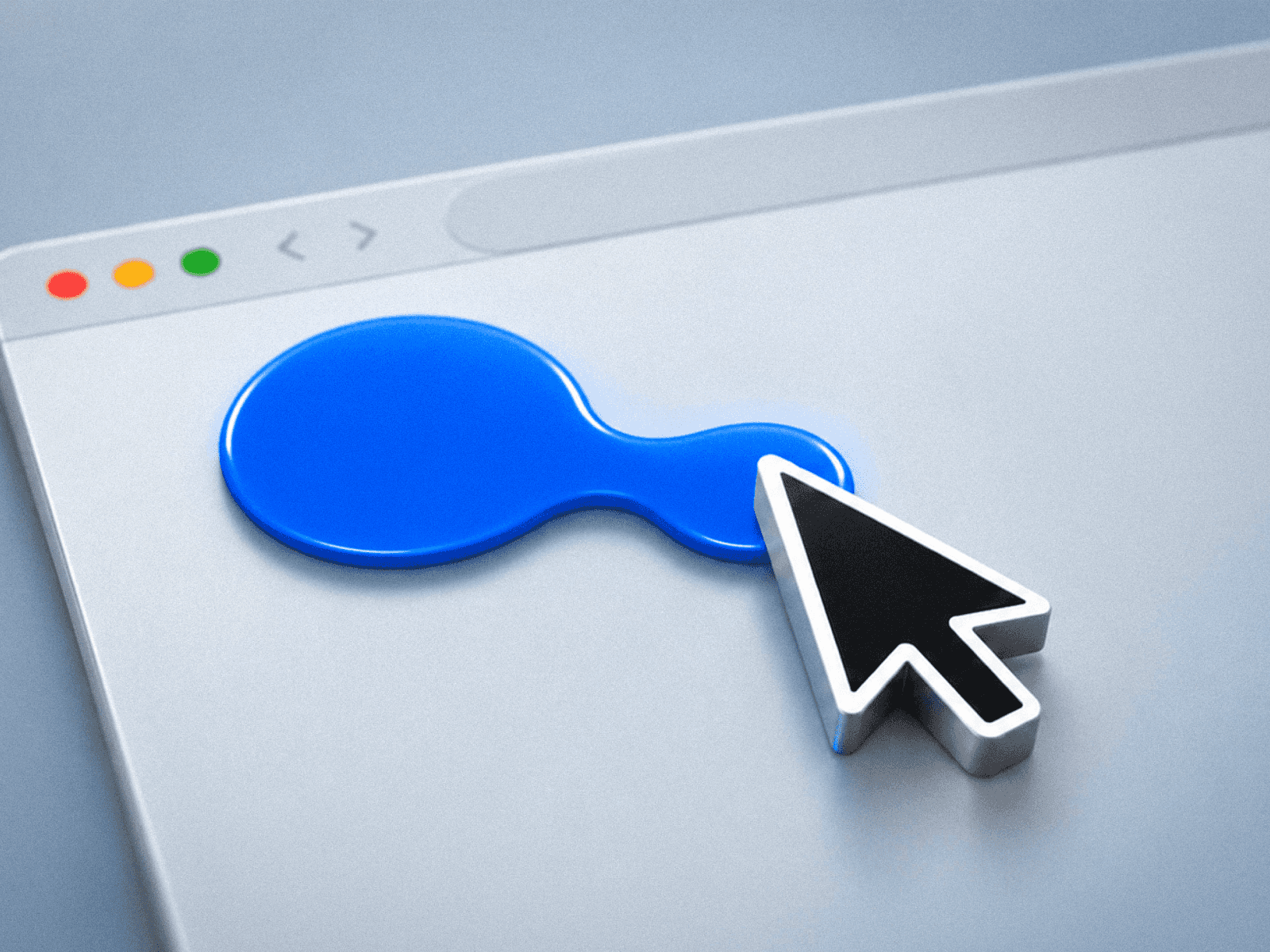
Create stunning, dynamic visuals on your website with the Pixelated Cursor Trail — an animated trail of pixels that follows your mouse cursor with smooth, natural motion. Perfect for adding a modern, interactive touch to your UI.
How It Works
The component renders a series of individual pixel elements that follow the cursor’s movement using spring physics. Each pixel follows the one before it, producing a snake-like trail effect. Motion is governed by velocity-based physics, with adjustable stiffness and damping for responsive, bouncy, and fluid animations.
The trail intelligently detects when the cursor stops, contracting pixels toward the cursor before fading them out. It uses requestAnimationFrame for smooth 60fps animation and React’s startTransition to prevent main-thread blocking.
The component is fixed-position, overlays the entire viewport, and has pointer-events disabled so it never interferes with page interactions.
Key Features:
Visual Customization
Adjustable pixel count (5–100 pixels)
Configurable pixel size and shape (square or circle)
Customizable trail color
Optional blur effect for softer appearance
Fade-out effect for gradually reducing opacity
Progressive scale variation for a shrinking pixel trail
Trail Styles
Solid: Continuous, unbroken trail
Dashed: Intermittent segments
Dotted: Spaced individual pixels
Wave: Pixels offset in a sine wave pattern perpendicular to movement
Zigzag: Alternating offset pattern
Animation Presets
Fade In/Out: Pulsing opacity using sine wave
Pulse: Rhythmic size changes
Strobe: Rapid on/off flickering
Rainbow: Cycling through the full hue spectrum
Wave: Combined opacity and scale animation
Adjustable preset speed multiplier for fine-tuning the animation pace
Physics Controls
Trail spacing: Distance between pixels
Stiffness: Acceleration rate of pixels toward their target
Damping: Velocity decay for smoother motion
Trail duration: Fade-out time when cursor stops
This component allows developers to create eye-catching, interactive cursor effects with full control over visuals, motion physics, and animation style — all without affecting website performance.