About PixelImageHover
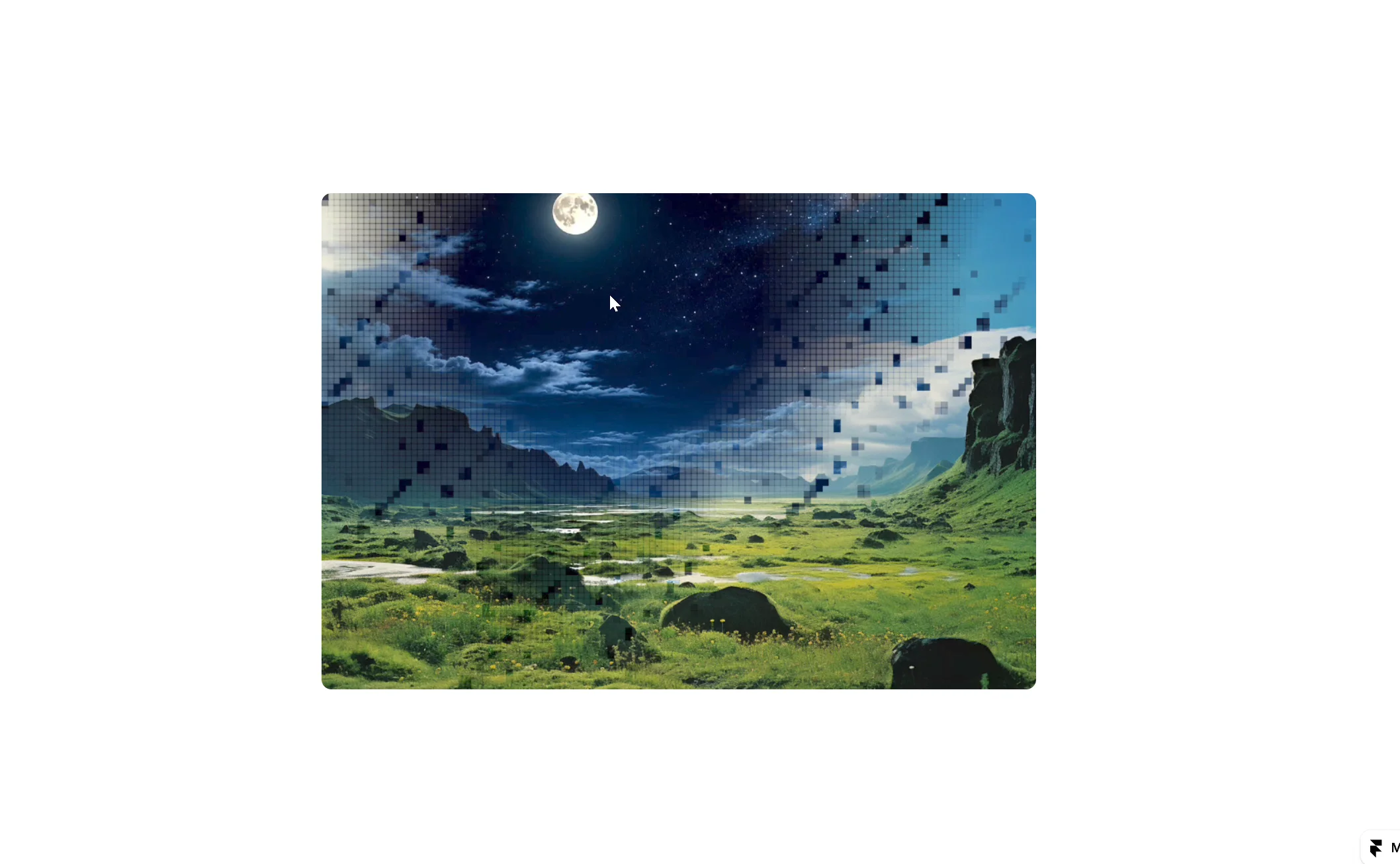
PixelImageHover reveals a second image through a pixelated mask that follows the cursor. Hover over the base image and blocks of the hover image appear around the pointer, with soft, breaking edges and a subtle animated flow. A simple way to add an interactive image hover effect to portfolio, agency, and product pages in Framer.
5 reveal shapes
• Circle – a round pixel spotlight around the cursor
• Square – a blocky square reveal
• Diamond – a rotated, angular reveal
• Strip – a full-height vertical band that tracks the cursor horizontally
• Irregular – an organic, animated blob with adjustable strength and speed
Customize everything
• Base and hover image
• Block size and reveal size
• Stable center, soft edge, edge breakup and edge warp
• Pattern scale, flow speed and density
• Fade on leave and corner radius
• Render scale and FPS limit to keep performance smooth
Great for hero images, before/after reveals, team photos, product shots, and creative portfolio galleries. Drop it on the canvas, add two images, and pick a shape.